

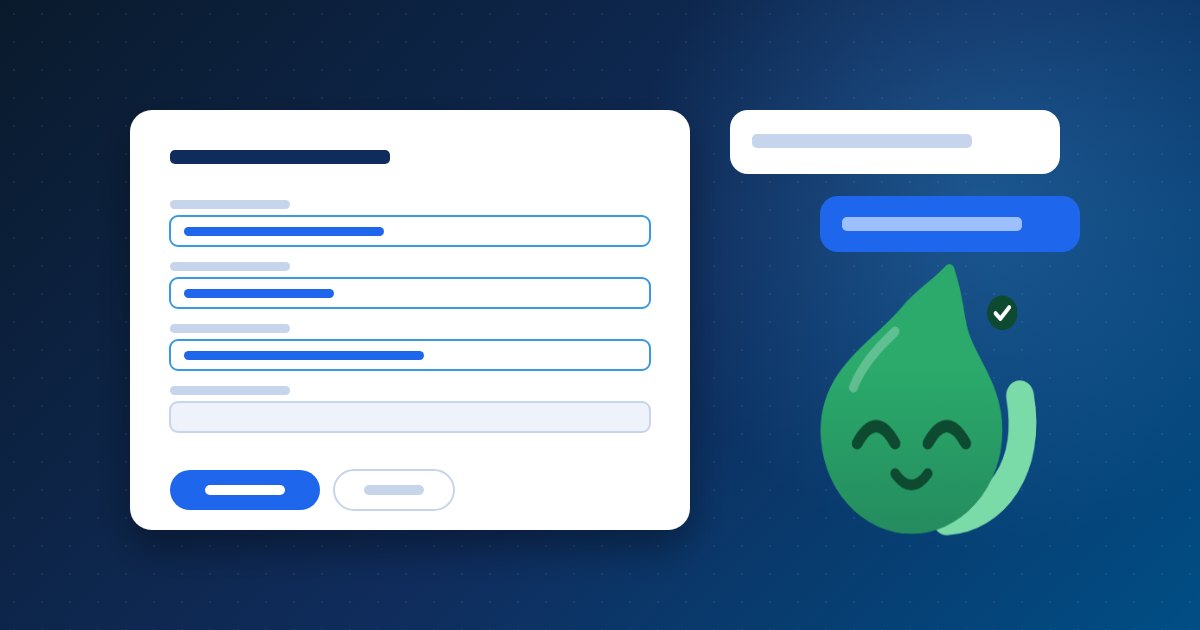
Flowrica is the assistant built into Zyntra OS. She sits in a panel beside every screen, knows the section you are in and the record you have open, and does the work with you. What makes her useful is as much what she does not do: nothing is sent and no record is made unless you press it.
She starts from where you are
Open Flowrica from the top bar and she starts from the screen you are on, with ready questions and things she can make for you, both belonging to that section. She opens with what needs you today: invoices past their due date, tasks that are late, a contract ending with no renewal, each with its next step beside it.
Answers from your own records, with their source
Every section offers its own ready questions, such as Projects by status or What did we spend this month. They are answered from your records themselves, matching the figures on that section's overview. Ask about the record in front of you and the answer names the records it was computed from, under "From:"; each one opens its own page, and that page still shows only what you are allowed to see. Questions in your own words use the AI connection your company sets up.
A form, one plain question at a time
She opens the section's own form as a draft and fills it by asking: what is it called, who is it for, when does it start. Dates come as buttons and customers as a list you search, so most steps are a choice rather than typing. Then she stops and says so: nothing is saved yet. The record exists when you press the button on the form itself. After you save, a card shows what was set and the natural next step.
Emails and replies, as drafts
"Write with Flowrica" drafts an email in the recipient's language from what you are allowed to see. "Suggest a reply" drafts an answer to a support ticket from what the customer is allowed to see, never internal notes, costs, prices or bank details. You send it, or you do not.
What she never does
- She never sends or posts by herself, and makes no record without you.
- She never shows anyone a record they could not open themselves; the company chooses which roles see her at all.
- She never invents a currency, a rate or a tax on a money document.
- She never deletes anything, and never overwrites what you typed.
You can always tell what she is doing
By her colour: blue while she waits, violet while she thinks, orange when she asks you something, green when it is done. And you can give her your answers in Arabic. Want to see her working? Ask us for a demo.