

 Zyntra OS
 Zyntra Legal
 Zyntra Real Estate
 Zyntra Hotel
 Zyntra E-commerce
 Zyntra Appointments
 Zyntra Repair
 Zyntra Garage
 Zyntra Concierge
 Zyntra Contracting
 Zyntra Clinic
 Zyntra Call Center
 Zyntra OTA
Where
Contracts & Subscriptions › Subscriptions › a subscriptionWho
Anyone allowed to manage subscriptions.The page
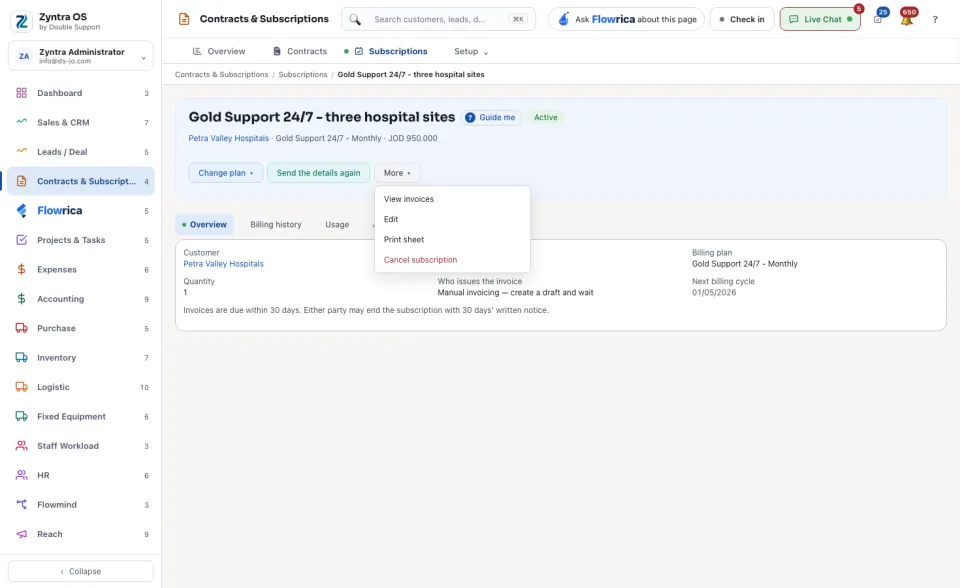
The head shows the customer, the plan, the price and the status. Its buttons are Change plan, Send the details again and More. Change plan also holds Pause. Under More: View invoices, Edit, Print sheet and Cancel subscription.
| Tab | What it is for |
|---|---|
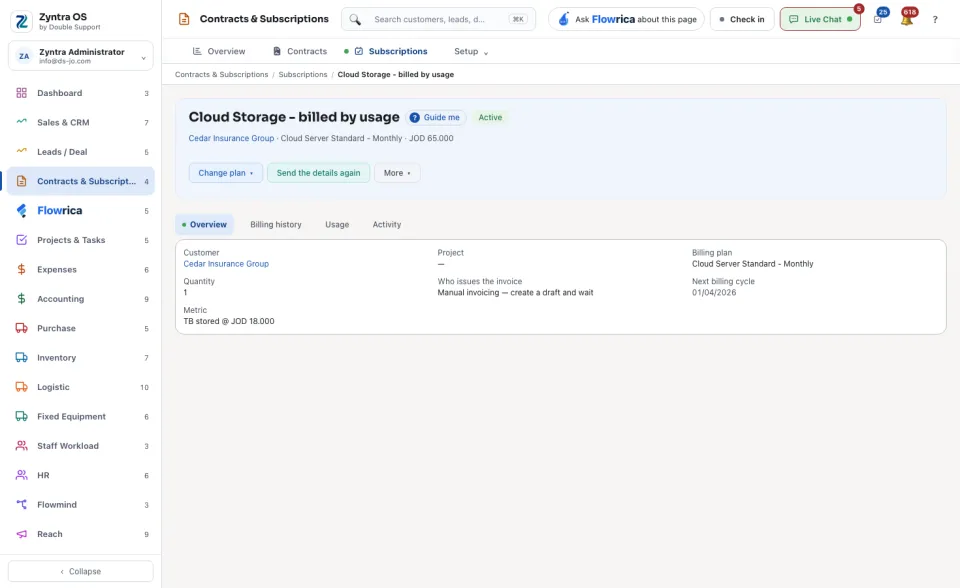
| Overview | The Customer, the Project, the Billing plan, the Quantity, Who issues the invoice and the Next billing cycle. |
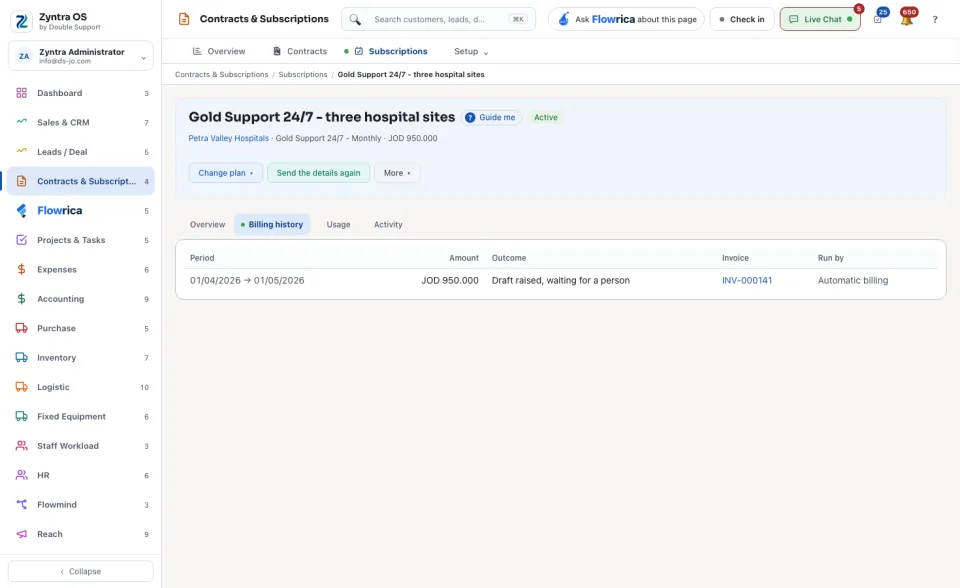
| Billing history | What was billed in each cycle. |
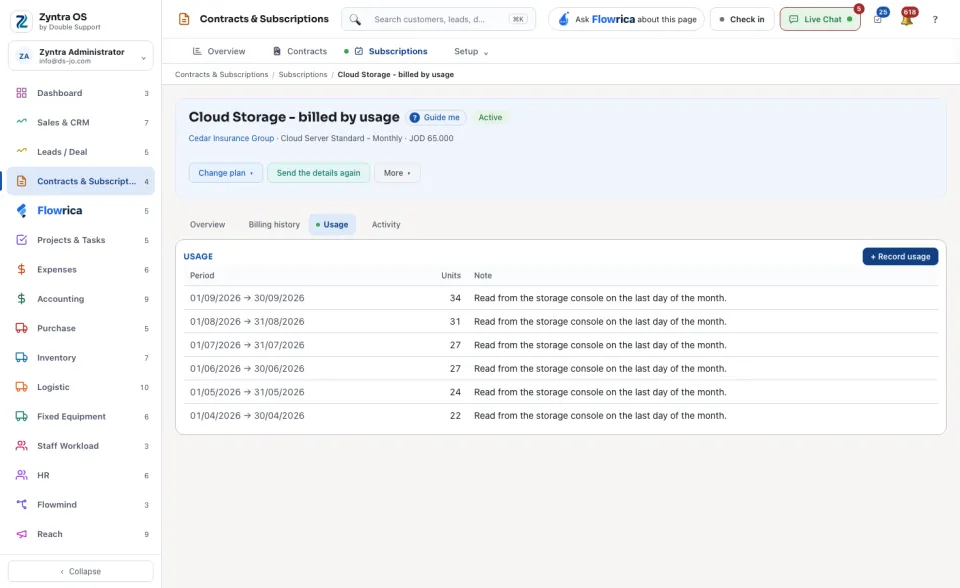
| Usage | The usage recorded, when the subscription bills by usage and not by quantity. |
| Activity | Everything that happened on the subscription. |
Add a coupon
1
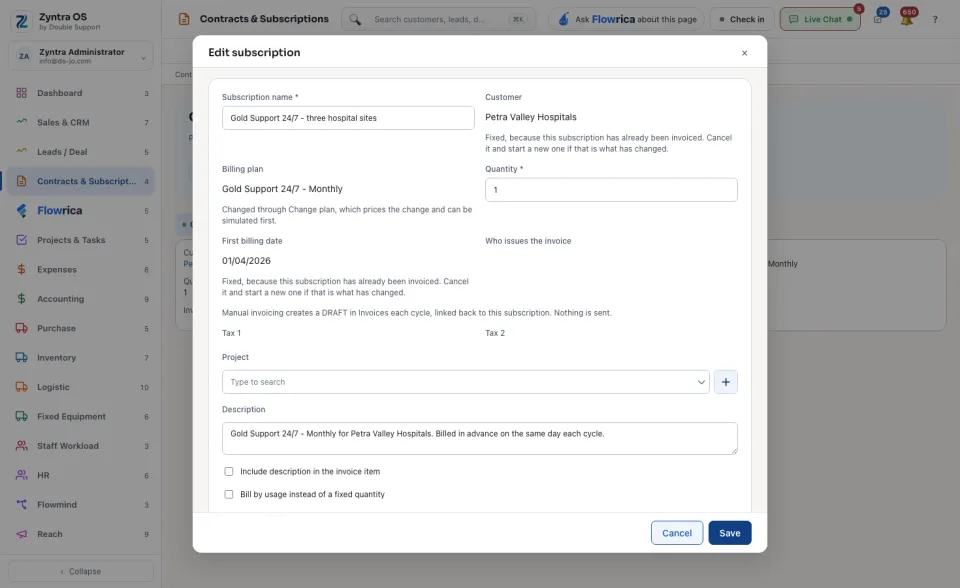
Press More and then Edit.
2
Beside Coupon, press + Add a coupon.
3
Type the Coupon code. Choose the Discount: Percent or Fixed amount, and the Amount off. Choose when it Applies; a coupon that repeats also asks For how many cycles.
4
Press Save coupon. The coupon is now offered on every subscription.
5
Choose it in the Coupon box and press Save.
Take the coupon off removes it from the subscription. The cycles already discounted keep their discount.
Change the plan
The Billing plan is not changed in the edit form. Press Change plan: it prices the change, and you can try it first before you confirm.
Before: Subscriptions