

 Zyntra OS
 Zyntra Legal
 Zyntra Real Estate
 Zyntra Hotel
 Zyntra E-commerce
 Zyntra Appointments
 Zyntra Repair
 Zyntra Garage
 Zyntra Concierge
 Zyntra Contracting
 Zyntra Clinic
 Zyntra Call Center
 Zyntra OTA
Where
Contracts & Subscriptions › ContractsWho
Anyone allowed to manage contracts.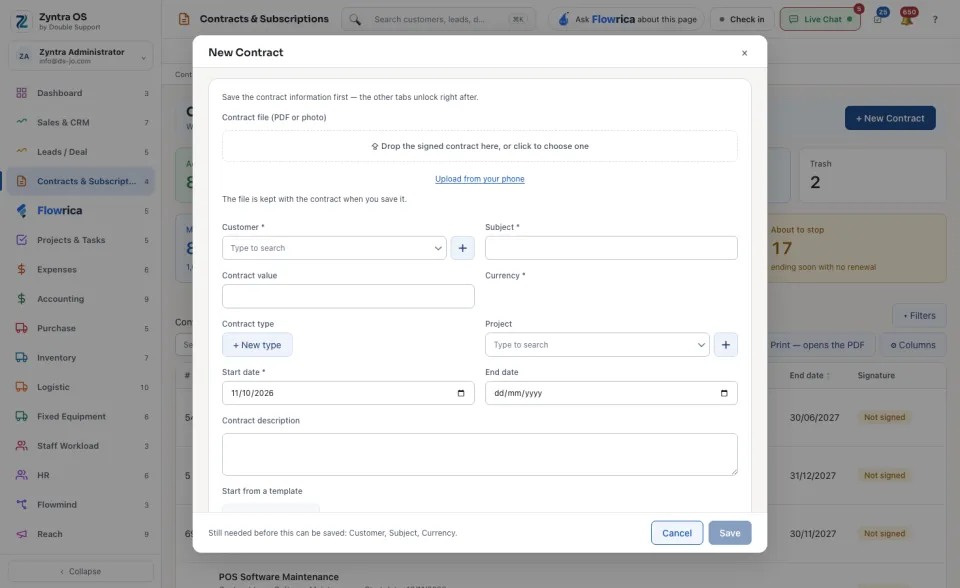
Get it signed
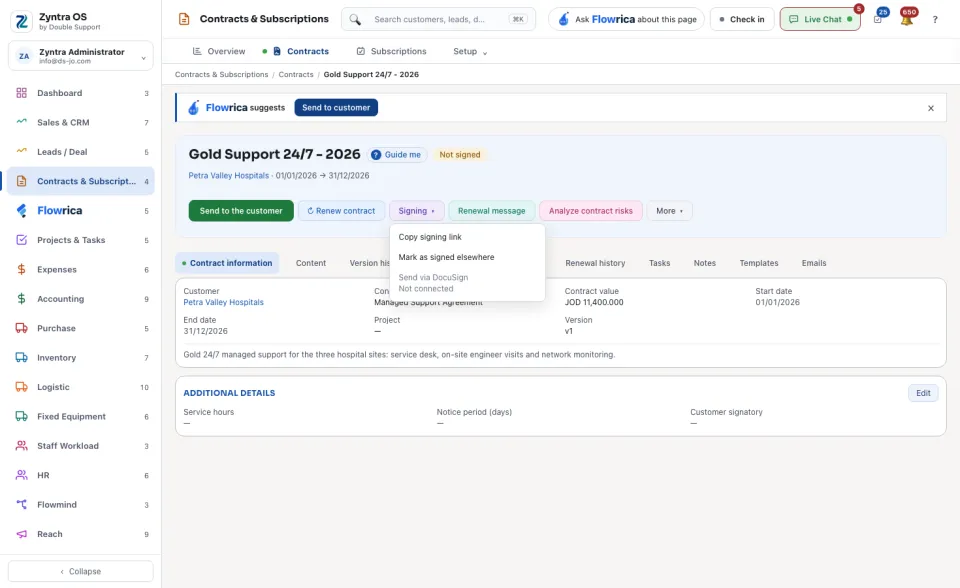
Renew it, bill it
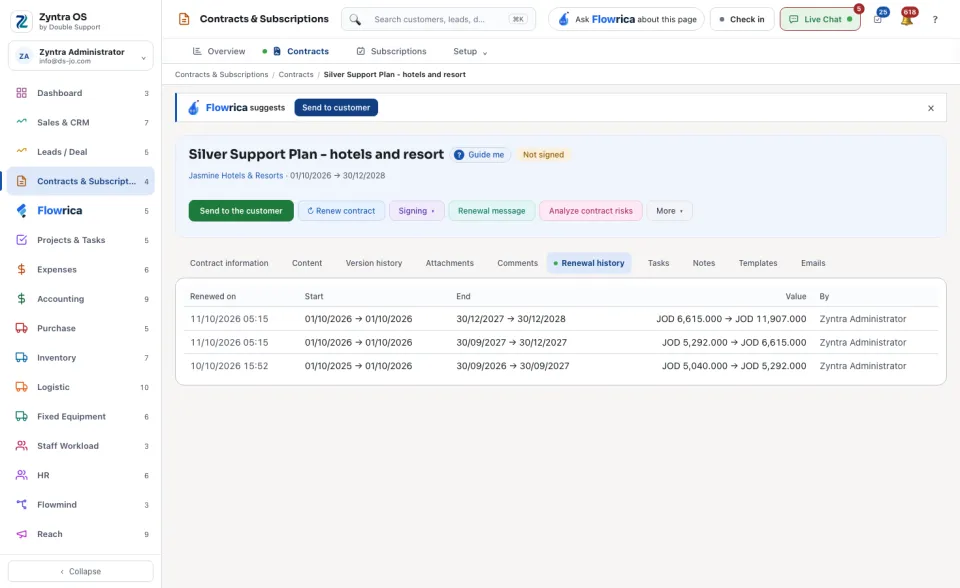
↻ Renew contract makes a new version: set its Start date, End date, Contract value and Terms for the new version, then press Renew it. The version it replaces keeps its own text and its own signature. Renewal message drafts the message to the customer. Analyze contract risks asks Flowrica to read the contract's text and name what to check.
Under More: Generate invoice from contract, Edit, Print sheet, Copy and Archive.
The list
The chips narrow the list: Active, Expired, About to expire, Recently added and Trash. Above the table the screen shows the Monthly value of the contracts and what is About to stop. Narrow by Contract type, Starts in or Customer, or Search contracts. The Signature column says whether each contract is signed. Export, Print — opens the PDF and ⚙ Columns work on the table.
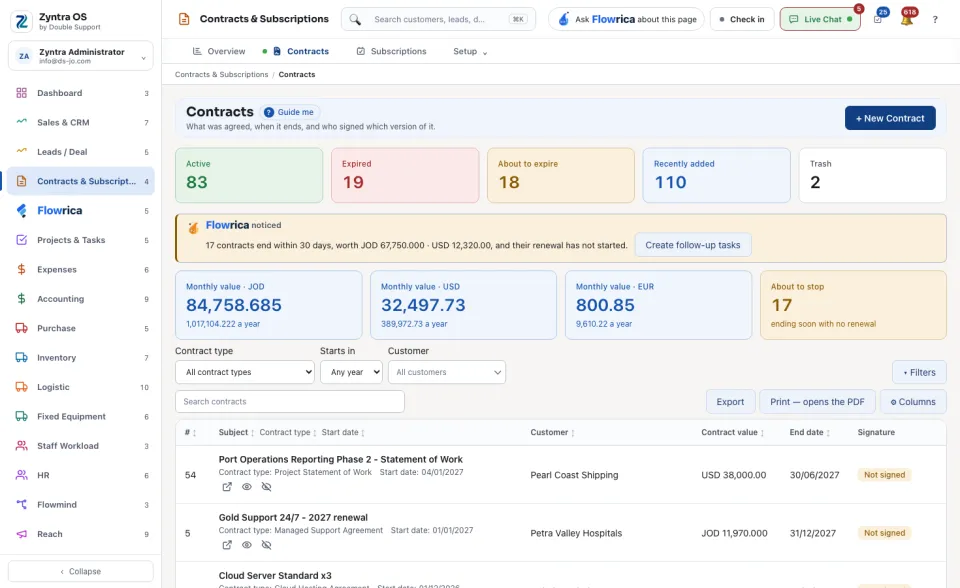
When contracts end soon and their renewal has not started, Flowrica says so above the list and offers Create follow-up tasks.
The tabs
| Tab | What it is for | What you can do there |
|---|---|---|
| Contract information | The customer, type, value, dates, project and version. | More › Edit. |
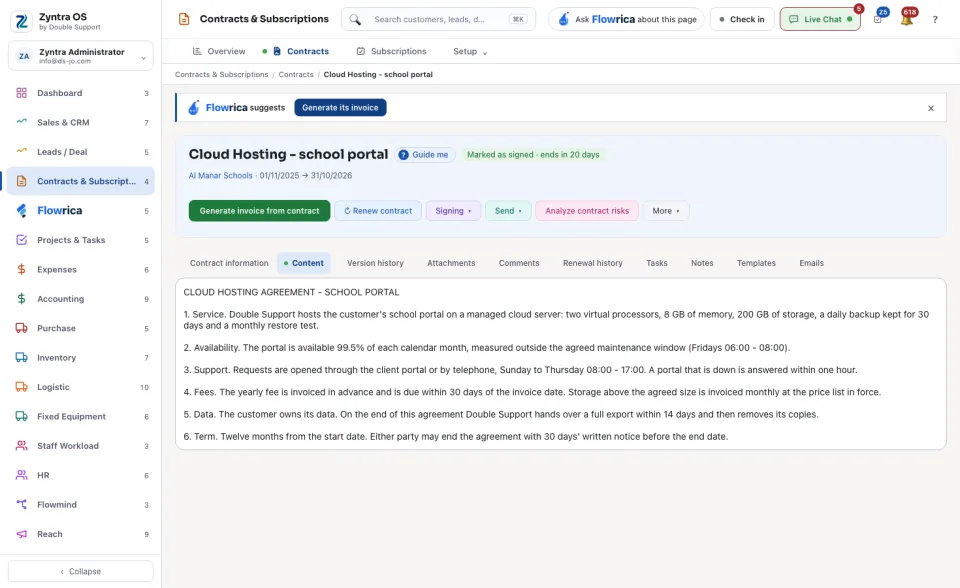
| Content | The text of the version in force. | — |
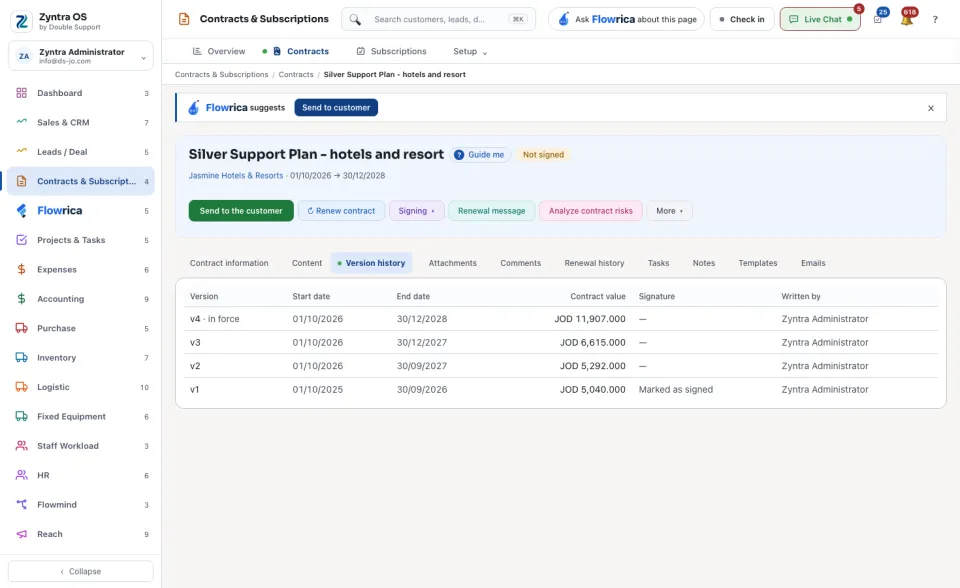
| Version history | Every version with its dates, value, signature and who wrote it. | — |
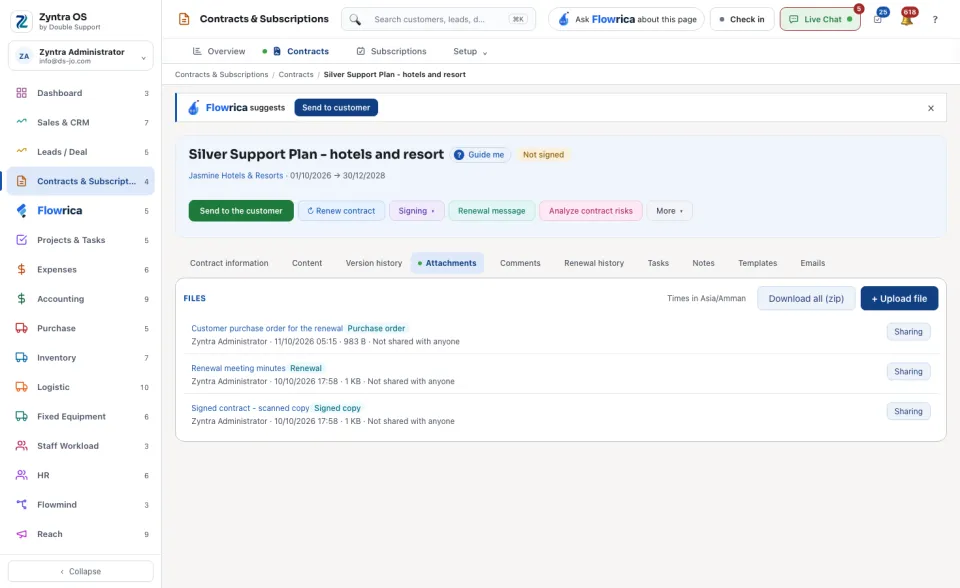
| Attachments | Files on the contract. | Upload a file. |
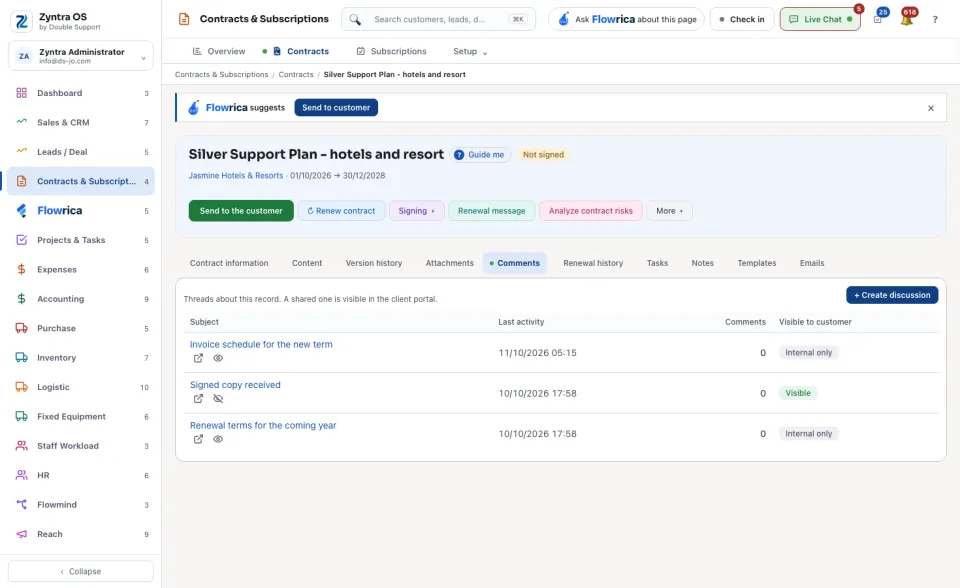
| Comments | Discussions about the contract. | Write a comment. |
| Renewal history | Each renewal. | ↻ Renew contract. |
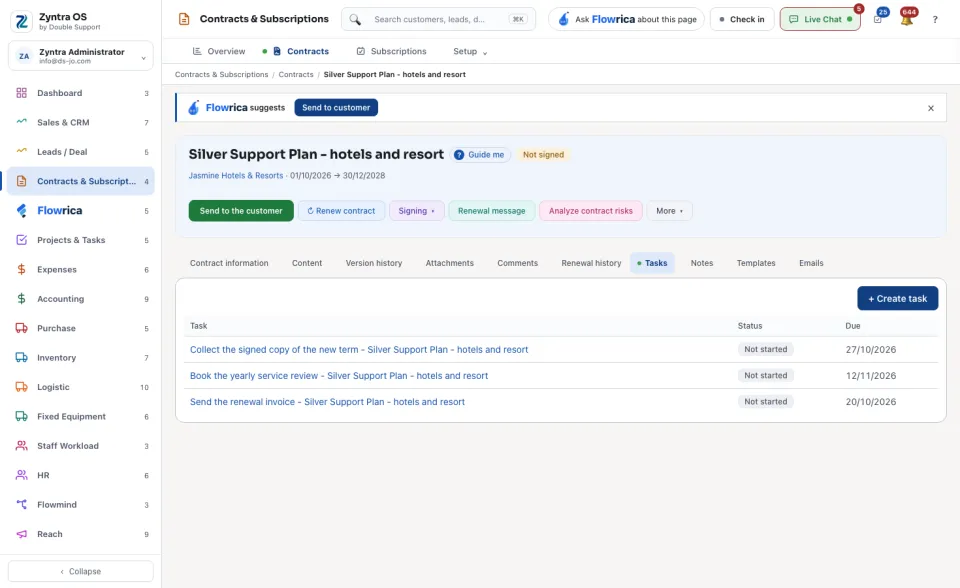
| Tasks | Tasks about the contract. | Add a task. |
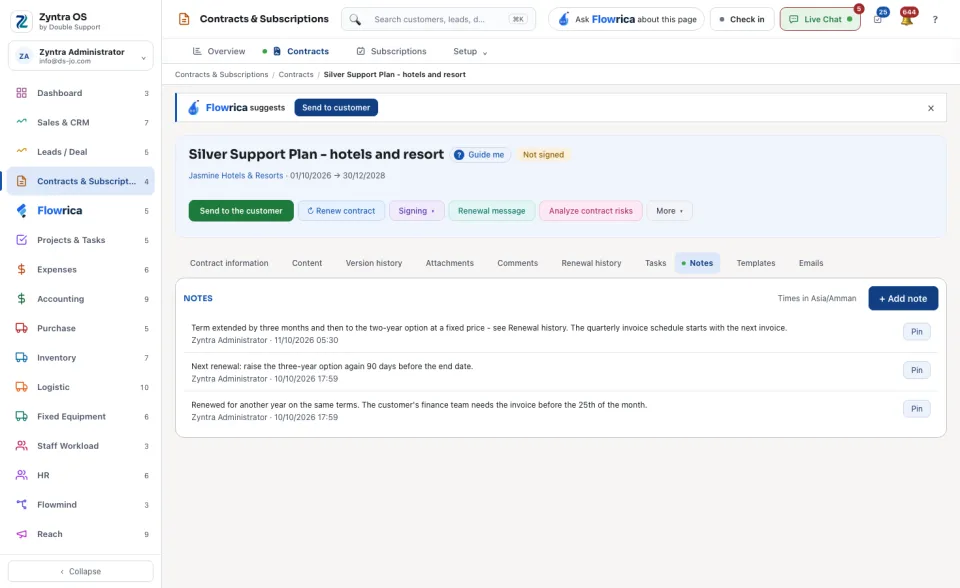
| Notes | Notes on the contract. | Add a note. |
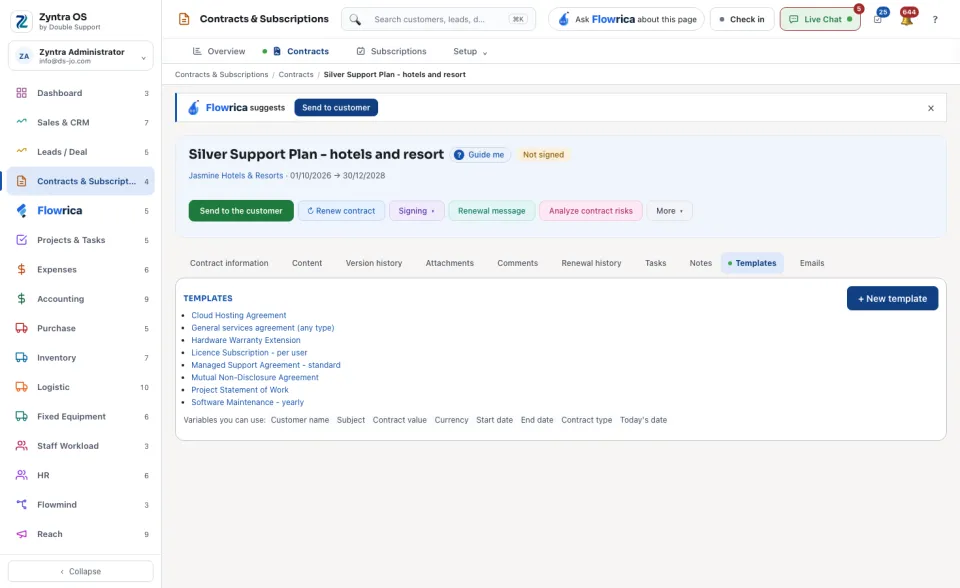
| Templates | The templates a contract can start from, and the details each fills in. | + New template. |
| Emails | What was sent about this contract, and whether it was opened. | Send to the customer. |
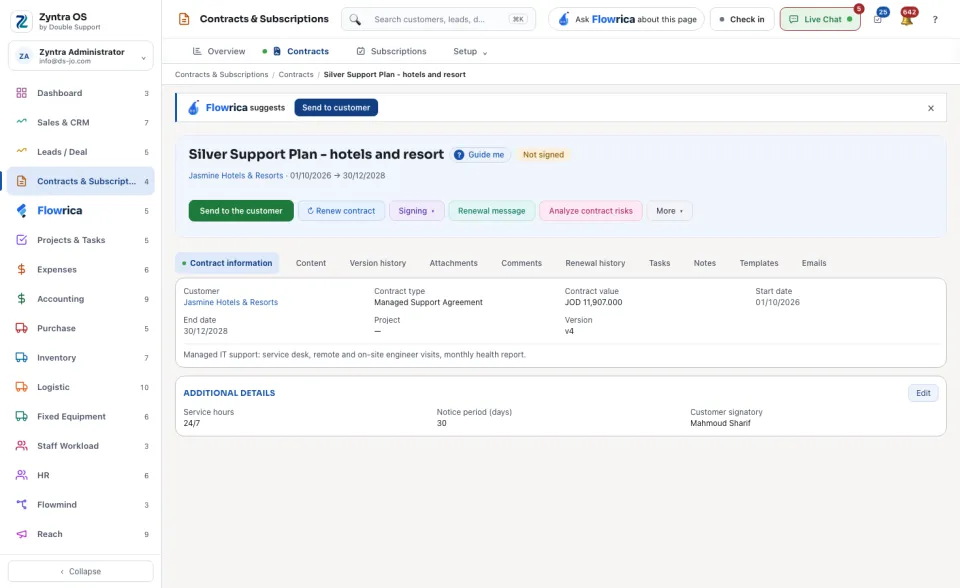
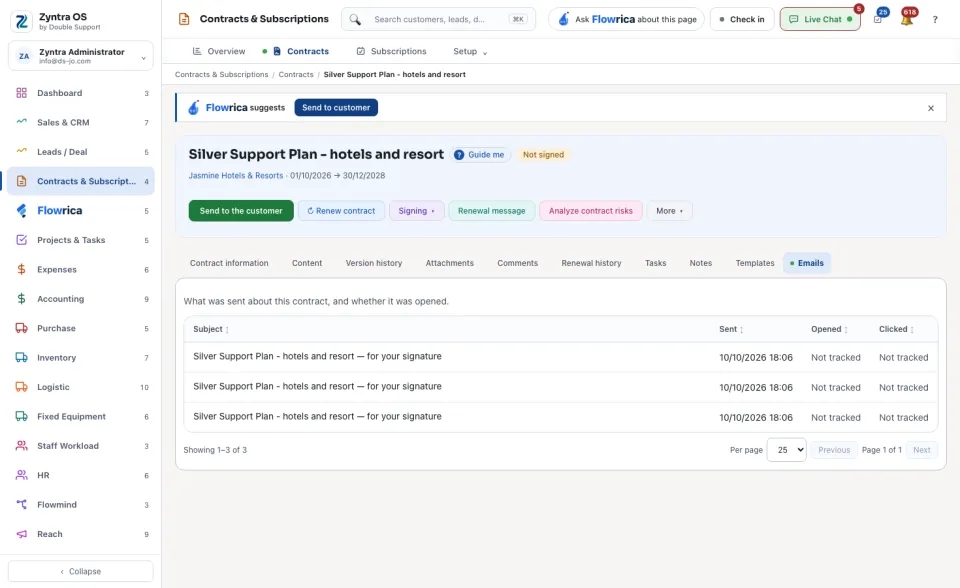
Flowrica on this screen
Press Guide me and Flowrica points at each part of the screen. She can make a contract with you, one question at a time. Nothing is saved until you press the form's own button. You can also ask her, for example, “How much is overdue?”.