

 Zyntra OS
 Zyntra Legal
 Zyntra Real Estate
 Zyntra Hotel
 Zyntra E-commerce
 Zyntra Appointments
 Zyntra Repair
 Zyntra Garage
 Zyntra Concierge
 Zyntra Contracting
 Zyntra Clinic
 Zyntra Call Center
 Zyntra OTA
Where
Concierge › BookingsWho
Concierge bookings: view, create, edit; Approve above the manager's limit; Cancel.Take a booking
A booking above the manager's limit waits as Awaiting approval and is invoiced once a manager approves it. For a company with a monthly allowance, tick Complimentary (from the customer's monthly allocation).
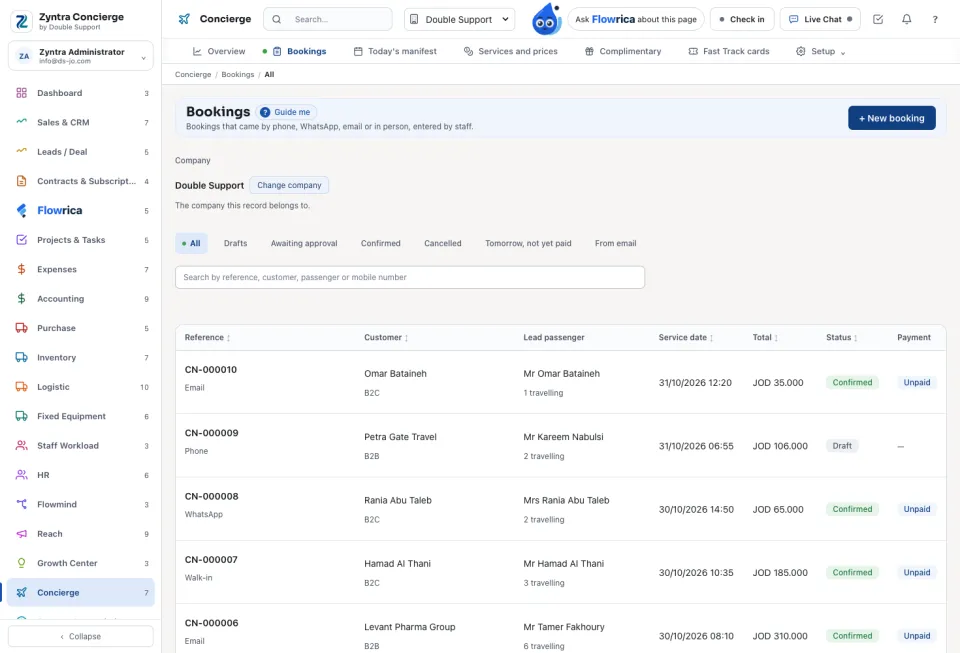
The list
Tabs: All, Drafts, Awaiting approval, Confirmed, Cancelled, Tomorrow, not yet paid and From email. Each booking shows its Payment (Unpaid, On account, Partly paid, Paid) and what is Still due.
One booking
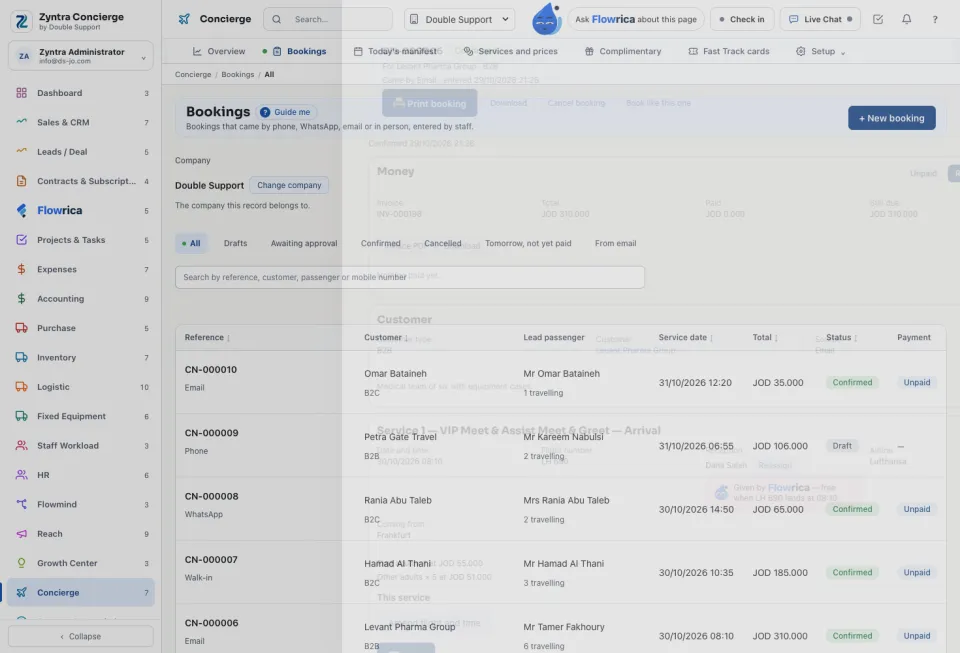
Open a booking to Edit passengers, Amend flight and time, Record payment, Print booking or Book like this one. Each service is Started and Finished by the reception person, and its Service status set: Delivered, No show or Not delivered.
Vendor orders and bills shows the money that follows: a purchase order for each car, which becomes a bill when its service is done, and the airport Commission, which becomes a bill when the booking's last service is done.
The customer picker offers, and a booking takes, only an active company: a customer, or a supplier whose supplier side is on and whose own registration is confirmed. A complimentary line moved to another day of the same month keeps its free guests only on a day its allocation covers; otherwise the move is refused under the date.
Questions
Where is “Concierge bookings” in Zyntra OS?
Concierge › Bookings
Who can use “Concierge bookings”?
Concierge bookings: view, create, edit; Approve above the manager's limit; Cancel.