

 Zyntra OS
 Zyntra Legal
 Zyntra Real Estate
 Zyntra Hotel
 Zyntra E-commerce
 Zyntra Appointments
 Zyntra Repair
 Zyntra Garage
 Zyntra Concierge
 Zyntra Contracting
 Zyntra Clinic
 Zyntra Call Center
 Zyntra OTA
Where
Hotel › Rooms · Rates · Rates calendar · Promotions · ActivitiesWho
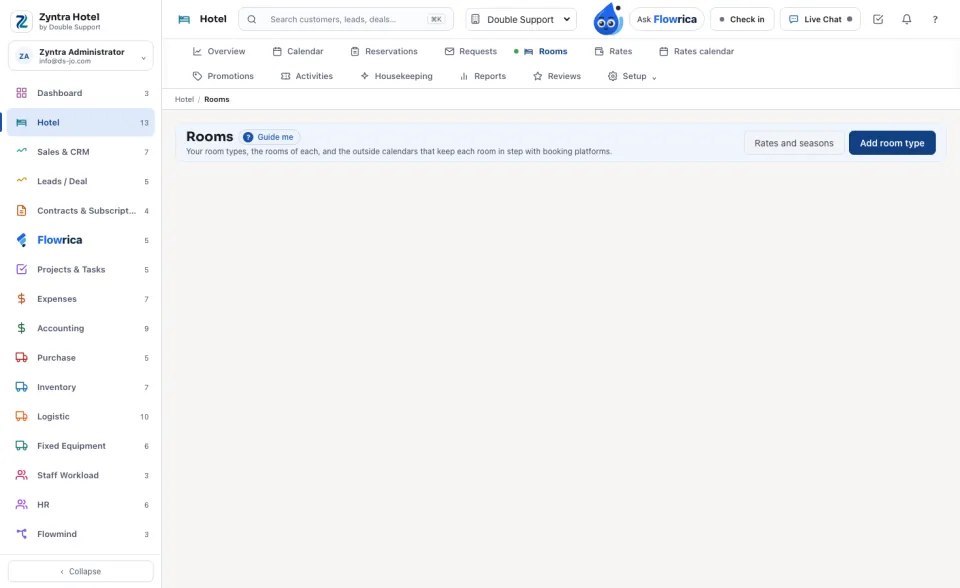
Hotel Rooms and Rates.Rooms
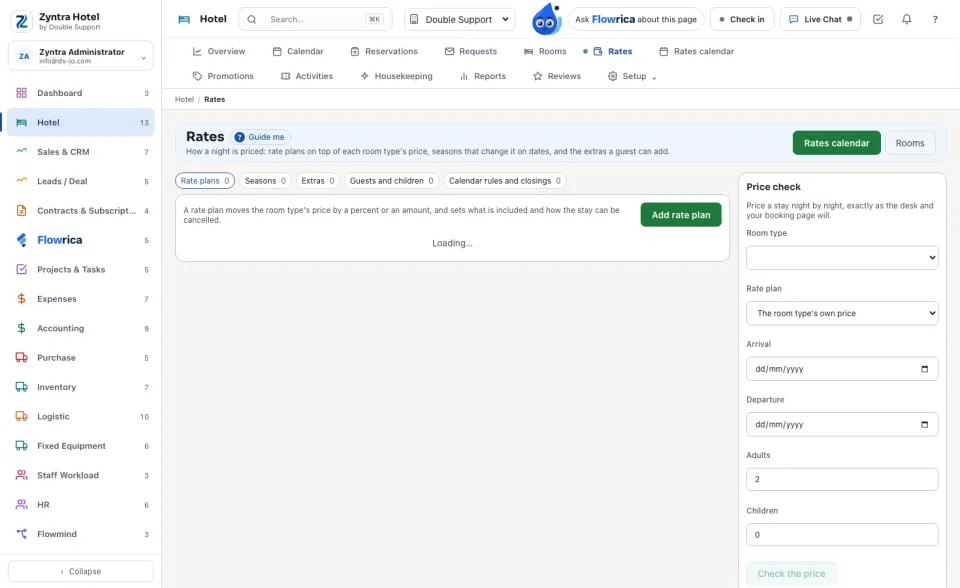
Rates
The tabs: Rate plans, Seasons, Extras, Guests and children, and Calendar rules and closings.
Price check on the right prices a stay night by night, exactly as the desk and the booking page will.
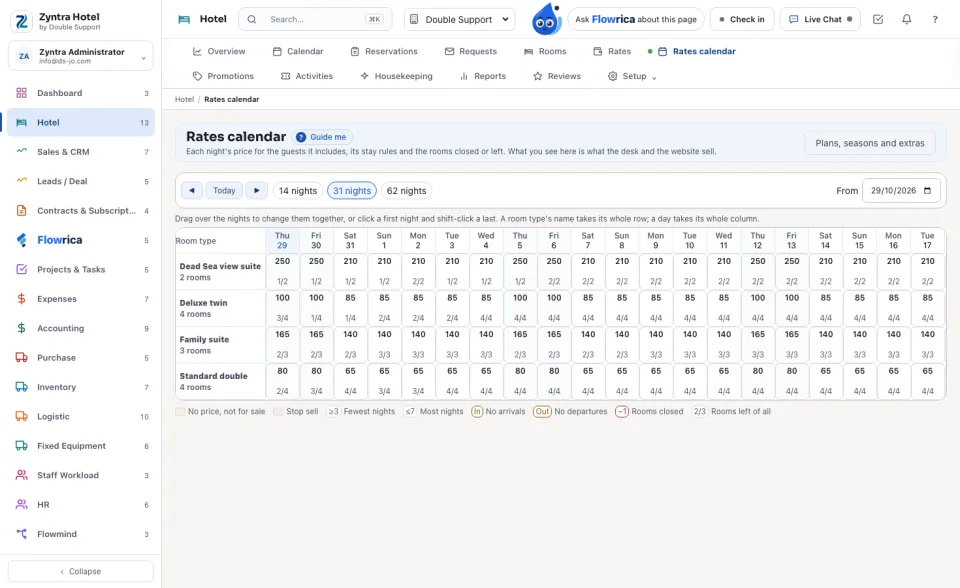
Rates calendar
Each night's price for the guests it includes, its stay rules and the rooms left. What you see here is what the desk and the website sell. Drag over nights (or a room type's whole row, or a day's whole column), then under Change the nights you chose set the Night price, the Fewest nights, Stop selling or Open for sale, and press Apply to these nights.
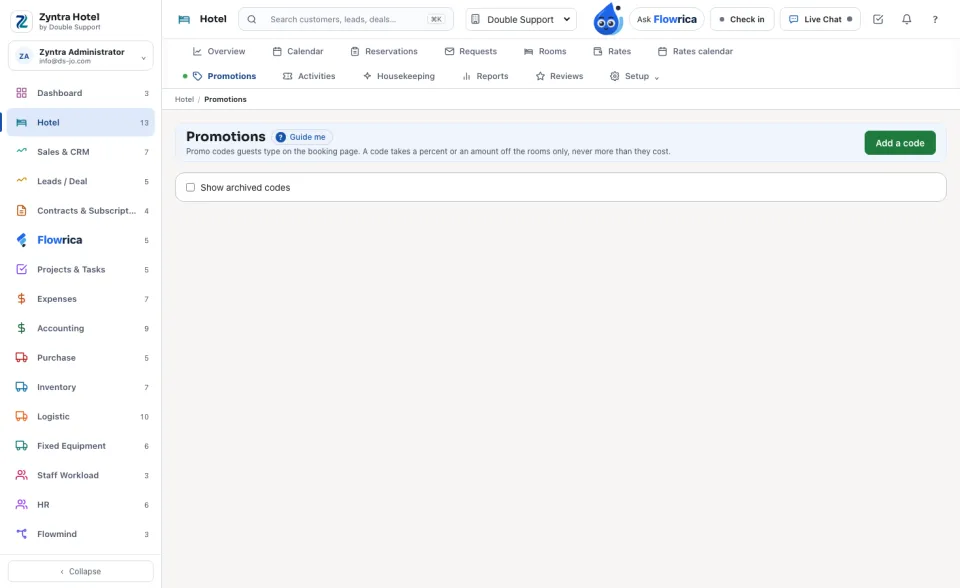
Promotions
Add a code: the Code guests type, a name for the staff, the discount (a percent of the rooms or an amount off), the room types, the booking and stay dates, the fewest nights, the most uses, once per guest, and whether it is active.
Activities
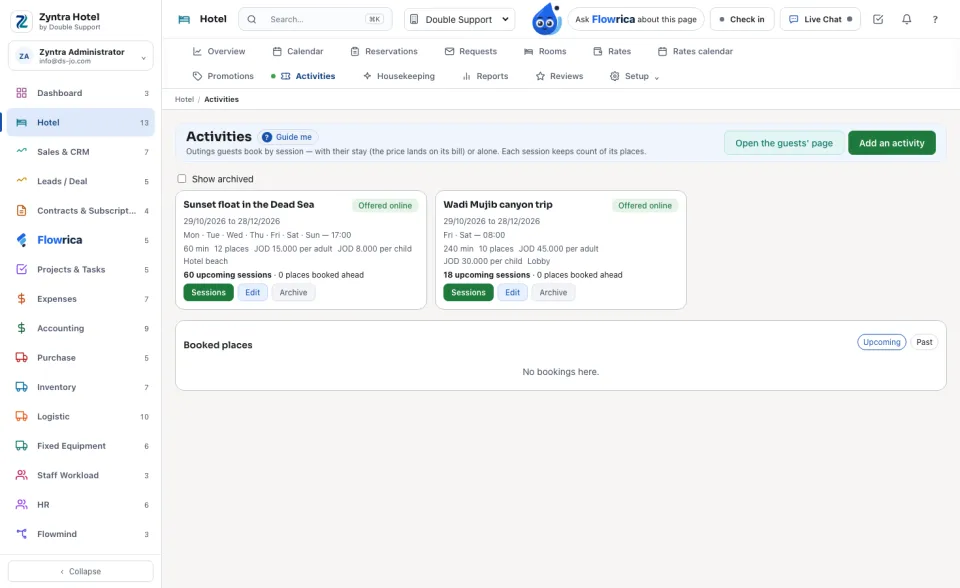
Outings guests book by session. Add an activity: the name in both languages, the meeting place, the length, the places per session, the price per adult and child, the days and the start times, and whether it is offered on the guests' pages. On a session, Book places for a guest.
Questions
Where is “Rooms, rates and offers” in Zyntra OS?
Hotel › Rooms · Rates · Rates calendar · Promotions · Activities
Who can use “Rooms, rates and offers”?
Hotel Rooms and Rates.