Zyntra OS
 Zyntra Legal
 Zyntra Real Estate
 Zyntra Hotel
 Zyntra E-commerce
 Zyntra Appointments
 Zyntra Repair
 Zyntra Garage
 Zyntra Concierge
 Zyntra Contracting
 Zyntra Clinic
 Zyntra Call Center
 Zyntra OTA
Where
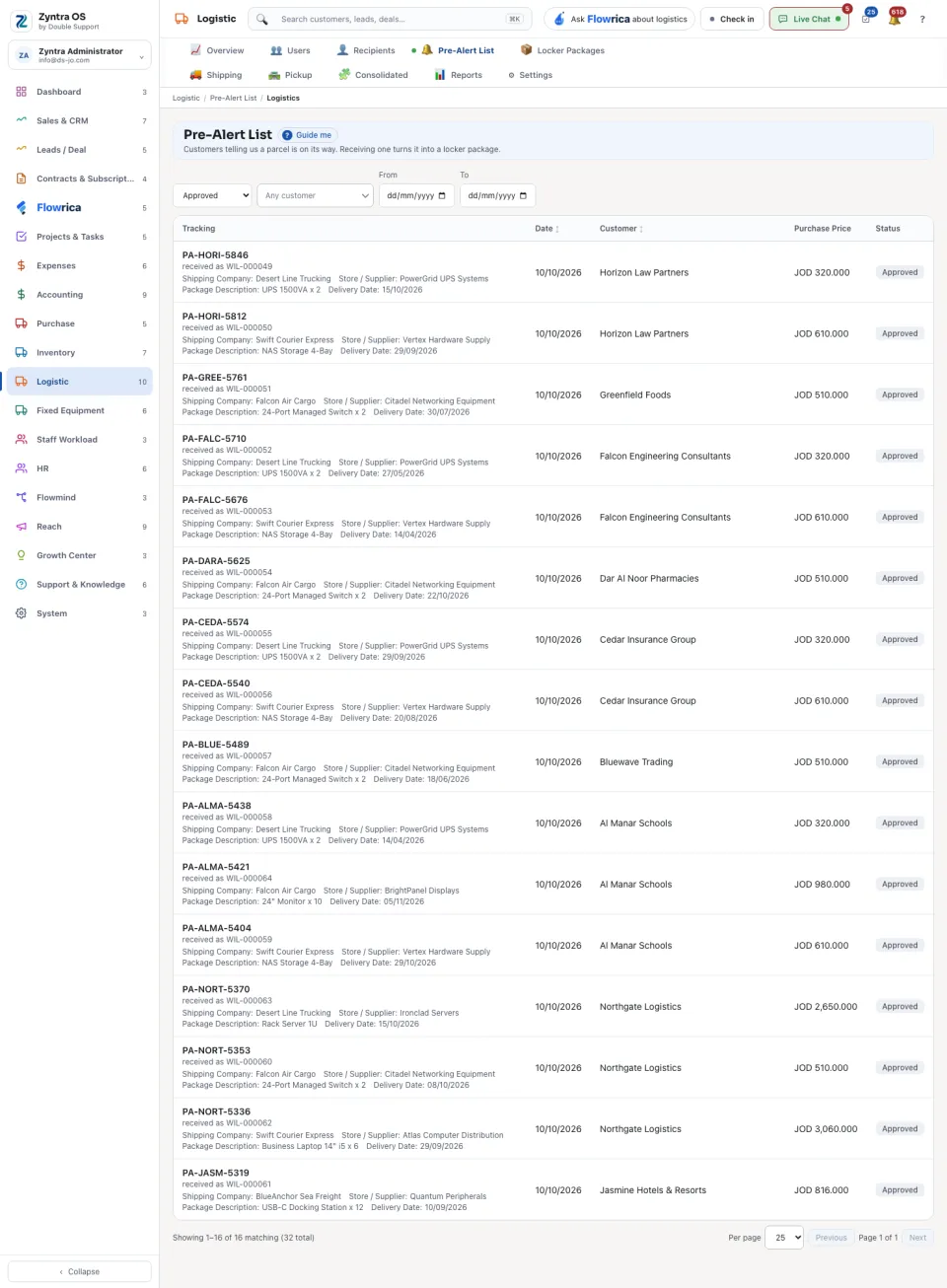
Logistic › Pre-Alert ListWho
Anyone allowed to see pre-alerts.A pre-alert is not made on this screen: the customer raises it from the portal when a parcel is coming.
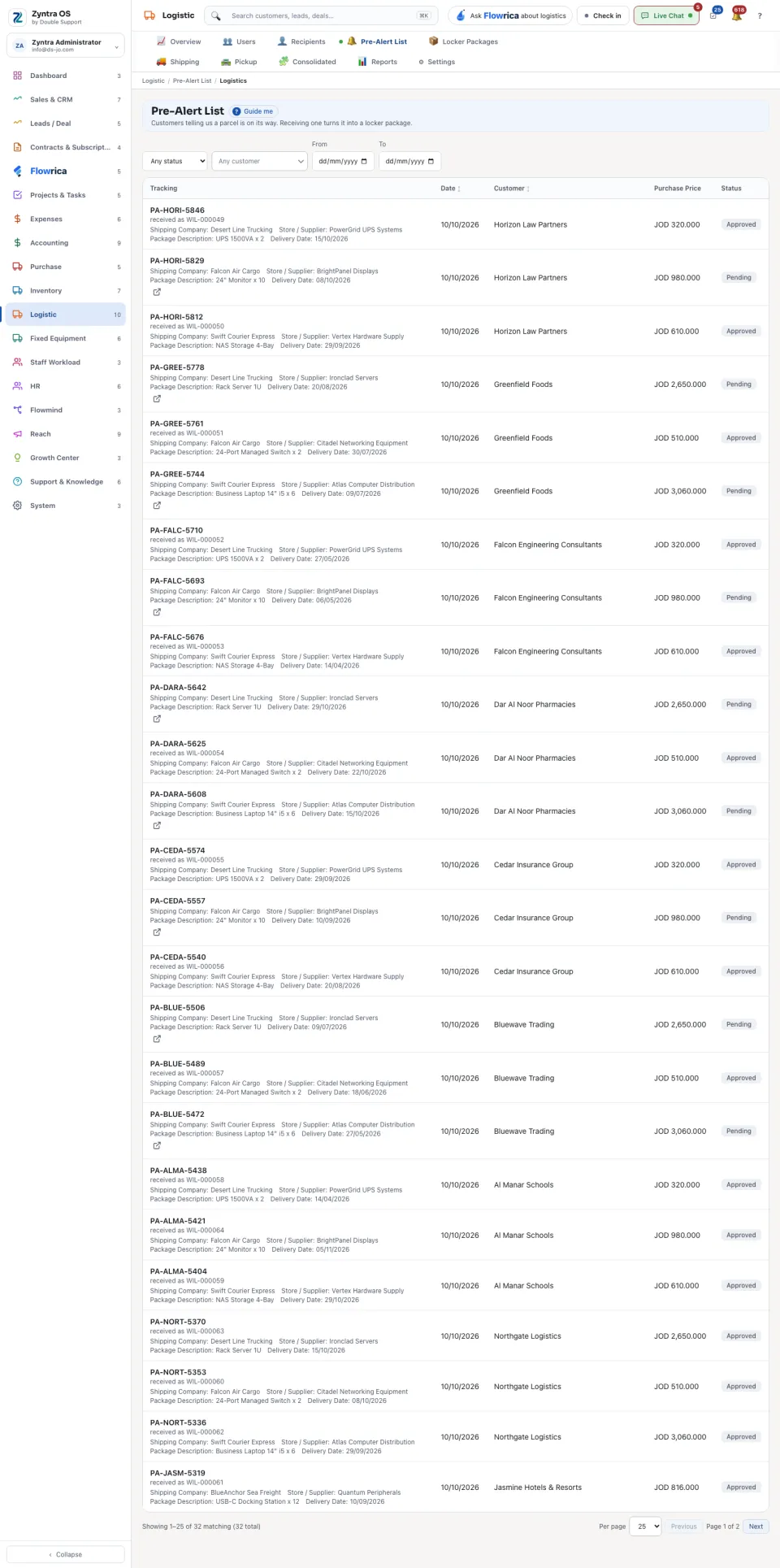
The list shows Tracking, Date, Customer, Purchase Price and Status. Under the tracking number each row says the Shipping Company, the Store / Supplier, the Package Description and the Delivery Date. Search, or narrow the list by status, customer and dates.
1
When the parcel arrives, find its pre-alert: one that is still waiting has Receive it on its row.
2
Press Receive it. It acts at once: the parcel is now a locker package, and the row says which one under its tracking number (received as, with the package’s number).
3
Carry on with the package under Locker Packages: see Shipments and deliveries.