Zyntra OS
 Zyntra Legal
 Zyntra Real Estate
 Zyntra Hotel
 Zyntra E-commerce
 Zyntra Appointments
 Zyntra Repair
 Zyntra Garage
 Zyntra Concierge
 Zyntra Contracting
 Zyntra Clinic
 Zyntra Call Center
 Zyntra OTA
Where
Logistic › ReportsWho
Anyone allowed to see logistics reports.1
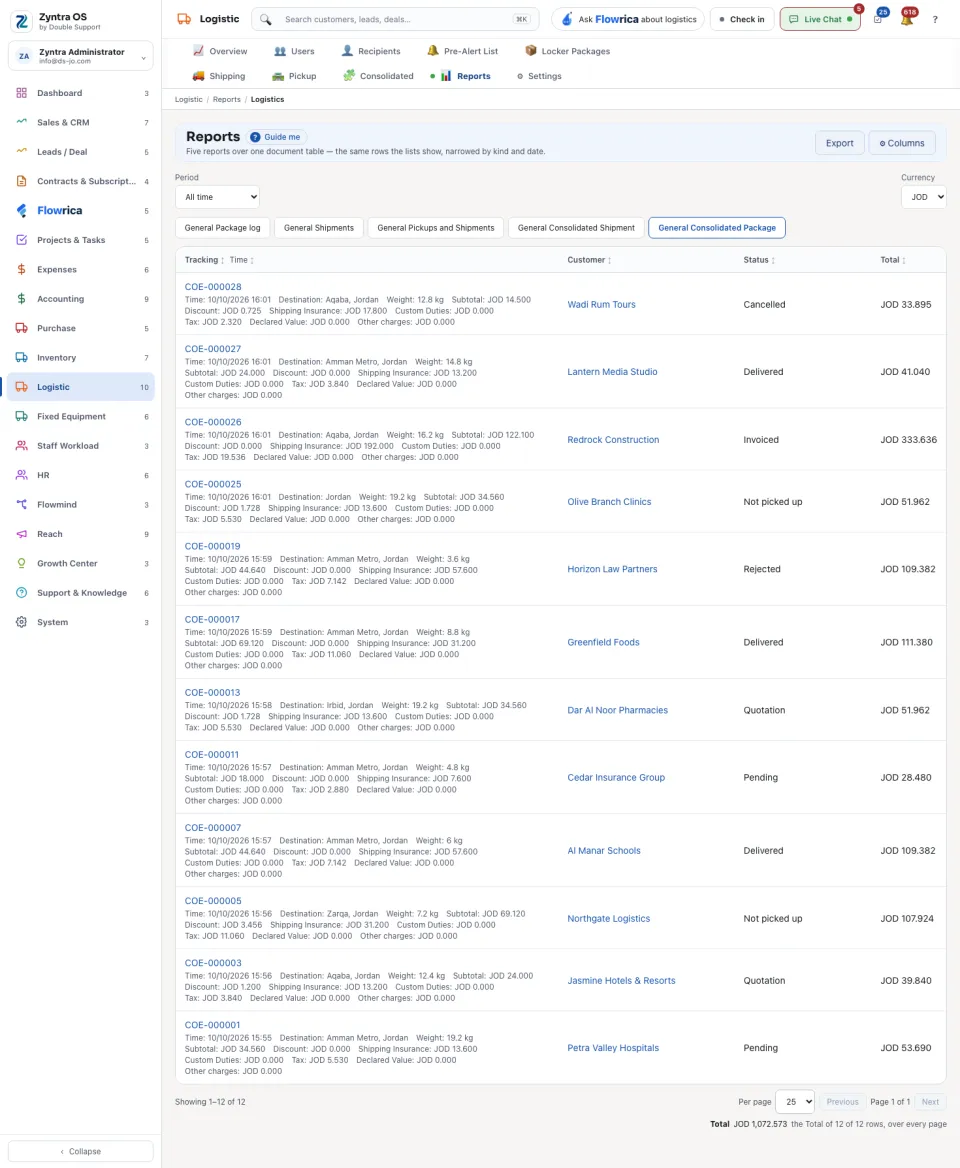
Choose a report from the row under the title.
2
Set the Period and the Currency.
3
Press Export to take what you see as a file. Columns chooses what the table shows.
| Report | What it lists |
|---|---|
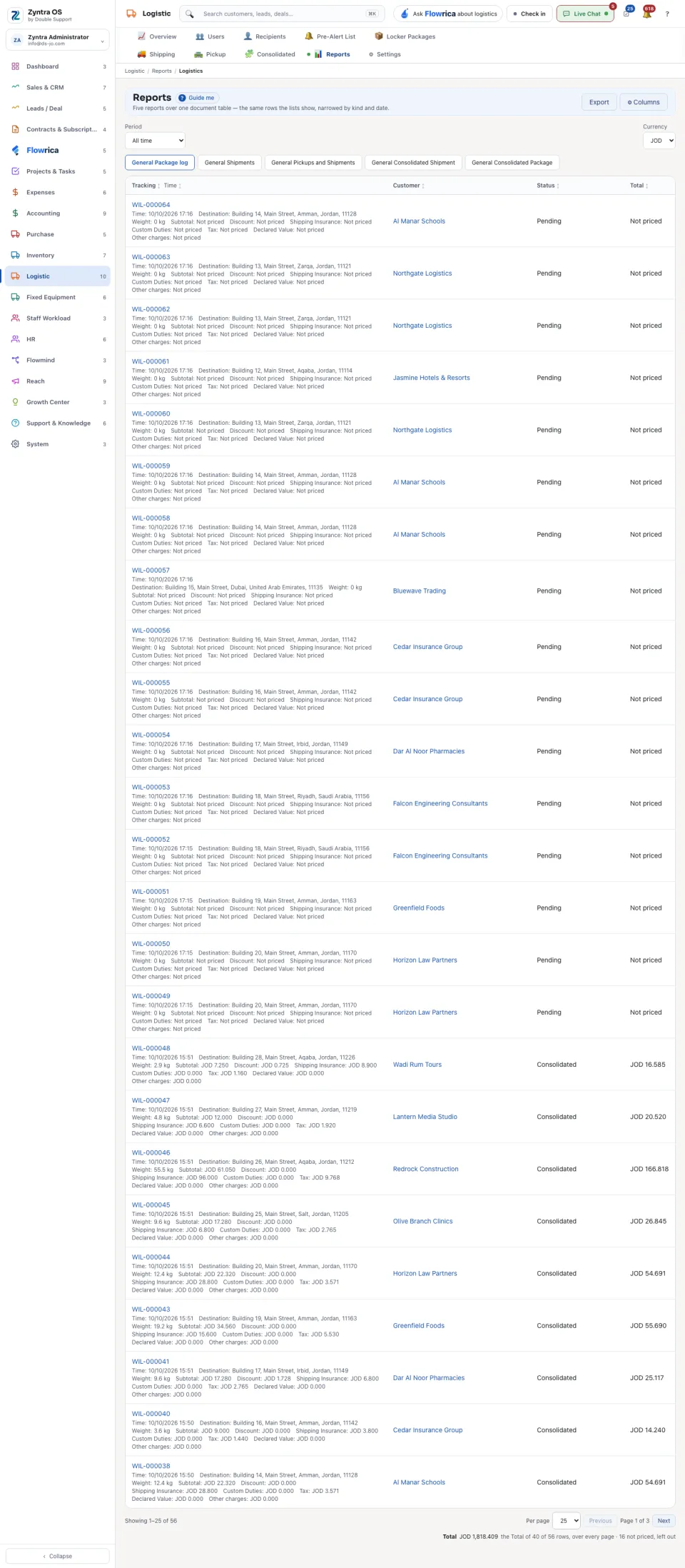
| General Package log | The locker packages. |
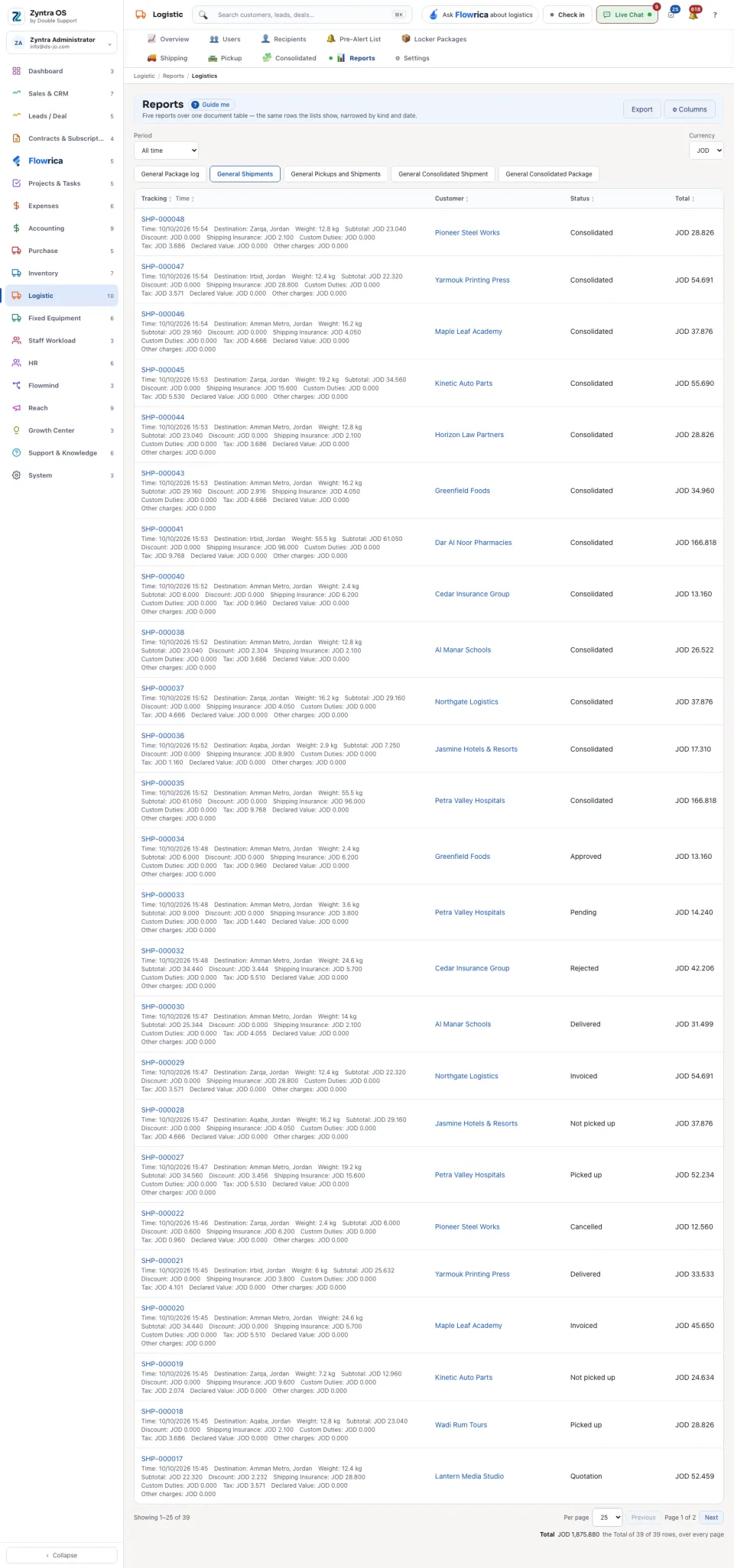
| General Shipments | The shipments. |
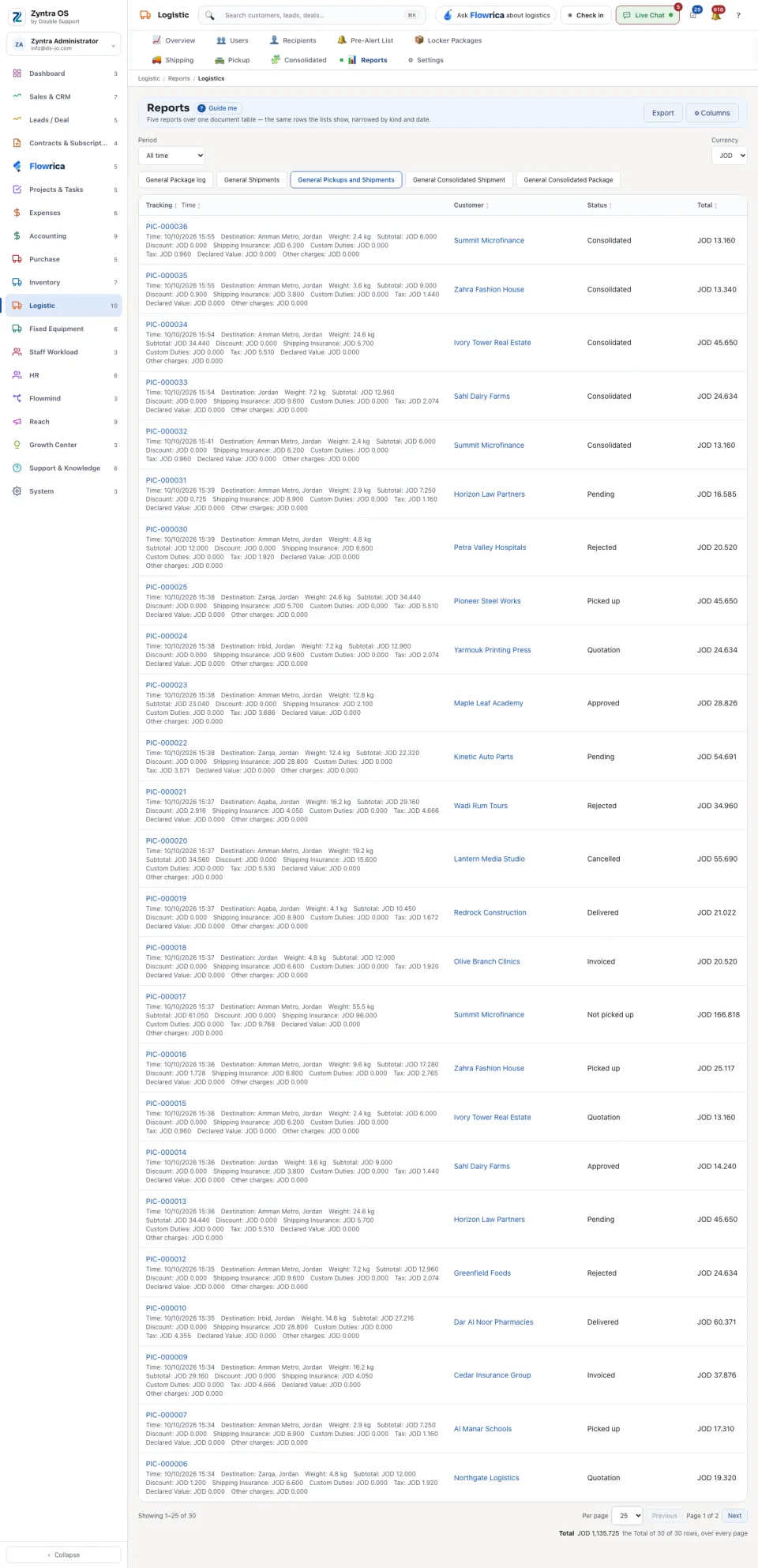
| General Pickups and Shipments | The pickups and the shipments together. |
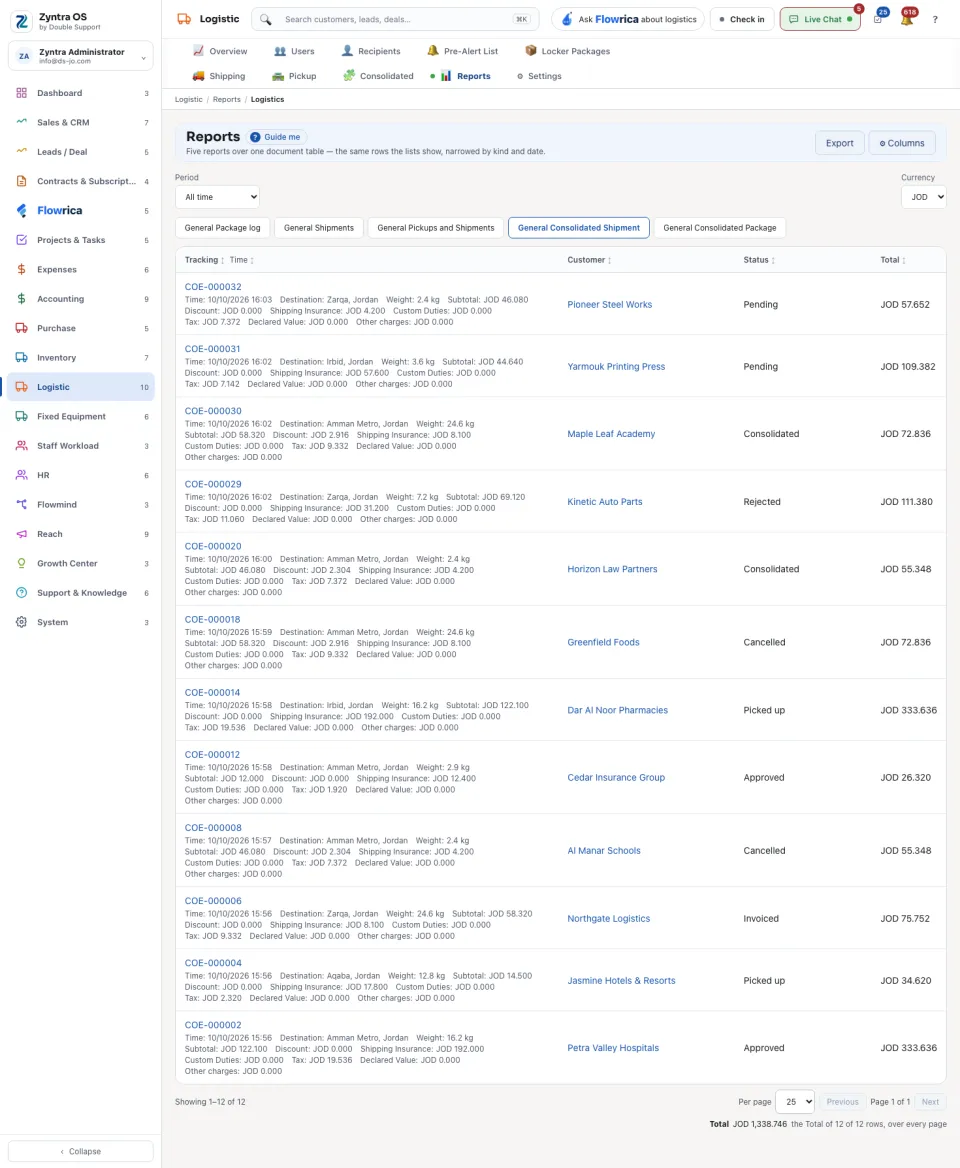
| General Consolidated Shipment | The consolidations of shipments. |
| General Consolidated Package | The consolidations of packages. |
Each row shows Tracking, Time, Customer, Status and Total, and under the tracking number its destination, weight, subtotal, discount, insurance, duties and tax. A document with no price says Not priced. At the foot, Total adds the priced rows over every page and says how many were left out.