Zyntra OS
 Zyntra Legal
 Zyntra Real Estate
 Zyntra Hotel
 Zyntra E-commerce
 Zyntra Appointments
 Zyntra Repair
 Zyntra Garage
 Zyntra Concierge
 Zyntra Contracting
 Zyntra Clinic
 Zyntra Call Center
 Zyntra OTA
Where
Logistic › UsersWho
Anyone allowed to see staff.The screen has three tabs.
| Tab | What it shows |
|---|---|
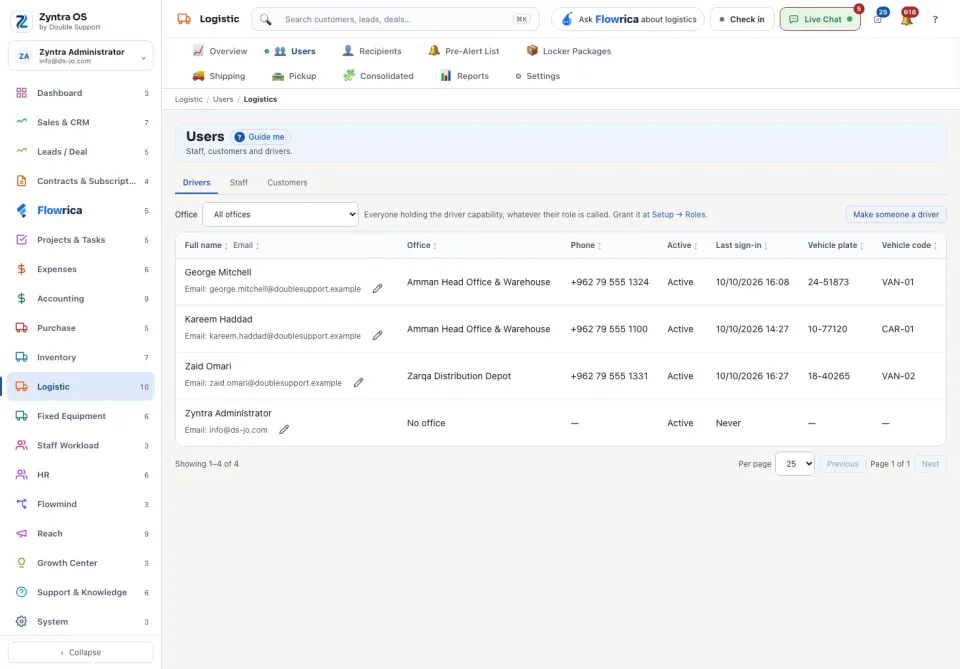
| Drivers | Everyone who holds the driver capability, whatever their role is called: Full name, Email, Office, Phone, Active, Last sign-in, Vehicle plate and Vehicle code. Narrow the list by Office. |
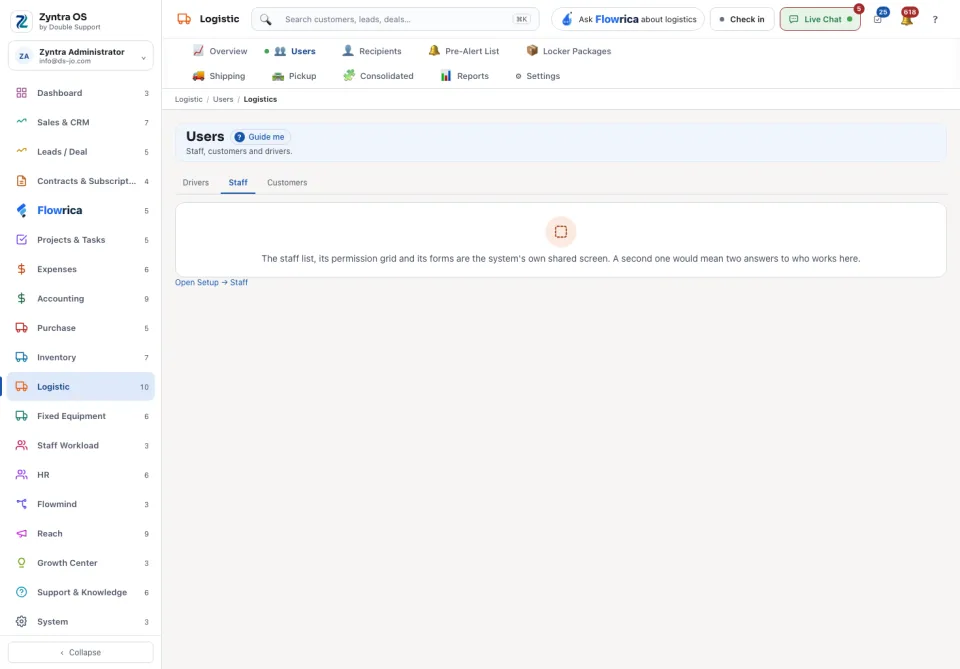
| Staff | The staff list is the system’s own shared screen: Open Setup → Staff takes you to it. |
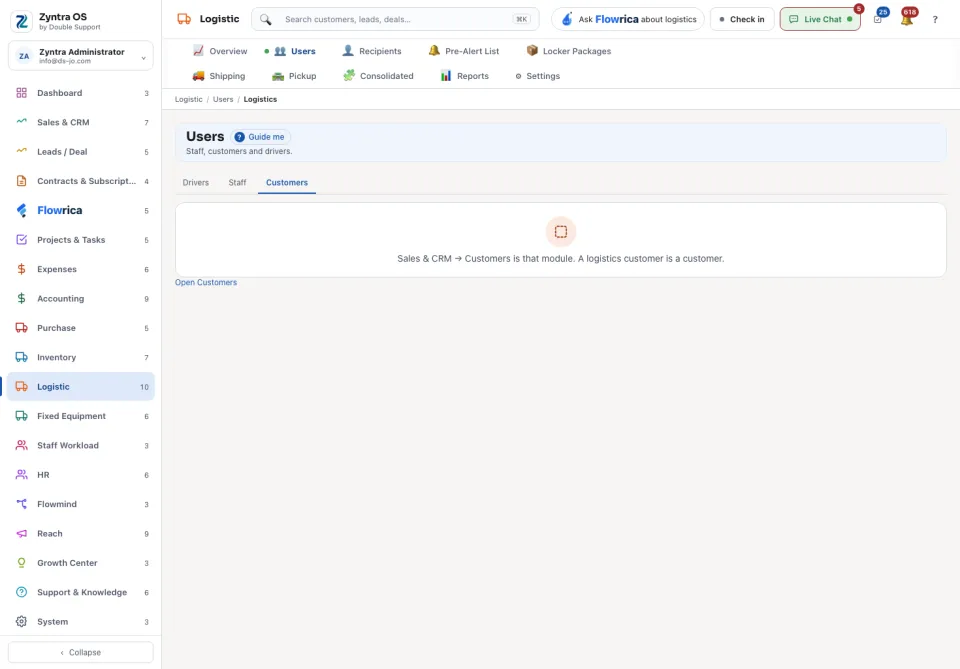
| Customers | A logistics customer is a customer: Open Customers takes you to Sales & CRM. |
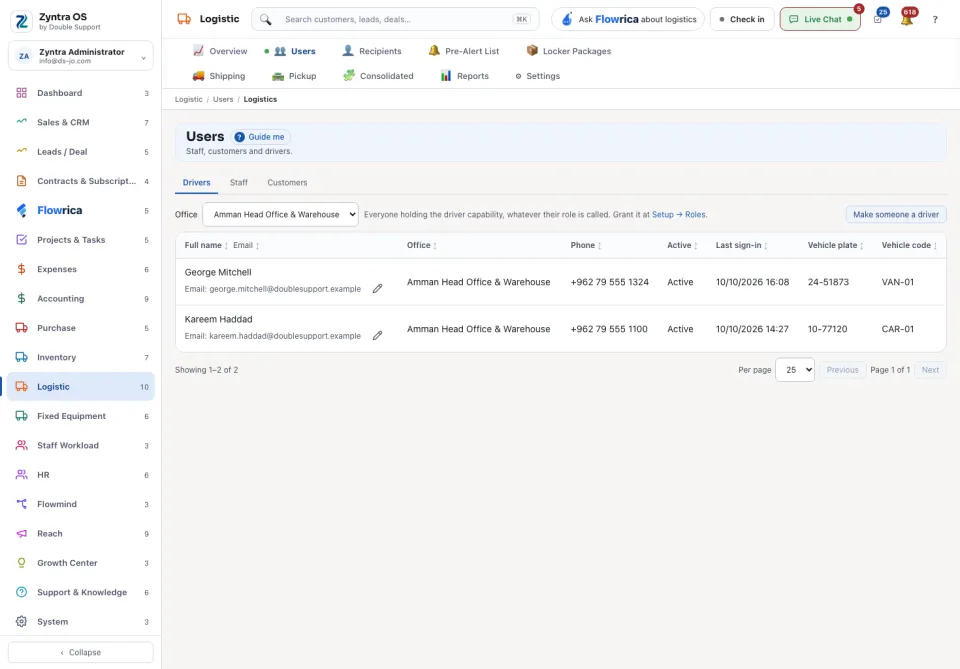
Drivers
1
To make someone a driver press Make someone a driver: it opens the roles, where the driver capability is granted to a role.
2
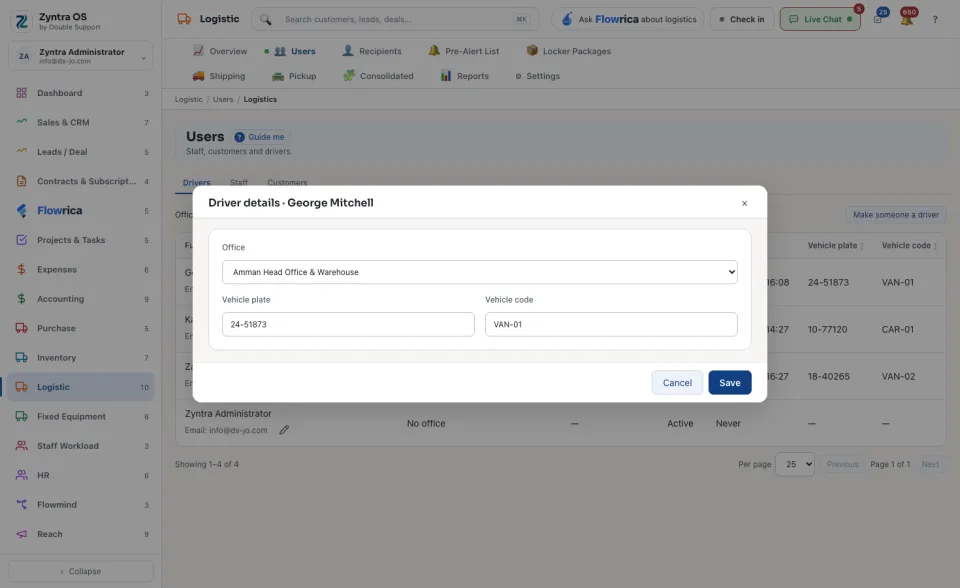
On a driver’s row press Edit driver details to set the Office, the Vehicle plate and the Vehicle code, then Save.