

 Zyntra OS
 Zyntra Legal
 Zyntra Real Estate
 Zyntra Hotel
 Zyntra E-commerce
 Zyntra Appointments
 Zyntra Repair
 Zyntra Garage
 Zyntra Concierge
 Zyntra Contracting
 Zyntra Clinic
 Zyntra Call Center
 Zyntra OTA
Where
Projects & Tasks › ProjectsWho
Anyone allowed to create projects.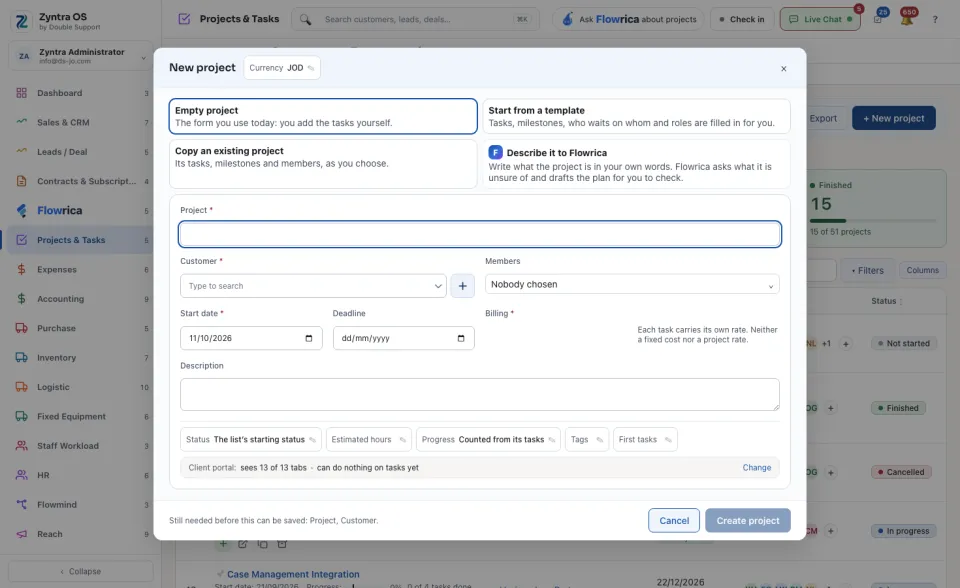
The list
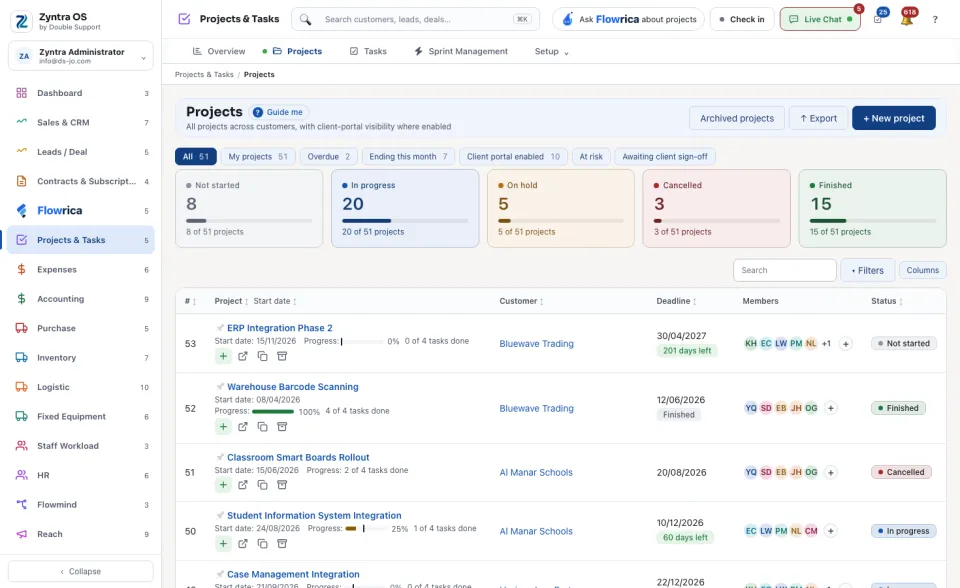
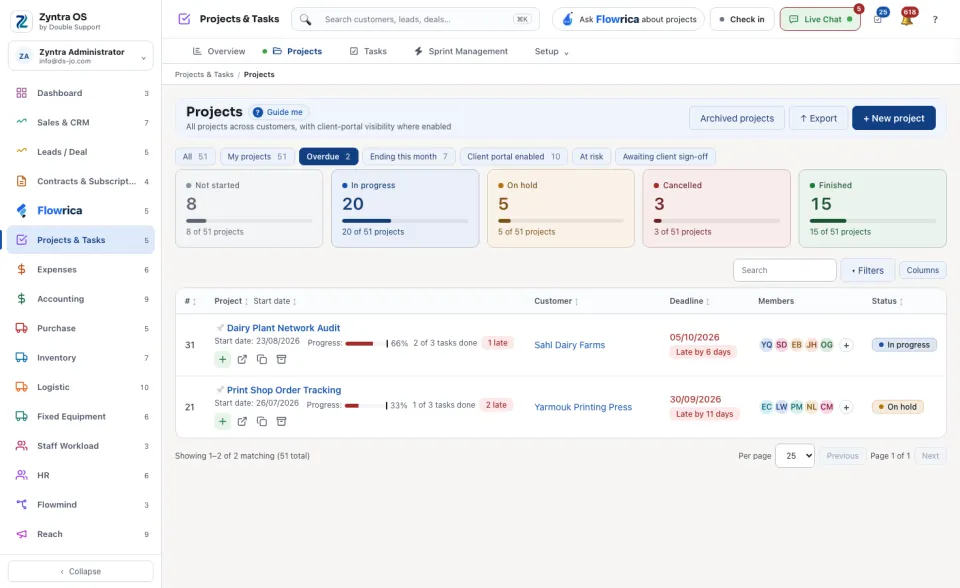
The chips narrow the list: All, My projects, Overdue, Ending this month, Client portal enabled, At risk and Awaiting client sign-off. The five cards count the projects in each status: Not started, In progress, On hold, Cancelled and Finished. Press a card to see only those projects.
Each row shows the project's tags, its progress, its late tasks, the customer, the days left and the members. Archived projects shows the archived ones. ↑ Export saves the list as a file. Filters and Columns change what the table shows.
The project's page
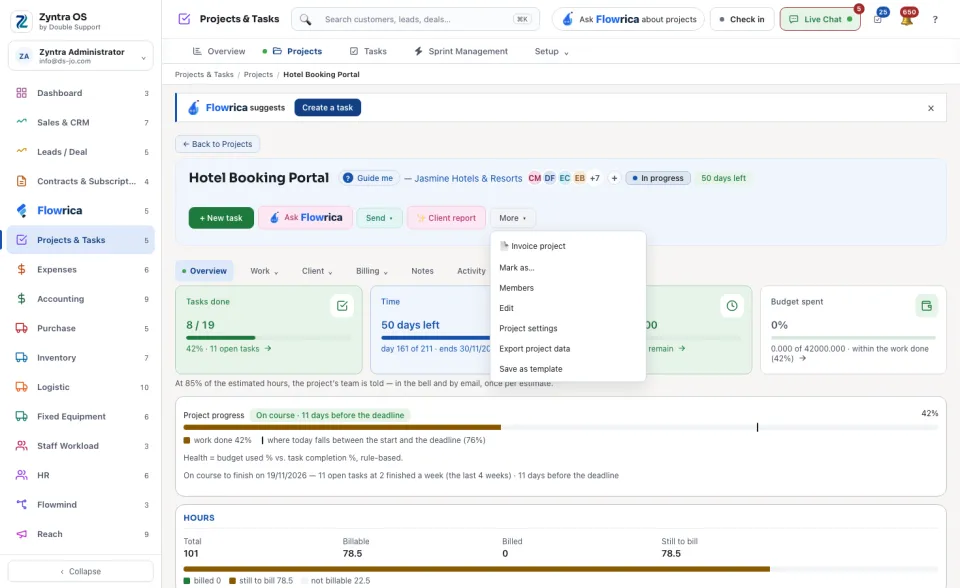
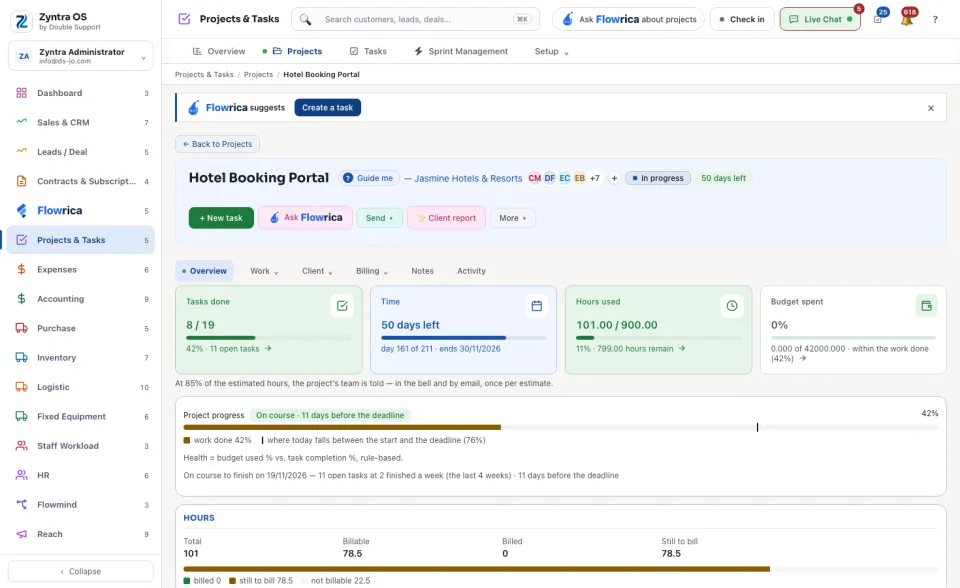
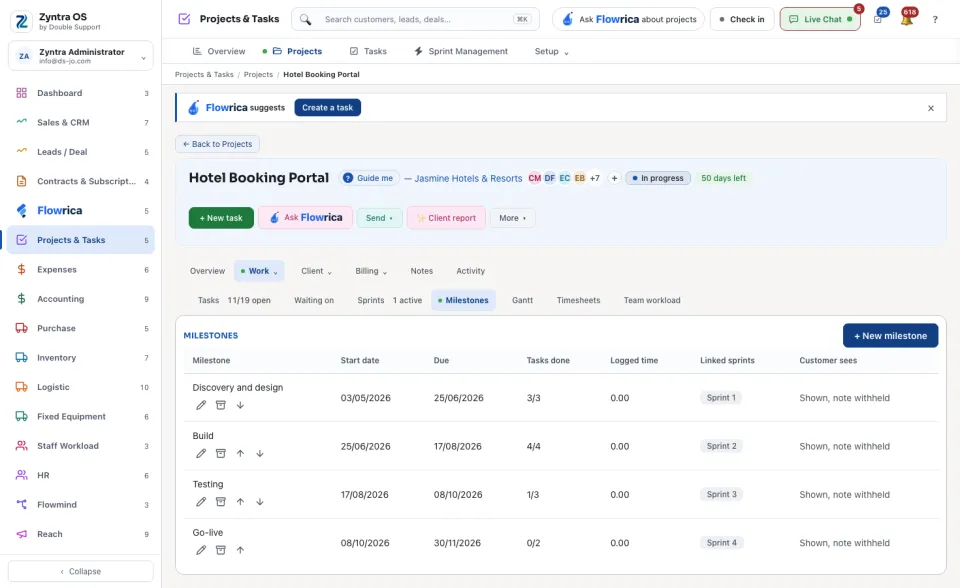
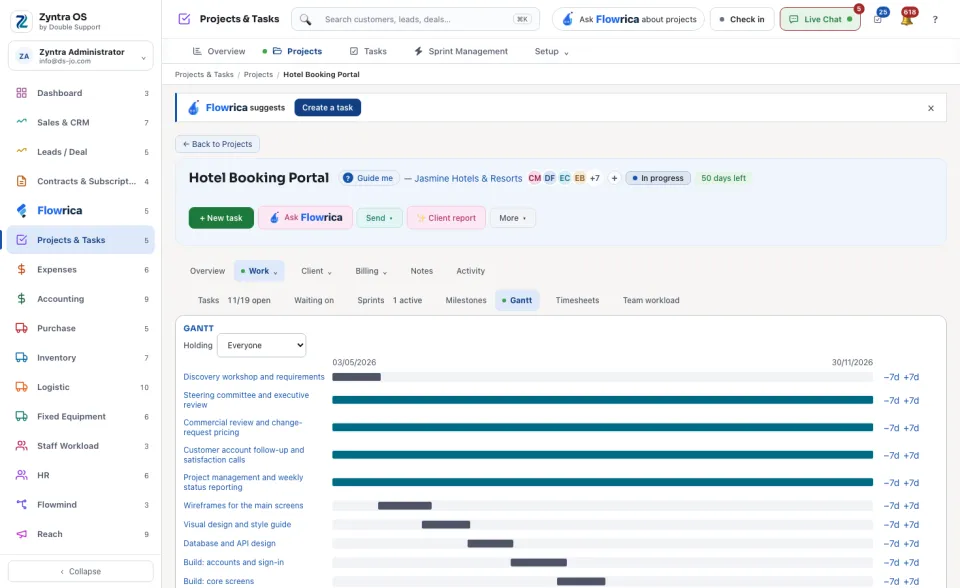
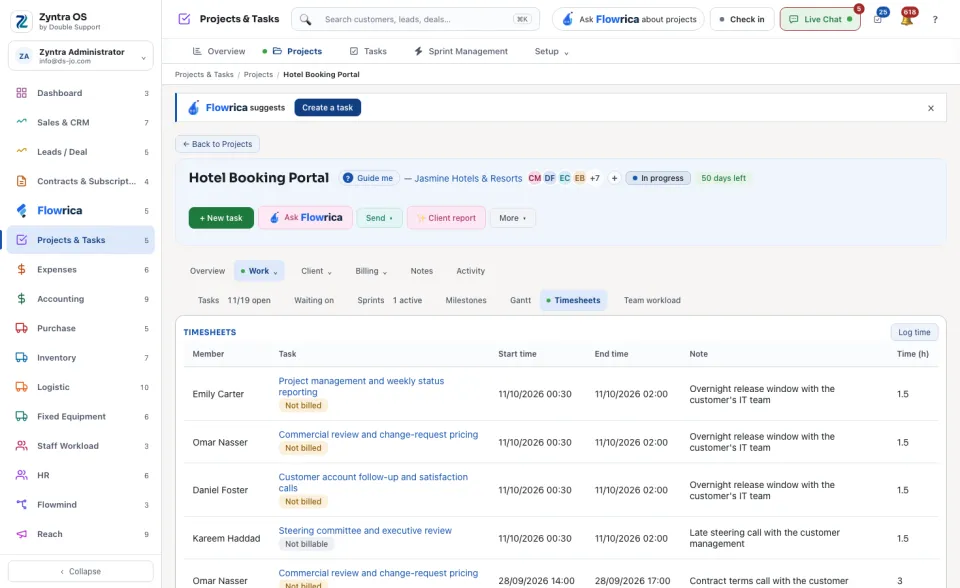
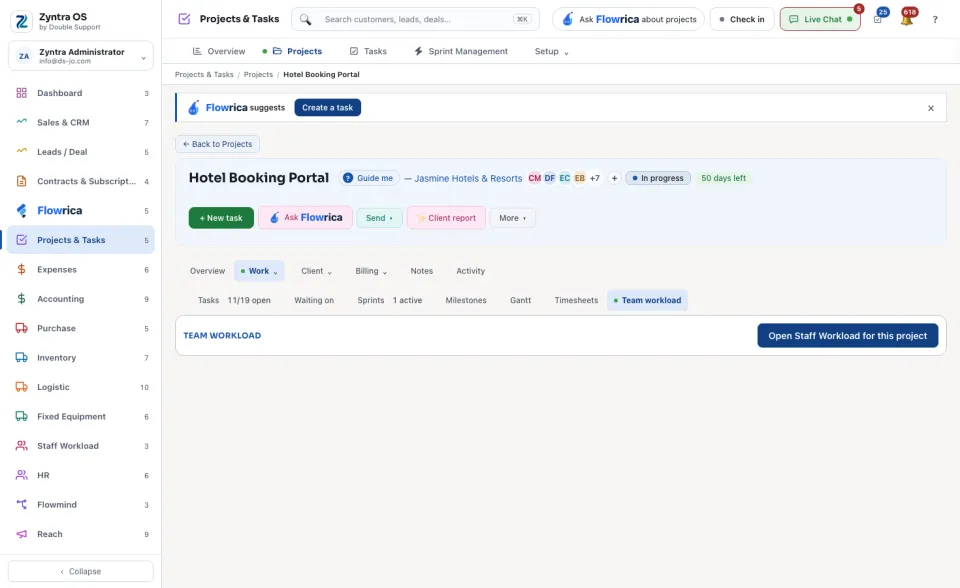
Press a project's name to open it. The head shows the customer, the members, the status and the days left. Its buttons are + New task, Ask Flowrica, Send (🔗 What the client sees, Client share links), ✨ Client report and More. Under More: 📄 Invoice project, Mark as… (changes the status), Members, Edit, Project settings, Export project data and Save as template.
| Tab | What it is for | What you can do there |
|---|---|---|
| Overview | The tasks done, the time left, the hours used and the budget spent; the progress and the date the project is on course to finish; then Hours, Expenses, Project P&L, Money and this week's logged hours. | Set an estimate for the hours. |
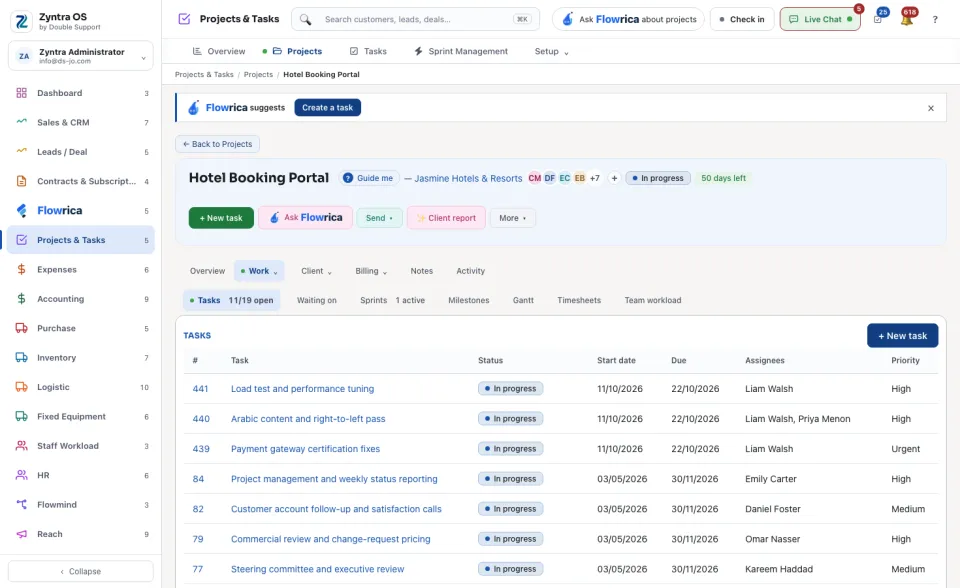
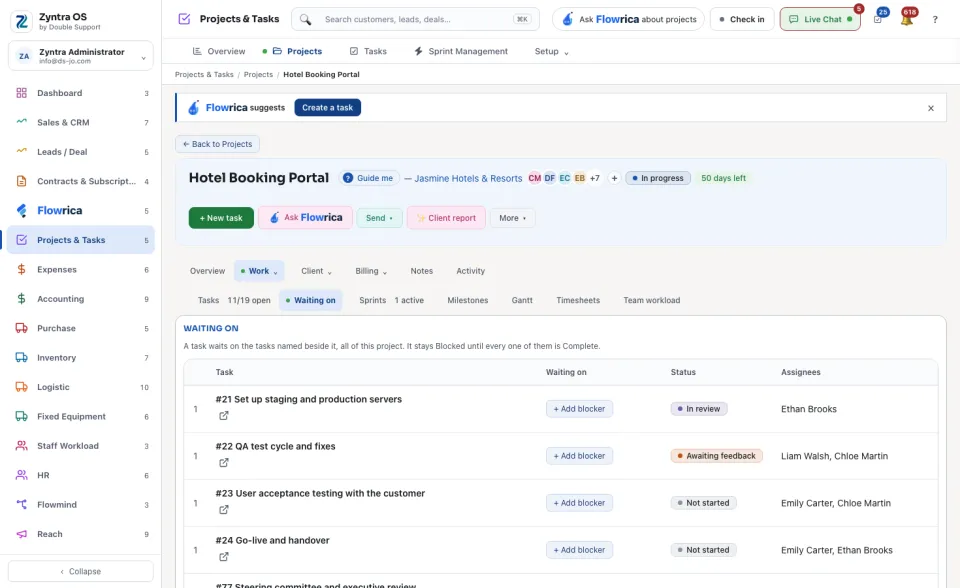
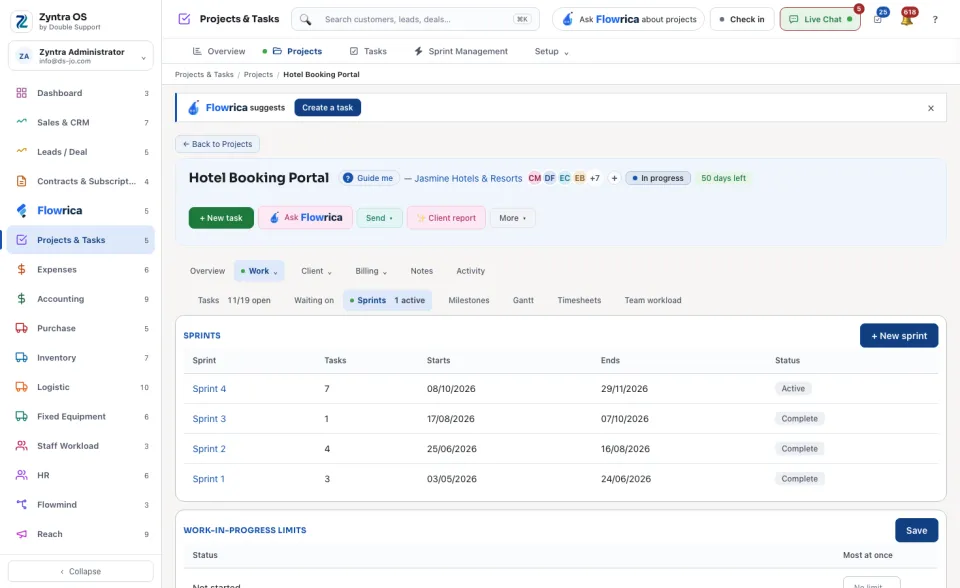
| Work | Tasks, Waiting on, Sprints, Milestones, Gantt, Timesheets and Team workload. | + New task, + New sprint, + New milestone, Log time. On Gantt, −7d and +7d move a task. Open Staff Workload for this project. |
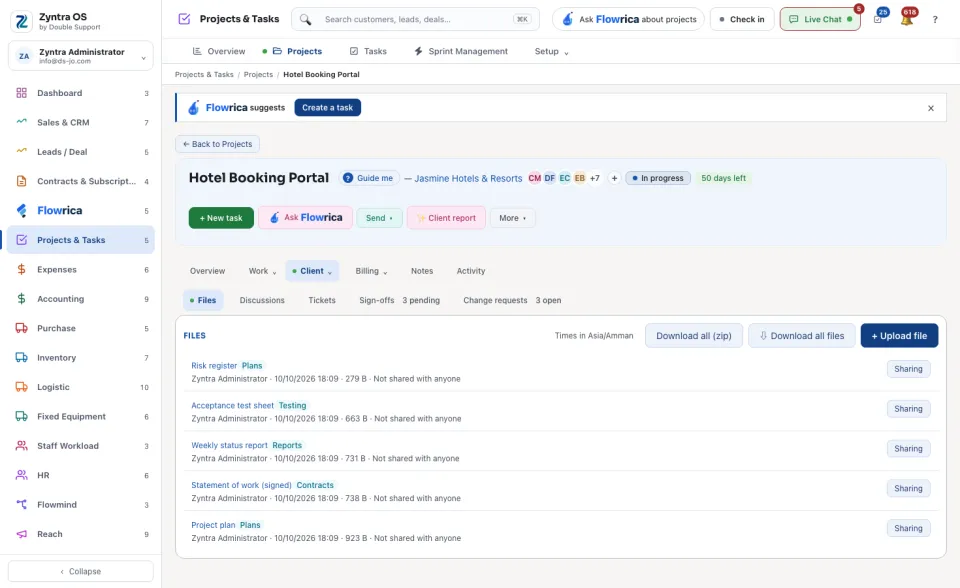
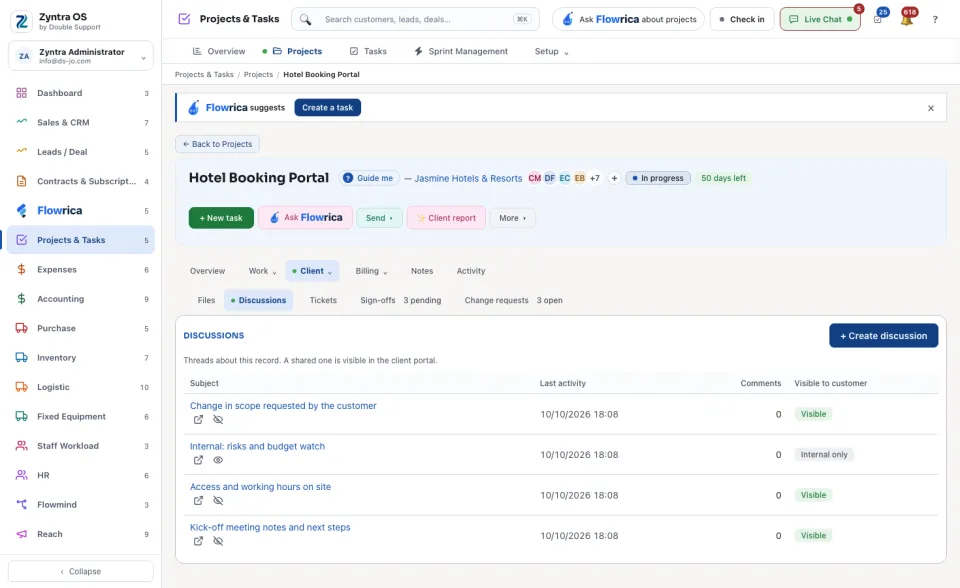
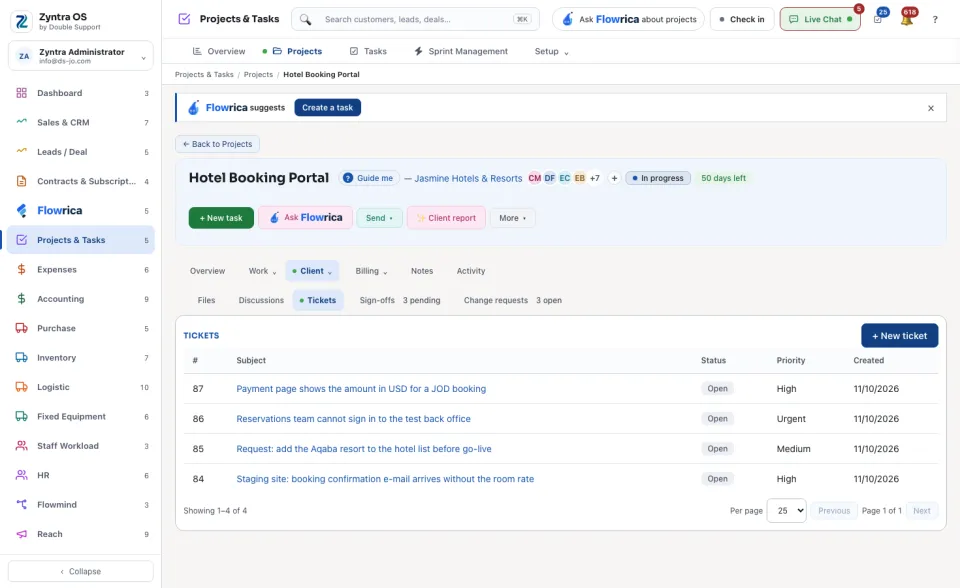
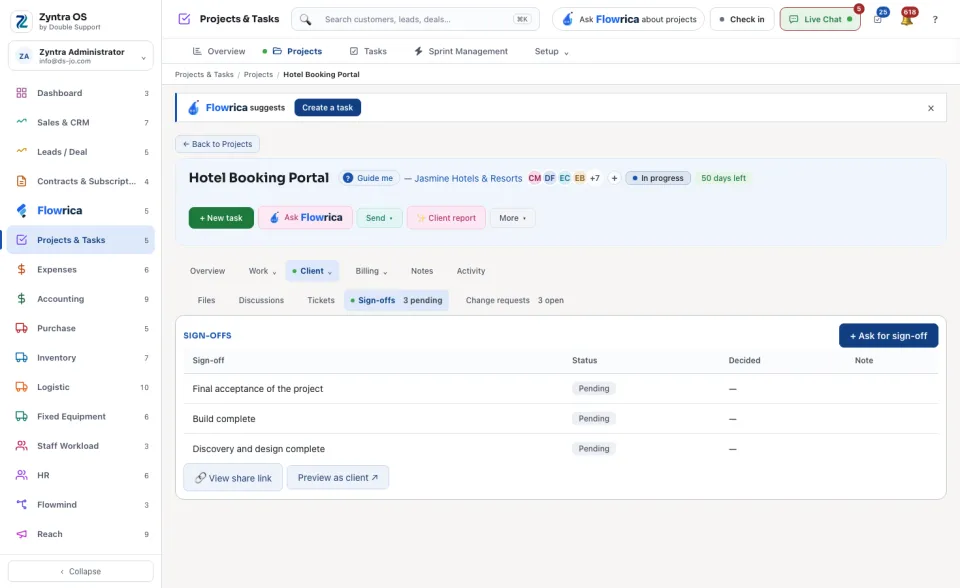
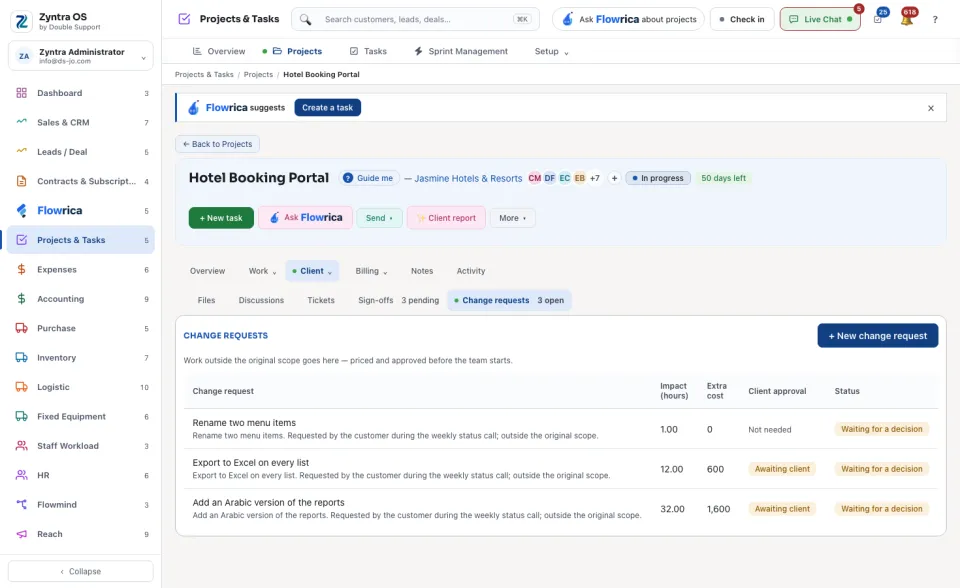
| Client | Files, Discussions, Tickets, Sign-offs and Change requests: what you share with the customer. | + Upload file, ⇩ Download all files, Sharing on a file, + Ask for sign-off, + New change request. The tab names count what waits: the sign-offs pending and the change requests open. |
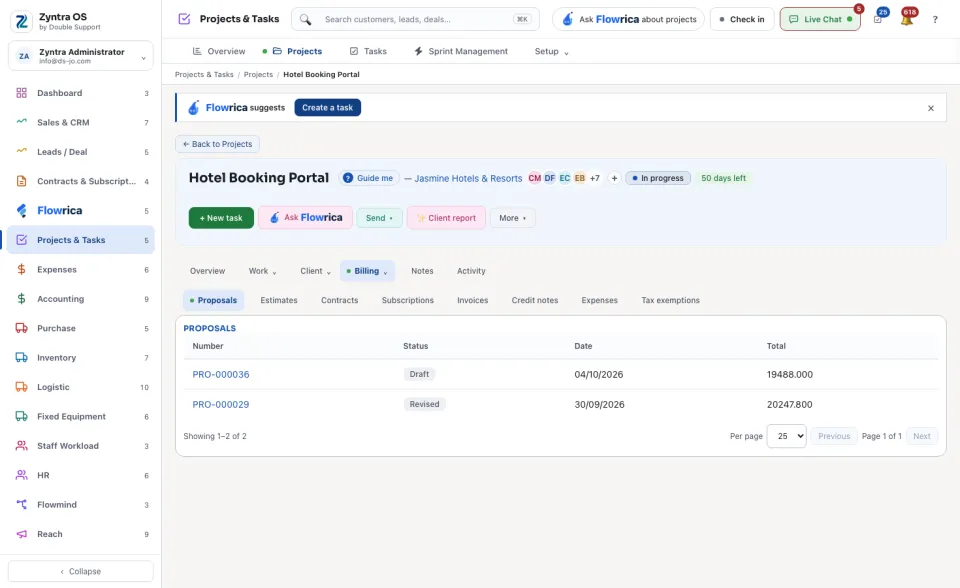
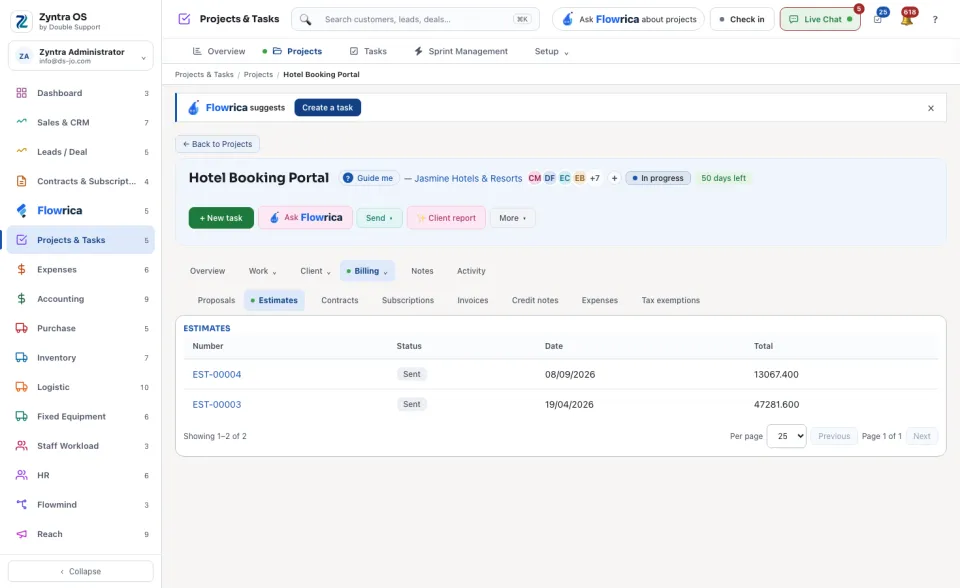
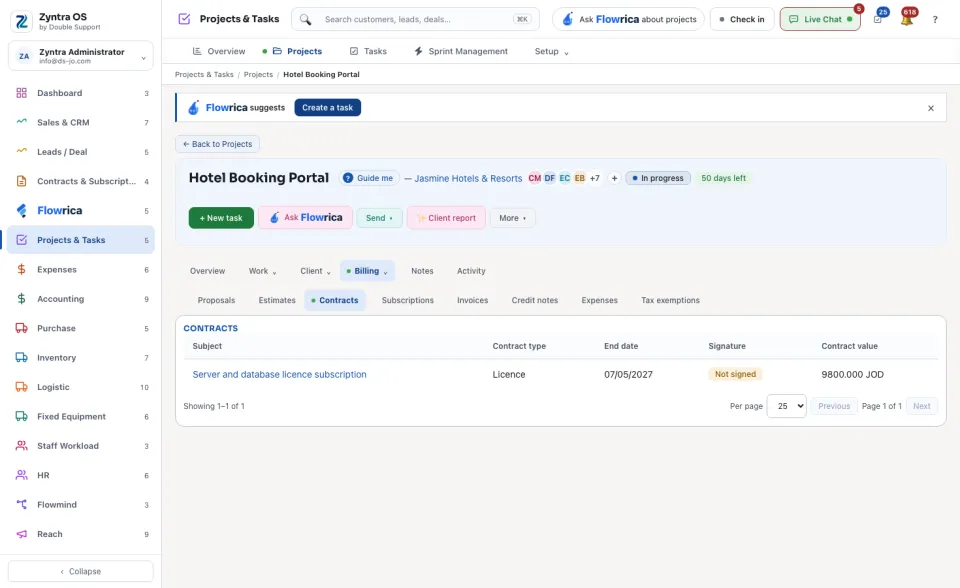
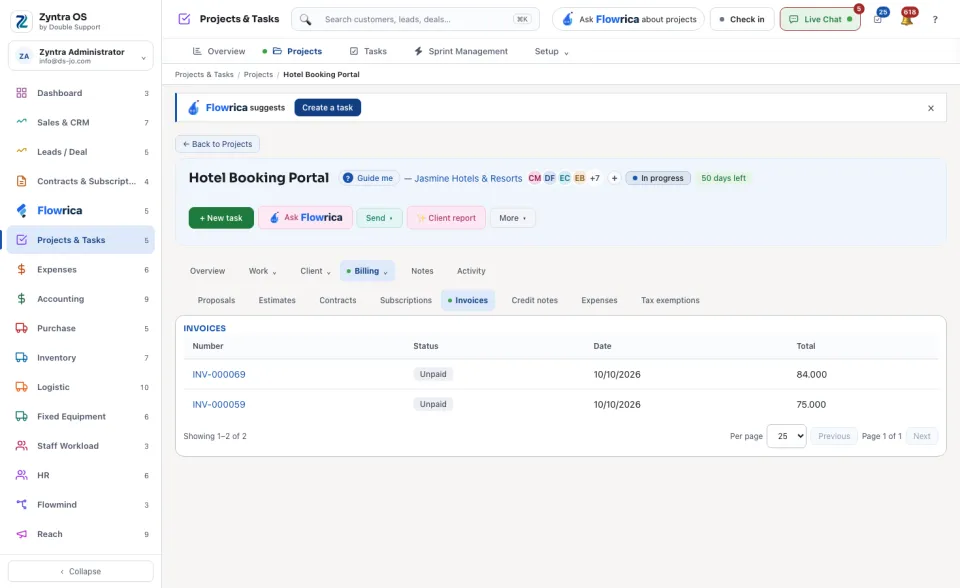
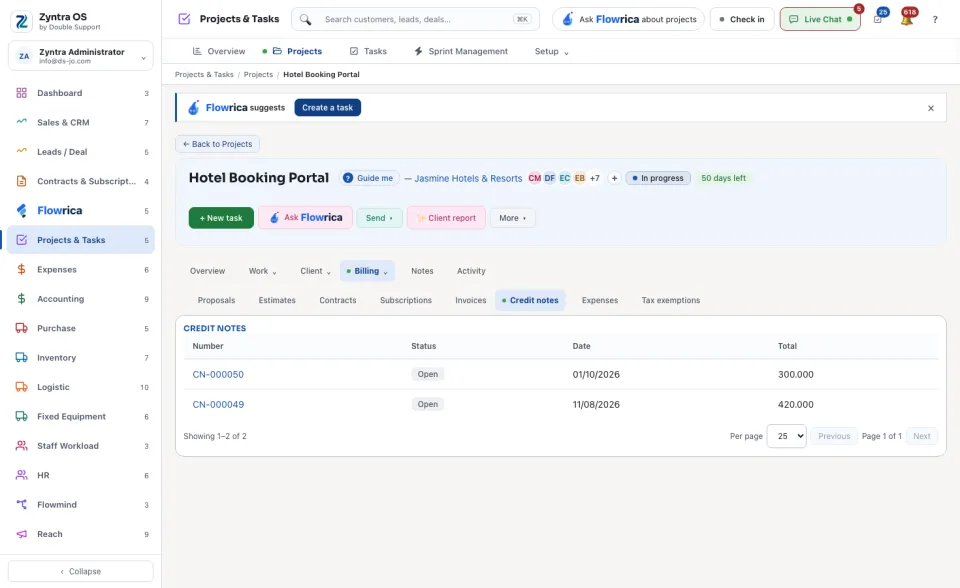
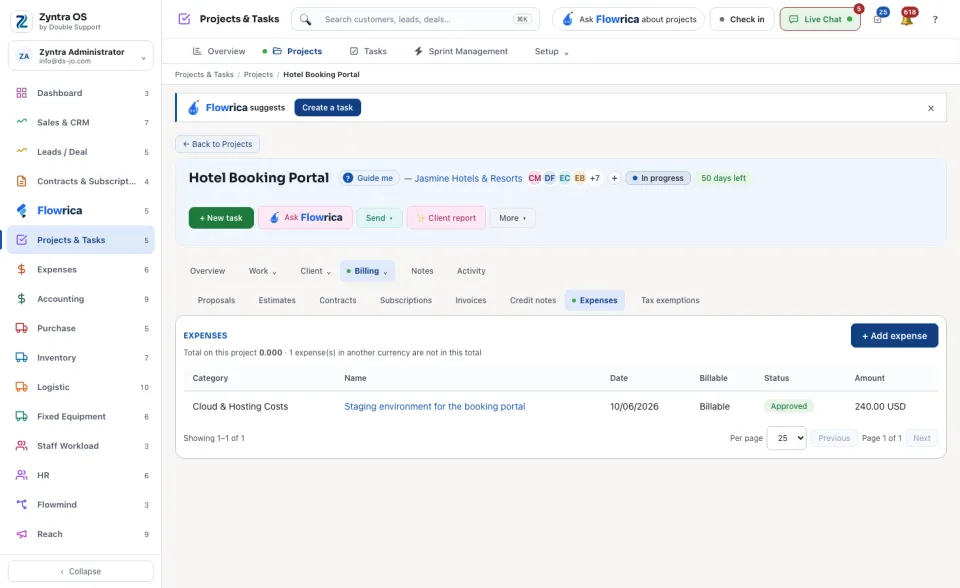
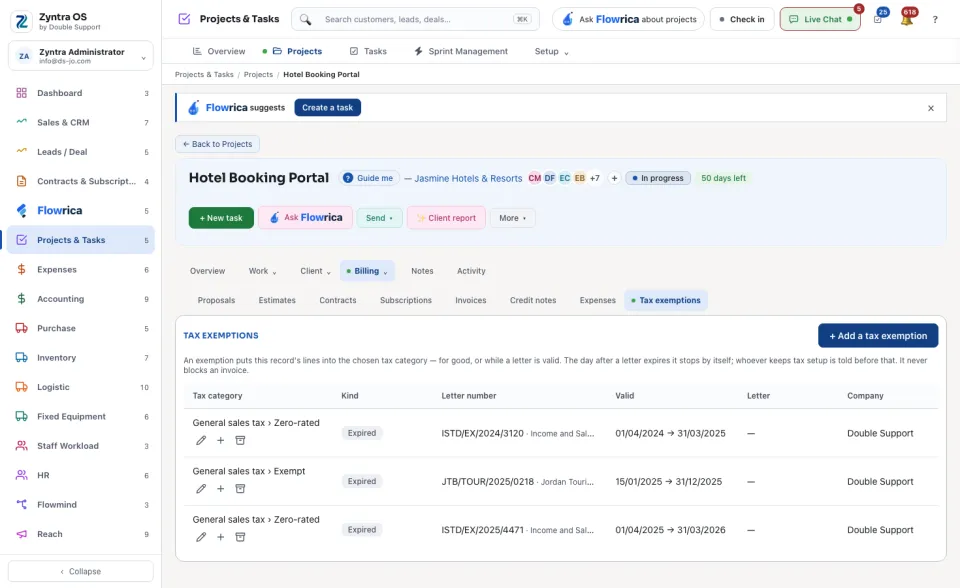
| Billing | The project's Proposals, Estimates, Contracts, Subscriptions, Invoices, Credit notes, Expenses and Tax exemptions. | Press a number to open the record. |
| Notes | A private note. Only you see it. | Save note. |
| Activity | What happened on the project: Everything, or only What we did. | + Log activity. |
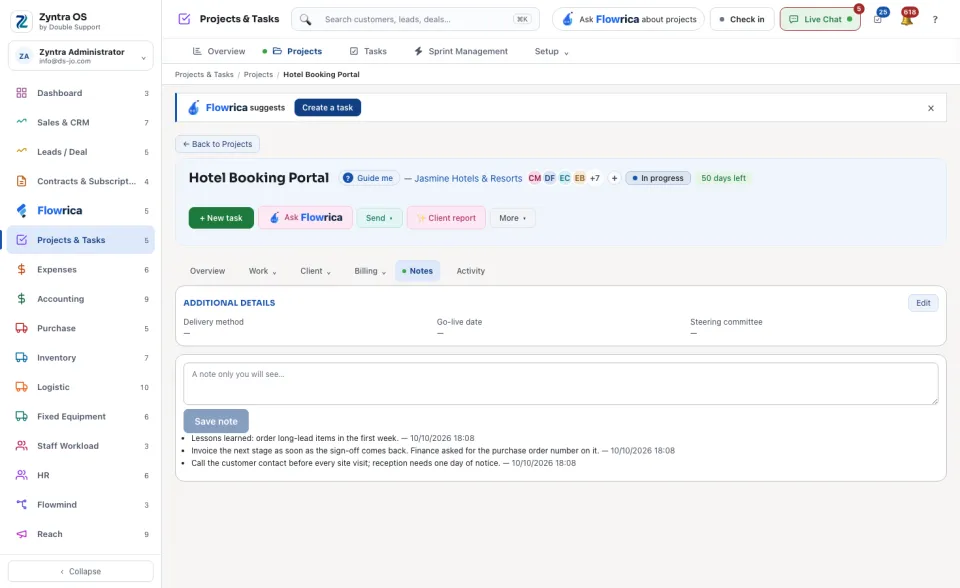
Flowrica on this screen
Press Guide me and Flowrica points at each part of the screen. She can make a project or a task with you, one question at a time. Nothing is saved until you press the form's own button. You can also ask her about the list, for example “Projects by status”, and on a project's page “What is this project's story?”.