

 Zyntra OS
 Zyntra Legal
 Zyntra Real Estate
 Zyntra Hotel
 Zyntra E-commerce
 Zyntra Appointments
 Zyntra Repair
 Zyntra Garage
 Zyntra Concierge
 Zyntra Contracting
 Zyntra Clinic
 Zyntra Call Center
 Zyntra OTA
Where
Repair › Jobs › Take a repair inWho
Repair Jobs — Create.1
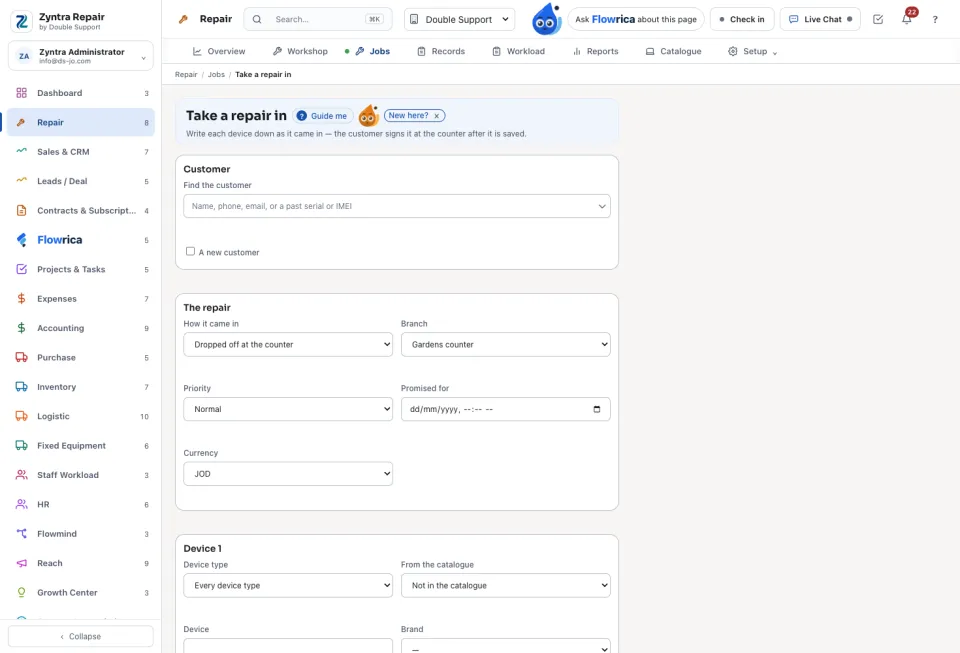
On Jobs press Take a repair in. Find the customer, or press A new customer.
2
Choose how it came in: Dropped off at the counter, Sent in by the customer or Technician visit. Set the branch, the priority and when it is Promised for.
3
For each device choose it From the catalogue (or Not in the catalogue), and write the serial number or IMEI, the Unlock code, what it Came with, the Damage already on it, What the customer says is wrong and its photos. Add another device for the next one.
4
Press Take it in. The repair gets its number and the customer signs that the device was left in the condition written.
If the same serial or IMEI was here before, the form says how many times and who brought it last time.
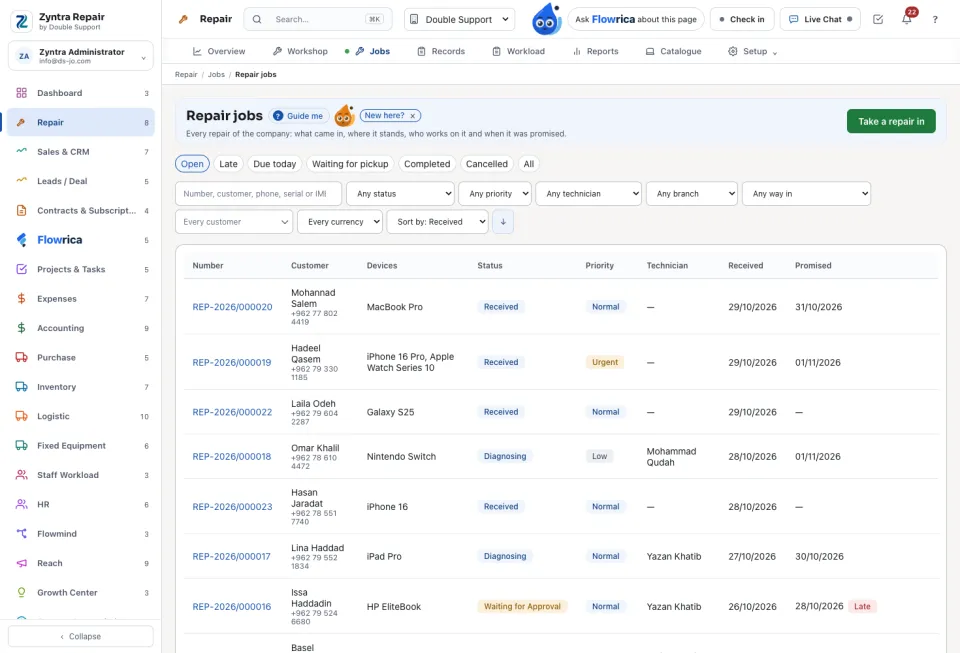
The jobs list
Tabs: Open, Late, Due today, Waiting for pickup, Completed, Cancelled and All. Search by number, customer, phone, serial or IMEI, and narrow by status, priority, technician or branch.
Next: Work a repair through
Questions
Where is “Take a repair in” in Zyntra OS?
Repair › Jobs › Take a repair in
Who can use “Take a repair in”?
Repair Jobs — Create.