

 Zyntra OS
 Zyntra Legal
 Zyntra Real Estate
 Zyntra Hotel
 Zyntra E-commerce
 Zyntra Appointments
 Zyntra Repair
 Zyntra Garage
 Zyntra Concierge
 Zyntra Contracting
 Zyntra Clinic
 Zyntra Call Center
 Zyntra OTA
Where
Repair › Workshop · Workload · Records · ReportsWho
Repair Jobs for the workshop and records; Assign to move devices on the workload; Repair Reports for the reports.Workshop
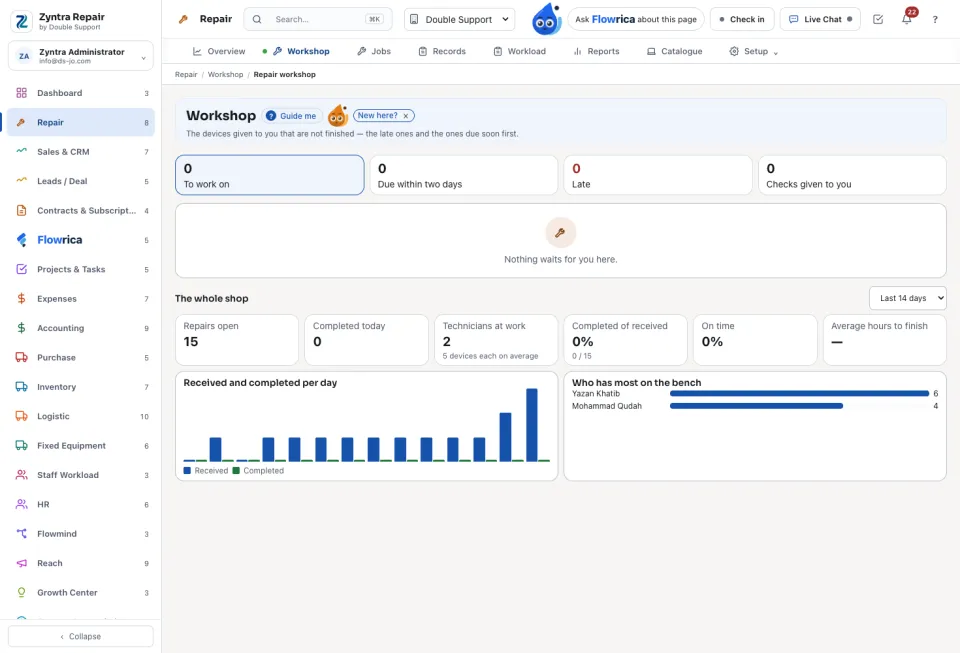
The devices given to you that are not finished, the late ones and the ones due soon first. Switch between My progress and The whole shop. The tiles count what is To work on, Late, Due within two days, the Checks given to you, and how much was done On time.
Workload
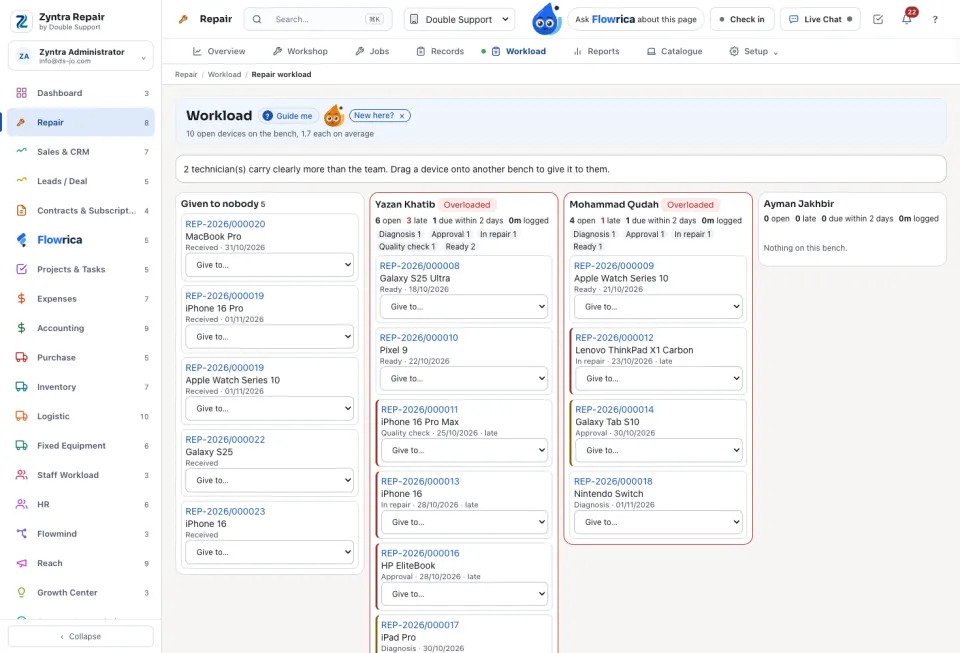
One bench for each technician, and Given to nobody. Drag a device onto a bench, or use Give to…, to assign it. A technician with too much is marked Overloaded.
Records and reports
Records lists every Devices, Work and parts, Technicians, Diagnostics and Checklists line. Reports has nineteen: repairs, customers, devices, technicians, branches, estimates, invoices, payments, revenue, on time, warranty comebacks and more. Each can be exported as Export CSV, PDF in English or PDF in Arabic.
Questions
Where is “Workshop, workload and reports” in Zyntra OS?
Repair › Workshop · Workload · Records · Reports
Who can use “Workshop, workload and reports”?
Repair Jobs for the workshop and records; Assign to move devices on the workload; Repair Reports for the reports.