Zyntra OS
 Zyntra Legal
 Zyntra Real Estate
 Zyntra Hotel
 Zyntra E-commerce
 Zyntra Appointments
 Zyntra Repair
 Zyntra Garage
 Zyntra Concierge
 Zyntra Contracting
 Zyntra Clinic
 Zyntra Call Center
 Zyntra OTA
Where
Reach › ReportsWho
Anyone allowed to see Reach reports.1
Choose the period at the top, from This week to Last year.
2
Press a report to open it. Its export takes the columns you see.
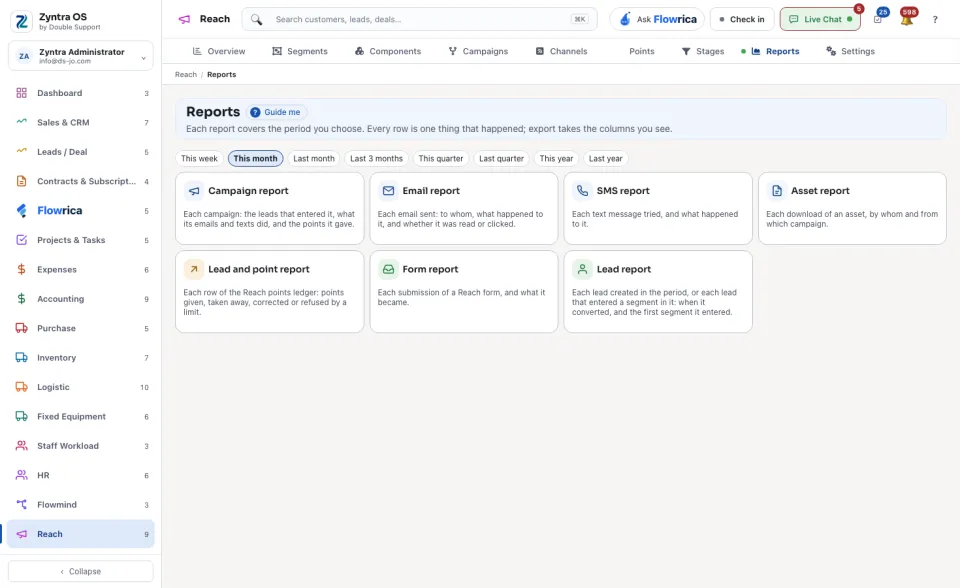
| Report | What each row is |
|---|---|
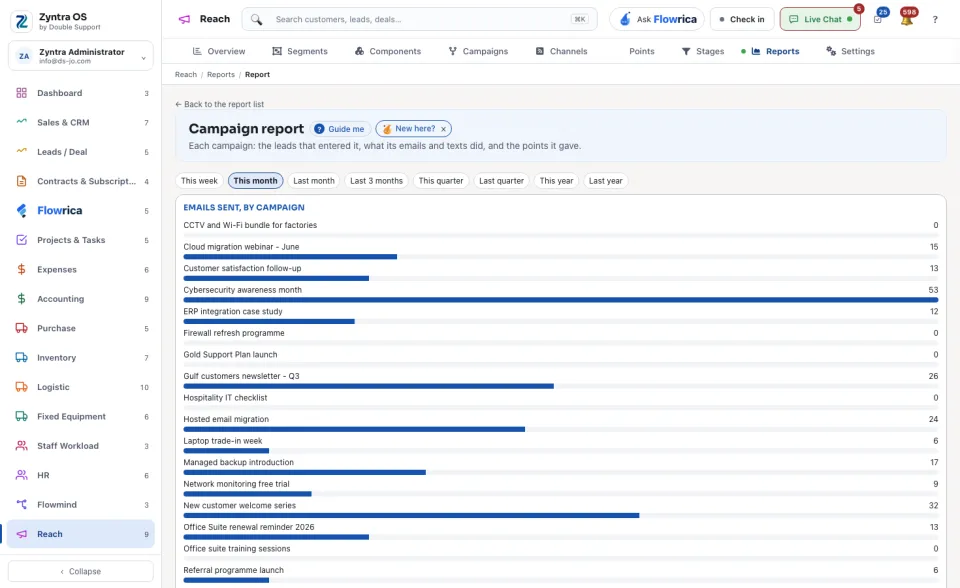
| Campaign report | A campaign: the leads that entered it, what its emails and texts did, and the points it gave. |
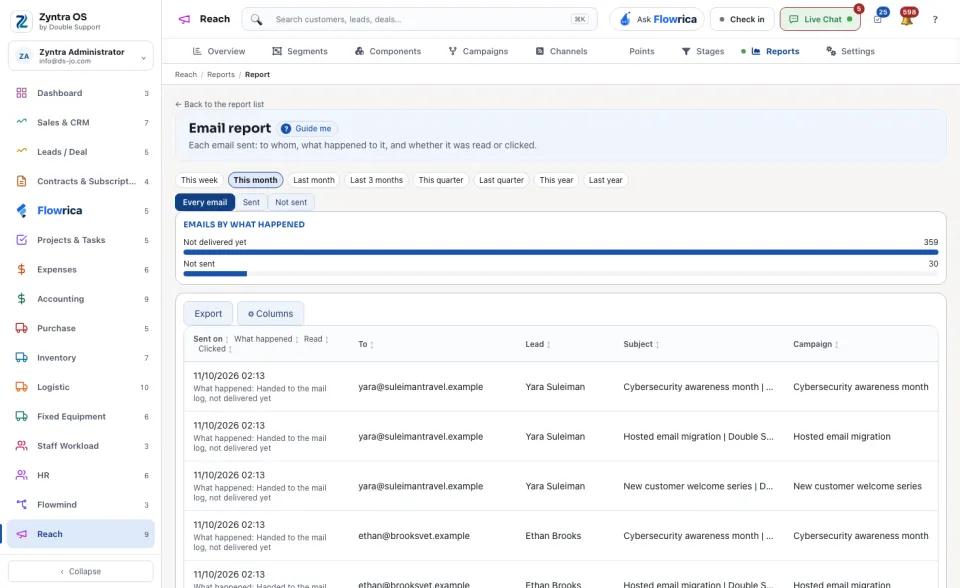
| Email report | An email sent: to whom, what happened to it, and whether it was read or clicked. |
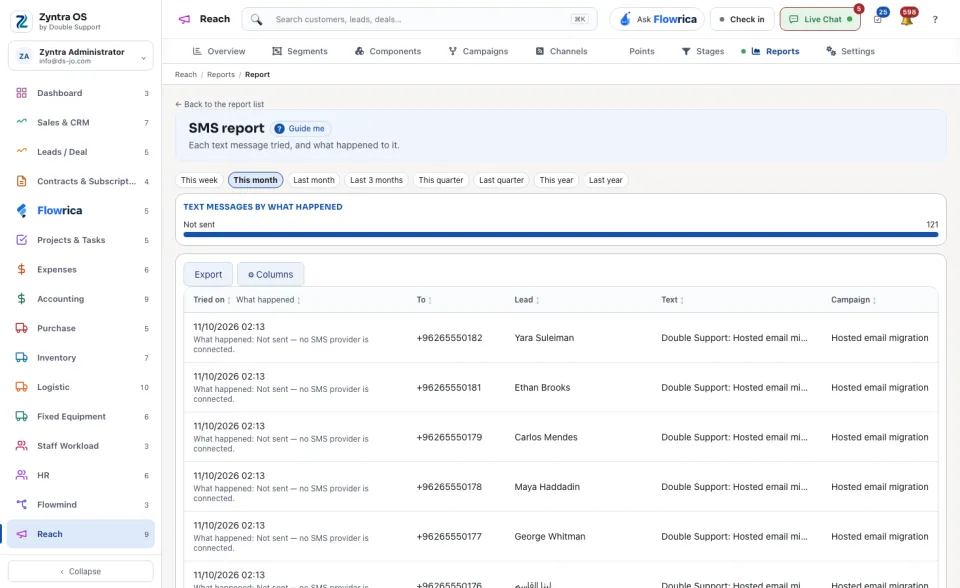
| SMS report | A text message tried, and what happened to it. |
| Asset report | A download of an asset: by whom and from which campaign. |
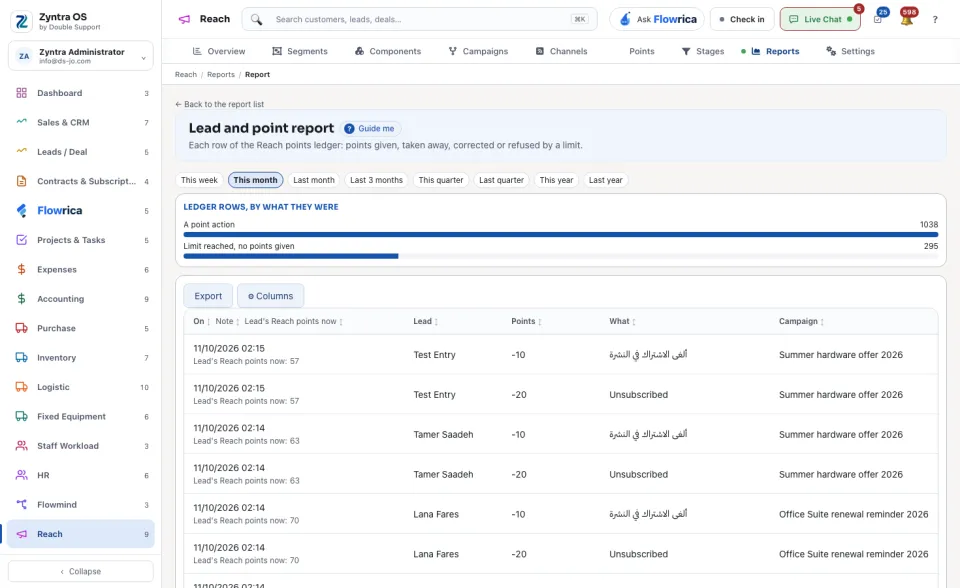
| Lead and point report | A row of the Reach points ledger: points given, taken away, corrected or refused by a limit. |
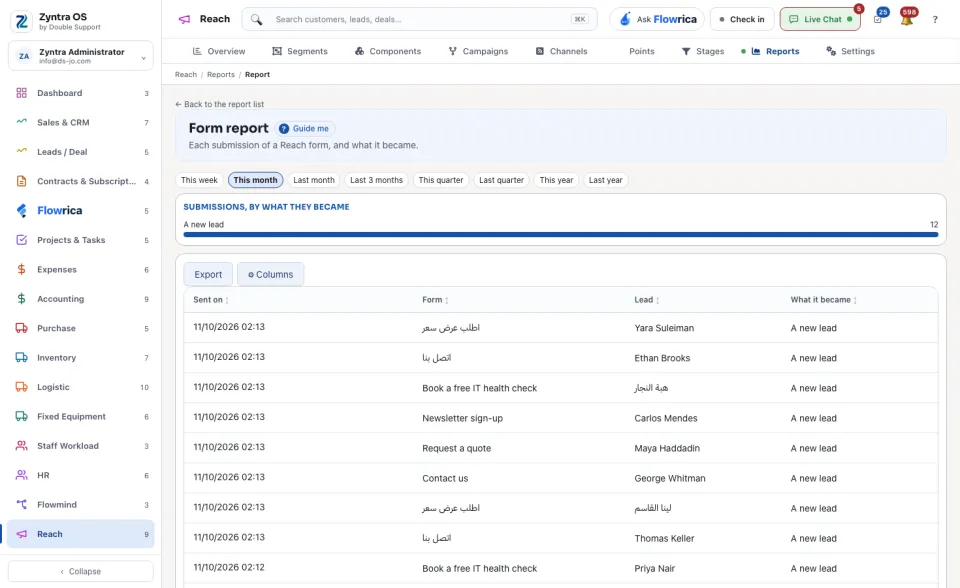
| Form report | A submission of a Reach form, and what it became. |
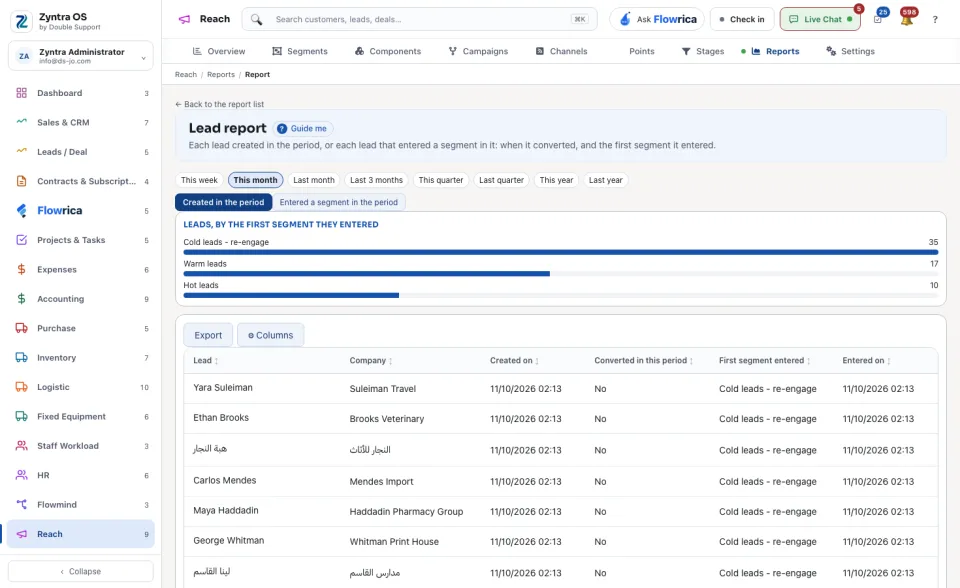
| Lead report | A lead created in the period, or a lead that entered a segment in it: when it converted, and the first segment it entered. |