

 Zyntra OS
 Zyntra Legal
 Zyntra Real Estate
 Zyntra Hotel
 Zyntra E-commerce
 Zyntra Appointments
 Zyntra Repair
 Zyntra Garage
 Zyntra Concierge
 Zyntra Contracting
 Zyntra Clinic
 Zyntra Call Center
 Zyntra OTA
Where
The You do not have permission to view this page. screen · System › Setup › People › Access requestsWho
Everyone can ask. Managers who can grant permissions answer.Ask
1
On the refused screen, read which permission it needs and press Request access.
2
Say Why do you need this access? and press Send the request. Nothing changes until it is answered.
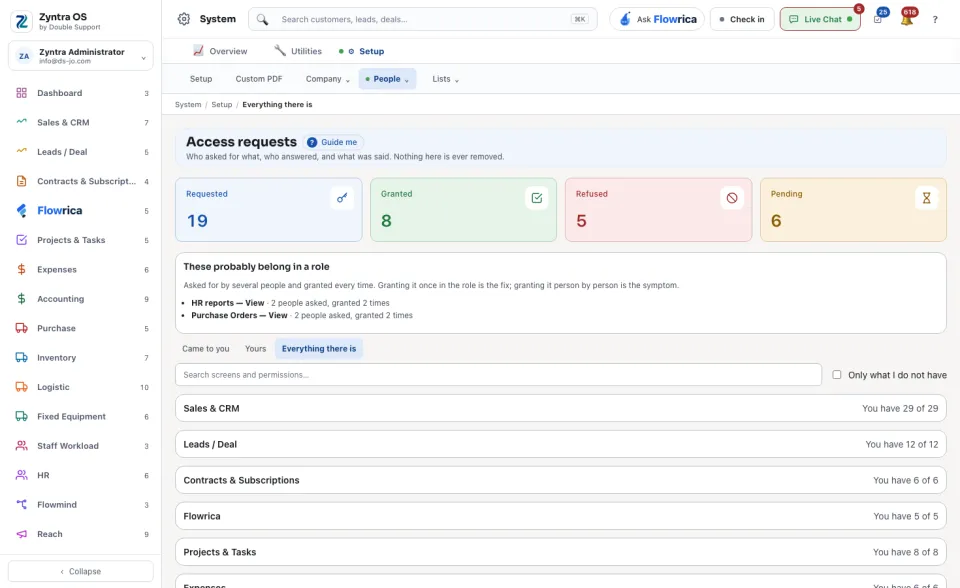
To ask for several screens at once: on Access requests open Everything there is. Every part of the system is listed with how many of its permissions you have. Tick Only what I do not have to narrow the list, tick what you need, and press Request access.
Yours lists what you asked for and how each request ended.
Answer
1
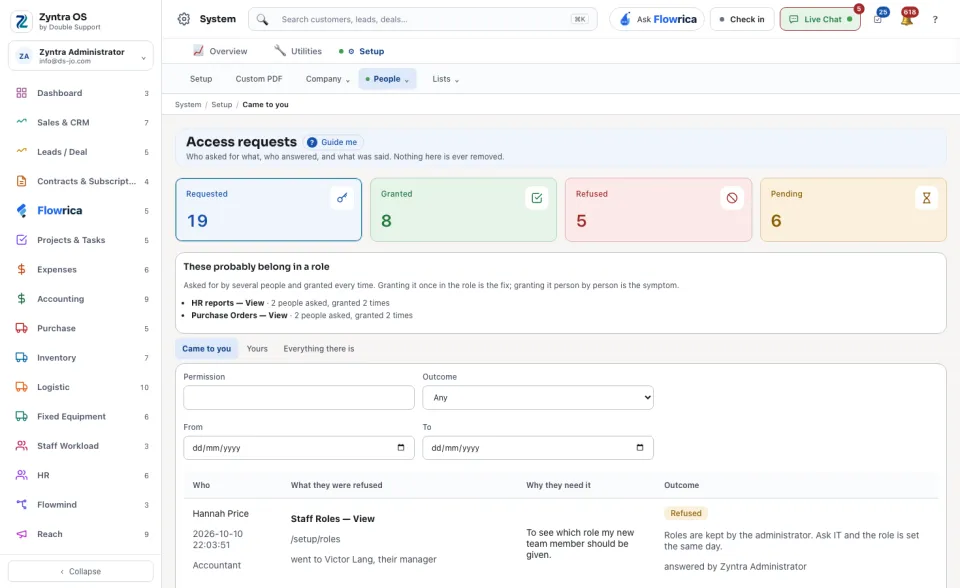
On Access requests open Came to you. Each row shows who asked, for which permission, and why.
2
Press Grant. Or press Refuse, say Why not?, and press Refuse it. The row then shows who answered.
Read the list
The four figures at the top count what was Requested, Granted, Refused and what is still Pending. Narrow the list by Permission, by Outcome (Waiting, Granted, Refused) and by date (From, To).
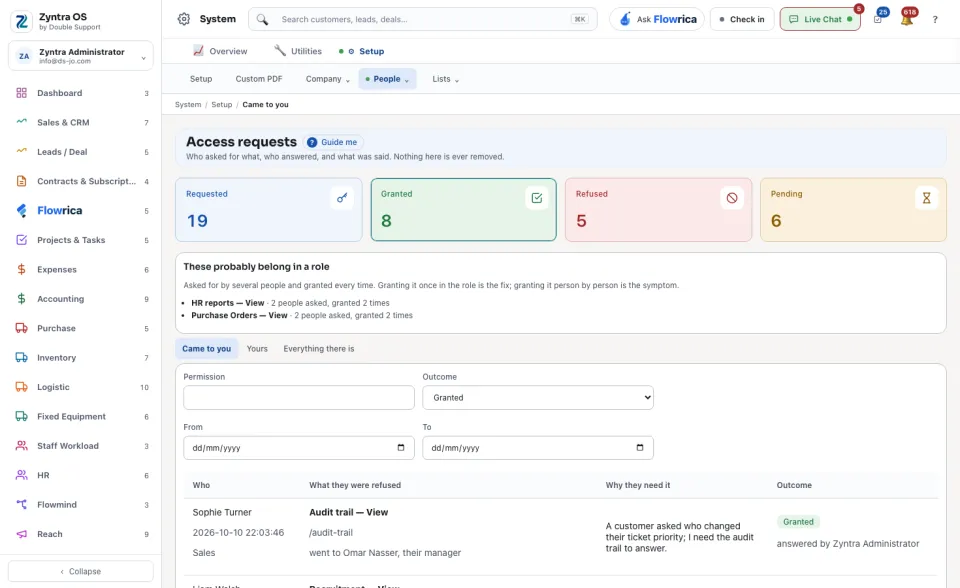
Nothing here is ever removed. These probably belong in a role lists what several people asked for and were granted every time. Grant it once in their role instead.