

 Zyntra OS
 Zyntra Legal
 Zyntra Real Estate
 Zyntra Hotel
 Zyntra E-commerce
 Zyntra Appointments
 Zyntra Repair
 Zyntra Garage
 Zyntra Concierge
 Zyntra Contracting
 Zyntra Clinic
 Zyntra Dental
 Zyntra School
 Zyntra University
 Zyntra Call Center
 Zyntra OTA
Where
System › Setup › Companies, then the company's name, then Your dataWho
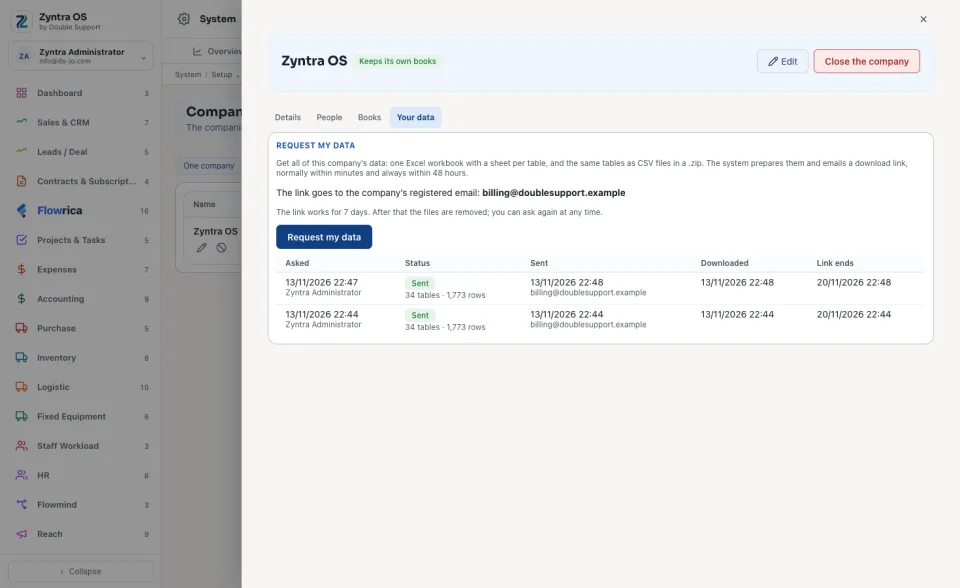
The company's administrators (the full administrator right) who work in that company.Ask for the data
Download it from the email
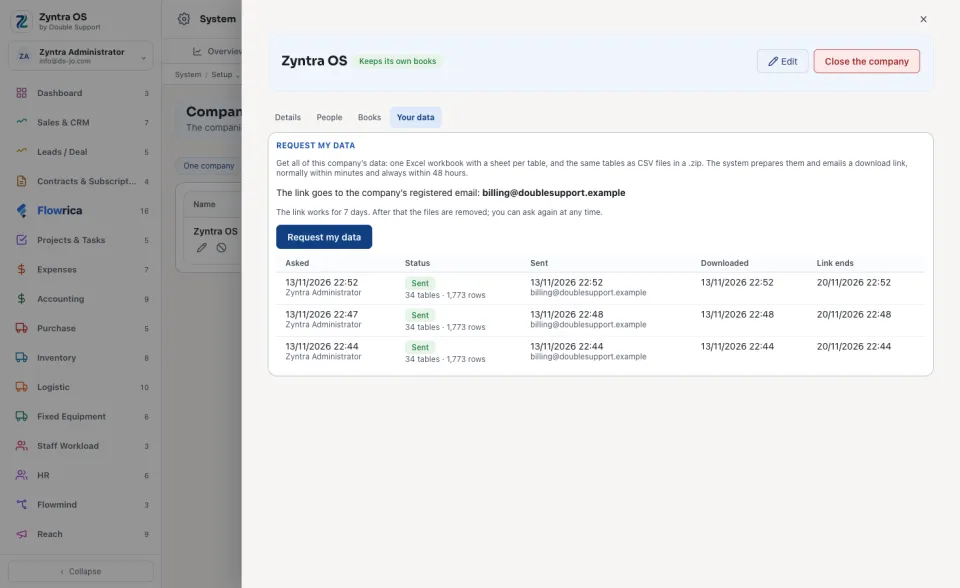
What the files hold
Only this company's own records: customers, vendors, contacts, leads, deals, estimates, proposals, invoices and their lines, payments, credit notes, expenses, purchase orders and invoices, vendor payments, items, warehouses, stock moves, projects, tasks, timesheets, tickets and their replies, contracts, people, employment contracts, payslips and their lines, the chart of accounts, journal entries and their lines, and the list of files. Each column has its name in English and Arabic.
The files never hold passwords, keys, sign-in details, identity or bank numbers of your staff, or the system's own settings. The files themselves stay in the system; the list says what each one is attached to.
No registered email? Add it in the company's Details first. Ask Flowrica too: How do I get all my data?
Questions
Where is “Get all your company's data” in Zyntra OS?
System › Setup › Companies, then the company's name, then Your data
Who can use “Get all your company's data”?
The company's administrators (the full administrator right) who work in that company.