Zyntra OS
 Zyntra Legal
 Zyntra Real Estate
 Zyntra Hotel
 Zyntra E-commerce
 Zyntra Appointments
 Zyntra Repair
 Zyntra Garage
 Zyntra Concierge
 Zyntra Contracting
 Zyntra Clinic
 Zyntra Call Center
 Zyntra OTA
Where
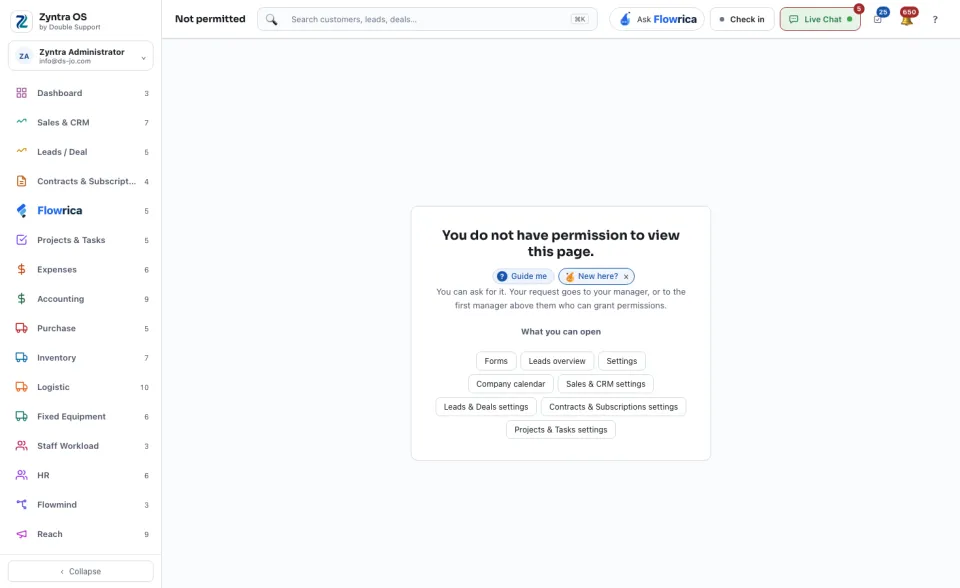
It opens by itself when a screen is not permitted to youWho
Everyone.The page says You do not have permission to view this page. Under it:
1
Read which permission the screen needs. That is the name an administrator looks for.
2
Ask for it from the same page. Your request goes to your manager, or to the first manager above them who can grant permissions. Nothing changes until they answer.
3
Or go on working: under What you can open are the screens you may open. Every one of them opens.
How a request is sent and answered: Ask for access, and answer a request