Zyntra OS
 Zyntra Legal
 Zyntra Real Estate
 Zyntra Hotel
 Zyntra E-commerce
 Zyntra Appointments
 Zyntra Repair
 Zyntra Garage
 Zyntra Concierge
 Zyntra Contracting
 Zyntra Clinic
 Zyntra Call Center
 Zyntra OTA
Where
Fixed Equipment › Operations › MaintenancesWho
Anyone allowed to see maintenance; adding and changing need their own rights.Open a job
1
Press + Add a job.
2
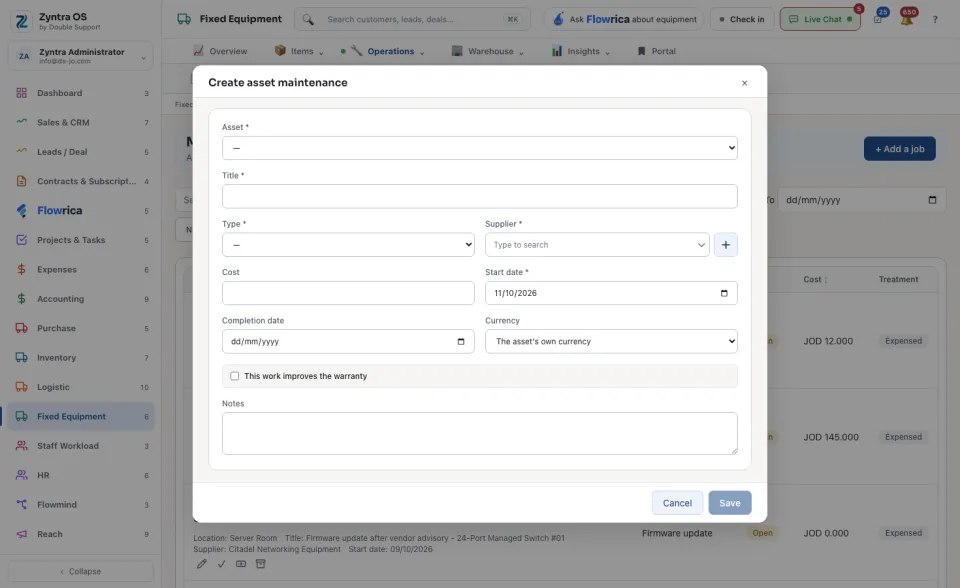
Choose the Asset, type a Title, and choose the Type and the Supplier doing the work. Add the Start date. These five are required.
3
Add the Cost and its Currency if you know them, and the Completion date when the work is done. Tick This work improves the warranty when it does.
4
Press Save.
The list
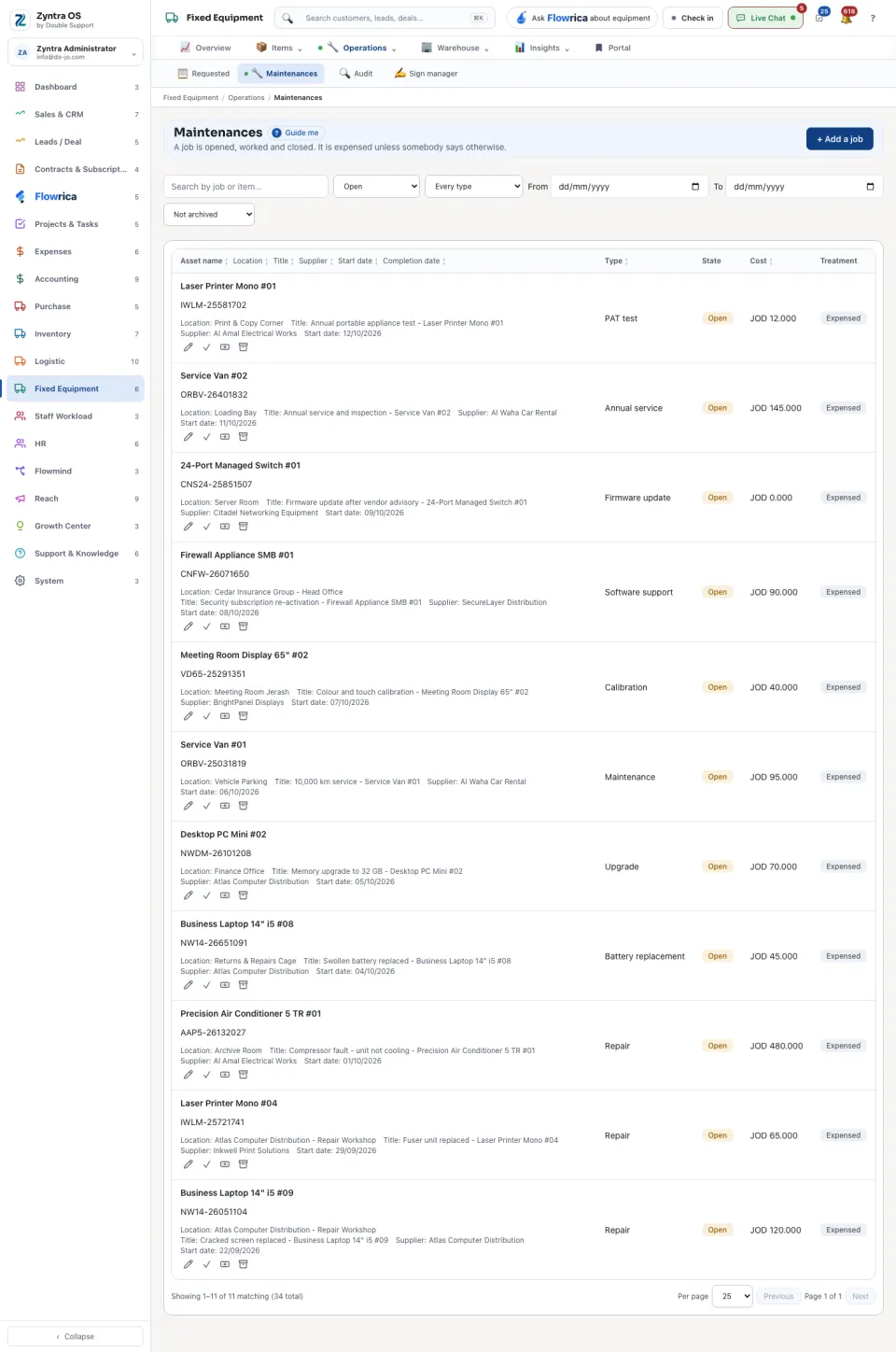
Each job shows its asset, title, supplier and dates, its Type, its State (Open or Closed), its Cost and its Treatment. Narrow the list to open or closed jobs, by type or by dates. On a row: Edit, Archive, and on an open job Close the job.
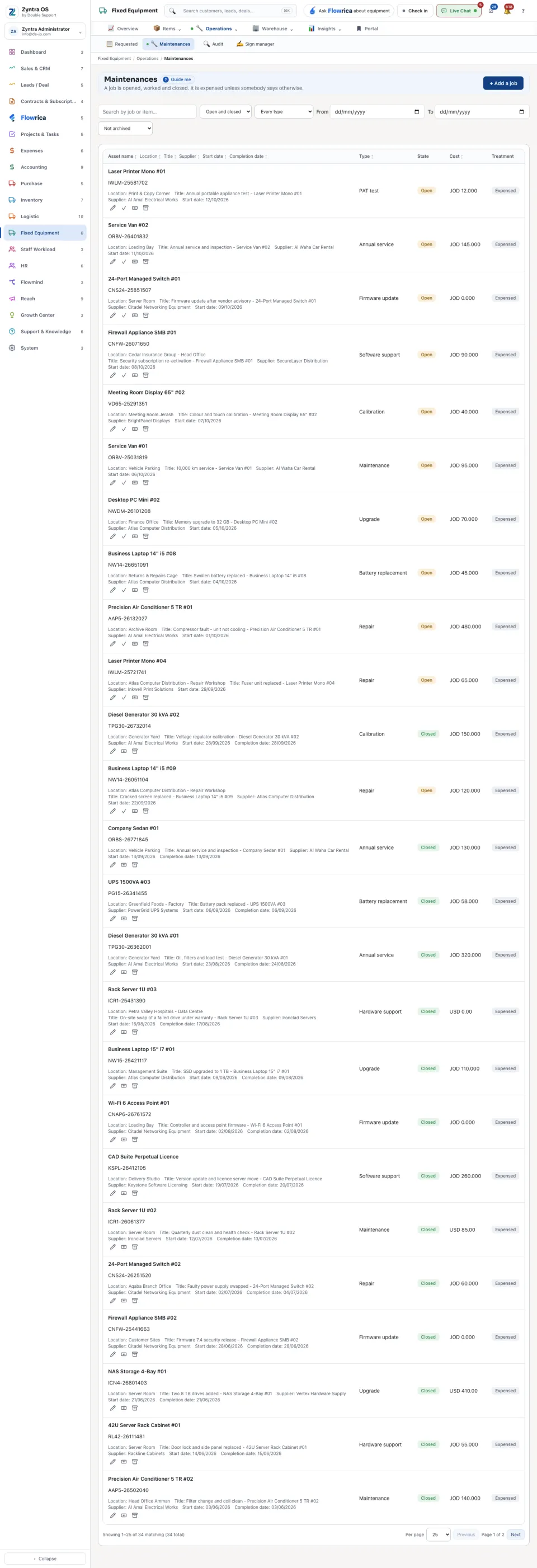
A job is Expensed until somebody presses Capitalise to the asset: that adds its cost to the asset’s value. The same jobs are on the asset’s History tab.