

 Zyntra OS
 Zyntra Legal
 Zyntra Real Estate
 Zyntra Hotel
 Zyntra E-commerce
 Zyntra Appointments
 Zyntra Repair
 Zyntra Garage
 Zyntra Concierge
 Zyntra Contracting
 Zyntra Clinic
 Zyntra Dental
 Zyntra School
 Zyntra University
 Zyntra Call Center
 Zyntra OTA
Where
Fixed Equipment › Items › AssetsWho
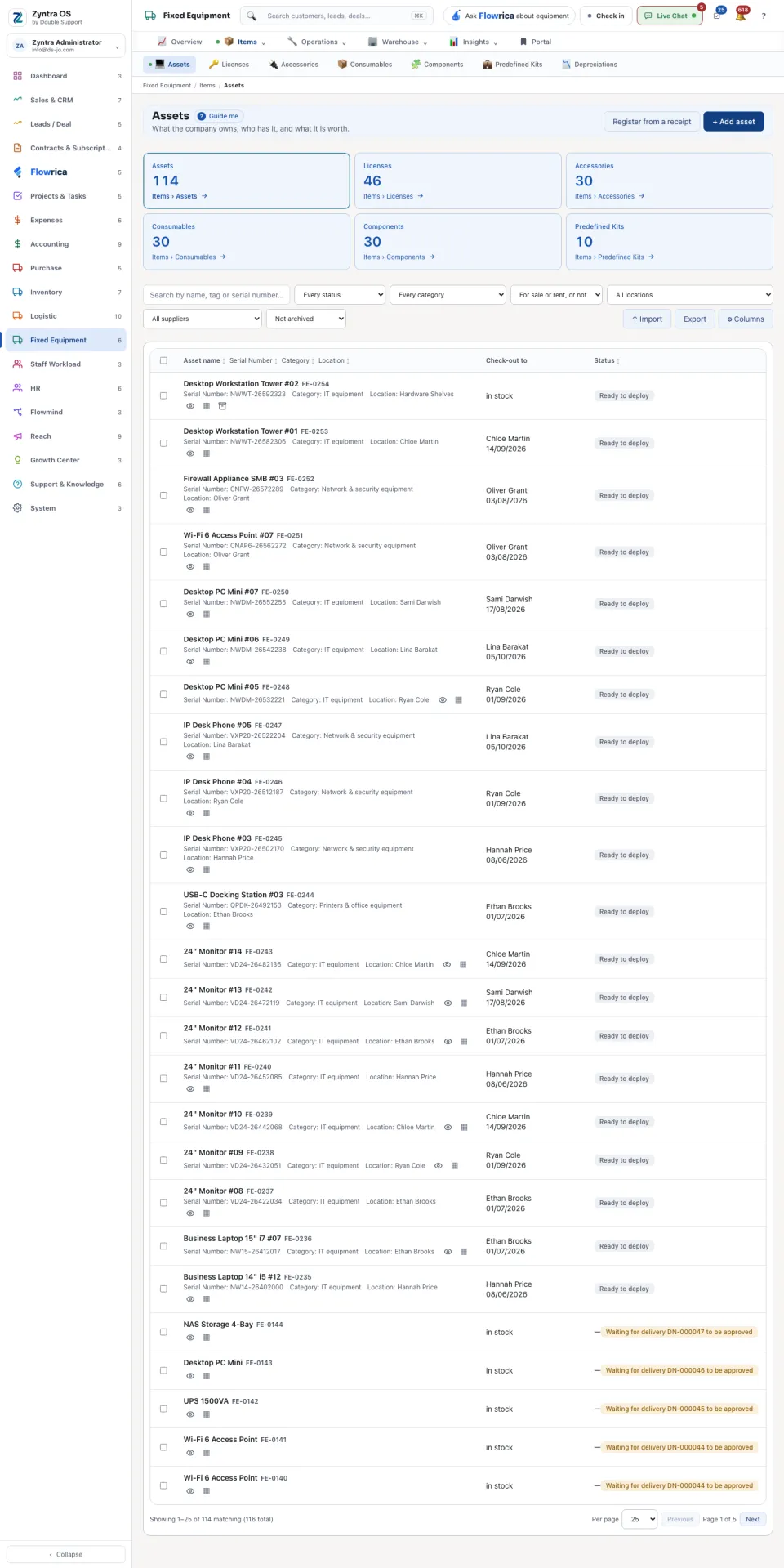
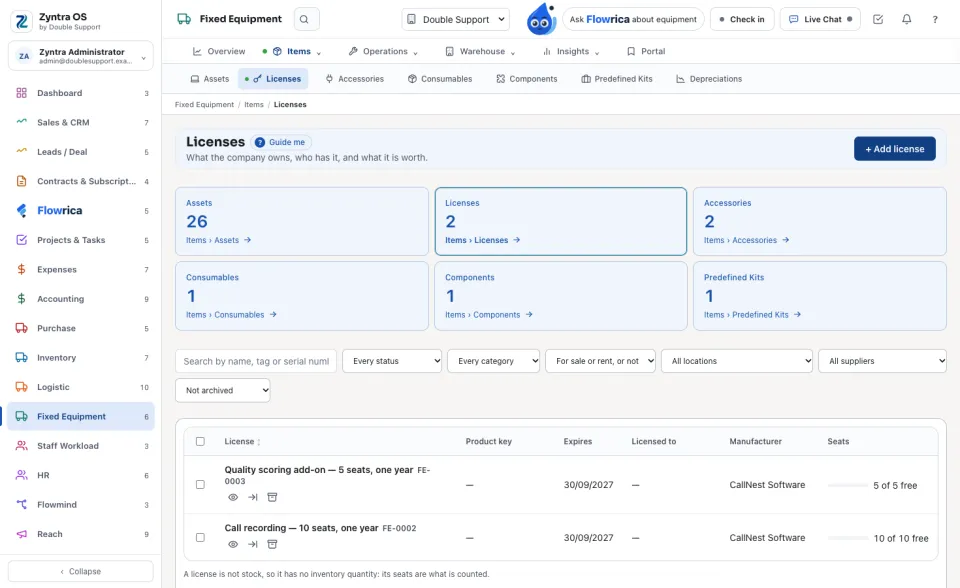
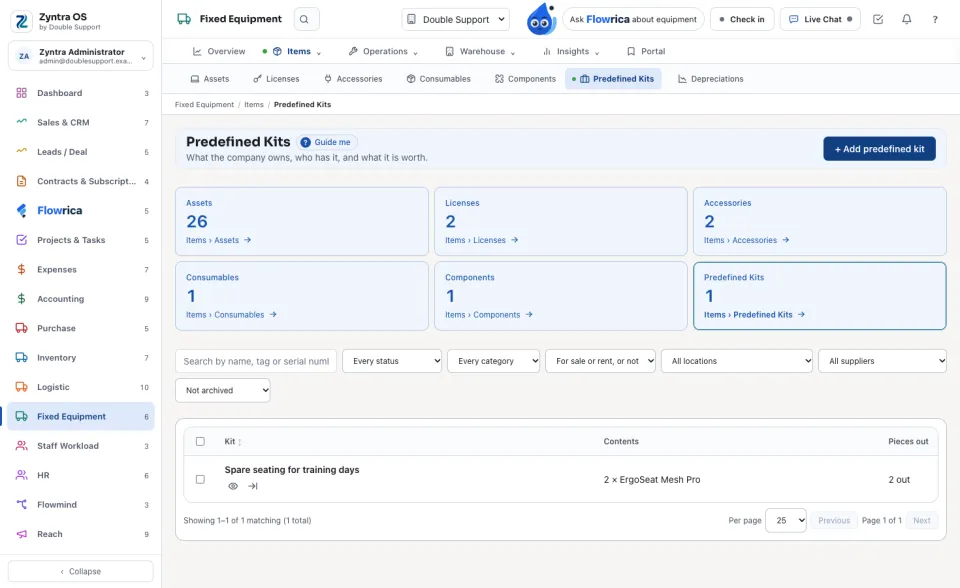
Anyone allowed to see assets; adding and changing need their own rights.Six tiles at the top count each kind: Assets, Licenses, Accessories, Consumables, Components and Predefined Kits. Press a tile to list that kind. Narrow the list by status, category, location or supplier, or search by name, tag or serial number. On a row: Open, Print QR label and Archive. Import, Export and Columns are above the table.
Add an asset
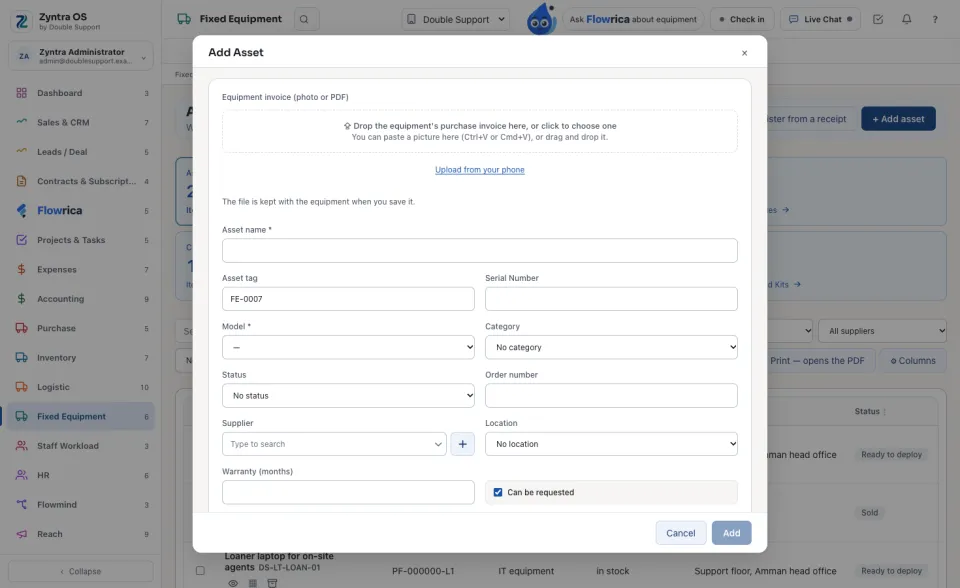
The model list is empty at first: add a model in the Fixed Equipment settings before the first asset. Register from a receipt is beside + Add asset.
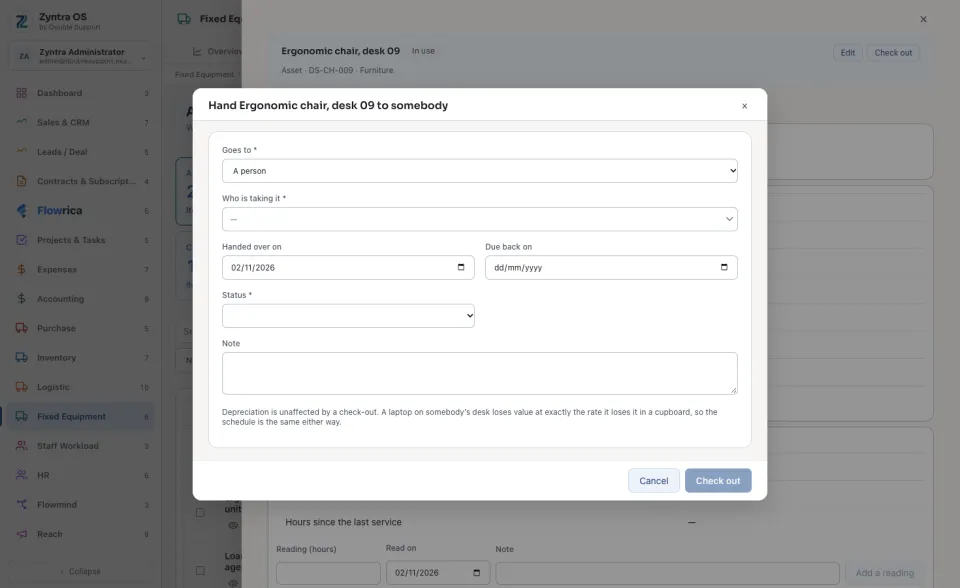
Hand it to someone
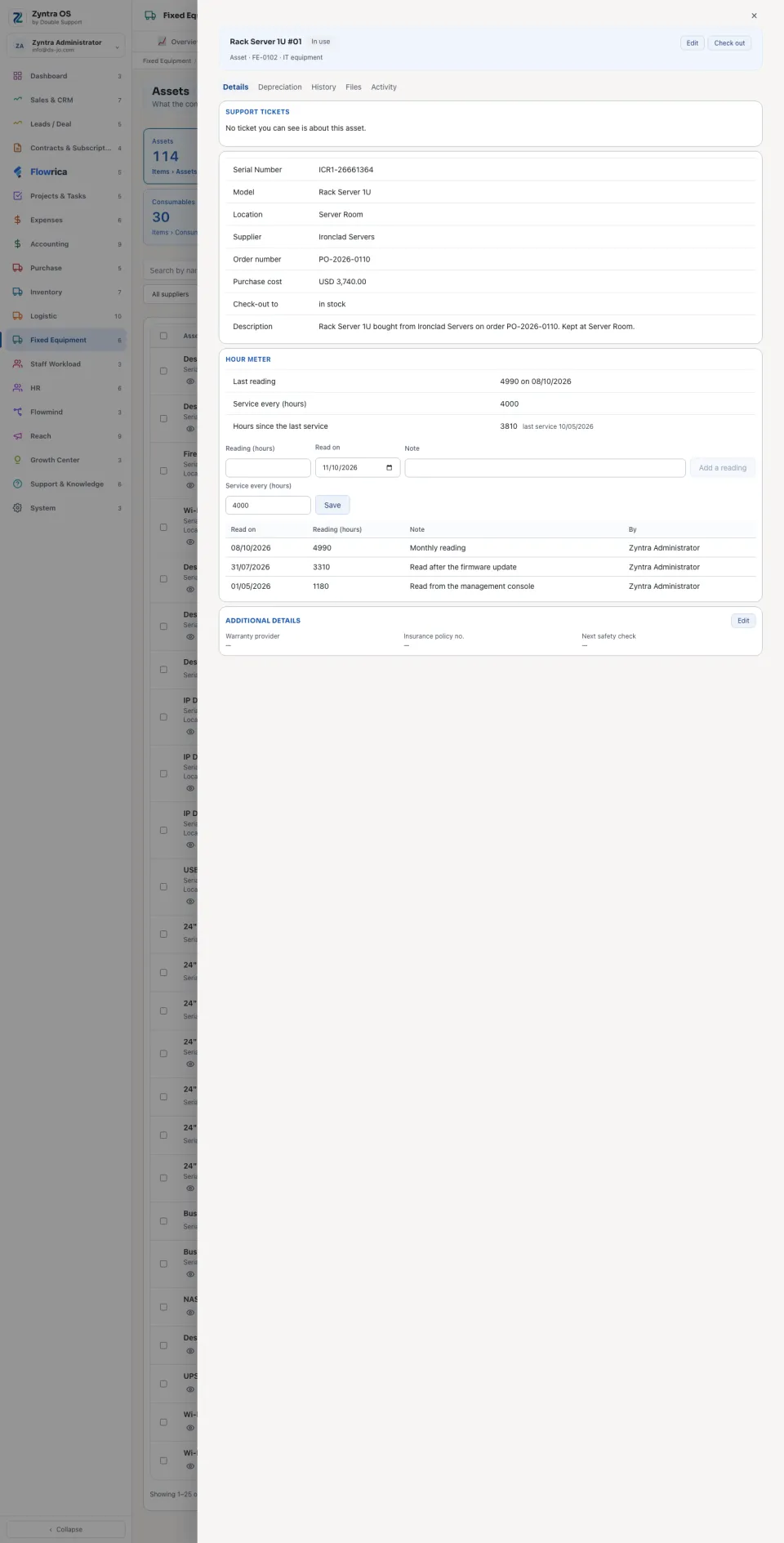
The asset’s tabs
| Tab | What it holds | What you can do there |
|---|---|---|
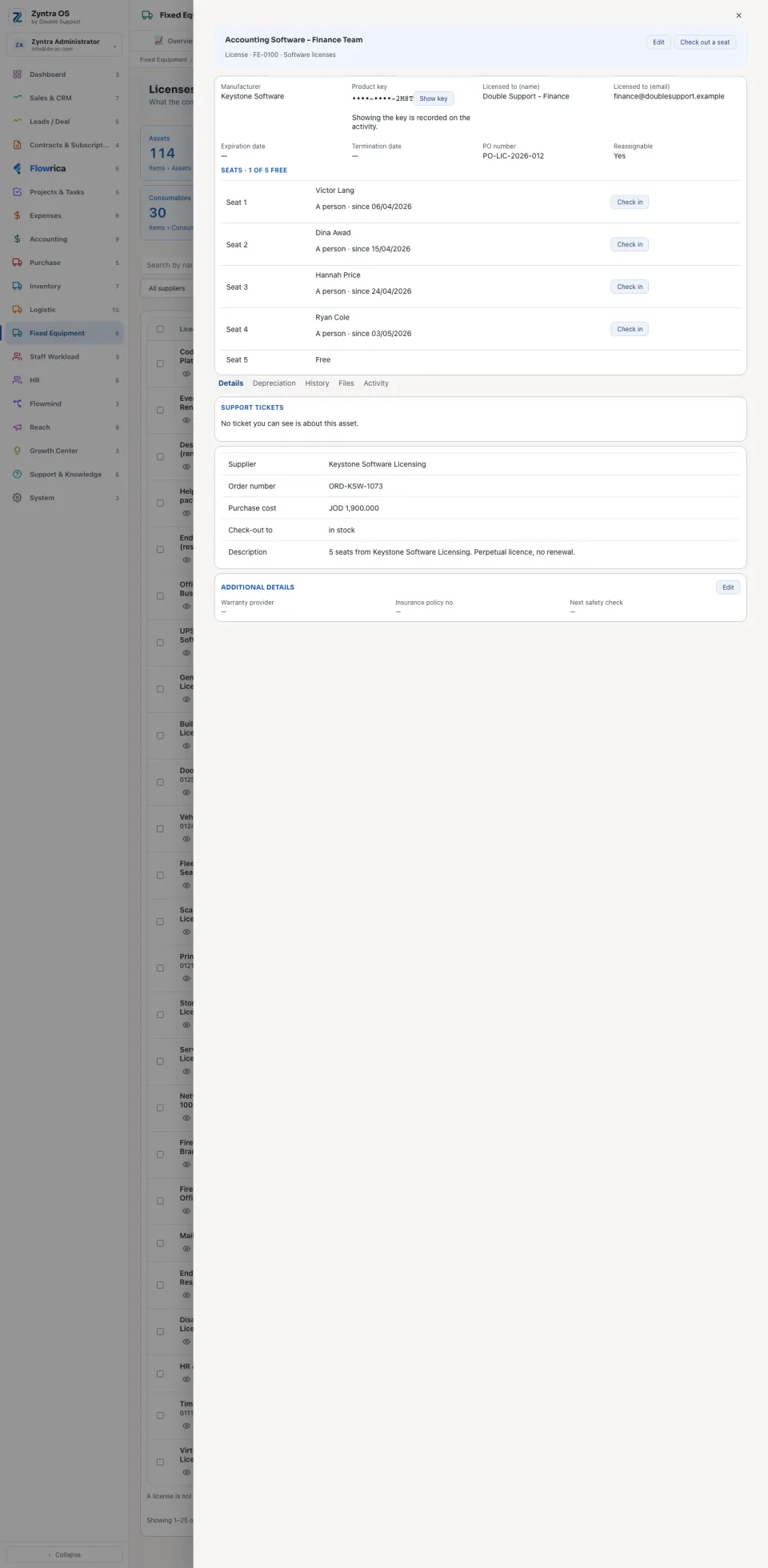
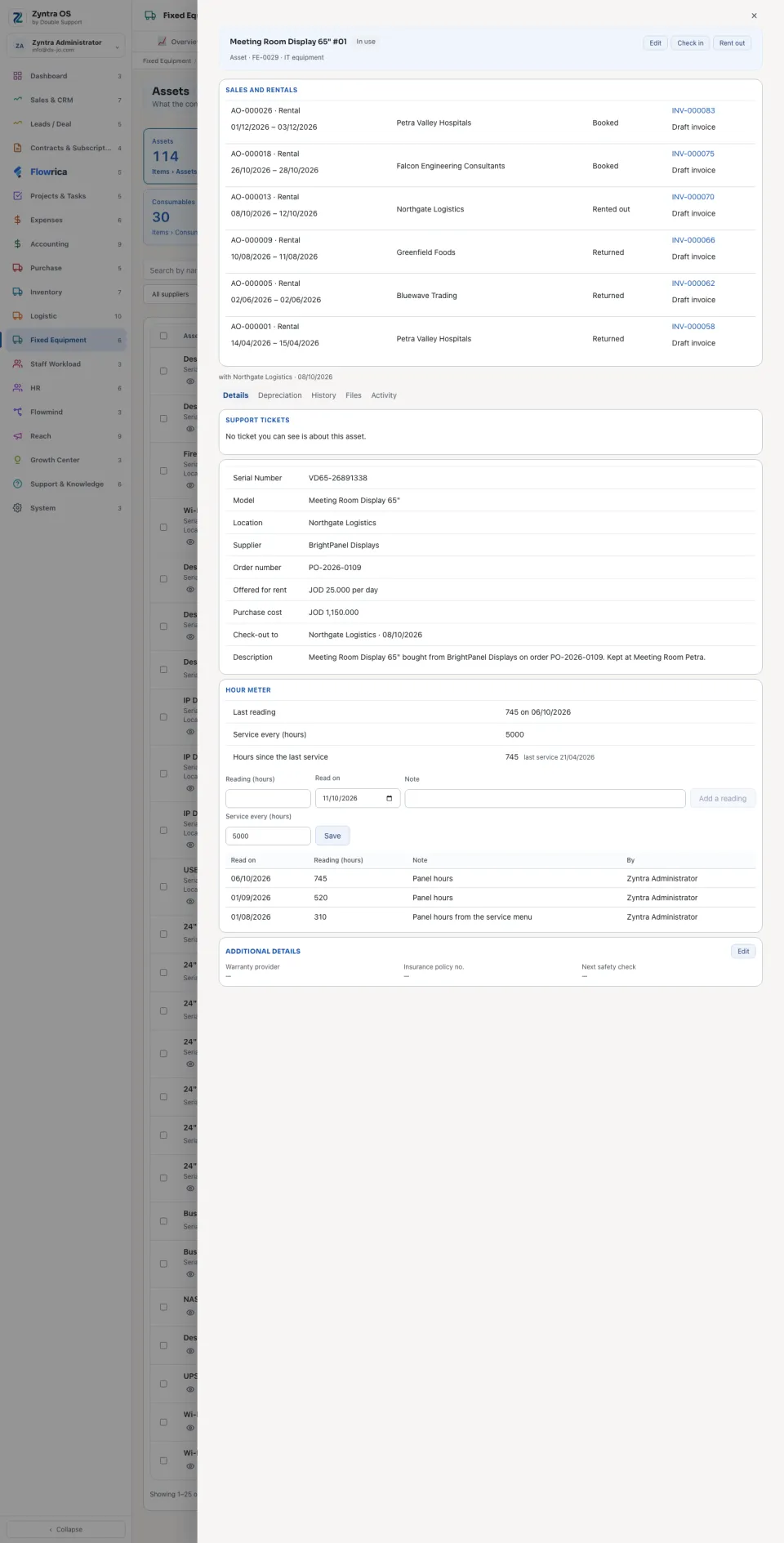
| Details | Serial number, model, location, supplier, order number, purchase cost and who has it now; the Support tickets about it; its Hour meter. | Add a reading; set Service every (hours). |
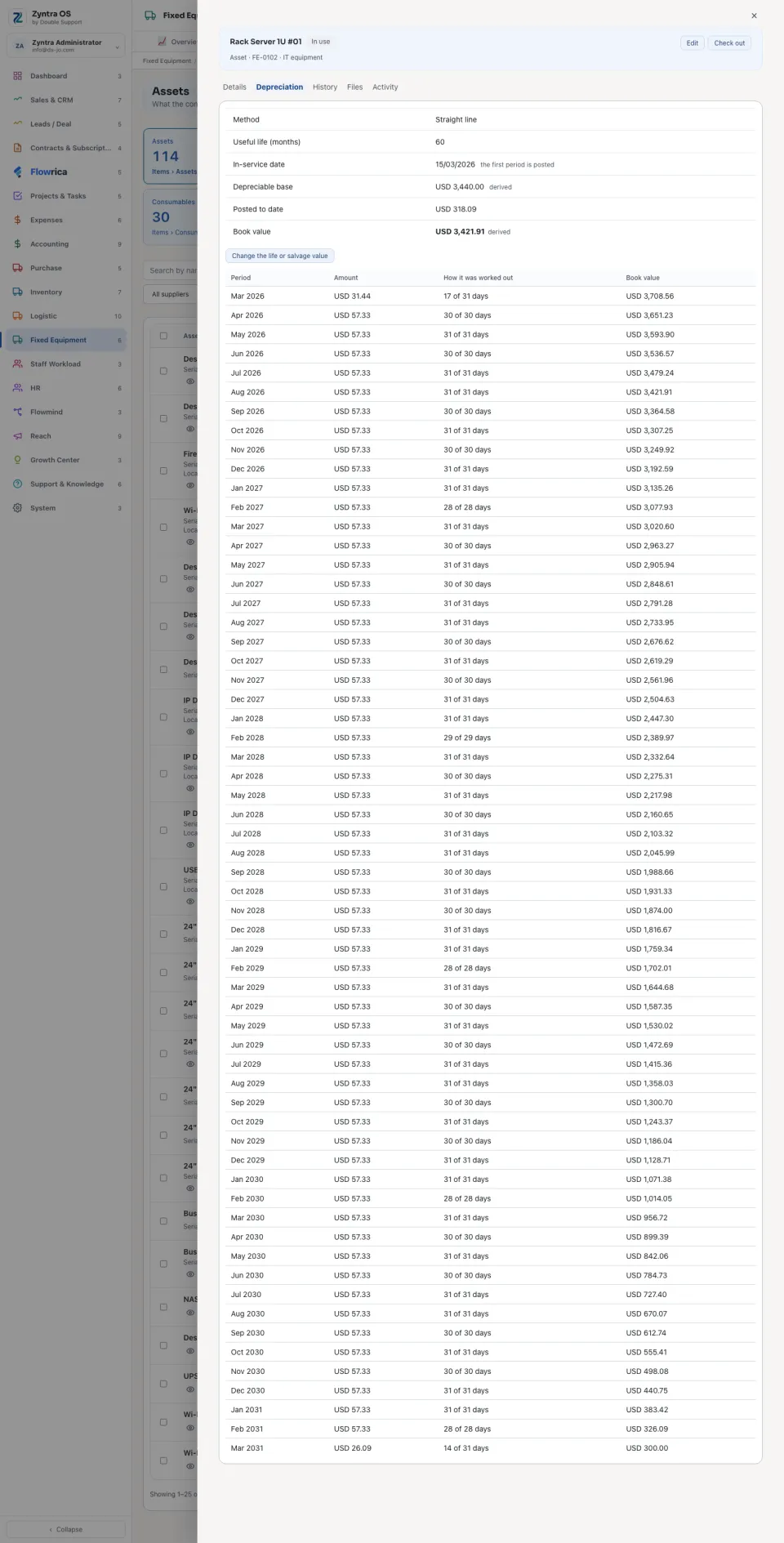
| Depreciation | Method, useful life, Depreciable base, Posted to date, Book value, and the schedule month by month. It says what is missing when the asset cannot be depreciated yet. | Change the life or salvage value. |
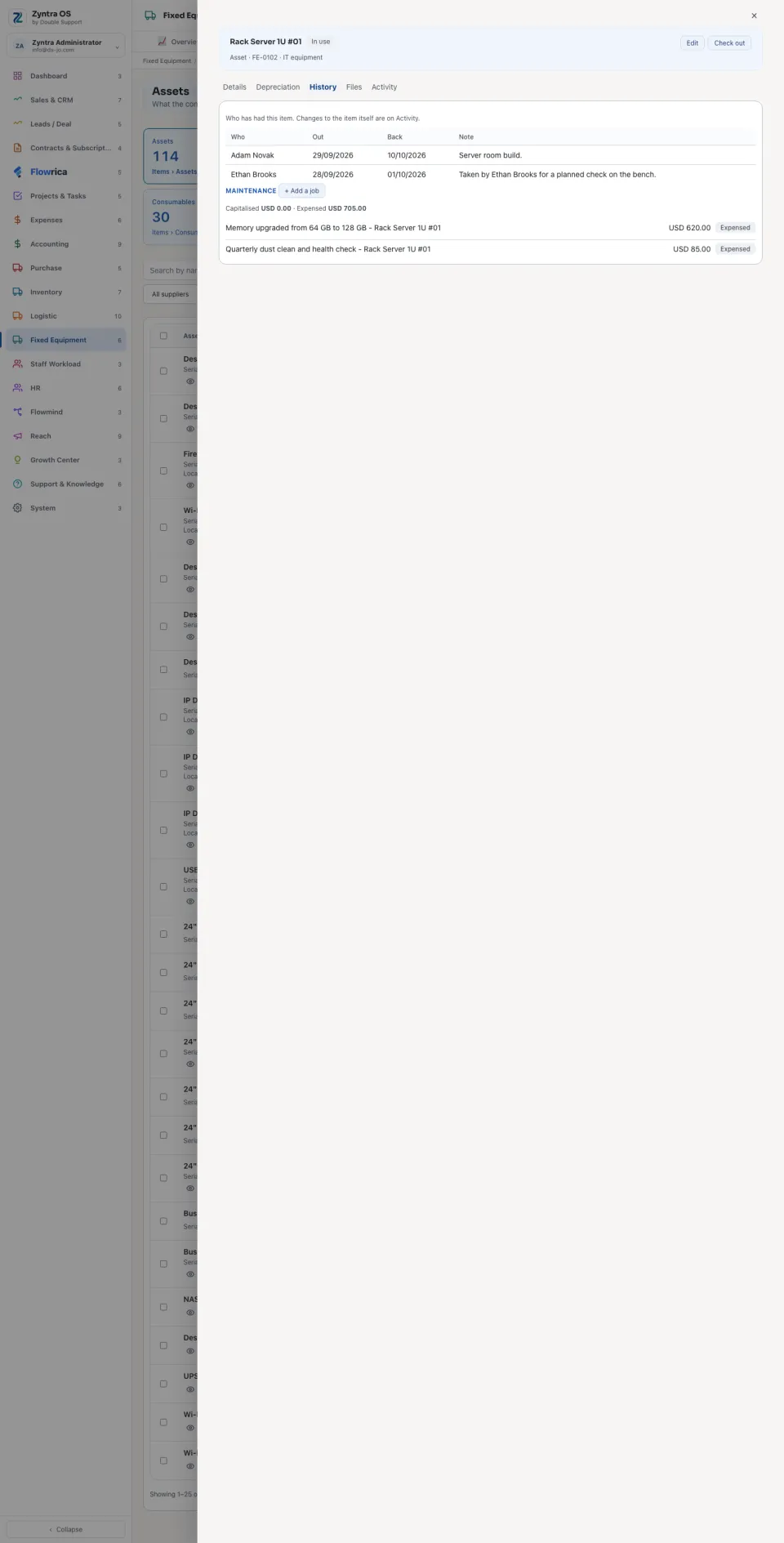
| History | Who has had it, with the day out and the day back; its maintenance jobs, with what was Capitalised and what was Expensed. | + Add a job. |
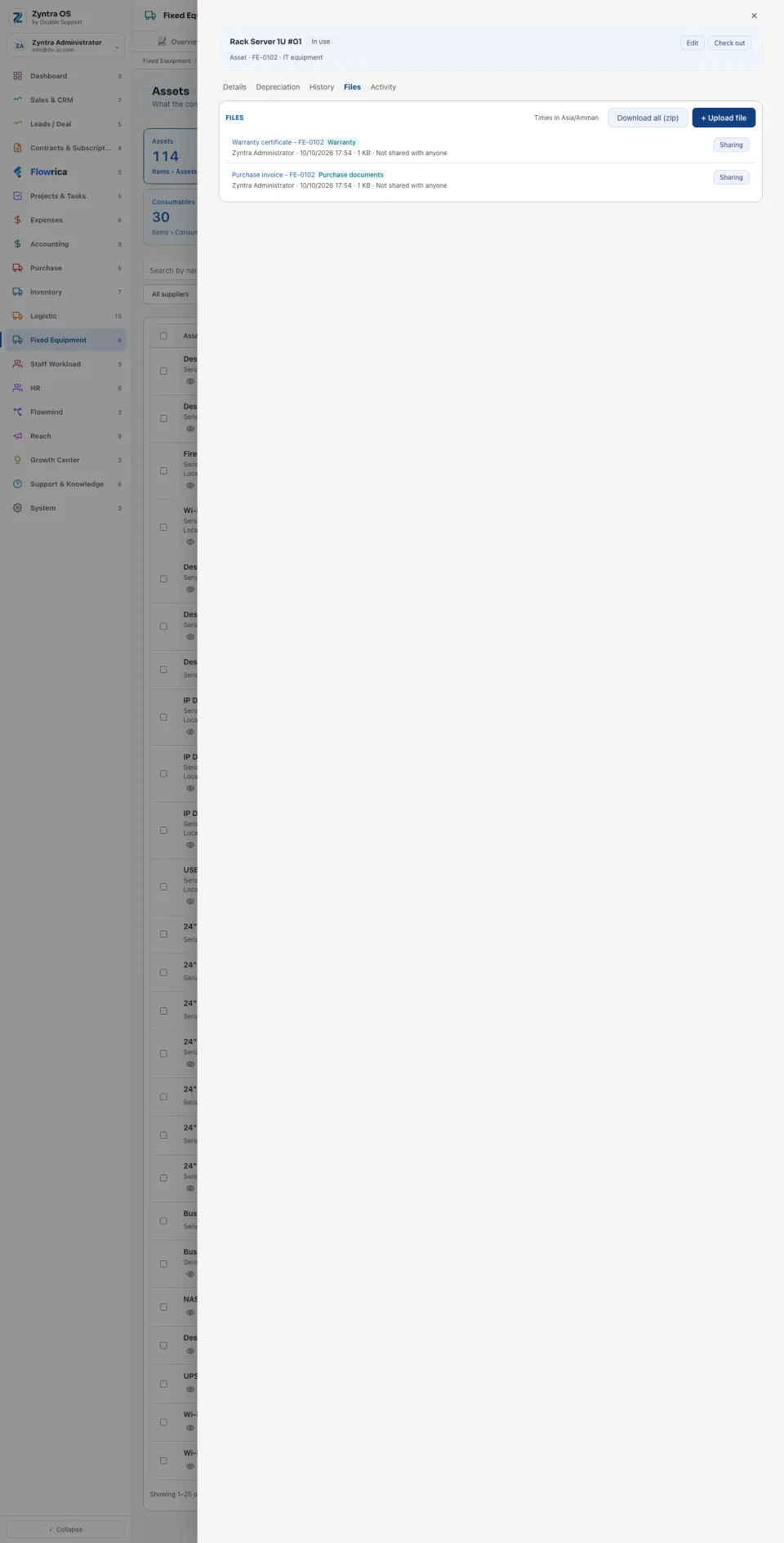
| Files | Files kept with the asset. | + Upload file. |
| Activity | Every change to the asset, with who made it and when. | + Log activity. |
The other kinds
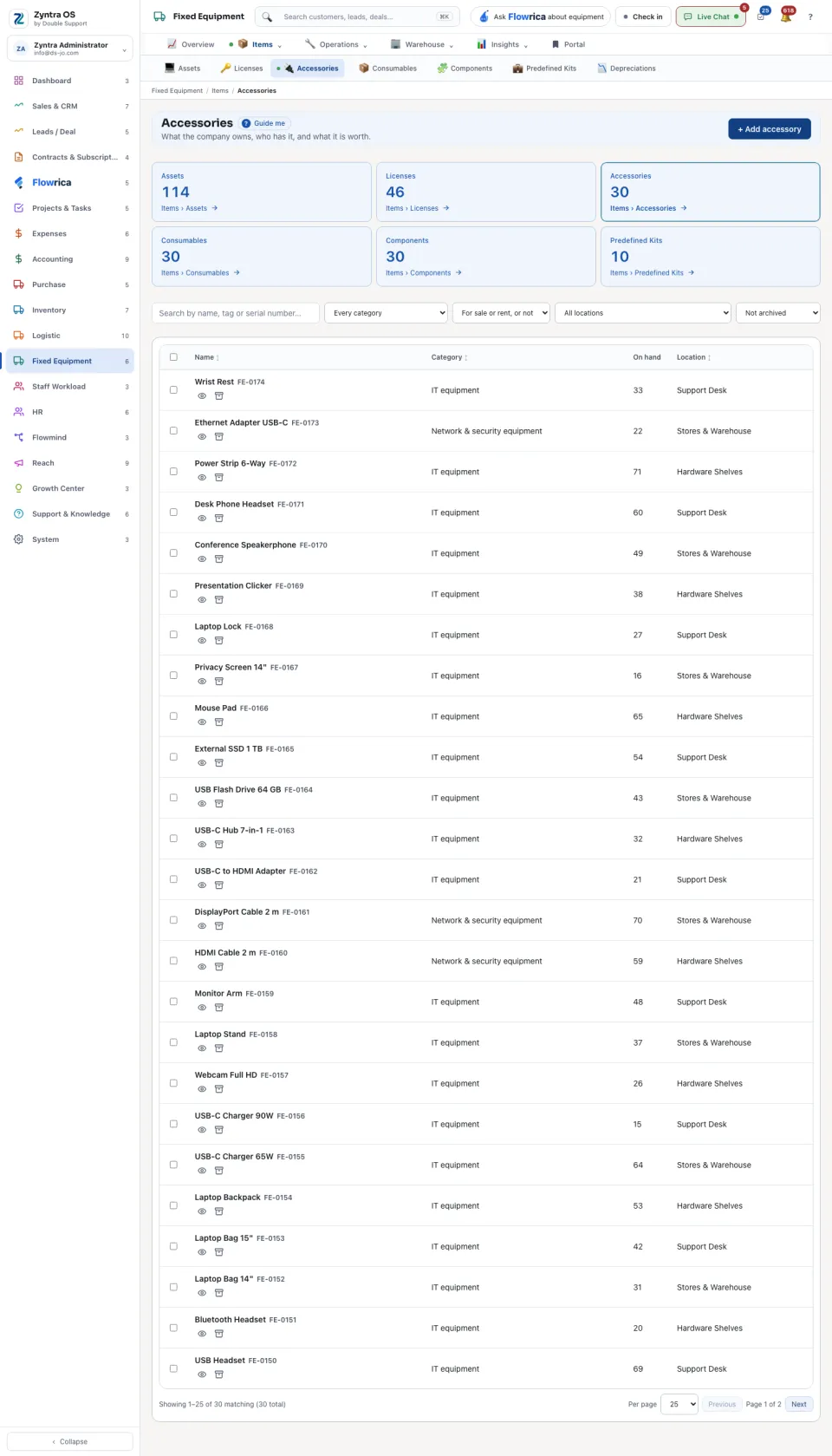
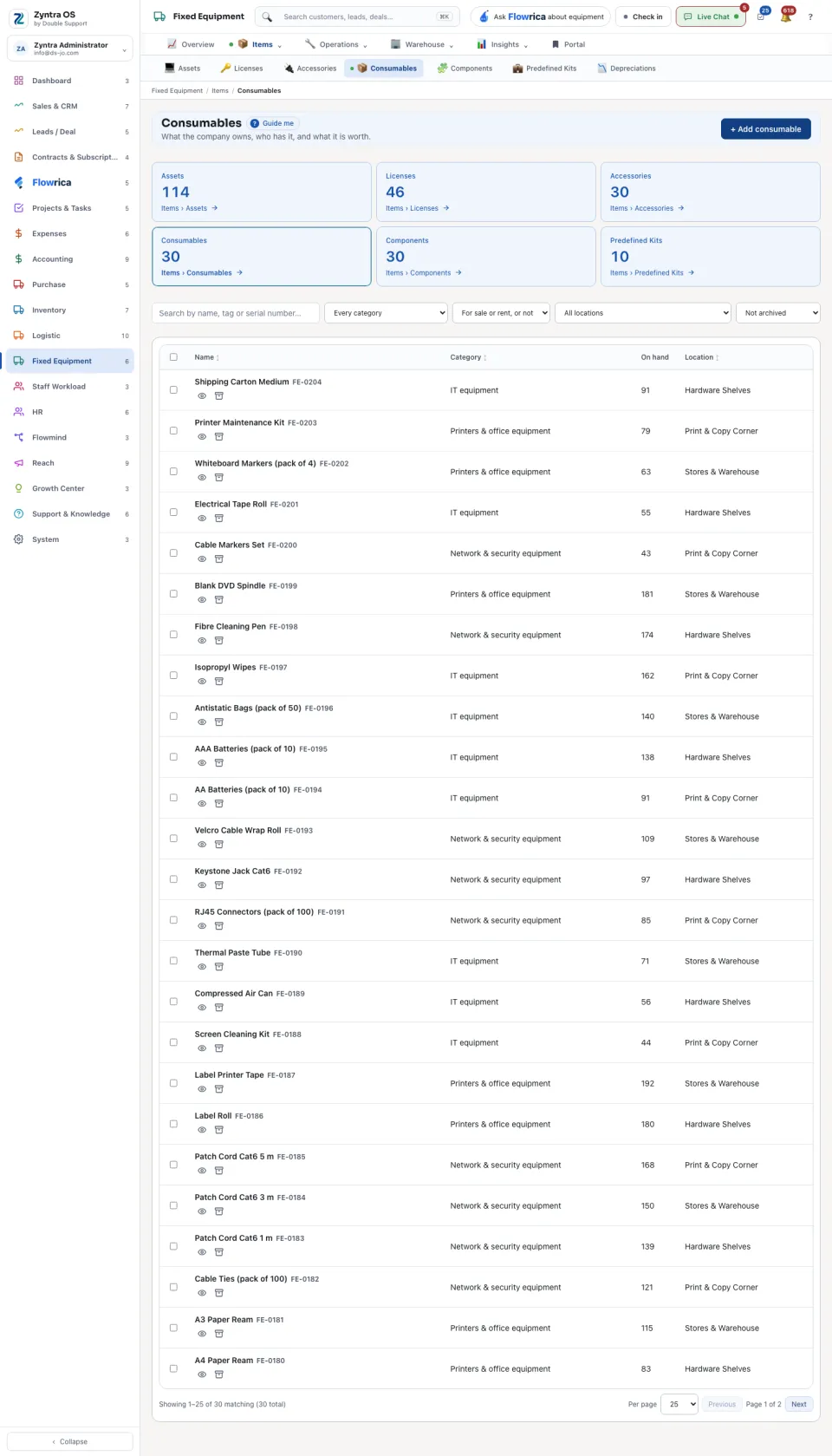
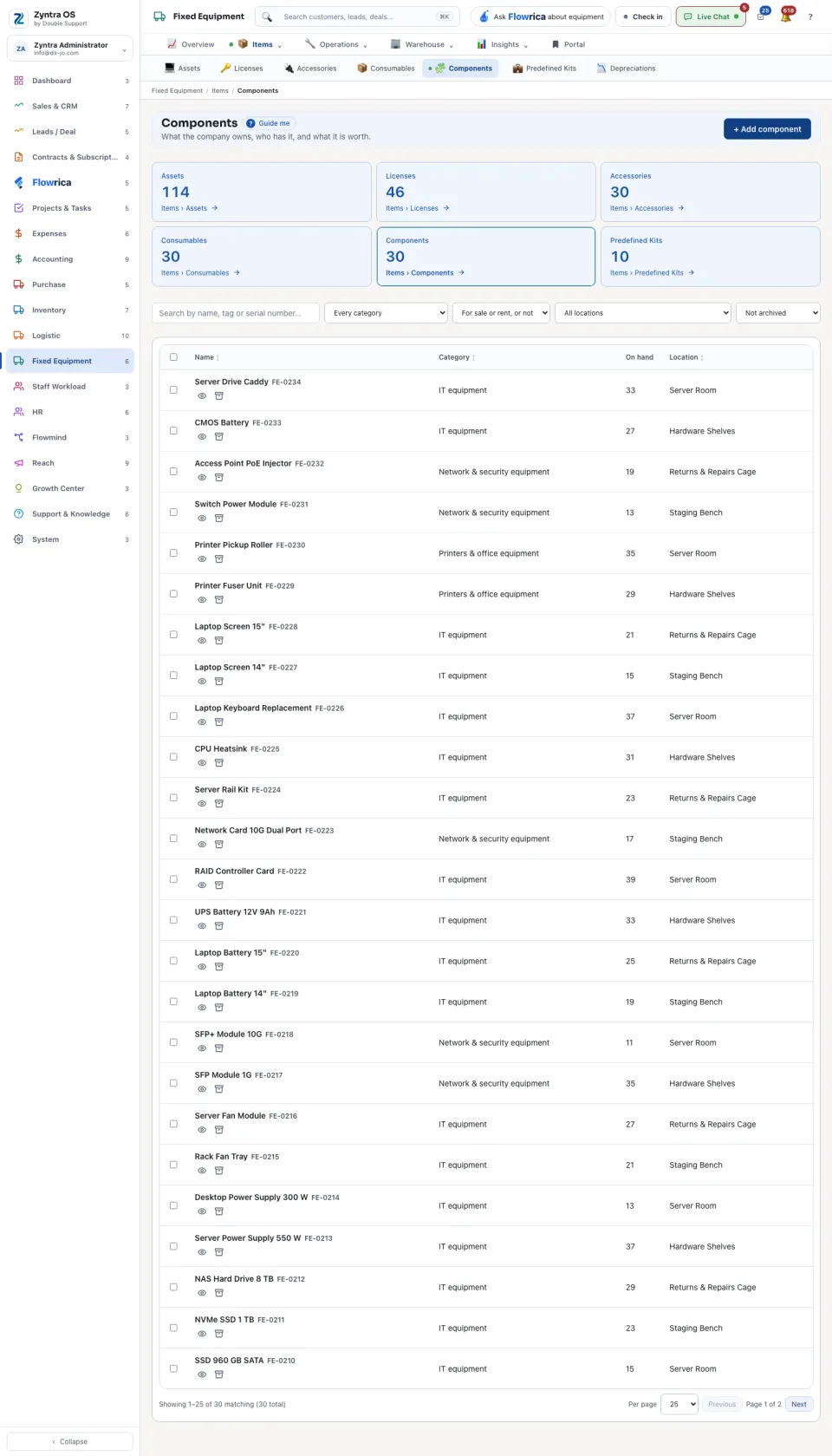
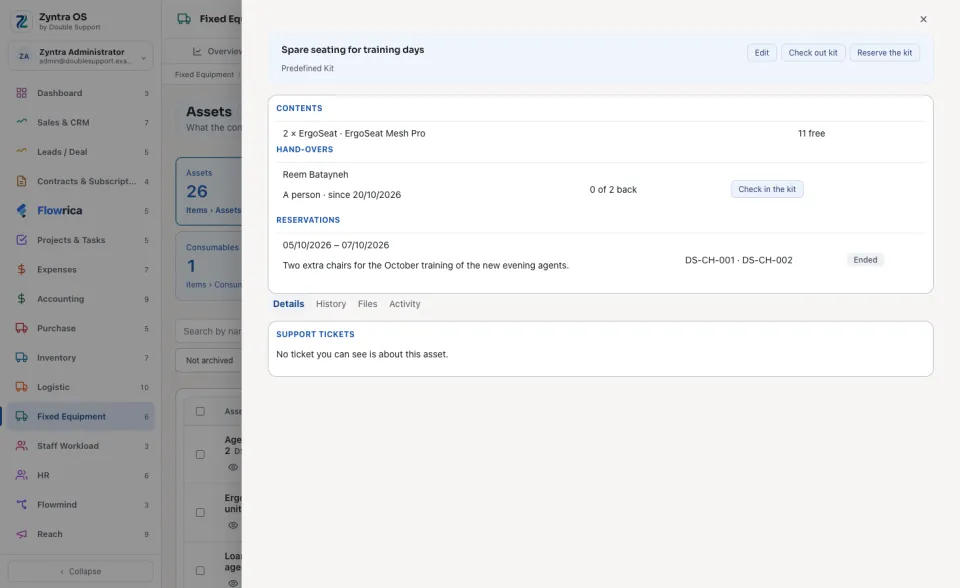
Licenses, Accessories, Consumables, Components and Predefined Kits each have their own row in the menu. Each opens this same list showing its own kind, and an item opens like an asset, with the tabs its kind needs. A license is handed out seat by seat with Check out a seat, and Show key shows its product key. A kit goes out whole with Check out kit, or is held for someone with Reserve the kit.
With Flowrica
From this screen Flowrica can make it with you, one question at a time: Add an asset, Open a maintenance job or Request an item. Nothing is saved until you press the form’s own button. You can also ask her, for example: “How many items of each kind do we have?”
Offered for sale and Offered for rent mark an item customers may buy or rent — see Equipment on the portal.
A counted item (an accessory, a consumable or a component) is put on the register over an Inventory item shared by every company or of the company the row is for: the Inventory item box offers only those. Its On hand and its shelves are read from that company's warehouses that you may see. The asset lists in Settings (statuses, categories, kinds, job types, manufacturers and models) are shared by every company, so they are changed only by someone who works in every company.
An asset is added, edited, checked out, checked in or moved only with a status, category and place still in the list. A choice switched off in Settings or Locations since the form opened is refused under its box: «That choice is switched off or removed. Choose another one from the list.» An edit that keeps the asset's own status, category or place is never refused for it, and an asset comes back to the place it went out to or to its own home even when that place was switched off since.
Questions
Where is “Your equipment” in Zyntra OS?
Fixed Equipment › Items › Assets
Who can use “Your equipment”?
Anyone allowed to see assets; adding and changing need their own rights.