

 Zyntra OS
 Zyntra Legal
 Zyntra Real Estate
 Zyntra Hotel
 Zyntra E-commerce
 Zyntra Appointments
 Zyntra Repair
 Zyntra Garage
 Zyntra Concierge
 Zyntra Contracting
 Zyntra Clinic
 Zyntra Call Center
 Zyntra OTA
Where
The event's Join the meeting link, on Dashboard › My Space › My CalendarWho
Anyone who may see the calendar.1
Open the event on your calendar and press Join the meeting. The screen Meeting opens with the event's name and time.
2
Press Join. Allow the browser to use your microphone and camera when it asks.
3
In the meeting, Mute and Unmute switch your microphone, and Turn camera on and Turn camera off switch your camera. Until somebody else comes, the screen says nobody else has joined yet.
4
Press Leave when you are done. Back to the calendar returns to your calendar.
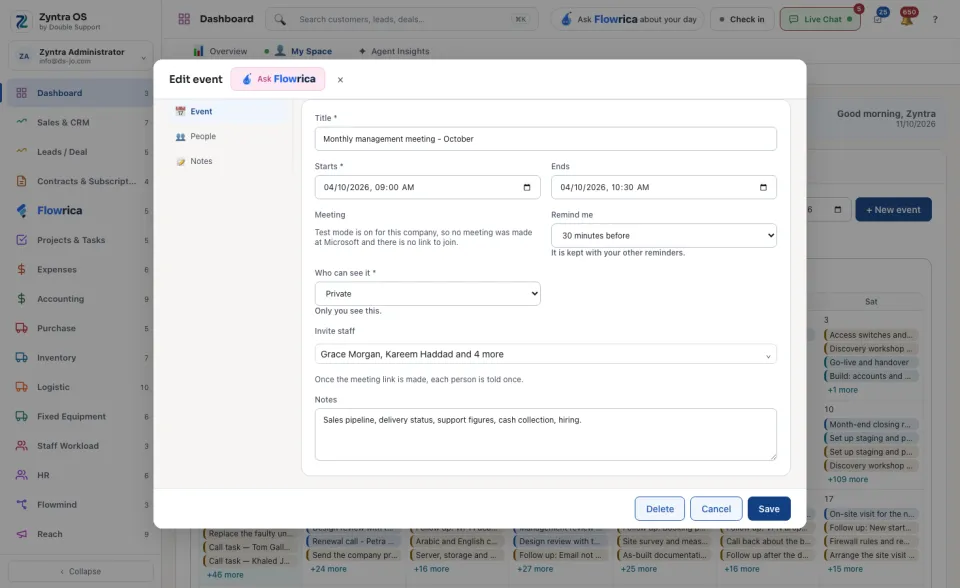
If joining fails, check that the browser may use your microphone and camera, then try again. When test mode is on for the company, no meeting is made and there is nothing to join; the screen says so.
To put a meeting on an event, see Calendar events.