Zyntra OS
 Zyntra Legal
 Zyntra Real Estate
 Zyntra Hotel
 Zyntra E-commerce
 Zyntra Appointments
 Zyntra Repair
 Zyntra Garage
 Zyntra Concierge
 Zyntra Contracting
 Zyntra Clinic
 Zyntra Call Center
 Zyntra OTA
Where
Dashboard › My SpaceWho
Everyone, for their own work. A tab you have no access to is not shown.The row of tabs
The screen opens on My Day. Beside it, always in sight, are My To Do and My Reminders, each with a count of what is still open. Then come three groups, My work, Me and Inbox: press a group's name to see its tabs. My Calendar stands last, on its own.
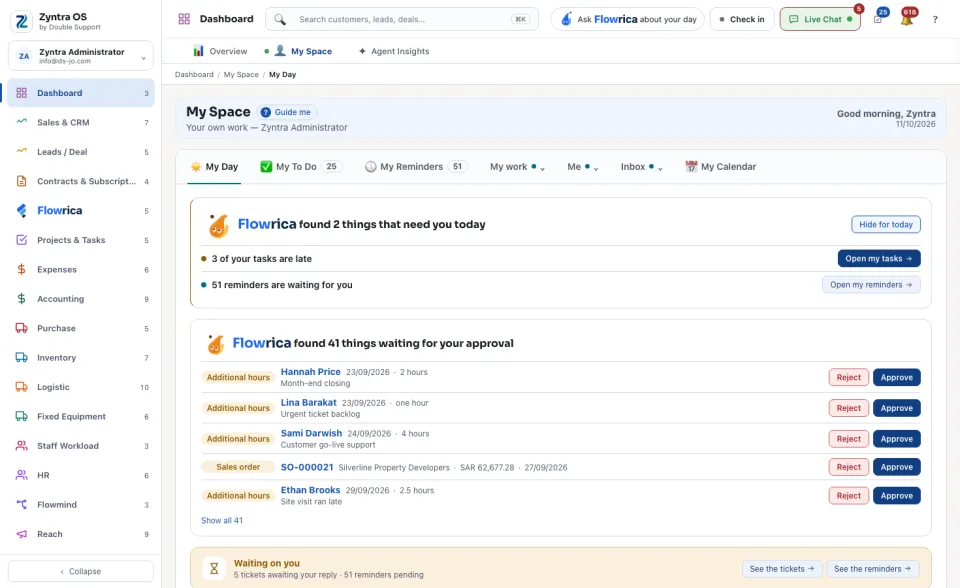
My Day
If people report to you, what they flagged is listed under Raised to you. Press Clear once you have dealt with it; it stays on record.
The other tabs
| Group | Tab | What you see and do |
|---|---|---|
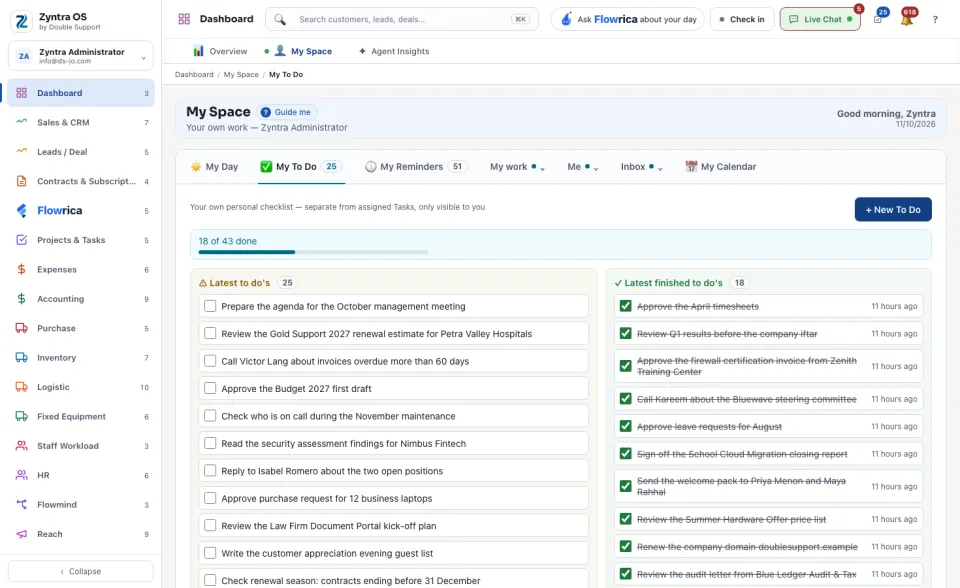
| Always in sight | My To Do | Your own checklist, seen only by you. + New To Do adds an item; tick it when it is done. |
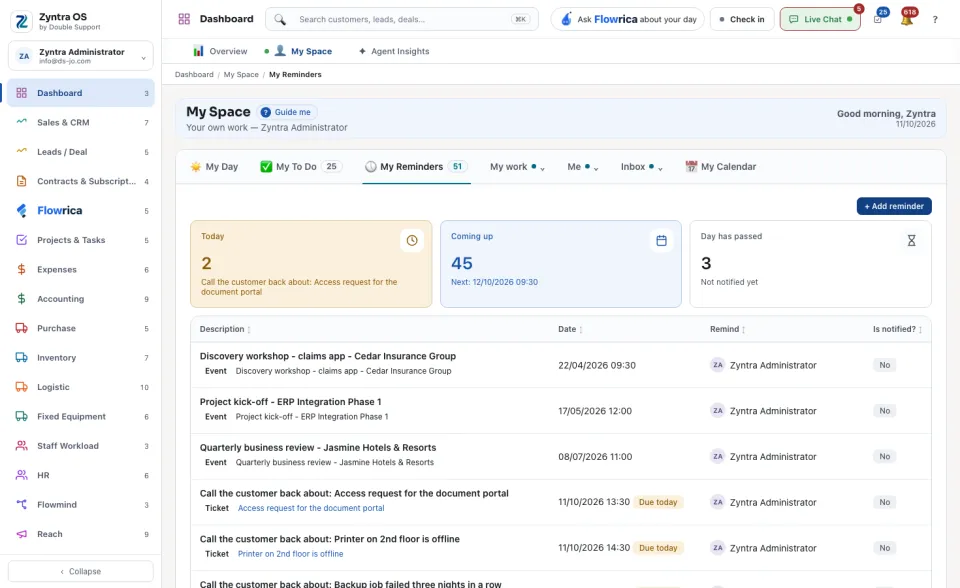
| My Reminders | The reminders set on records for you, for today, coming up and already passed. + Add reminder adds one. | |
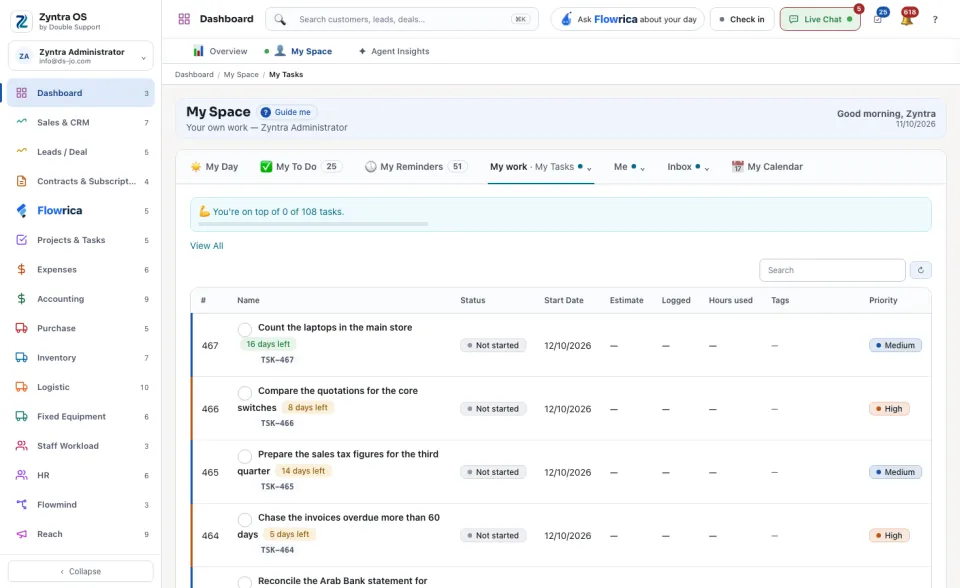
| My work | My Tasks | The tasks assigned to you, with status, dates and hours. View All opens the full task list. |
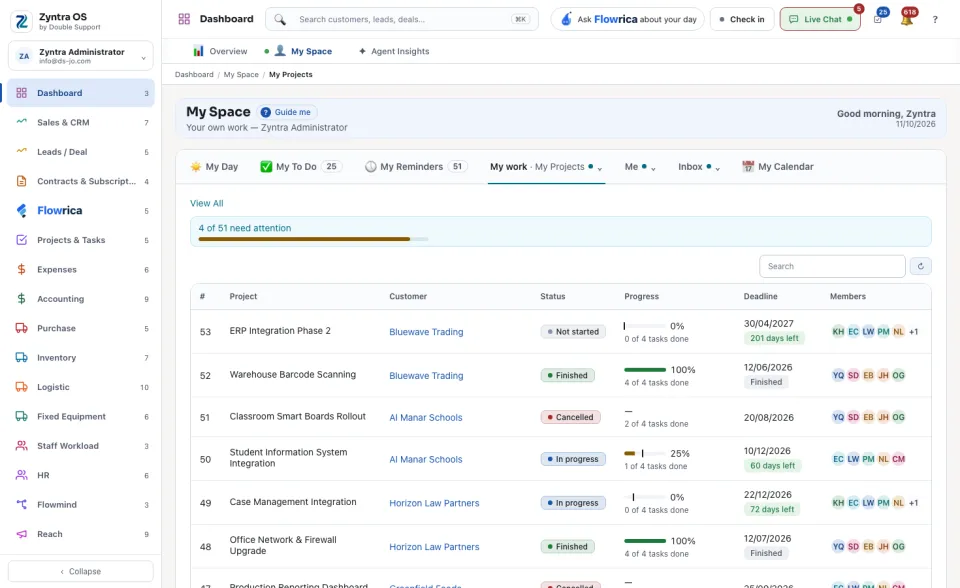
| My Projects | The projects you are a member of, with progress and deadline. | |
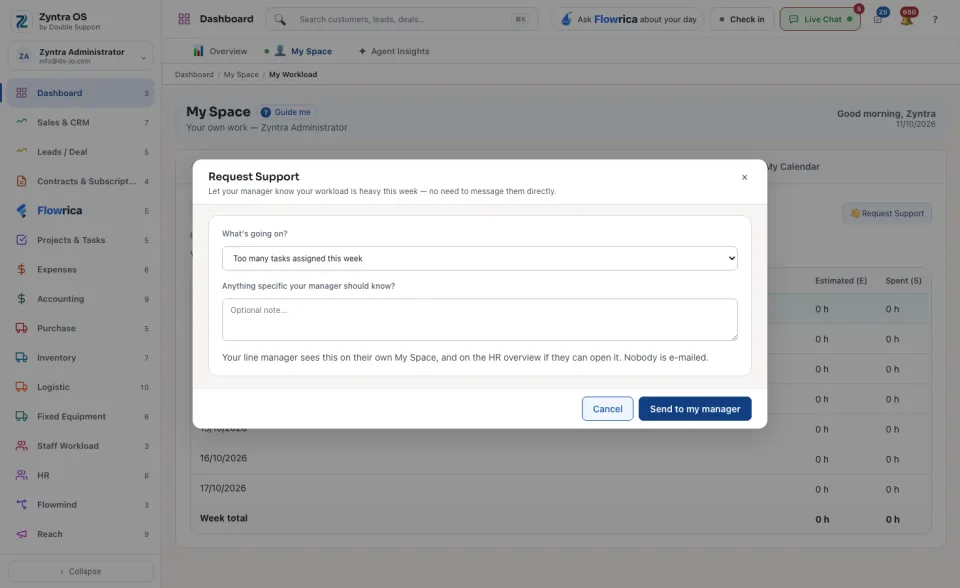
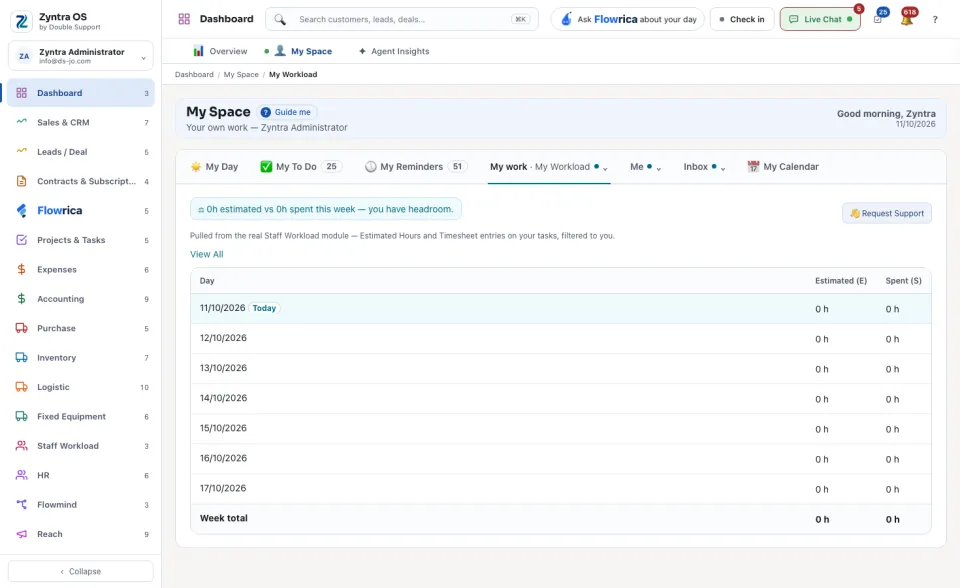
| My Workload | Your estimated and spent hours for each day of the week. Request Support tells your manager the week is too heavy. | |
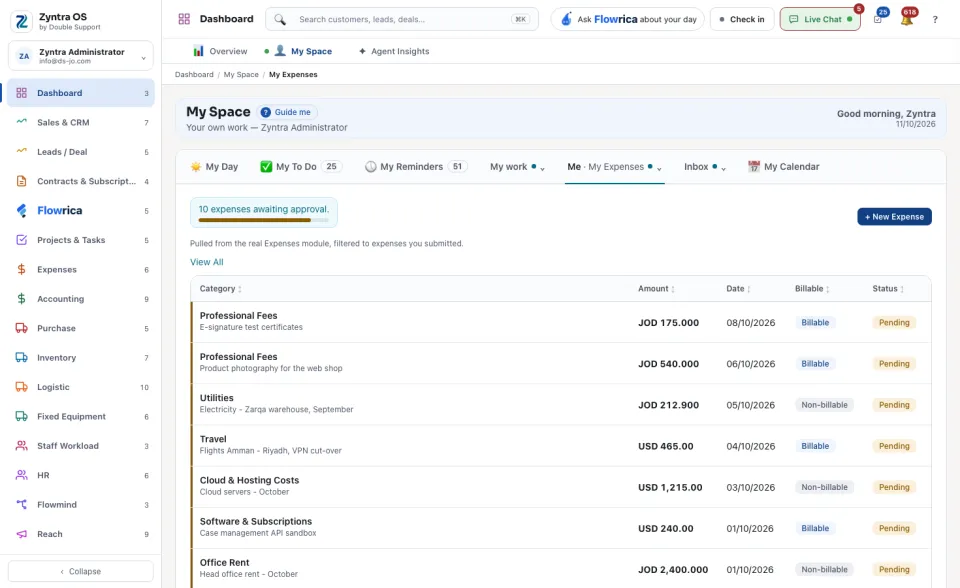
| Me | My Expenses | The expenses you submitted and where each one stands. + New Expense adds one. |
| My Assets | The equipment handed over to you and not yet returned. Sign for it confirms you received an item. Hand-over documents waiting for your signature are listed first: Sign opens one. | |
| My Time Off | Your leave balance for each leave type and your requests. + Request Time Off asks for leave. | |
| Inbox | Your own mailbox inside Zyntra, when one is connected. | |
| Teams | Your Teams chats and channels, when your company uses Teams. | |
| Tickets | The support tickets assigned to you. | |
| Announcements | Announcements to the team. | |
| Latest Activity | What you did lately, day by day. |
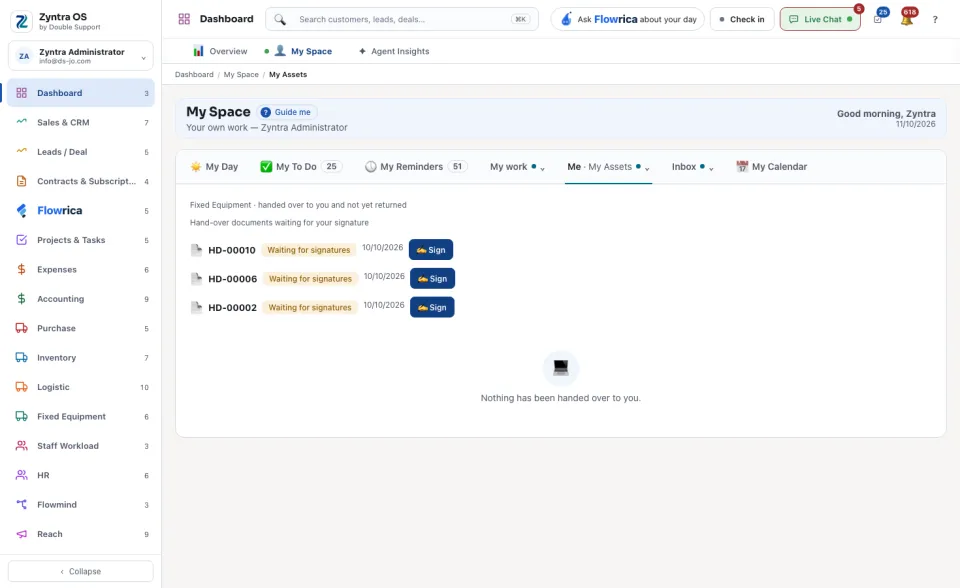
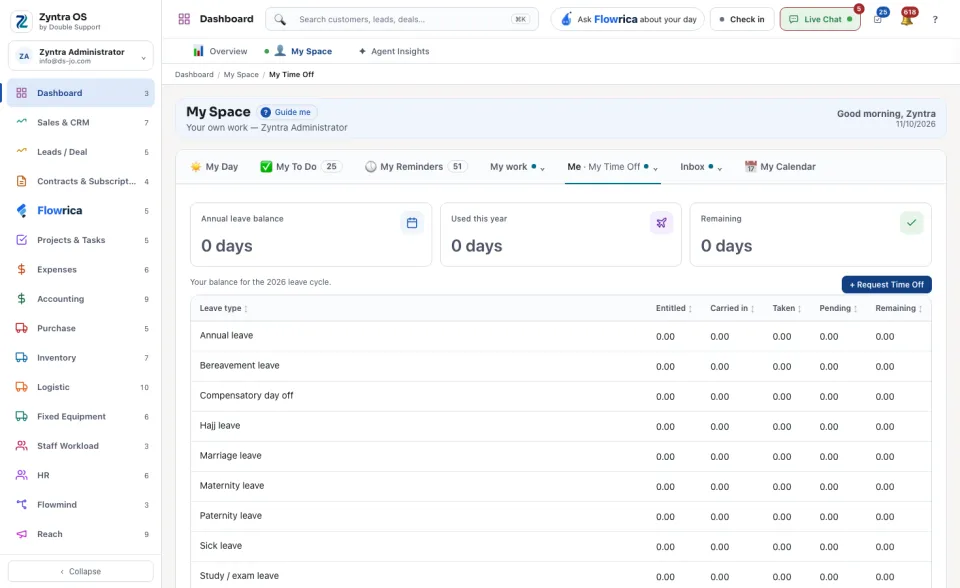
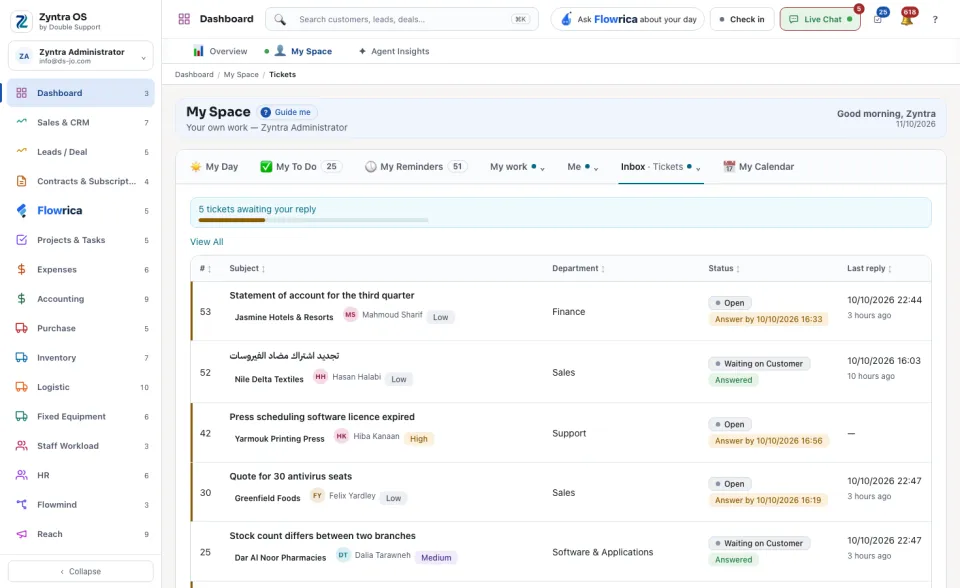
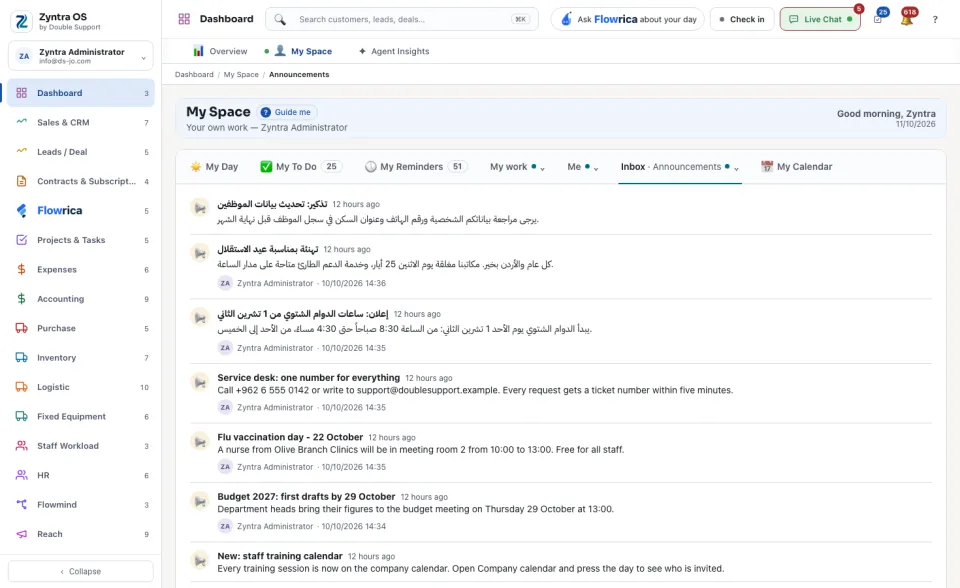
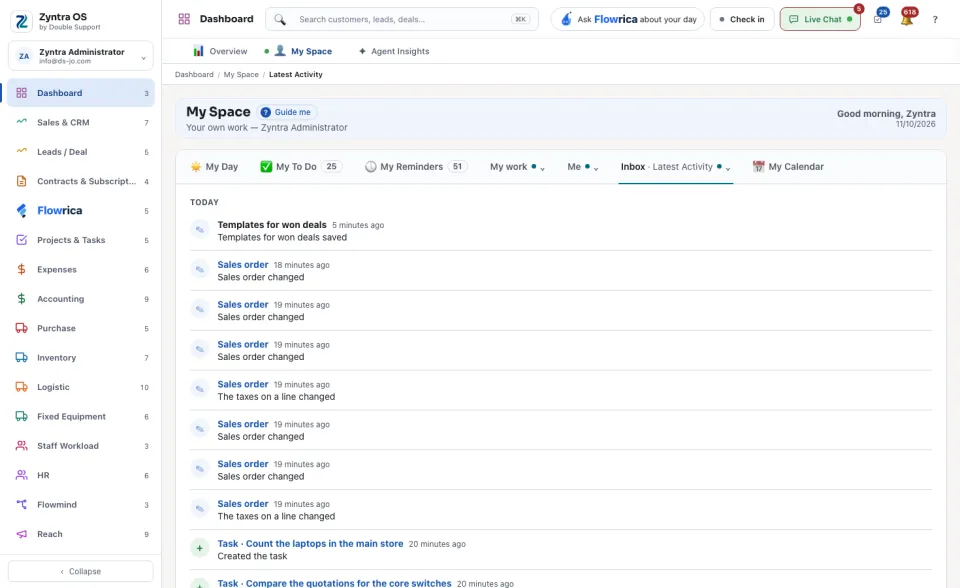
My Calendar
Meetings and dates, yours and your company's, by Month or as an Agenda. Under Show, switch on or off what is drawn: events, tasks, sprints, projects, reminders, sales and contracts. + New event adds an event. Sync my Outlook calendar brings in your Outlook meetings.
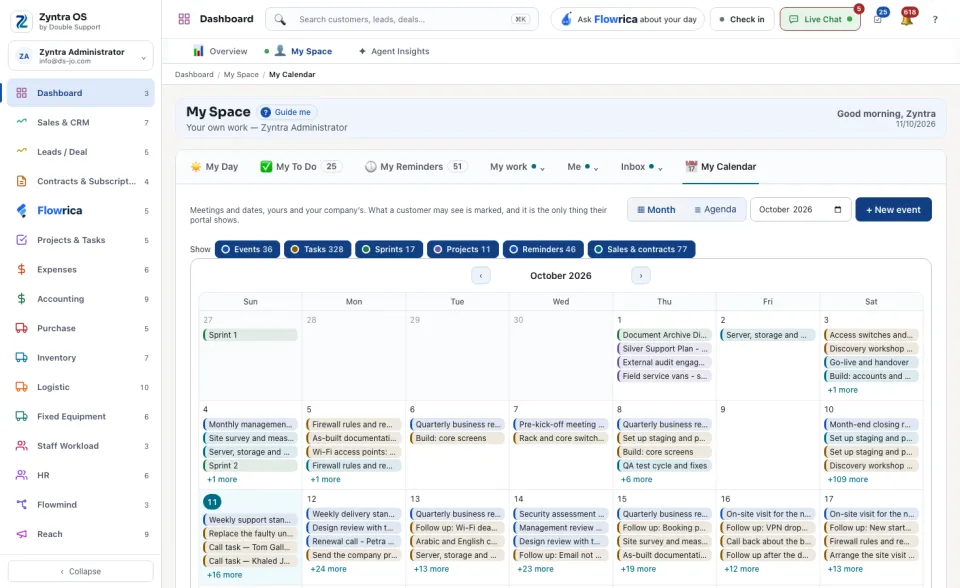
Asking for help
Flag for Help on one of your tasks tells your manager that this task needs attention. Request Support tells them your workload is heavy this week. Add a note if you like and press Send to my manager. Your line manager sees it on their own My Space. Nobody is e-mailed.