Zyntra OS
 Zyntra Legal
 Zyntra Real Estate
 Zyntra Hotel
 Zyntra E-commerce
 Zyntra Appointments
 Zyntra Repair
 Zyntra Garage
 Zyntra Concierge
 Zyntra Contracting
 Zyntra Clinic
 Zyntra Call Center
 Zyntra OTA
Where
The ? button at the top of every screenWho
Everyone who is signed in.1
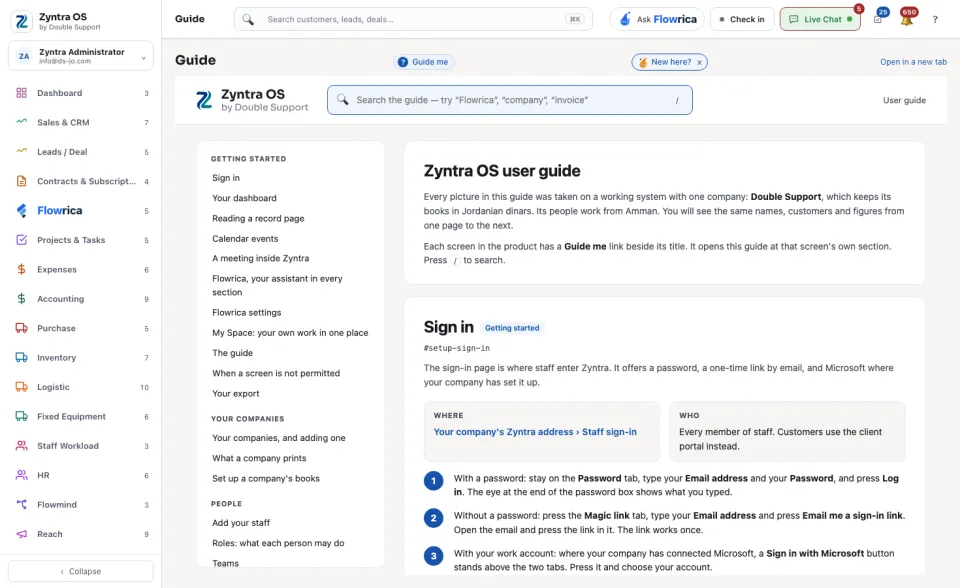
Press ? at the top of the screen. The page Guide opens with the guide in it.
2
Search for what you are trying to do, or pick a section from the list of contents.
3
To keep the guide beside your work, or to print it, press Open in a new tab.
You do not have to come here to read about a screen. Beside the title of a screen, Guide me opens the guide at that screen's own section, over the screen you are on, and Flowrica offers to walk you through it.