Zyntra OS
 Zyntra Legal
 Zyntra Real Estate
 Zyntra Hotel
 Zyntra E-commerce
 Zyntra Appointments
 Zyntra Repair
 Zyntra Garage
 Zyntra Concierge
 Zyntra Contracting
 Zyntra Clinic
 Zyntra Call Center
 Zyntra OTA
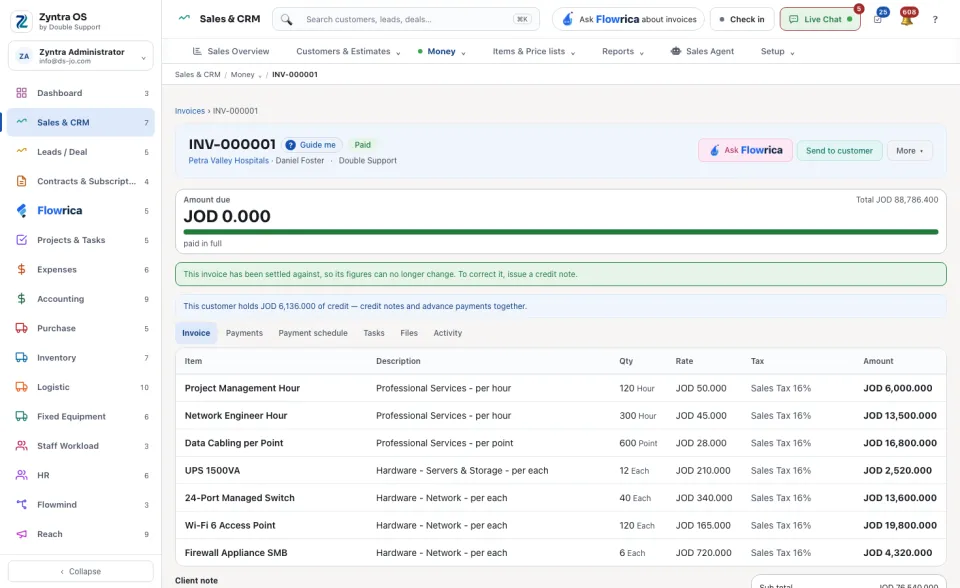
From the top of the page down you find:
1
The name of the record, with the Guide me link beside it and a coloured badge that gives its state, for example Not signed or Partially paid · due in 15 days.
2
One line that says whose record it is: the customer, the dates, the person. A name in blue opens that record.
3
The row of buttons. Read it by colour, as in the table below.
4
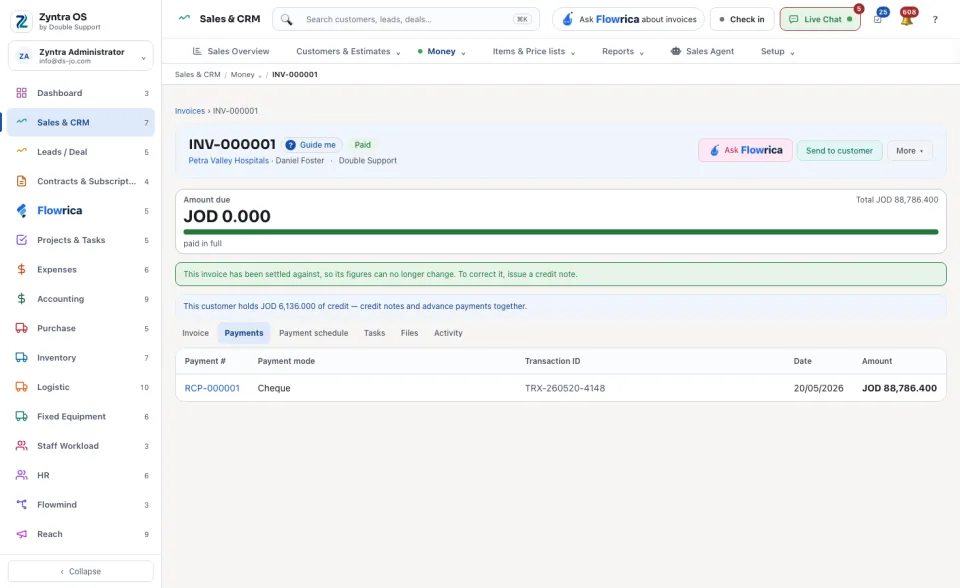
The tabs of the record, for example Contract information, Content, Attachments and Comments on a contract, or Invoice, Payments, Files and Activity on an invoice. Press a tab to see that part.
| Colour | What it is | For example |
|---|---|---|
| Green | The main button: the next step for this record. | Send to the customer, Record payment |
| Blue | Renew or repeat the record. | ↻ Renew contract |
| Purple | Signing ▾: signatures and acceptance. | Copy signing link, Mark as signed elsewhere |
| Teal | What goes to the customer. | Send to customer, Renewal message |
| Pink | Flowrica, working on this record. | Ask Flowrica, Analyze contract risks |
| Grey | More ▾: everything else, such as changing, copying, printing or archiving the record. | Edit, Copy, Print sheet, View PDF, Download, Archive |
A menu with only one thing in it shows as a plain button with that name. A button is shown only when it can be used on this record, by you, now: a paid invoice has no Record payment.
Where a record has money or time to show, the head is followed by small cards with a bar, for example how much of an invoice is paid and how many days are left to its due date.