

 Zyntra OS
 Zyntra Legal
 Zyntra Real Estate
 Zyntra Hotel
 Zyntra E-commerce
 Zyntra Appointments
 Zyntra Repair
 Zyntra Garage
 Zyntra Concierge
 Zyntra Contracting
 Zyntra Clinic
 Zyntra Call Center
 Zyntra OTA
Where
The link at the end of every Reach emailWho
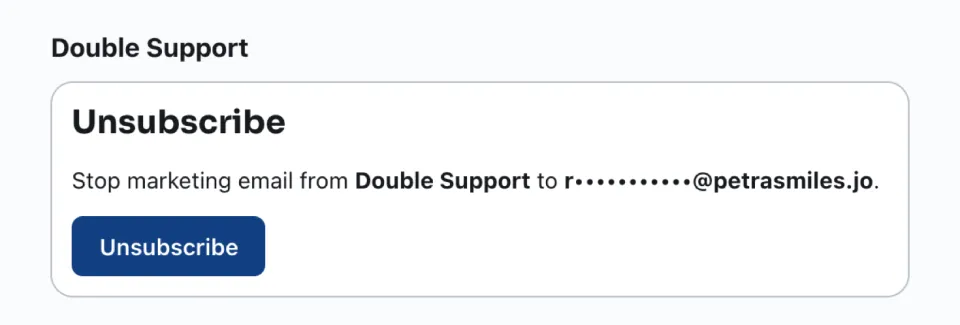
The person who received the email. No account is needed.The page names your company and the person's address, partly hidden, so they know which email it is about, and offers one button: Unsubscribe.
| The person sees | When |
|---|---|
| You will not receive marketing email from us any more. | They pressed Unsubscribe. |
| You are already unsubscribed. Nothing more to do. | They pressed it before. |
| This link is not valid or has expired. | The link is wrong, too old, or was revoked. |
Inside Zyntra OS the address joins the suppression list with the reason Unsubscribed and the source From the unsubscribe link in “…”, naming the email. Every later send to it says Not sent — unsubscribed. See Who Reach does not write to.
How long an unsubscribe link keeps working is set under How long links last. See Reach public links.
Questions
Where is “When someone unsubscribes” in Zyntra OS?
The link at the end of every Reach email
Who can use “When someone unsubscribes”?
The person who received the email. No account is needed.