Zyntra OS
 Zyntra Legal
 Zyntra Real Estate
 Zyntra Hotel
 Zyntra E-commerce
 Zyntra Appointments
 Zyntra Repair
 Zyntra Garage
 Zyntra Concierge
 Zyntra Contracting
 Zyntra Clinic
 Zyntra Call Center
 Zyntra OTA
Where
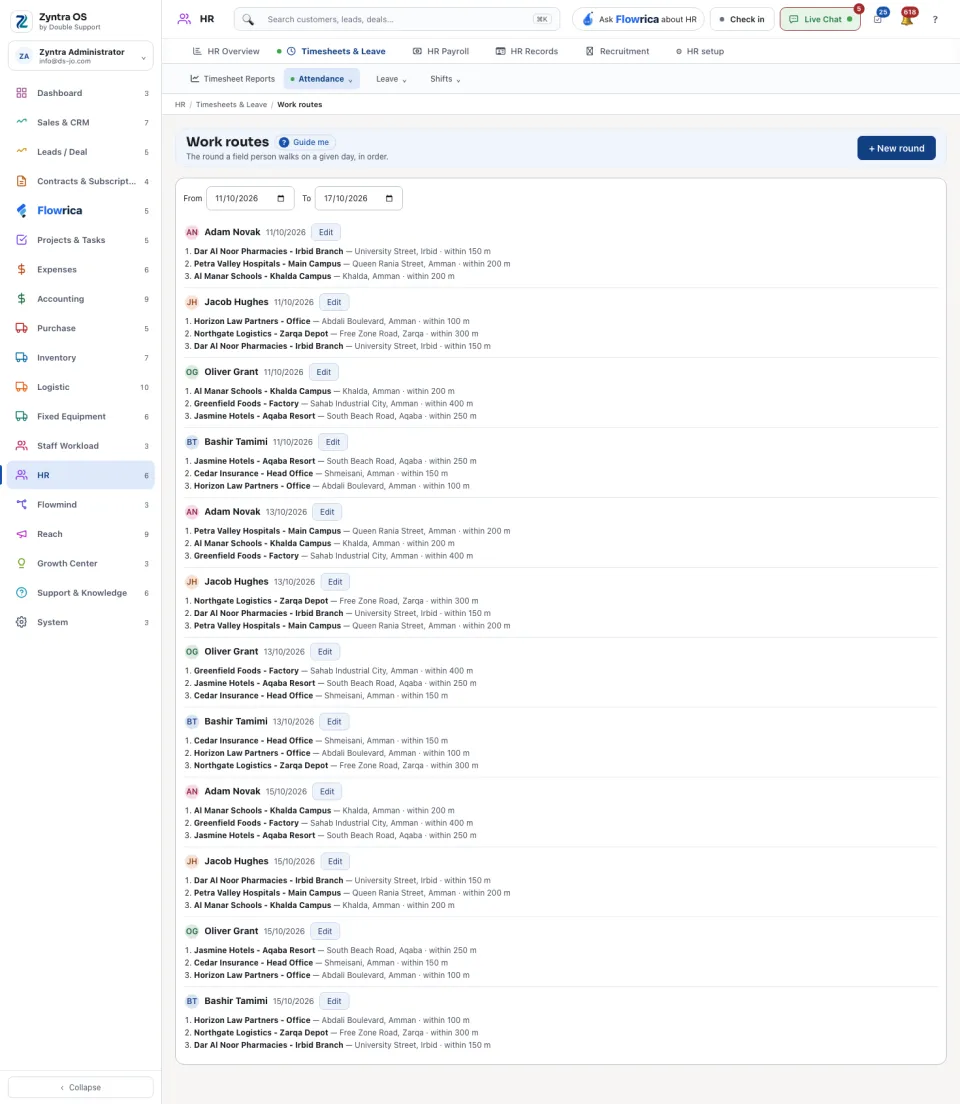
HR › Timesheets & Leave › Attendance › Work routesWho
Anyone allowed to see this screen.1
Press + New round.
2
Choose the person and the date, then add the stops in the order they are walked, each with its check-in point. Save.
From and To choose the days whose rounds are listed. The check-in points themselves are the Route points kept in HR setup.