Zyntra OS
 Zyntra Legal
 Zyntra Real Estate
 Zyntra Hotel
 Zyntra E-commerce
 Zyntra Appointments
 Zyntra Repair
 Zyntra Garage
 Zyntra Concierge
 Zyntra Contracting
 Zyntra Clinic
 Zyntra Call Center
 Zyntra OTA
Where
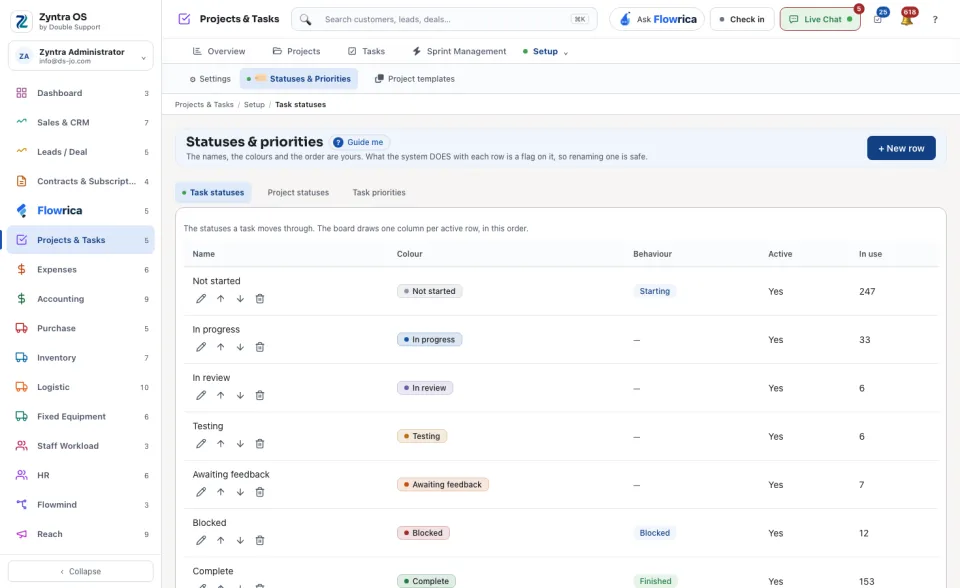
Projects & Tasks › Setup › Statuses & PrioritiesWho
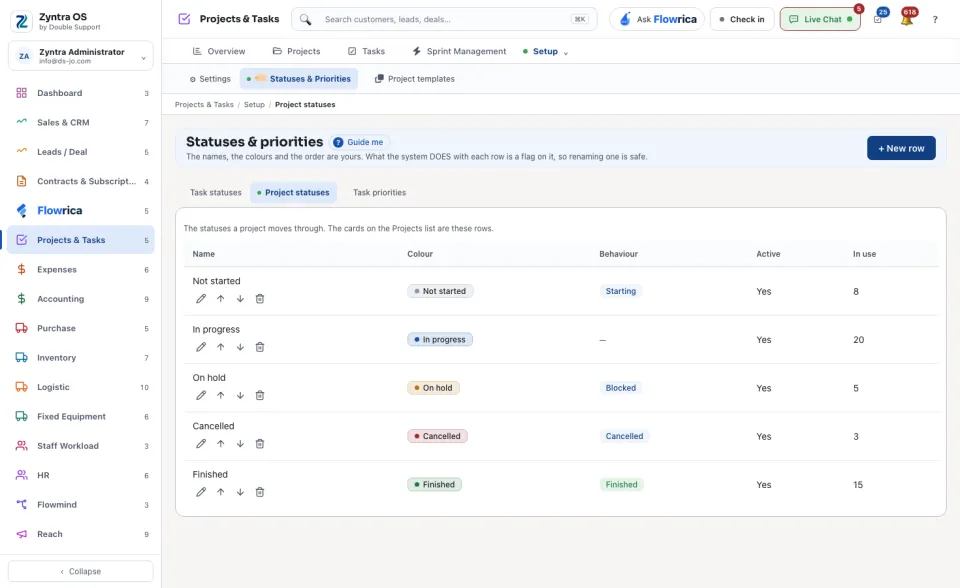
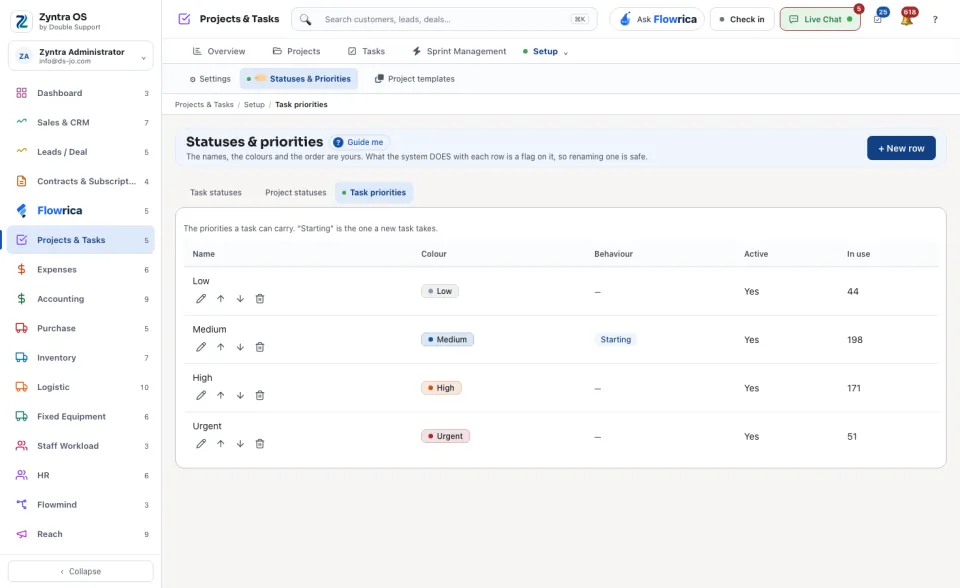
Anyone allowed to change these settings.The screen has three lists: Task statuses, Project statuses and Task priorities. Press one to open it.
1
Press + New row.
2
Type its name, choose its colour and what it does, and save it.
| Column | What it means |
|---|---|
| Name | What people read on the task or the project. |
| Colour | The colour of its badge and of its board column. |
| Behaviour | What the system does with the row, for example the status a task starts at or the one that counts as complete. |
| Active | Whether it is offered. The task board draws one column for each active status, in this order. |
| In use | How many records carry it now. |
Renaming a row is safe: what the system does with a status comes from its Behaviour, not from its name.