

 Zyntra OS
 Zyntra Legal
 Zyntra Real Estate
 Zyntra Hotel
 Zyntra E-commerce
 Zyntra Appointments
 Zyntra Repair
 Zyntra Garage
 Zyntra Concierge
 Zyntra Contracting
 Zyntra Clinic
 Zyntra Call Center
 Zyntra OTA
Where
Reach › CampaignsWho
Anyone allowed to manage Reach campaigns.1
Make the segment first: see Reach segments. A campaign can use only a published segment.
2
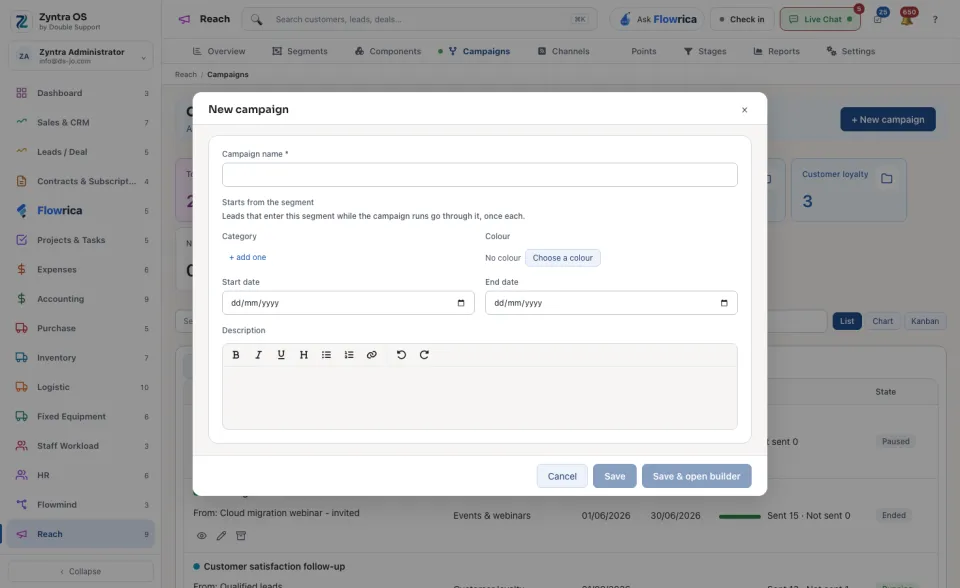
Press + New campaign.
3
Type the Campaign name and choose the segment under Starts from the segment: the leads that enter it while the campaign runs go through the campaign, once each. Add the Start date and the End date if it has them.
4
Press Save & open builder to build its steps now, or Save to build them later. The campaign starts to take the leads that enter the segment.
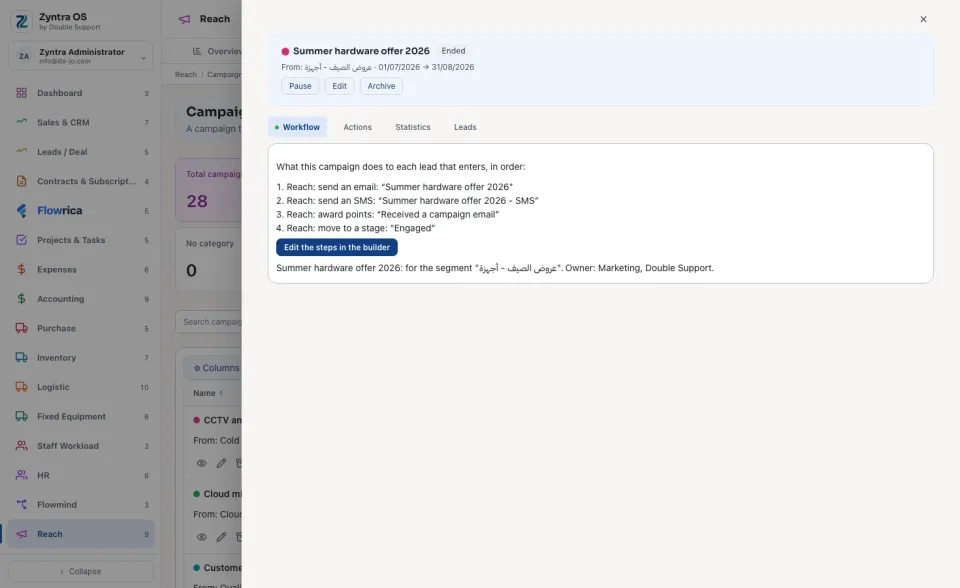
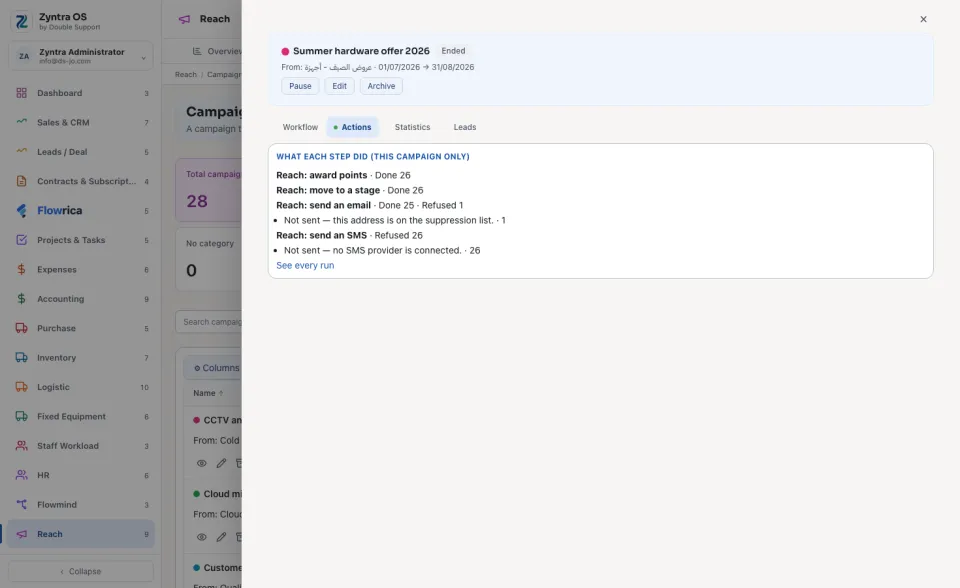
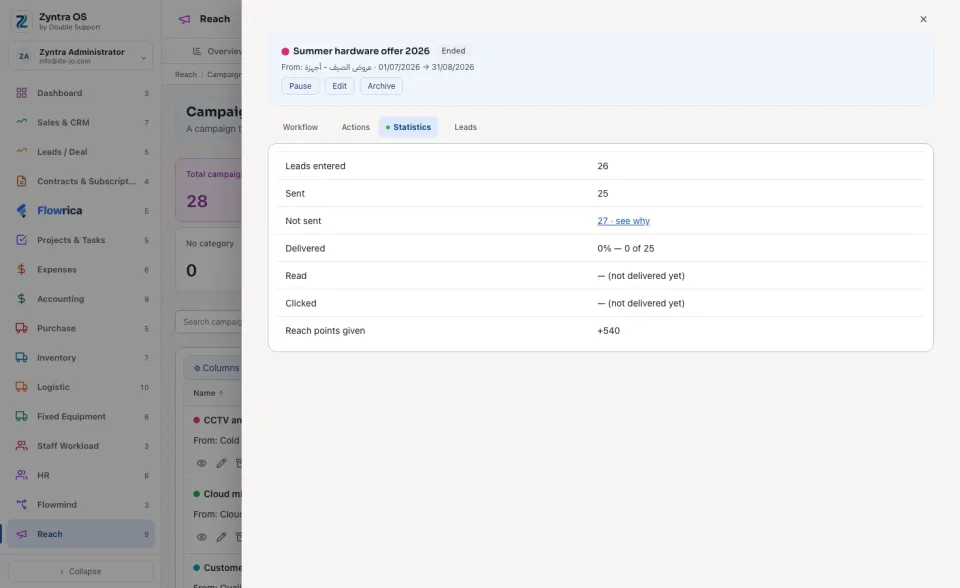
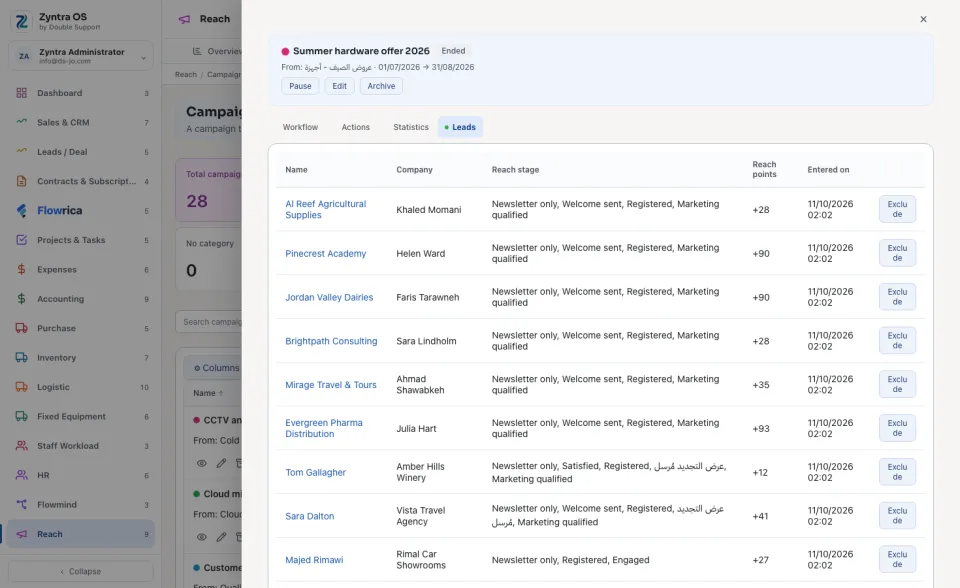
Press a campaign's name to open it. Its buttons are Pause, Edit and Archive. It has four tabs: Workflow says what the campaign does to each lead, in order, with Edit the steps in the builder; Actions says what each step did, with See every run; Statistics holds its figures; Leads lists each lead that entered, with its stage and points, and Exclude takes a lead out.
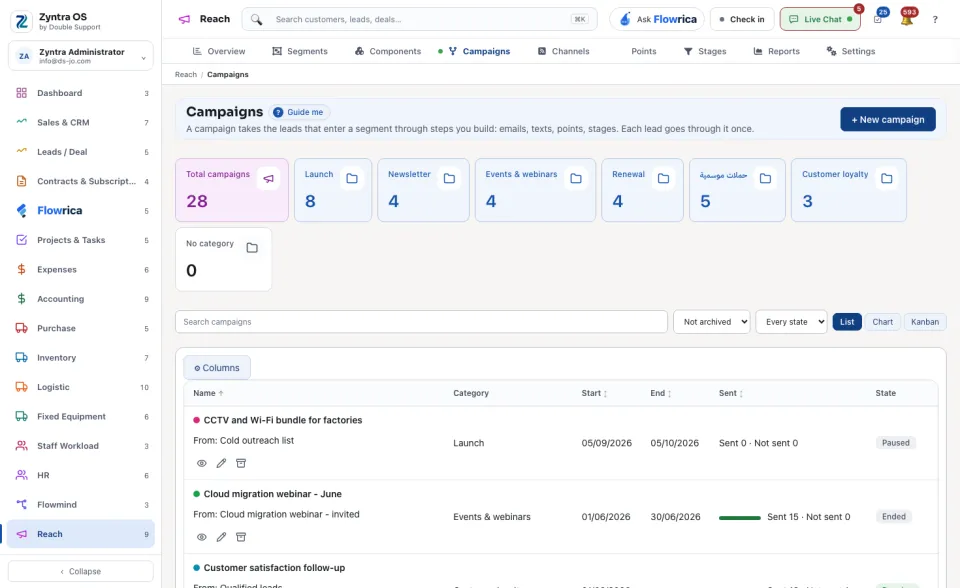
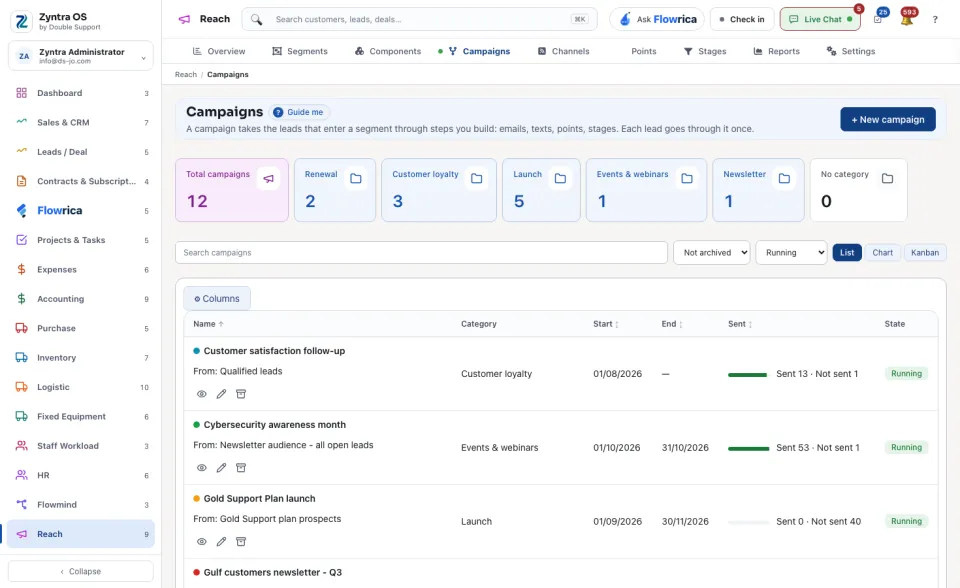
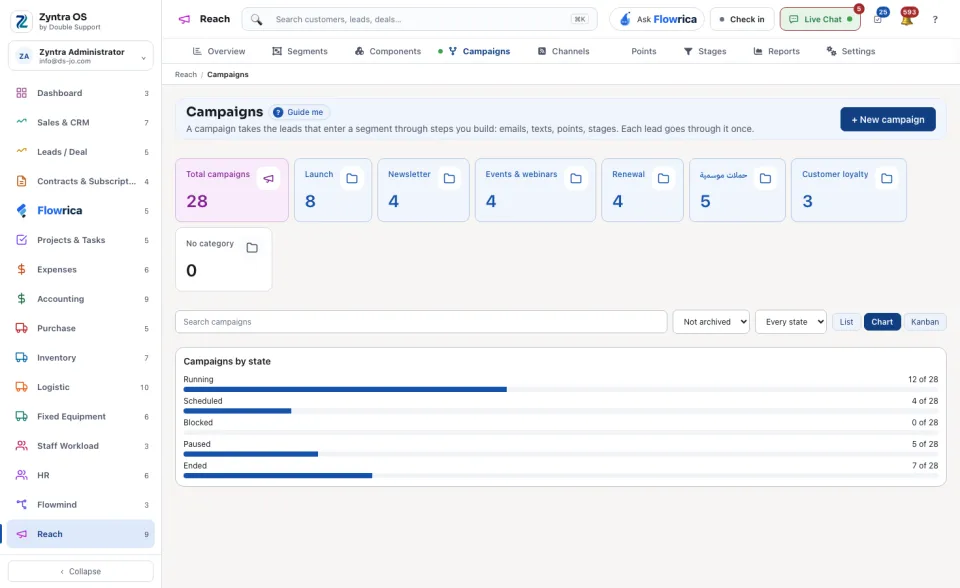
The list counts the Total campaigns. Search campaigns finds one. See them as a List, a Chart or a Kanban.
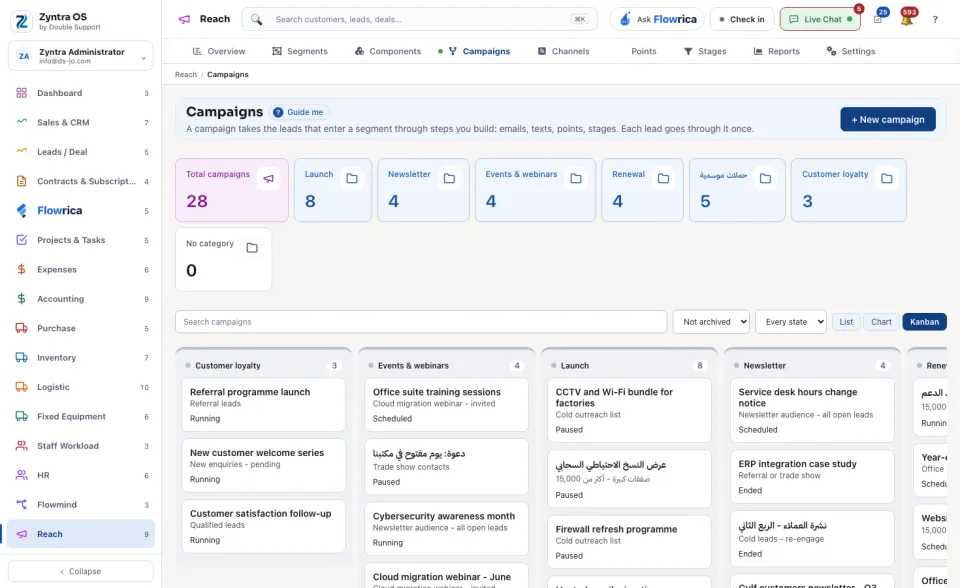
Flowrica can make a campaign with you from this screen, one question at a time. Nothing is saved until you press the form's own button.