

 Zyntra OS
 Zyntra Legal
 Zyntra Real Estate
 Zyntra Hotel
 Zyntra E-commerce
 Zyntra Appointments
 Zyntra Repair
 Zyntra Garage
 Zyntra Concierge
 Zyntra Contracting
 Zyntra Clinic
 Zyntra Dental
 Zyntra School
 Zyntra University
 Zyntra Social
 Zyntra Call Center
 Zyntra OTA
Where
Reach › SettingsWho
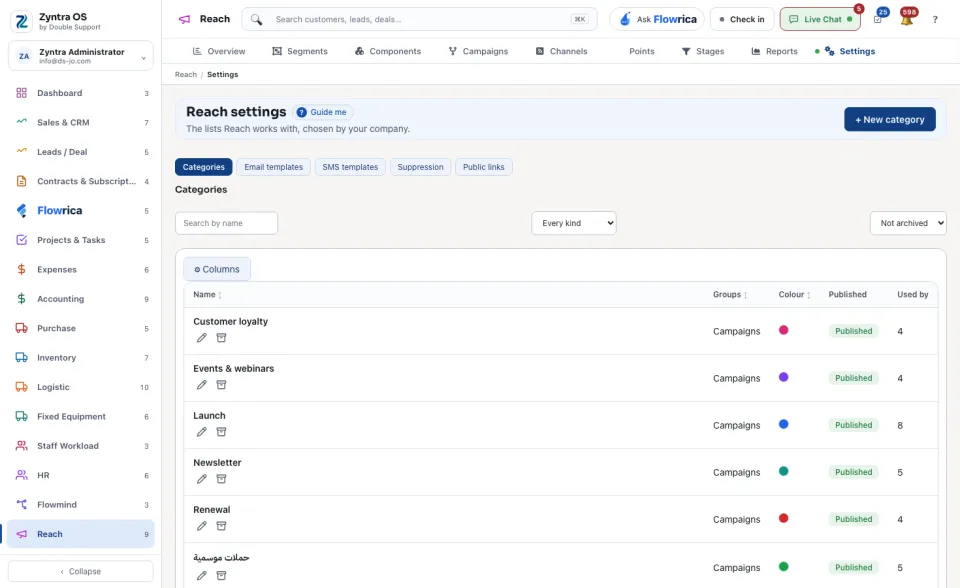
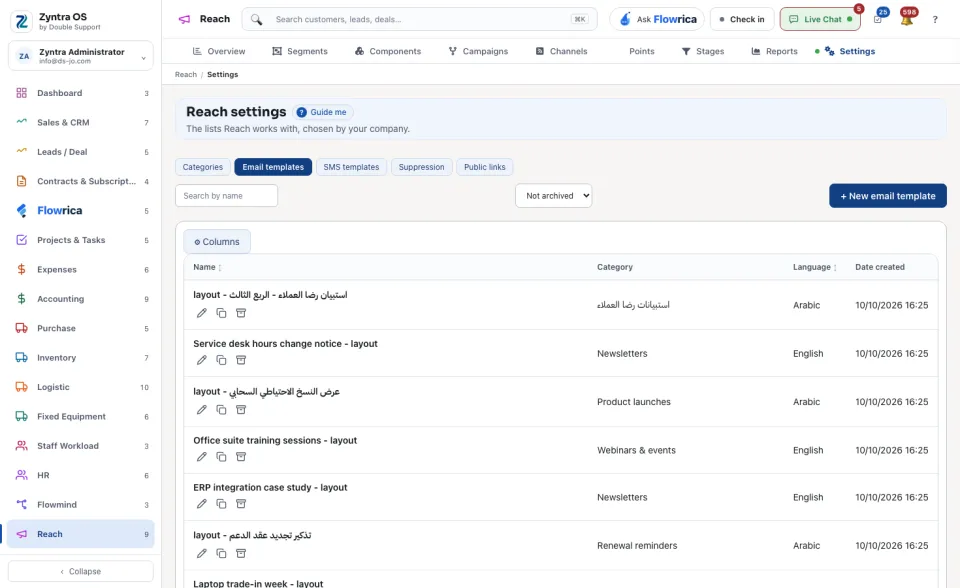
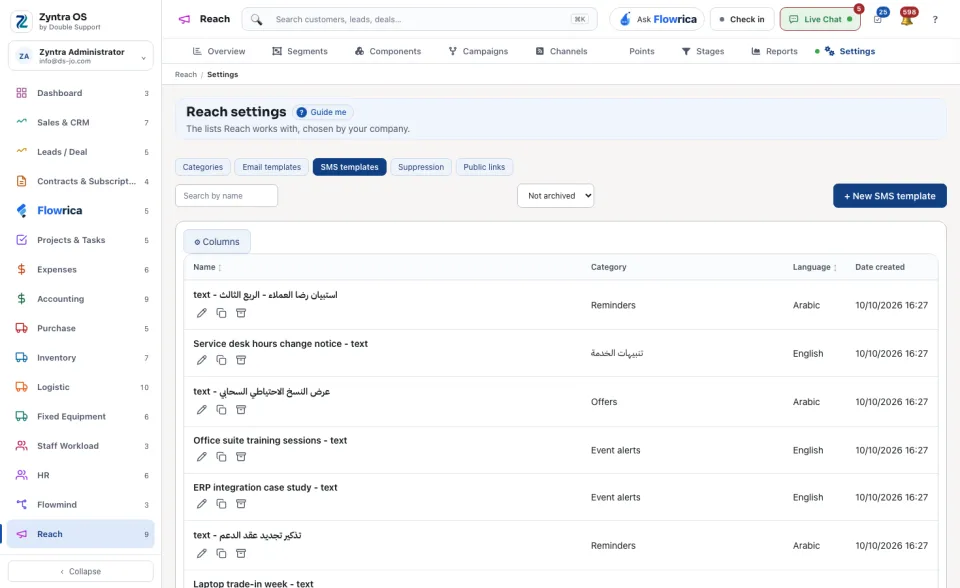
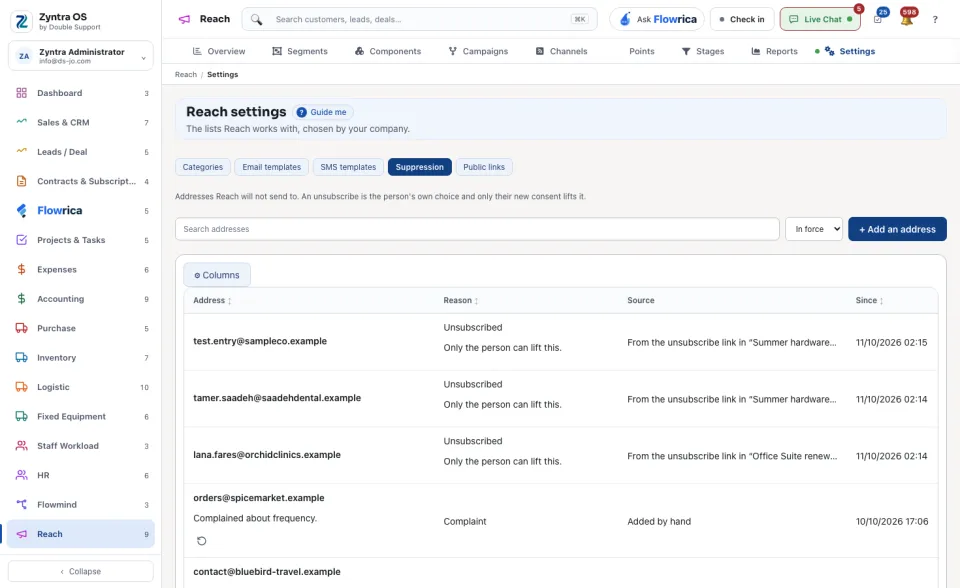
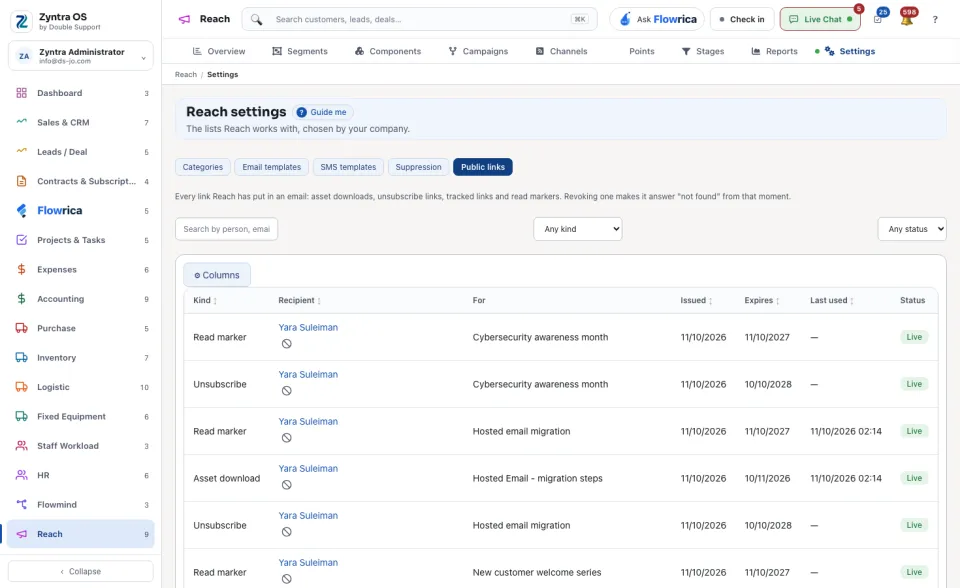
Anyone allowed to change the Reach settings.The screen has five lists. Press one to open it.
| List | What it holds |
|---|---|
| Categories | The categories that group segments, assets, campaigns and stages. + New category adds one, and Search by name finds one. |
| Email templates | Ready emails to start a new email from. |
| SMS templates | Ready text messages to start a new one from. |
| Suppression | The people Reach must not write to. |
| Public links | The links Reach gives out to people outside the system. |
Questions
Where is “Reach settings” in Zyntra OS?
Reach › Settings
Who can use “Reach settings”?
Anyone allowed to change the Reach settings.