Zyntra OS
 Zyntra Legal
 Zyntra Real Estate
 Zyntra Hotel
 Zyntra E-commerce
 Zyntra Appointments
 Zyntra Repair
 Zyntra Garage
 Zyntra Concierge
 Zyntra Contracting
 Zyntra Clinic
 Zyntra Call Center
 Zyntra OTA
Where
Reach › ComponentsWho
Anyone allowed to manage Reach components.The screen has two parts: Assets and Forms. Press one to open it.
Assets
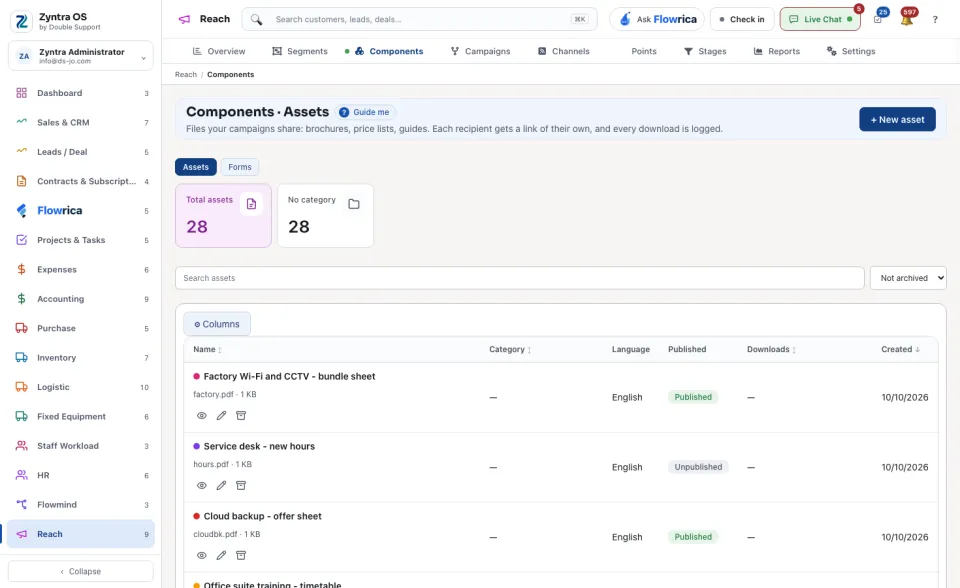
An asset is a file your campaigns share: a brochure, a price list, a guide. Each recipient gets a link of their own, and every download is logged.
1
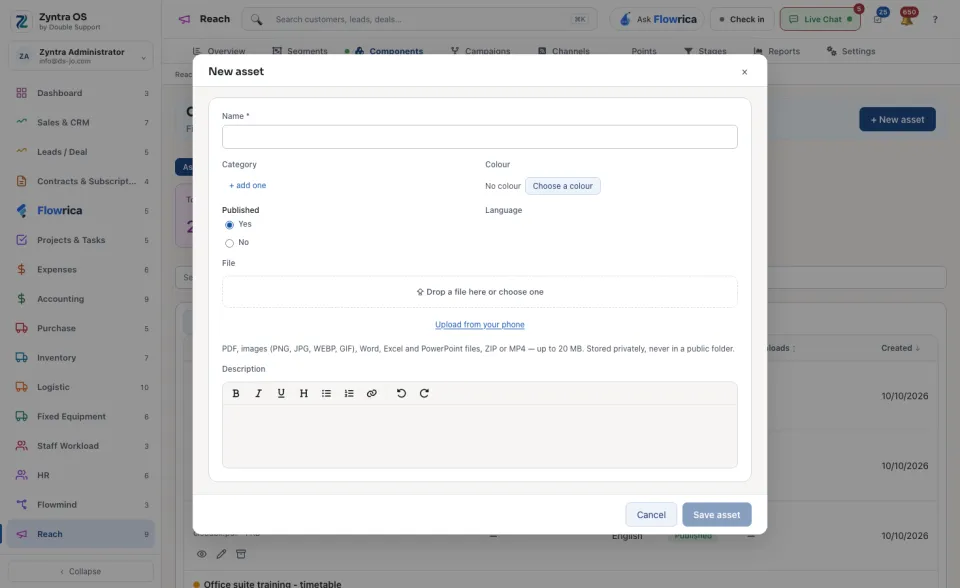
Press + New asset.
2
Type the Name and choose the File: up to 20 megabytes. Choose Yes or No under Published, and press Save asset.
The list counts the Total assets. Search assets finds one.
Forms
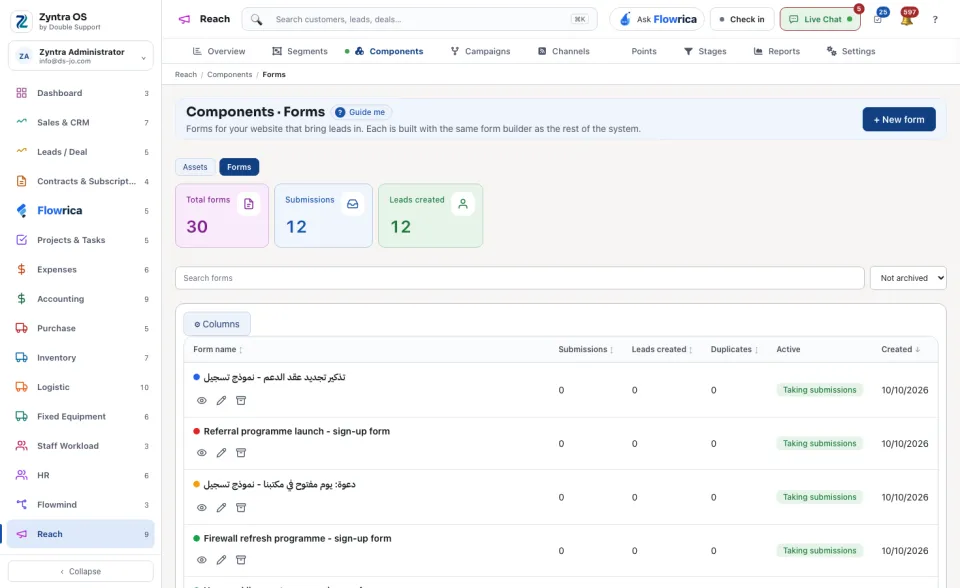
A form on your website brings leads in. It is built with the same form builder as the rest of the system.
1
Press + New form.
2
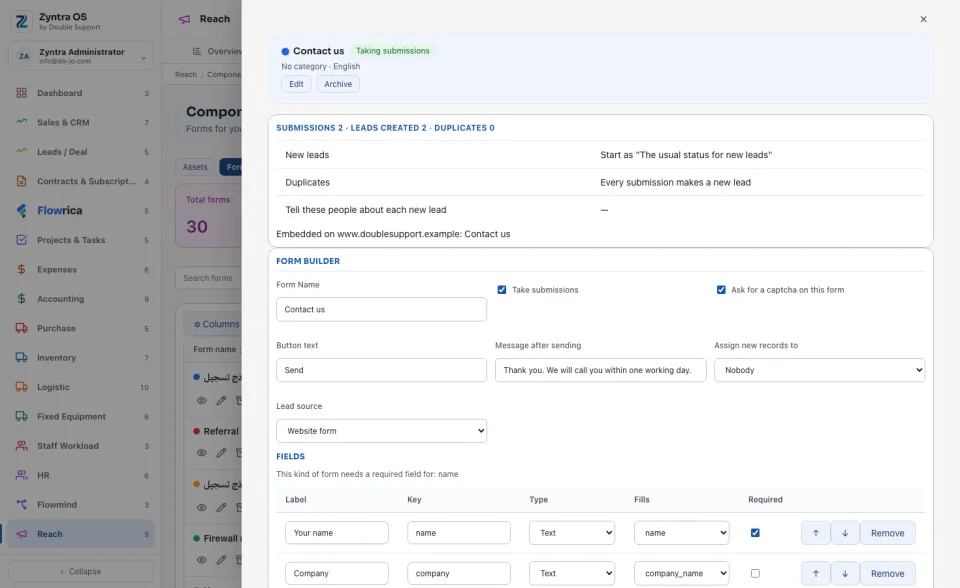
Build the form, save it and put it on your site.
The list counts the Total forms, the Submissions and the Leads created. Search forms finds one.