

 Zyntra OS
 Zyntra Legal
 Zyntra Real Estate
 Zyntra Hotel
 Zyntra E-commerce
 Zyntra Appointments
 Zyntra Repair
 Zyntra Garage
 Zyntra Concierge
 Zyntra Contracting
 Zyntra Clinic
 Zyntra Call Center
 Zyntra OTA
Where
Reach › ChannelsWho
Anyone allowed to manage Reach channels.The screen has three parts: Emails, text messages and WhatsApp. Press one to open its list.
1
Open the channel you want.
2
Press its new button, for example + New email.
3
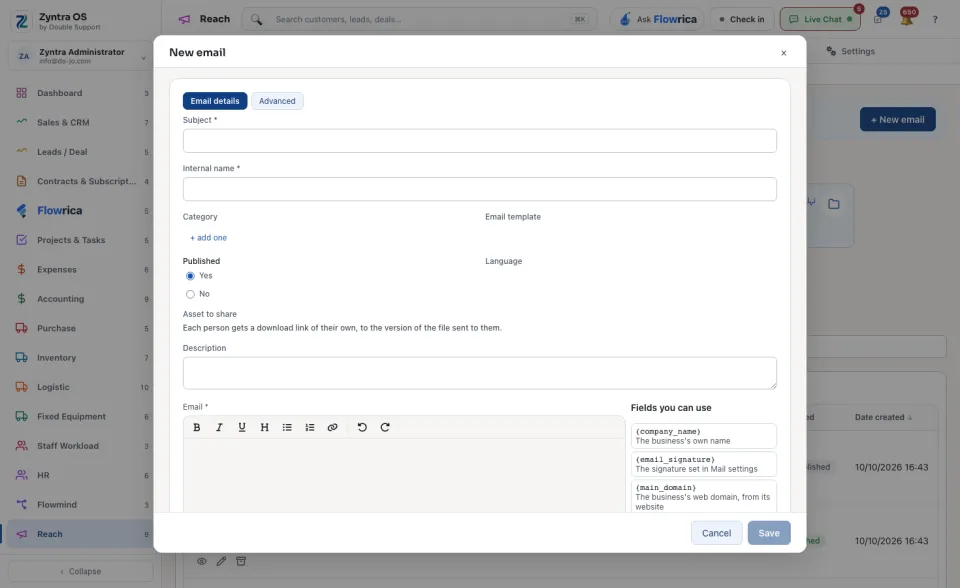
For an email, type the Subject and the Internal name, write the text under Email and press Save. Fields you can use lists what is filled in for each lead, such as the lead's name. Every Reach email must carry the field that lets its reader stop the emails. Asset to share gives each person a download link of their own. A campaign can then send it as one of its steps.
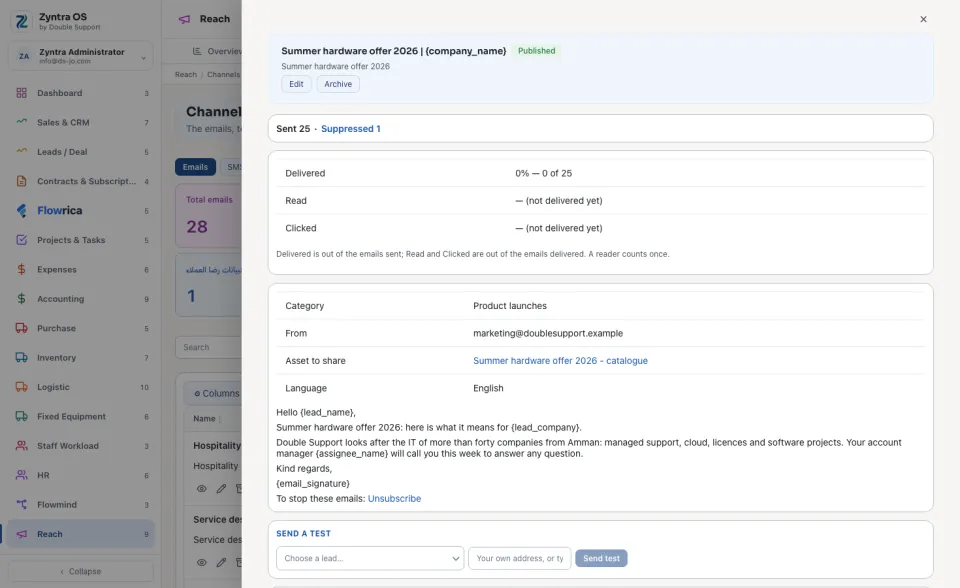
Each list counts its messages, for example Total emails, and Search finds one.
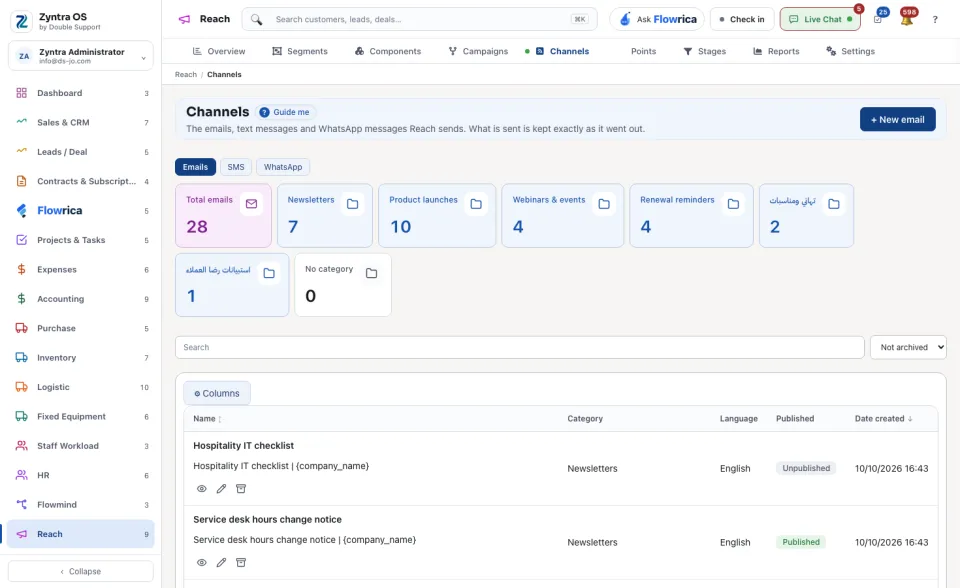
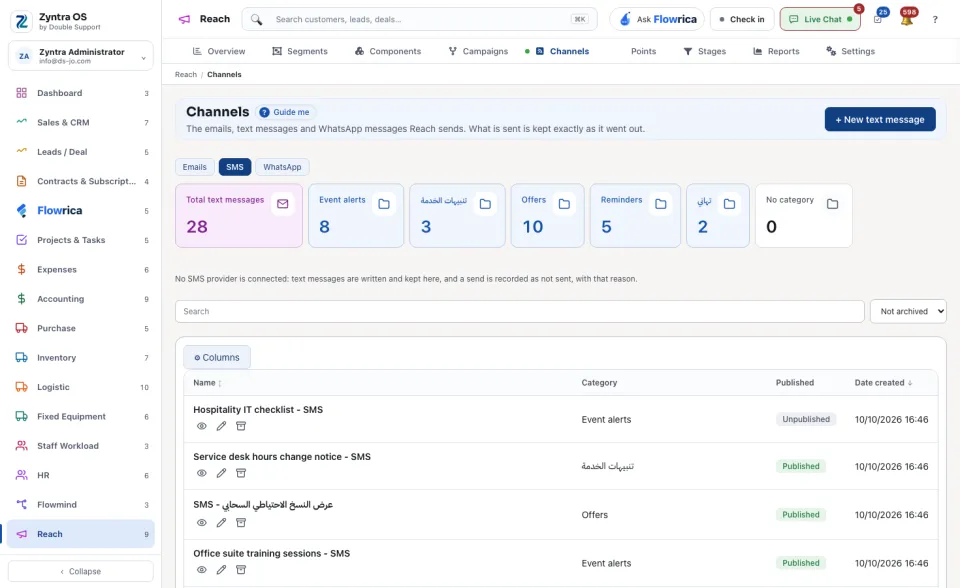
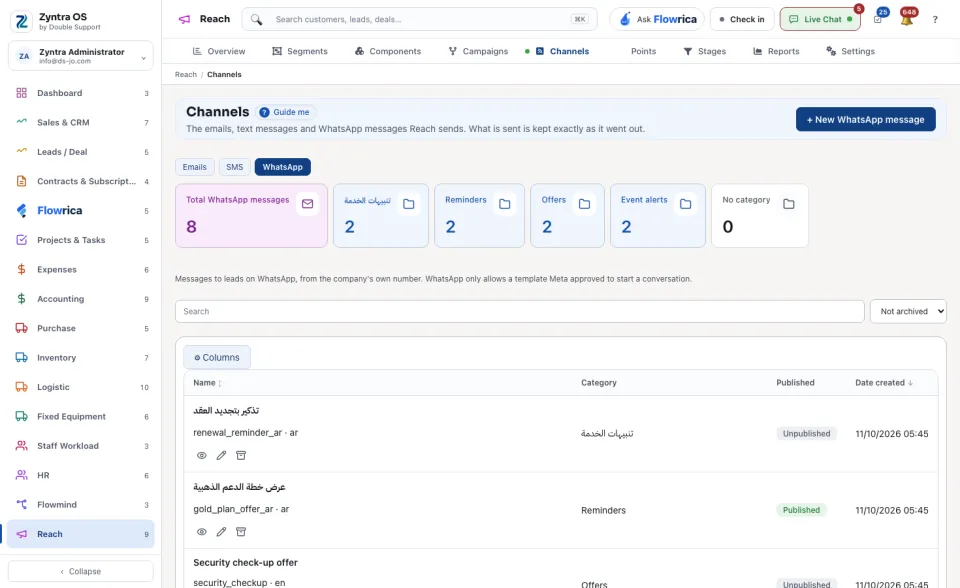
Nothing is sent from this screen by itself. A message goes out when a campaign reaches the step that sends it.