

 Zyntra OS
 Zyntra OTA
 Zyntra Legal
 Zyntra Real Estate
 Zyntra Hotel
 Zyntra Appointments
Zyntra OS features
Projects your customers can follow, and hours that become invoices
From a classic plan to agile sprints, every project keeps its tasks, milestones, time and money together — and one rule for overload is shared by tasks, sprints and the workload screen.
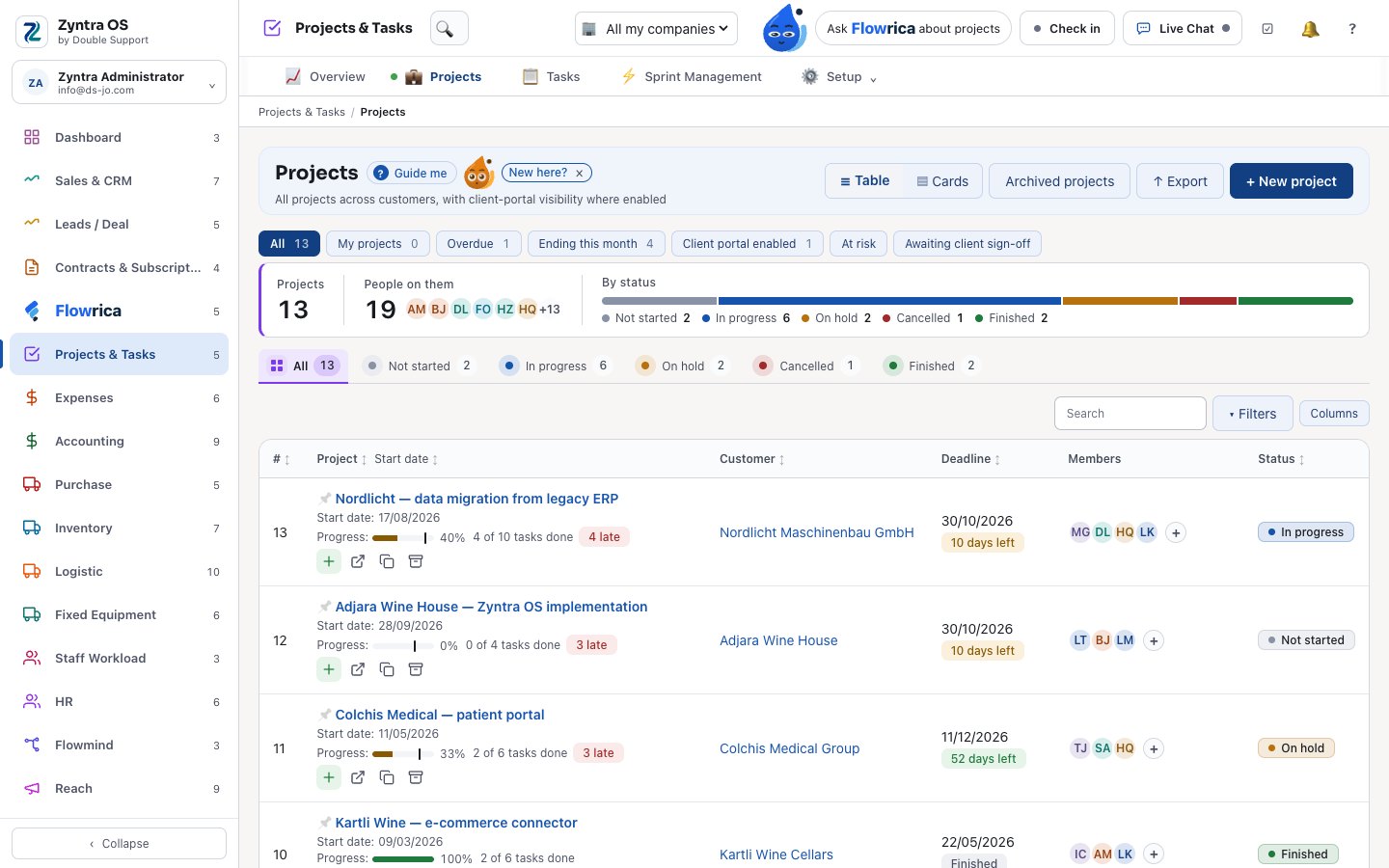
Projects, Tasks & Workload
Projects & Tasks
Every project with its tasks, milestones, time and money.
- Projects from templates, with statuses and priorities you name
- A Gantt chart with milestones and dependencies: dragging a task first shows what moves with it, and loops are refused
- Sprints with capacity, burndown, velocity, limits on work in progress, rollover — and “invoice the sprint”
- Timers on tasks become invoice lines, and an hour is billed once
- An alert when hours reach 85% of the estimate, and each project’s profit and loss
- A client project portal with sign-off; what the client sees is chosen per project
- Commits and pull requests from GitHub, GitLab or Bitbucket, and Jira issues, linked to tasks
- A weekly report for each customer’s project, drafted every Thursday in your mailbox — it leaves only when you press Send
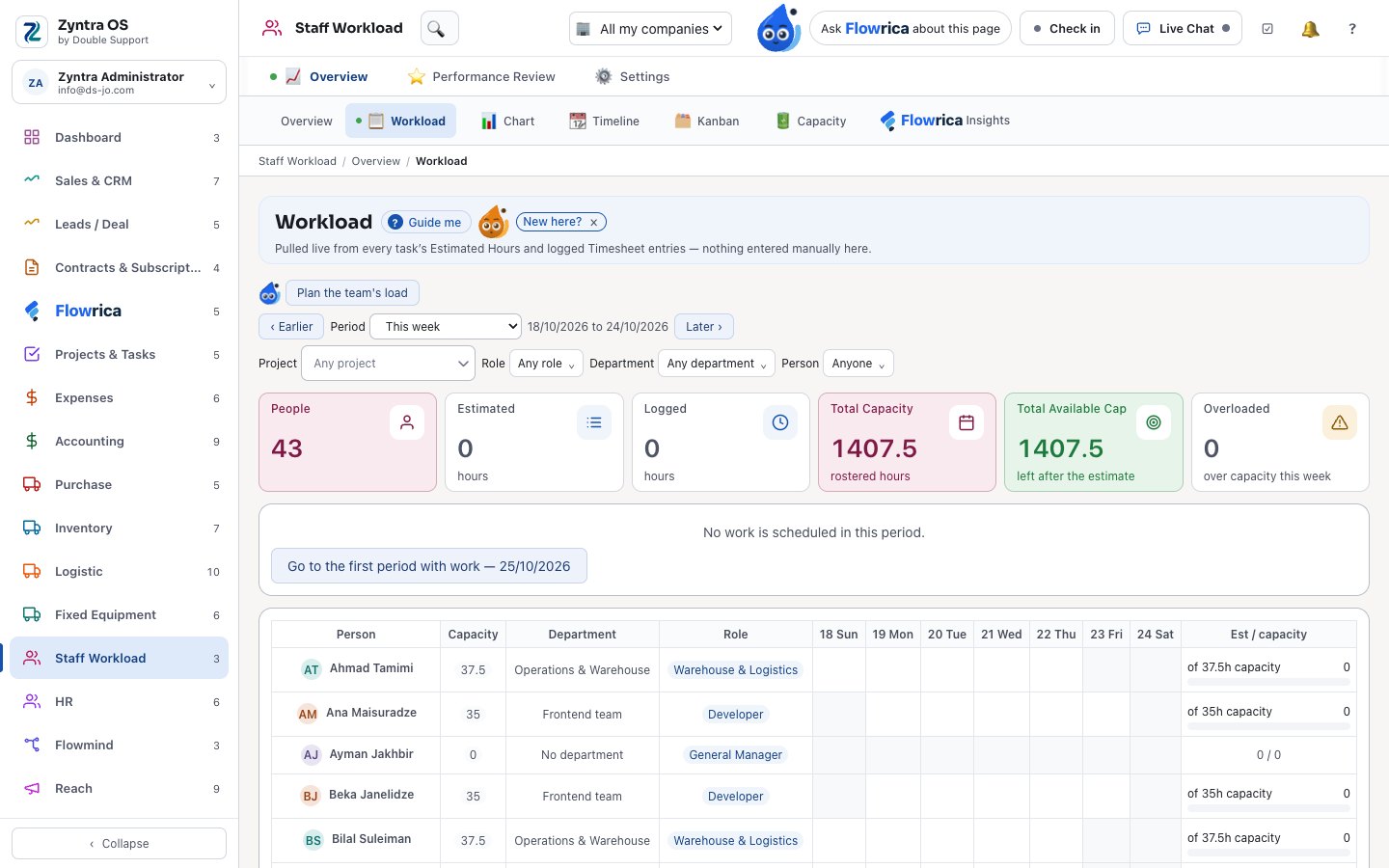
Staff Workload
Who has too much on their plate, and who has room.
- Each person’s week against their capacity, day by day — one overload rule shared with Tasks and Sprints
- Suggestions for who can take a task over
- A performance page per person: on-time work, overdue work and attendance
- Staff shifting, holidays, a timeline, a kanban and a chart of the load
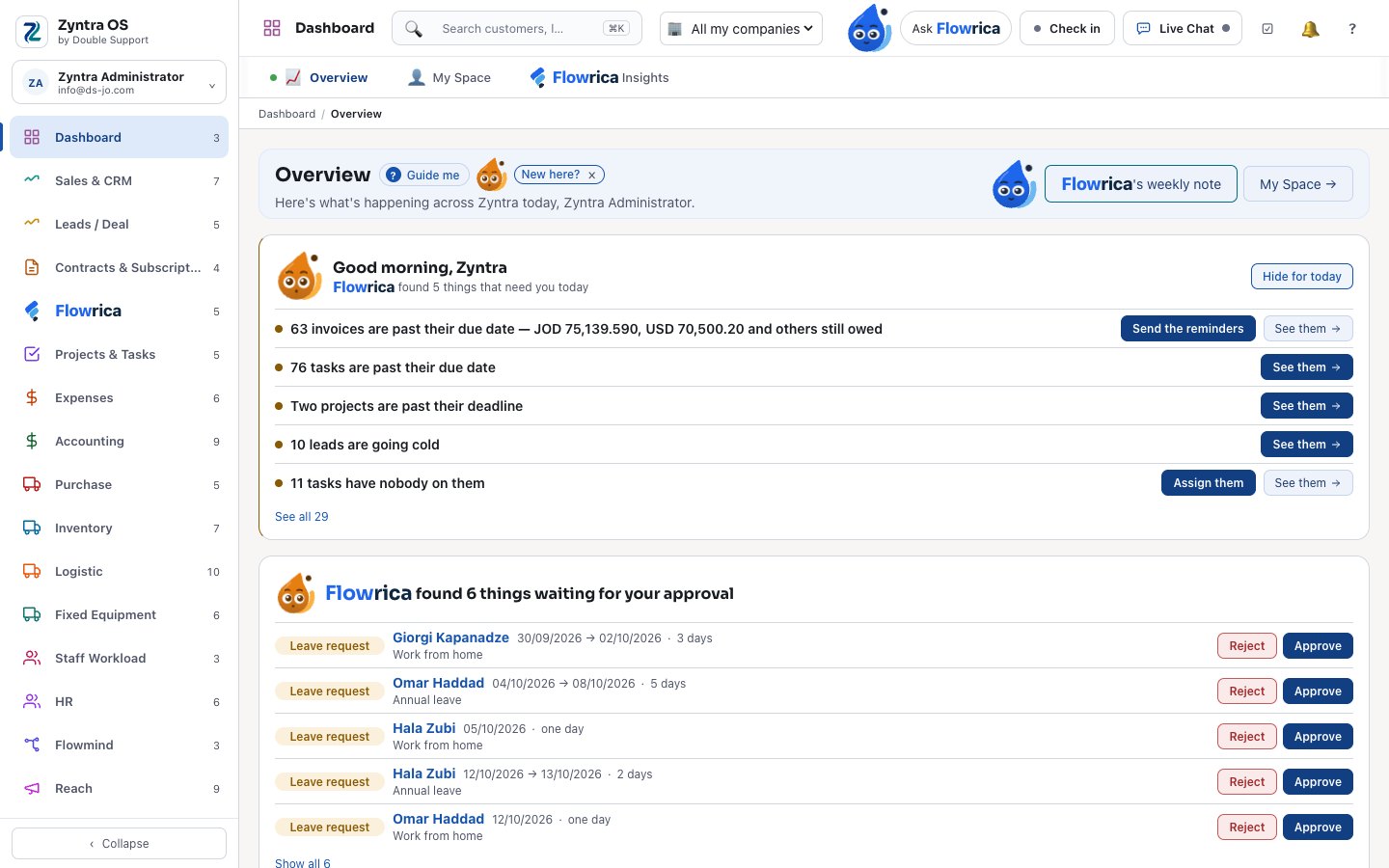
Dashboard and calendar
The company at a glance, and each person’s own day.
- An overview of sales, money and work, and My Space: each person’s tasks, reminders and calendar
- One calendar with tasks, projects, sprints, reminders and events as layers
- Each person’s calendar synced both ways with Outlook or Google Calendar; nothing is sent to attendees by the sync
- Meetings in Microsoft Teams, Zoom or Google Meet, or held inside Zyntra OS in the browser
Zyntra OS projects and workload
Does Zyntra OS have project management with Gantt charts and sprints?
Yes. A Gantt chart with milestones and dependencies, sprints with capacity, burndown and velocity, timers on tasks that become invoice lines, and a portal where the customer follows the project and signs it off. Projects, Tasks & Workload.
Can Zyntra OS show who is overloaded?
Yes. The Workload screen sets each person’s week against their capacity, day by day, with one overload rule shared by tasks and sprints, and suggests who can take a task over. Projects, Tasks & Workload.
See it with your own work
Ask for a demo and our team will show you this part of Zyntra OS, in Arabic or in English.