Zyntra OS
 Zyntra Legal
 Zyntra Real Estate
 Zyntra Hotel
 Zyntra E-commerce
 Zyntra Appointments
 Zyntra Repair
 Zyntra Garage
 Zyntra Concierge
 Zyntra Contracting
 Zyntra Clinic
 Zyntra Call Center
 Zyntra OTA
Where
Staff Workload › SettingsWho
Anyone allowed to change the workload settings.The screen has three views.
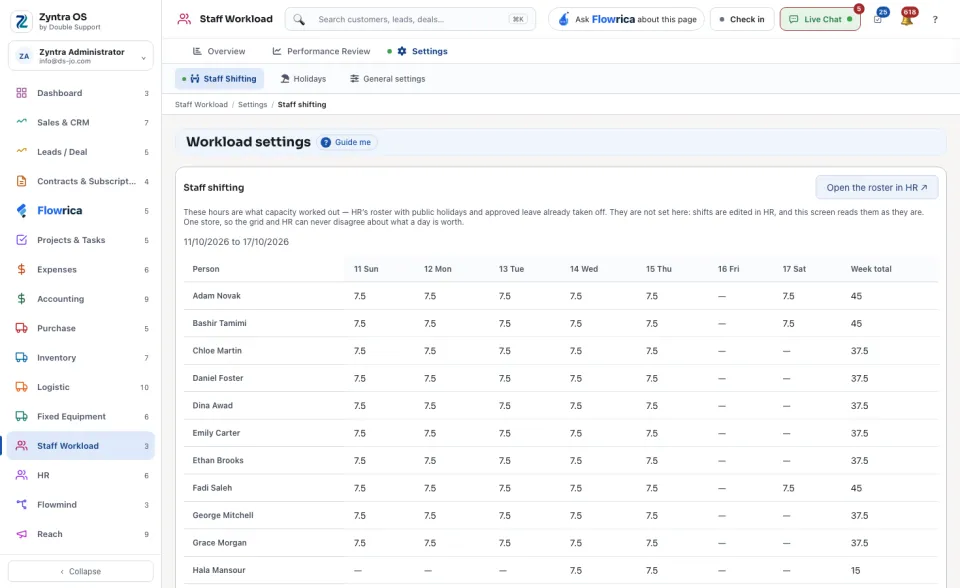
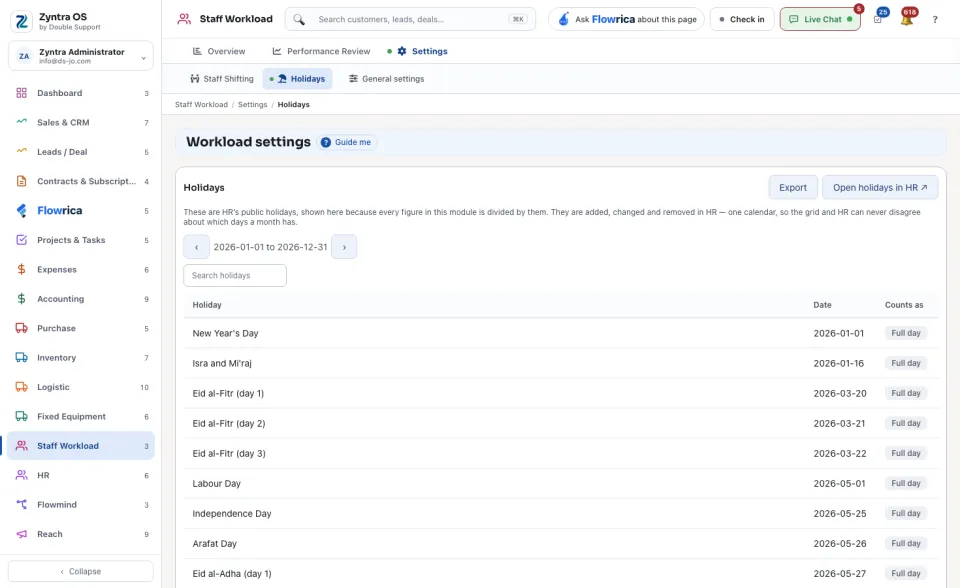
| View | What it holds |
|---|---|
| Staff Shifting | The hours each person can work on each day of the week, with the Week total. They are HR's shifts, with public holidays and approved leave already taken off. They are not changed here: press Open the roster in HR ↗. |
| Holidays | HR's public holidays: each Holiday, its Date and what it Counts as. Search holidays finds one and Export saves the list. They are changed in HR: press Open holidays in HR ↗. |
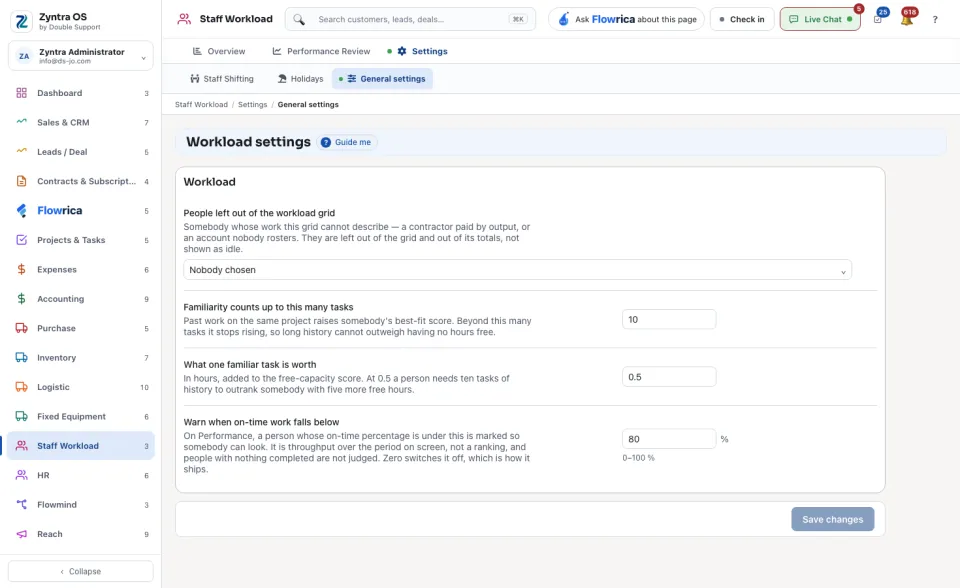
| General settings | The module's own rules, below. |
General settings
| Setting | What it decides |
|---|---|
| People left out of the workload grid | Who is not shown in the grid, for example people who do not take tasks. |
| Familiarity counts up to this many tasks | How many of a person's past tasks count as experience of the work. |
| What one familiar task is worth | How much each such task weighs. |
| Warn when on-time work falls below | The share of on-time work under which the screen warns. |
Press Save changes after you change a setting. A setting marked Using the default has not been changed for this company.