

 Zyntra OS
 Zyntra Legal
 Zyntra Real Estate
 Zyntra Hotel
 Zyntra E-commerce
 Zyntra Appointments
 Zyntra Repair
 Zyntra Garage
 Zyntra Concierge
 Zyntra Contracting
 Zyntra Clinic
 Zyntra Dental
 Zyntra School
 Zyntra University
 Zyntra Call Center
 Zyntra OTA
Zyntra OS features
One system for one company or many, with every right in its place
Each company keeps its own records, each person sees only what their role opens, nothing is ever deleted and every change is written down — and your customers and vendors work with you in portals of their own.
Part of Zyntra OS
Each person sees only what their role opens — money included
Rights are checked at every door, and a test tries every door to prove it.
- Every right checked at every door, proved by a test that tries them all; what is refused has no button
- Money hidden from people without money rights — on screens, exports, notifications, history, mail and Flowrica's answers
- Lists, filters and choosers offer only what the person may open
- A team carries a role, and an access request closes itself once the person holds the right
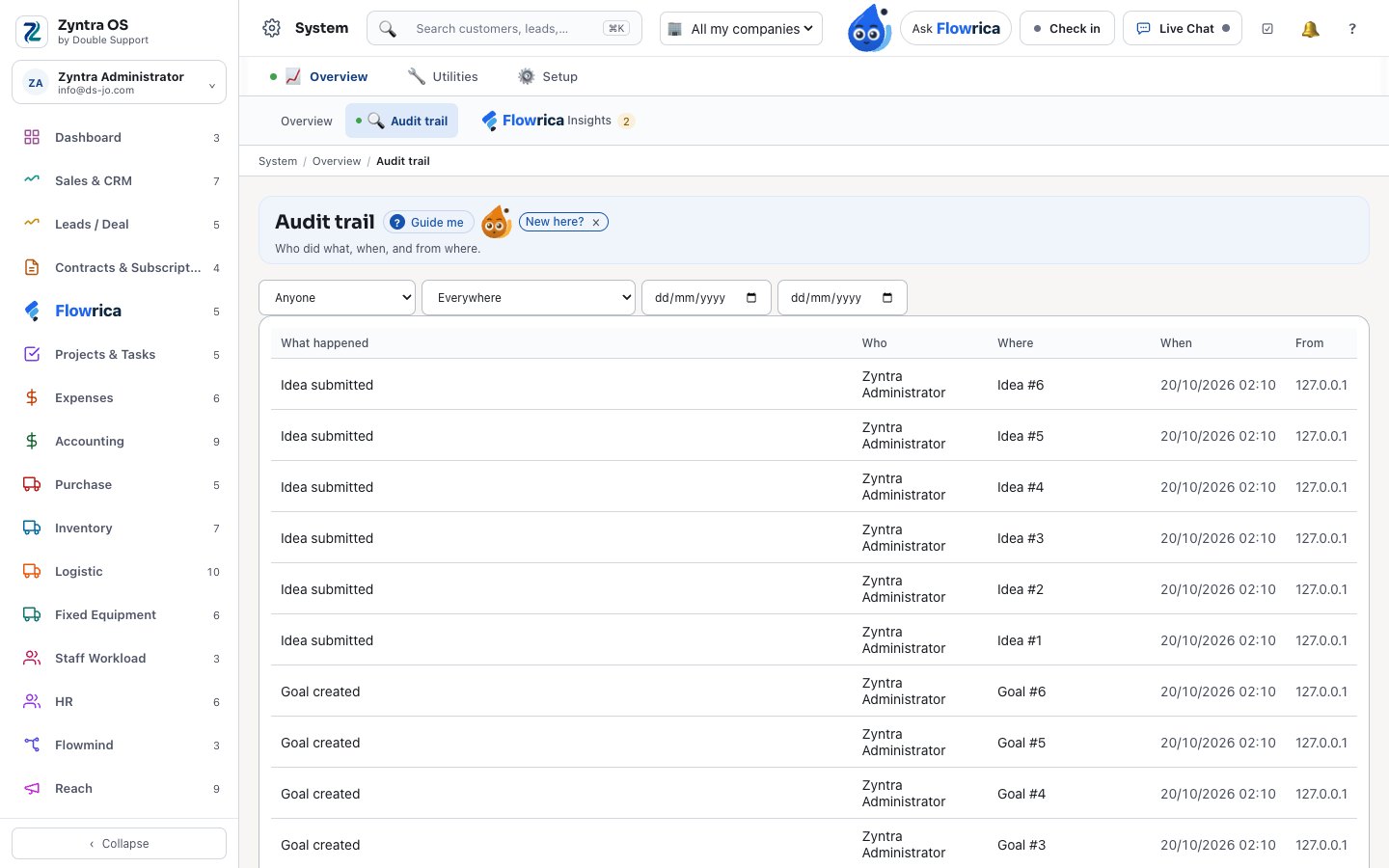
- An audit trail nobody can change, naming what Flowrica, Flowmind or the portal did
Companies, Rights & Platform
System
Companies, people, rights and the trail.
- Several companies in one installation, switched from the top bar; the software sets no limit on how many
- Rights per screen and per record — own, team or all — checked by the system when it reads, so a list, a report or Flowrica never shows what a person may not open
- Staff, roles, teams and access requests
- An audit trail nobody can edit or delete
- Nothing is deleted: records are archived and can be brought back
- A timeline on every record: notes, activities, reminders and files
- Modules switched on when you need them and off when you do not; a module another one needs stays on
- Custom fields, tags and finance lists of your own
- Approval chains on the documents that need them
Languages, portals and your data
Your language on every screen — Arabic too, your customers in their portal, your data brought in.
- Every screen in your language — Arabic too, right to left, each person in their own language — and any other language through Setup › Translations
- Mixed Arabic and English text keeps its direction
- A client portal: invoices paid, the statement, proposals and estimates accepted, contracts signed, tickets, projects followed and signed off, equipment, shipments and Flowrica
- Customers register in the portal and wait apart until your staff confirm or refuse them
- Your data brought in: customers, leads, items, vendors, staff, expenses and opening stock from a file, and your books and customers straight from your old accounting or CRM system
- Sign in with Microsoft or Google
- Your own Zyntra on its own address with its own database, backups in the base price
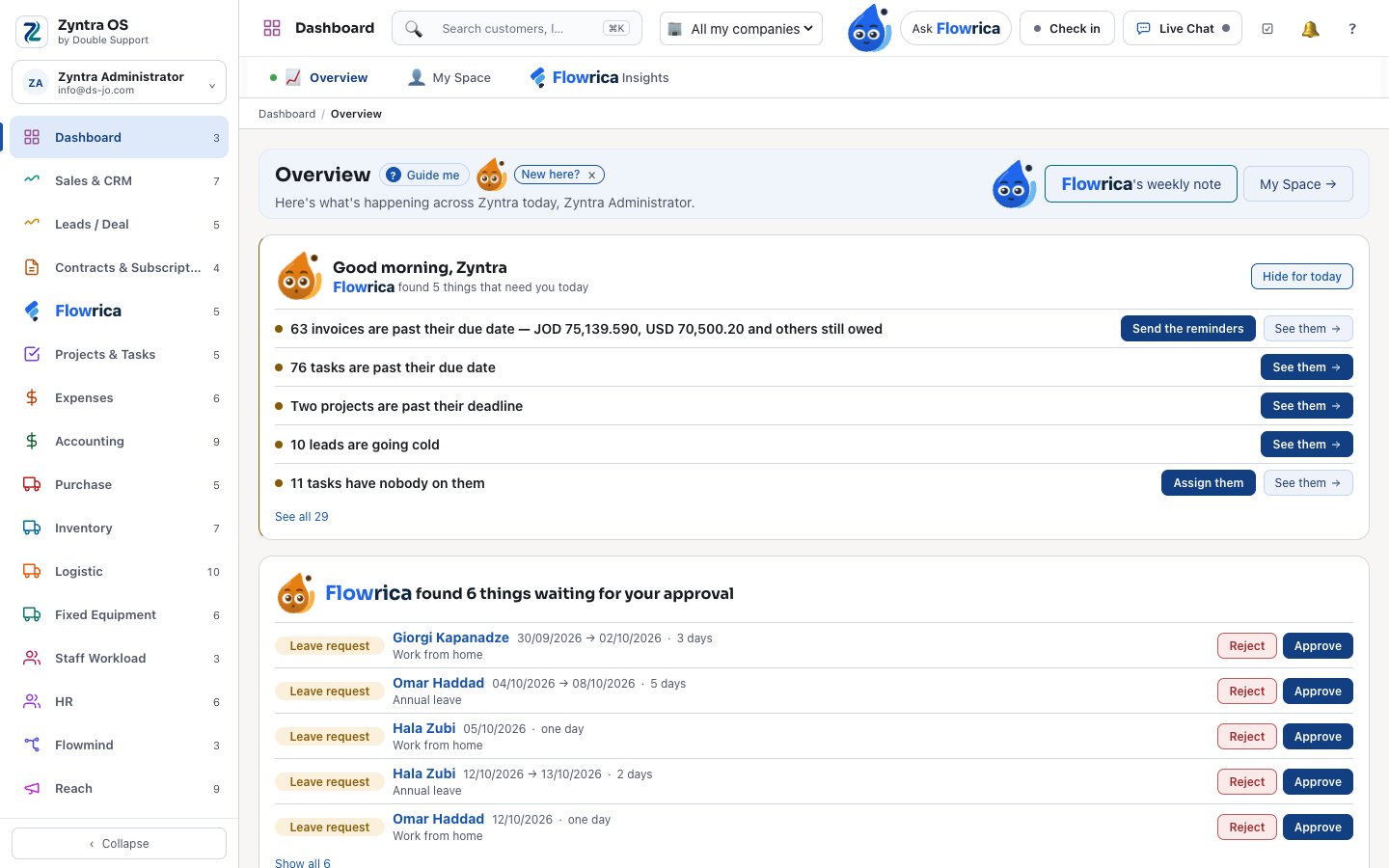
Zyntra OS companies and rights
Can Zyntra OS run several companies?
Yes. Several companies run in one installation behind one sign-in, each with its own records and books, switched from the top bar; the software sets no limit on how many. Companies, Rights & Platform.
Can I move my data from my old system into Zyntra OS?
Yes. Customers, leads, items, vendors, staff, expenses and opening stock are imported from a file, and your books and customers can come straight from your old accounting or CRM system through the ready connections. Integrations.
How to use it, step by step
Every topic of the user guide for this part of Zyntra OS, with pictures of the real screens.
- Your companies, and adding one
- What a company prints
- Set up a company's books
- Import from your old system
- Add your staff
- Roles: what each person may do
- Teams
- Ask for access, and answer a request
- Your brand colour and sign-in page
- Light, dark, or follow the device
- Setup
- Settings
- All reminders
- Audit trail
- National e-invoicing
- Web forms
- Customer tiers
- Customer health
- Sales targets
- Contract types
- System Overview
- Utilities
- Media
- Ticket Pipe Log
- e-Invoice Export
- Bulk PDF Export
- Tags
- Finance lists
- GDPR
- Mailboxes
- Translations
- Estimate request statuses
- Menu Setup
- Notifications
- Email templates
- Support settings
- Sales lists
- Custom PDF
- Payment Gateways
- Statuses & priorities
- Custom fields
- Idea hub settings
See it with your own work
Ask for a demo and our team will show you this part of Zyntra OS, in your language — Arabic too.