Zyntra OS
 Zyntra Legal
 Zyntra Real Estate
 Zyntra Hotel
 Zyntra E-commerce
 Zyntra Appointments
 Zyntra Repair
 Zyntra Garage
 Zyntra Concierge
 Zyntra Contracting
 Zyntra Clinic
 Zyntra Call Center
 Zyntra OTA
Where
Projects & Tasks › OverviewWho
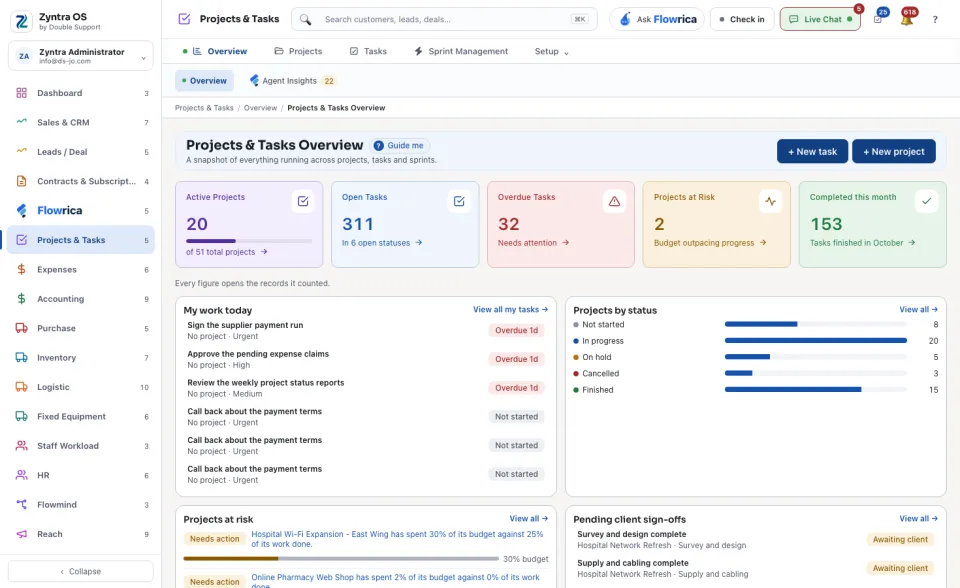
Anyone allowed to see projects and tasks.The cards at the top count the Active Projects, the Open Tasks, the Overdue Tasks, the Projects at Risk (the budget is spent faster than the work is done) and the tasks Completed this month.
| Part | What it shows |
|---|---|
| My work today | Your own tasks, the most urgent first, with how late each one is. View all my tasks → opens the full list. |
| Projects by status | How many projects are Not started, In progress, On hold, Cancelled and Finished. |
| Projects at risk | Each project that spends its budget faster than it finishes its work. |
| Pending client sign-offs | What a customer has been asked to approve and has not answered yet. |
| Sprint Management snapshot | The running sprints, their tasks done and the days left. Go to Sprint Management → opens them. |
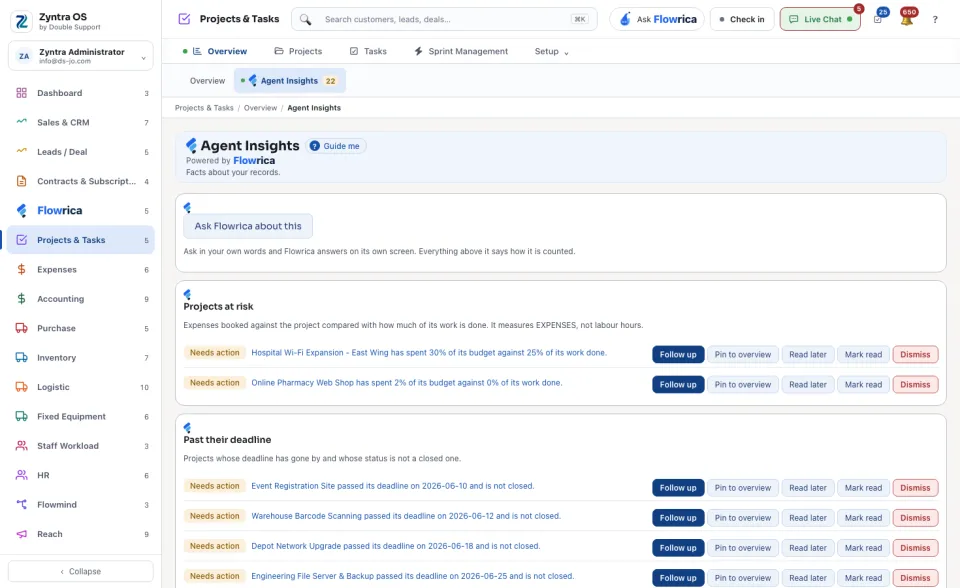
+ New task and + New project start one from here. The second view, Flowrica Insights, lists what Flowrica noticed in this part of the system. On each one you can press Ask Flowrica about this, Follow up, Pin to overview, Read later, Mark read or Dismiss.