Zyntra OS
 Zyntra Legal
 Zyntra Real Estate
 Zyntra Hotel
 Zyntra E-commerce
 Zyntra Appointments
 Zyntra Repair
 Zyntra Garage
 Zyntra Concierge
 Zyntra Contracting
 Zyntra Clinic
 Zyntra Call Center
 Zyntra OTA
Where
Projects & Tasks › Setup › SettingsWho
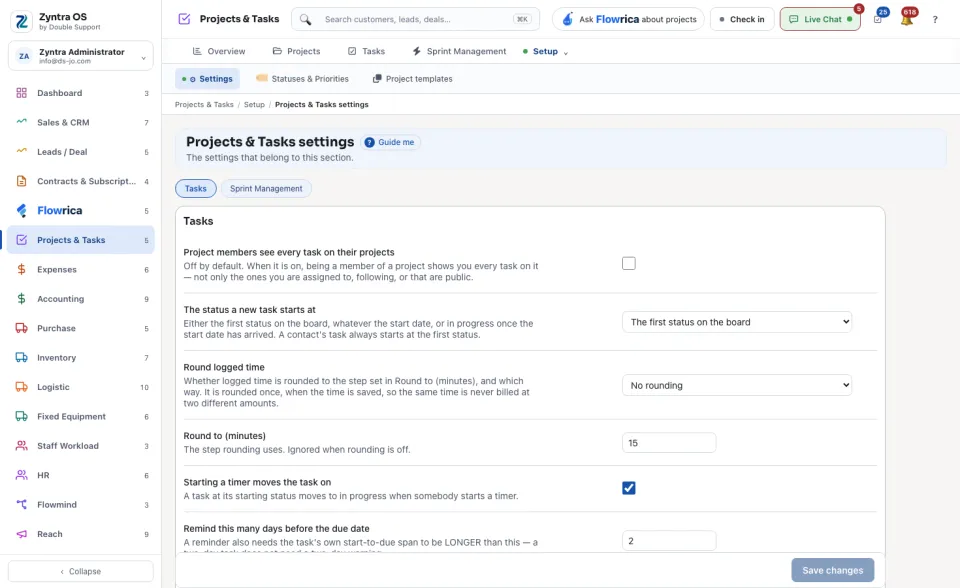
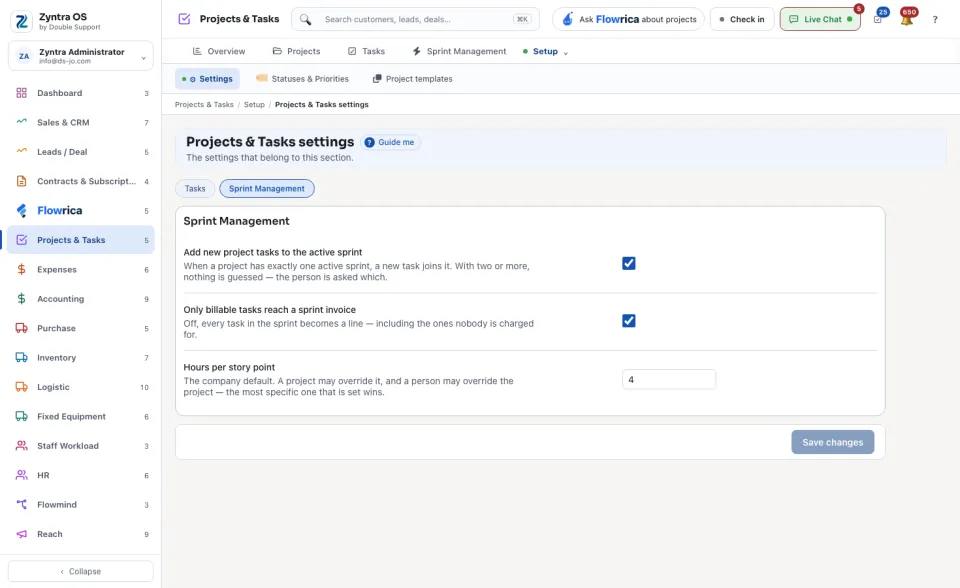
Anyone allowed to change these settings.The screen has two views: Tasks and Sprint Management.
1
Change a setting. Each one says under its name what it does.
2
Press Save changes.
| Setting | What it decides |
|---|---|
| Project members see every task on their projects | Whether a member sees all the tasks of a project, or only their own. |
| The status a new task starts at | The first status of a new task. |
| Round logged time and Round to (minutes) | Whether logged time is rounded, and to how many minutes. |
| Starting a timer moves the task on | Whether a task leaves its first status when somebody starts its timer. |
| Remind this many days before the due date | When the reminder about a task goes out. |
| Tasks on each board column | How many tasks a board column shows at first. |
| The person who creates a task follows it | Whether the creator becomes a follower. |
| Assign a new task to the person who creates it | Whether the creator becomes the assignee. |
| A new task is billable | Whether a new task starts as billable. |
| Starting a timer stops your other timers | Whether you can run only one timer at a time. |
| A task comment can be removed only in its first hour | How long a comment can still be removed. |
| Stop a running timer after (hours) | When a forgotten timer stops by itself. |
| Remind about completed work not yet billed | Whether a reminder goes out about finished work that was not billed, on the Weekdays to send the not-billed reminder, to the Staff to remind about work not yet billed. |
A setting marked Using the default has not been changed for this company.