

 Zyntra OS
 Zyntra Legal
 Zyntra Real Estate
 Zyntra Hotel
 Zyntra E-commerce
 Zyntra Appointments
 Zyntra Repair
 Zyntra Garage
 Zyntra Concierge
 Zyntra Contracting
 Zyntra Clinic
 Zyntra Dental
 Zyntra School
 Zyntra University
 Zyntra Call Center
 Zyntra OTA
Where
Manufacturing › ForecastsWho
«Read the material plan» reads them; «Keep the master schedule, forecasts and reorder rules» adds, makes from past sales, changes and archives them.Read the forecasts
1
Each forecast says the Item, its Period (a week from Monday to Sunday, or a month), the Quantity and where it comes From: Typed or Past sales.
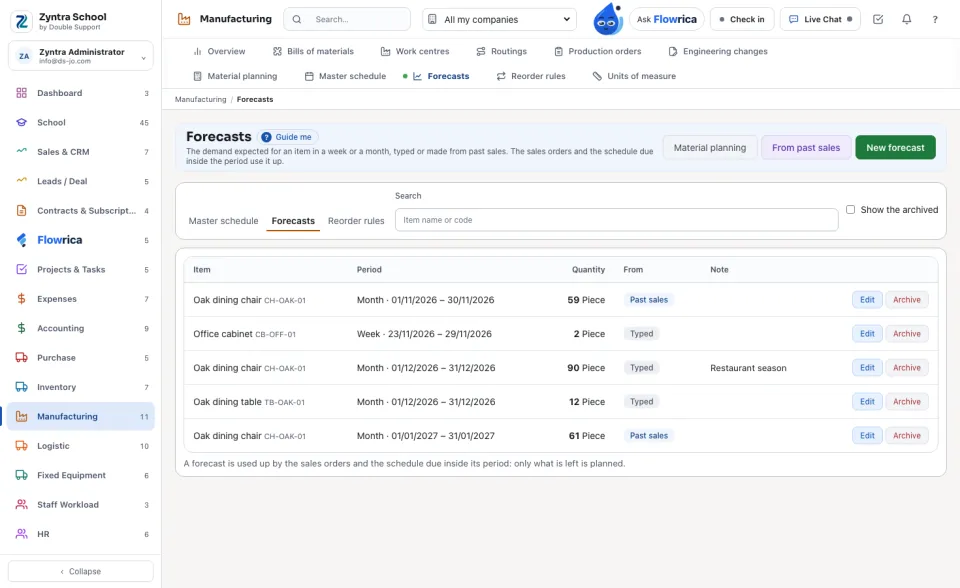
Type a forecast
1
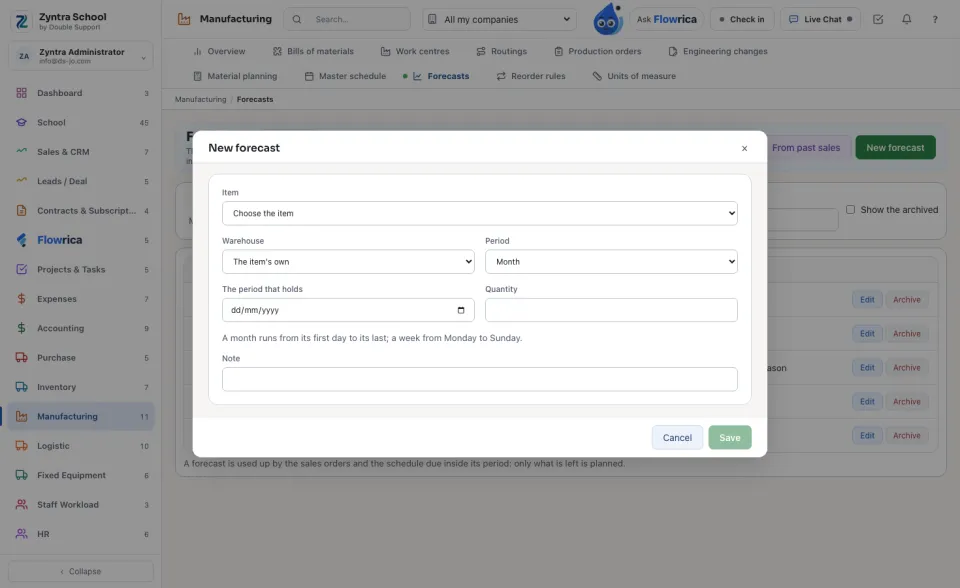
Press New forecast. Choose the Item, a Period and a day of it, and the Quantity; the period is the whole week or month that holds the day.
Make them from past sales
1
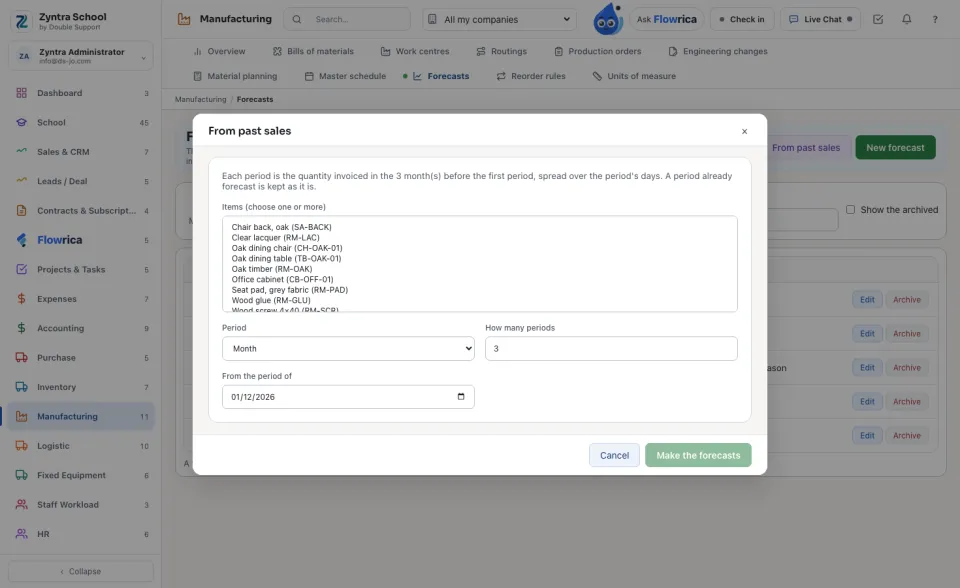
Press From past sales. Choose the items, a month or a week, how many periods and the first one.
2
Each period is the quantity invoiced in the months before the first period (3 by default, Setup › Settings › Manufacturing), spread over the period's days; an item counted in pieces is forecast in whole pieces. A period already forecast is kept as it is.
A forecast of 90 chairs in December with 24 chairs ordered and 30 scheduled in December plans 36 more, not 90.
Nothing is deleted: Archive takes a forecast out of the planning, Restore brings it back.
Questions
Where is “Forecasts” in Zyntra OS?
Manufacturing › Forecasts
Who can use “Forecasts”?
«Read the material plan» reads them; «Keep the master schedule, forecasts and reorder rules» adds, makes from past sales, changes and archives them.