

 Zyntra OS
 Zyntra Legal
 Zyntra Real Estate
 Zyntra Hotel
 Zyntra E-commerce
 Zyntra Appointments
 Zyntra Repair
 Zyntra Garage
 Zyntra Concierge
 Zyntra Contracting
 Zyntra Clinic
 Zyntra Call Center
 Zyntra OTA
Where
Leads / Deal › Deals › the dealWho
The deal's owner, or anyone allowed to edit deals.1
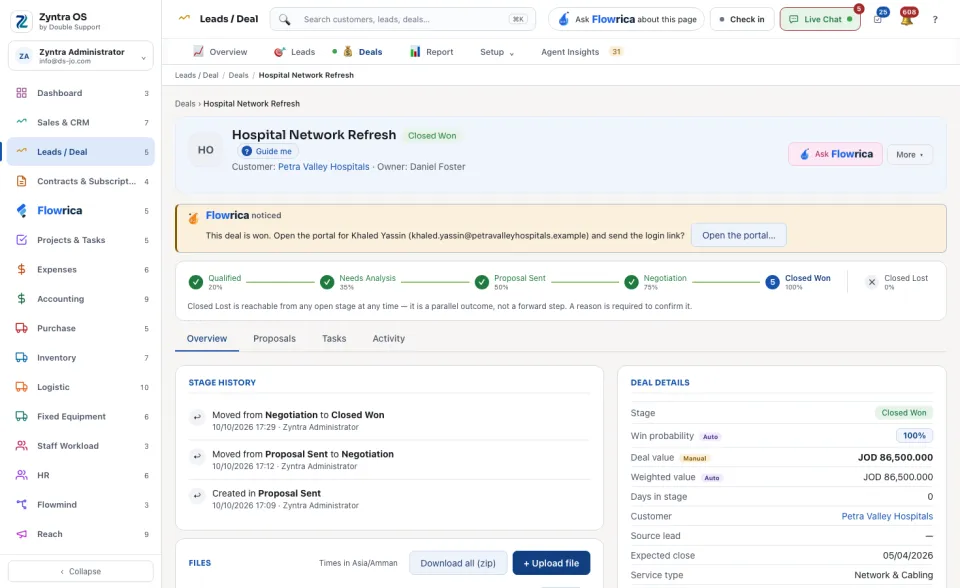
The stages stand in a line under the head, each with its chance of winning. Click a stage to move the deal there.
2
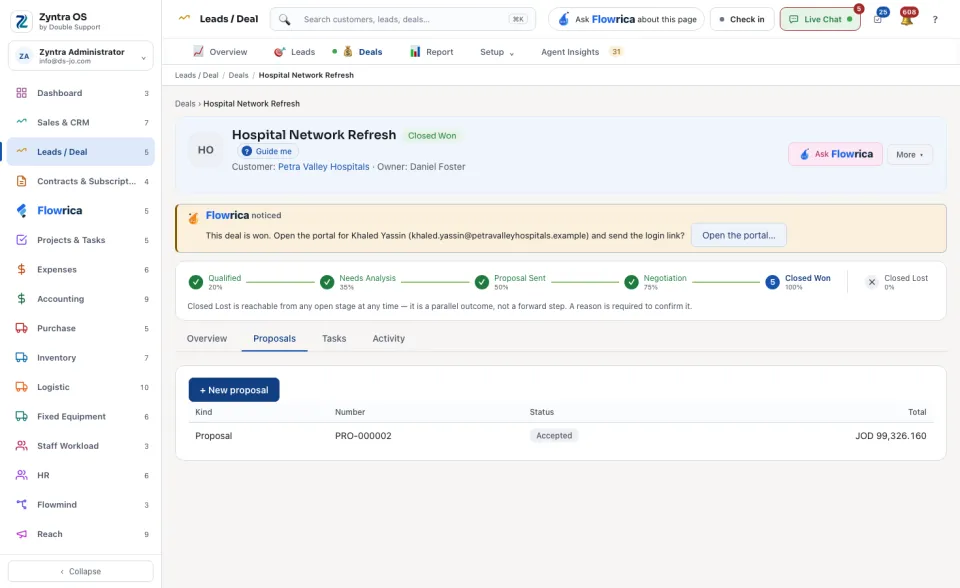
On the Proposals tab, press + New proposal to write the offer.
3
When the customer says yes, press ✓ Mark Closed Won. The deal closes as won at once.
4
If it is lost, press More ▾ › Mark as Closed Lost, choose the Loss reason (for example Price too high or Competitor won), add the competitor or a note if you know, and press Mark as Closed Lost in the dialog. A reason is required: it feeds the loss reports. A deal can be lost from any open stage.
The deal’s page
The head shows the deal's name, whether it is Open, its customer and owner, then ✓ Mark Closed Won, Ask Flowrica and More ▾ (Edit, Print sheet, Mark as Closed Lost, Archive). A deal that came from a lead says so in a line under the head.
| Tab | What it is for | What you can do there |
|---|---|---|
| Overview | The Stage history, the files and the Deal details (stage, win probability, deal value, weighted value, days in stage, customer). A band warns when the deal has not moved for days. | + Upload file. |
| Proposals | The proposals written for the deal. | + New proposal. |
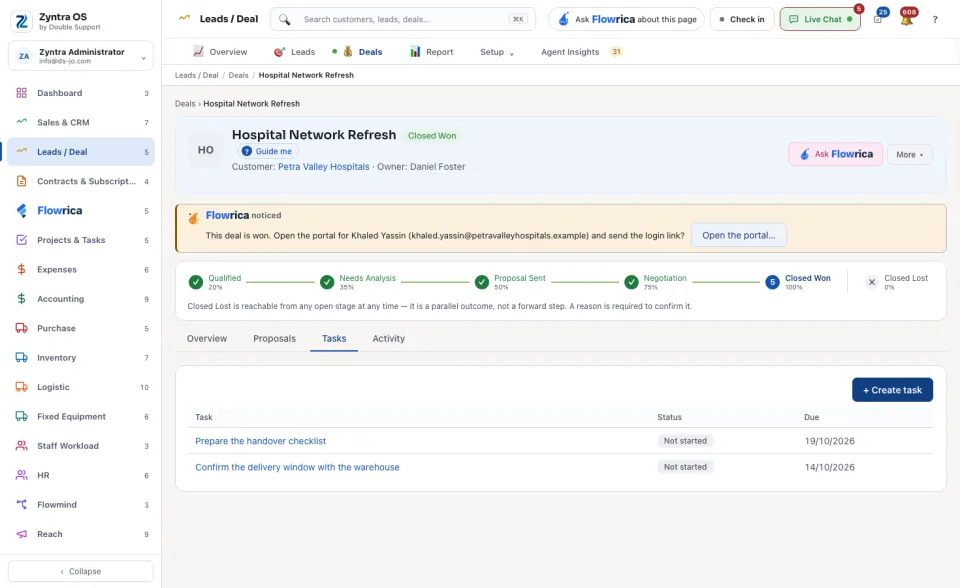
| Tasks | Tasks about the deal. | + Create task. |
| Activity | Everything that happened on the deal. | + Log activity. |
What Flowrica does here
Ask Flowrica opens her on this deal, for example to ask what to do next. In the lost dialog, Ask Flowrica for a suggestion lets her propose the loss reason; you still choose and confirm it.
Before: Convert a lead · Next: Make and send an estimate