

 Zyntra OS
 Zyntra Legal
 Zyntra Real Estate
 Zyntra Hotel
 Zyntra E-commerce
 Zyntra Appointments
 Zyntra Repair
 Zyntra Garage
 Zyntra Concierge
 Zyntra Contracting
 Zyntra Clinic
 Zyntra Call Center
 Zyntra OTA
Where
Sales & CRM › Sales Agent › ProgramsWho
Anyone allowed to see sales agents.Make a program
1
Press New program.
2
Program: give it a Name, and if you wish a Price list and a Description.
3
Runs: the From date and the To date, or tick No end date.
4
Discount & tiers: choose the Discount type (Percentage or Fixed) and What a tier counts: the agent's sales value in the quarter, or the quantity of one item on one order. Fill the first tier and press Add tier for the next. Each tier has its discount and its Commission %.
5
Who: choose Who sees it: Assigned only, Agents can see it or Agents can see it · join on request. You may name Agent groups.
6
Items: leave All items, or press Add items; you may also choose Item groups and Excluded items. Press Save.
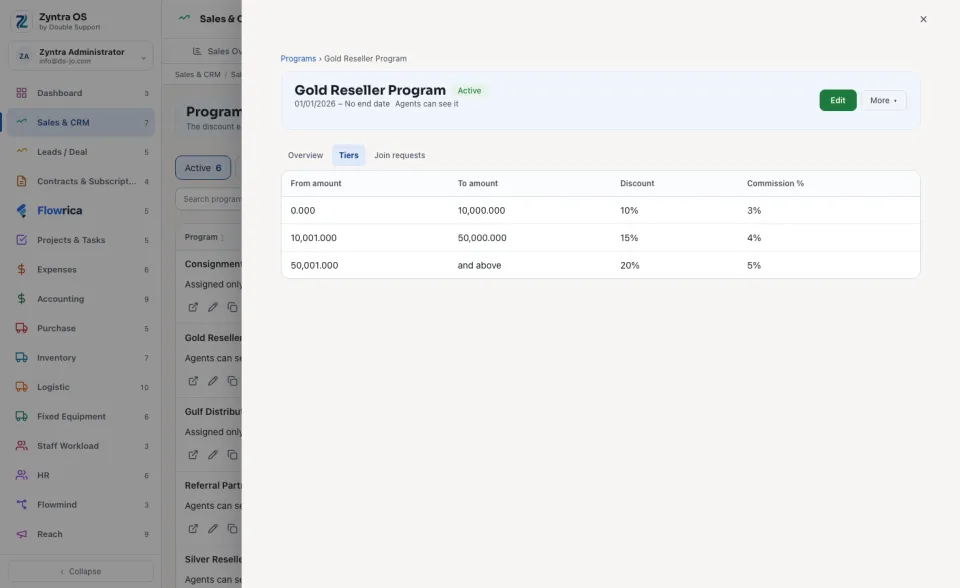
Tiers may not overlap: each tier must start above where the one before it ends. The last tier may be left open ("and above").
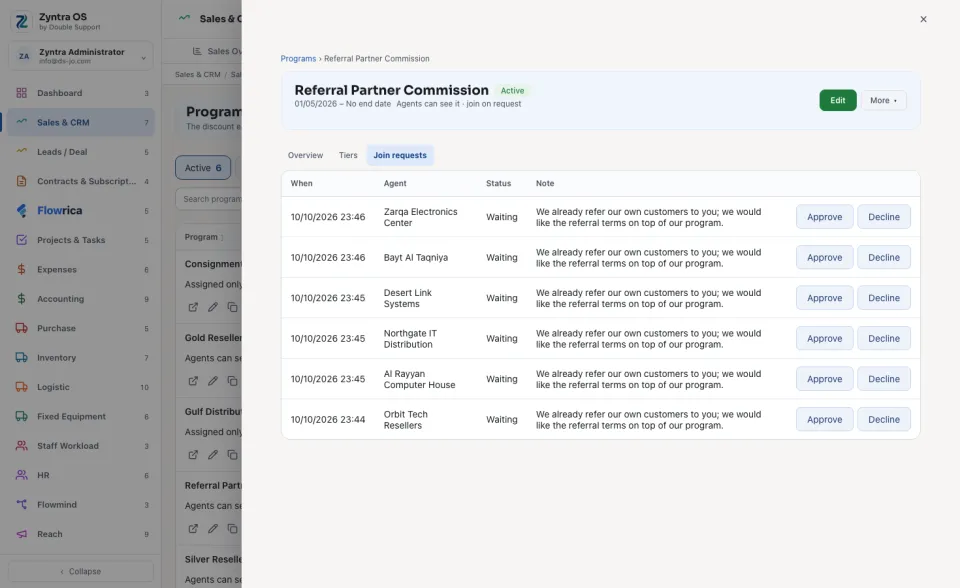
An agent is put in a program on the agent's own form, in Program. When agents may join on request, their requests wait under Join requests: press Approve or Decline. A declined request is kept.
The list and a program's own page
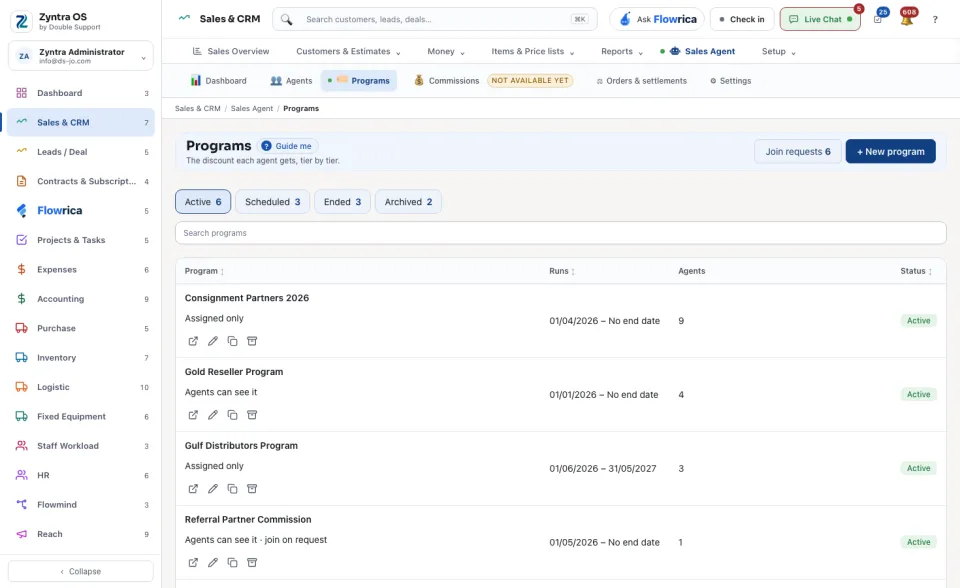
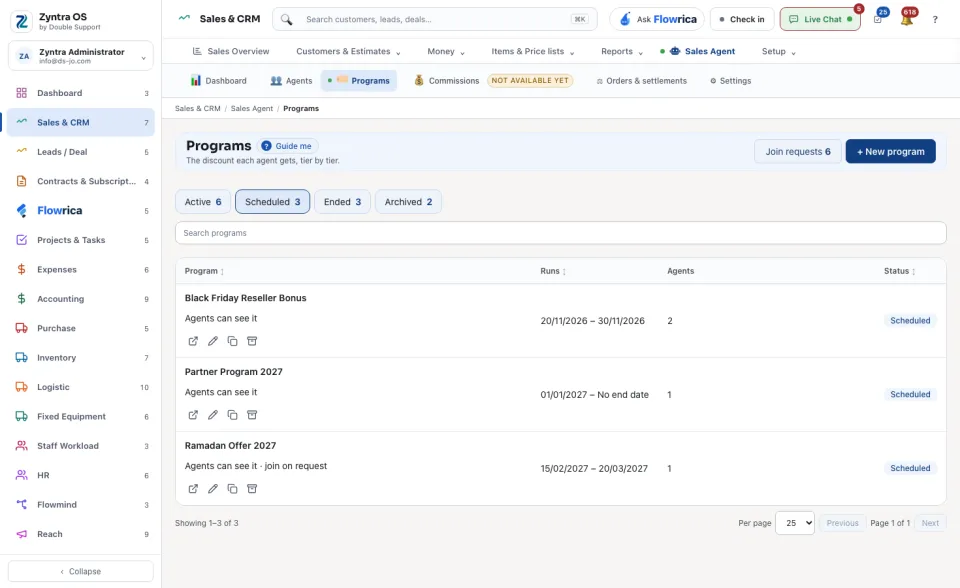
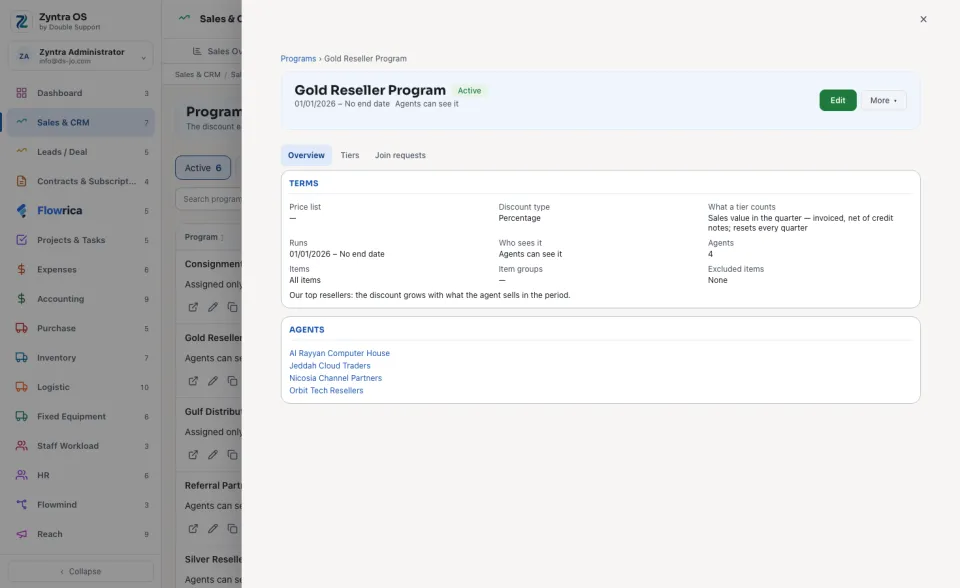
The list has four views: Active, Scheduled, Ended and Archived. Each row shows when the program Runs, how many Agents are in it and its Status. Press a program to open it over the list. Its head has Edit and More ▾ (Duplicate, Archive).
| Tab | What it holds |
|---|---|
| Overview | The Terms of the program and the Agents in it. |
| Tiers | Every tier with its discount and commission. |
| Join requests | The agents who asked to join, and what was answered. |
Before: Sales agents