

 Zyntra OS
 Zyntra Legal
 Zyntra Real Estate
 Zyntra Hotel
 Zyntra E-commerce
 Zyntra Appointments
 Zyntra Repair
 Zyntra Garage
 Zyntra Concierge
 Zyntra Contracting
 Zyntra Clinic
 Zyntra Call Center
 Zyntra OTA
Where
Leads / Deal › DealsWho
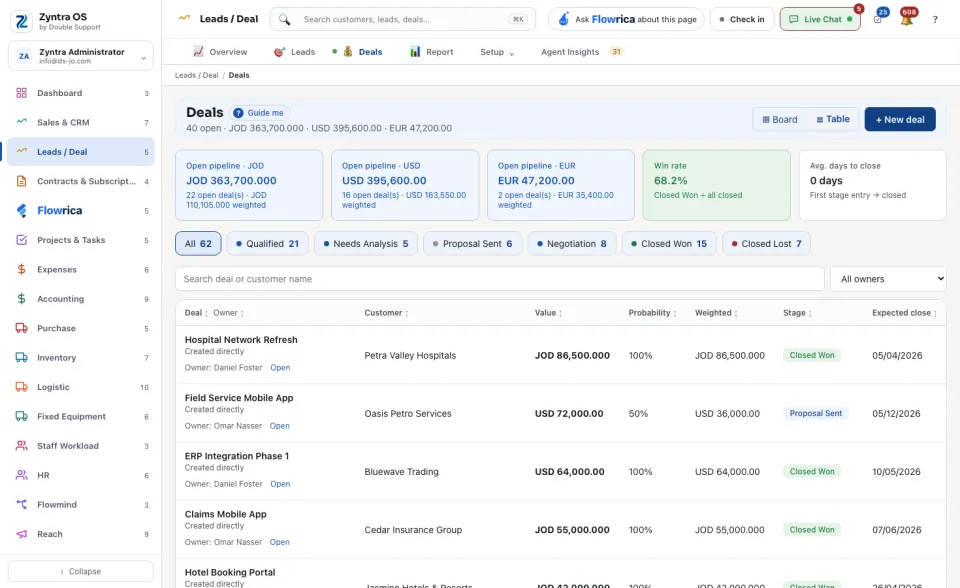
Anyone allowed to see deals.Under the screen's name one line counts the open deals, their value and how many are stalling. Three figures follow: Open pipeline, Win rate and Avg. days to close. Press a stage (for example Proposal Sent, Closed Won, Closed Lost) to see only its deals. ▦ Board shows one column per stage; ☰ Table shows rows.
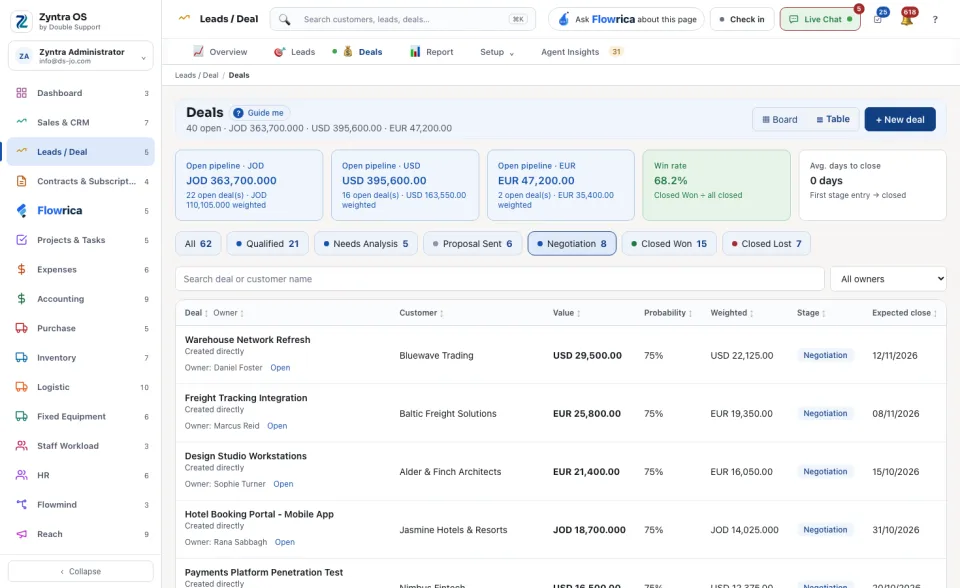
When deals have not moved for days, a warning line says how many and how much value is at risk; press View → to see them.
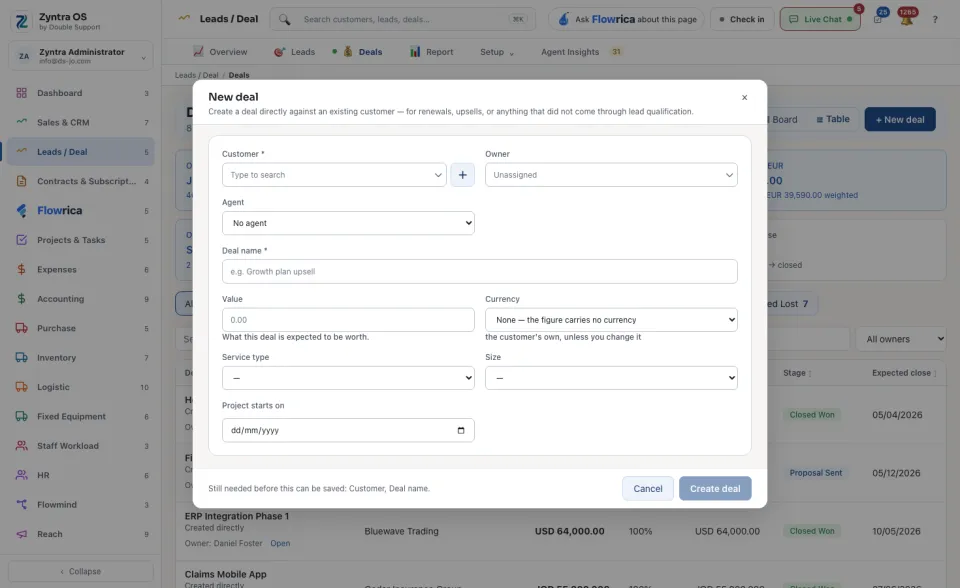
This is for renewals, upsells and anything that did not come through a lead. Most deals start from a converted lead instead.
What Flowrica does here
She can make the deal with you, one question at a time (Create a deal); nothing is saved until you press the form's own button. You can also ask her about this screen, for example Who do I call first today?