

 Zyntra OS
 Zyntra Legal
 Zyntra Real Estate
 Zyntra Hotel
 Zyntra E-commerce
 Zyntra Appointments
 Zyntra Repair
 Zyntra Garage
 Zyntra Concierge
 Zyntra Contracting
 Zyntra Clinic
 Zyntra Call Center
 Zyntra OTA
Where
Sales & CRM › Customers & Estimates › Sales ordersWho
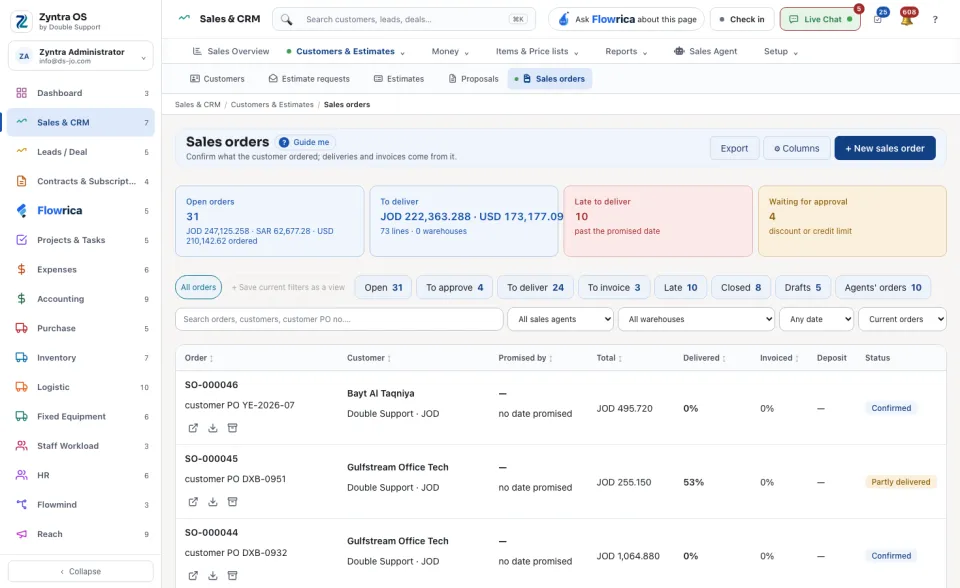
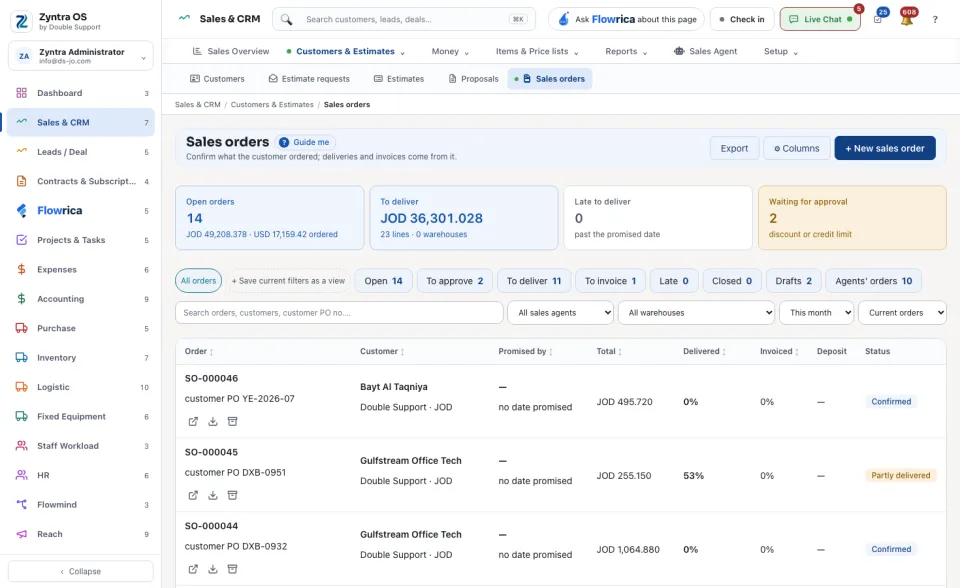
Anyone allowed to see sales orders: all of them, their team's, or only their own.At the top are four figures: Open orders, To deliver, Late to deliver and Waiting for approval. Under them, press a view to narrow the list: Open, To approve, To deliver, To invoice, Late, Closed, Drafts or Agents' orders. The list shows each order's Customer, Promised by, Total, how much is Delivered and Invoiced, its Deposit and its Status.
Export takes the list out as a file and ⚙ Columns chooses which columns the table shows. Once you have narrowed the list, + Save current filters as a view keeps that choice as a chip of your own beside All orders.
Make a sales order
The order's own page
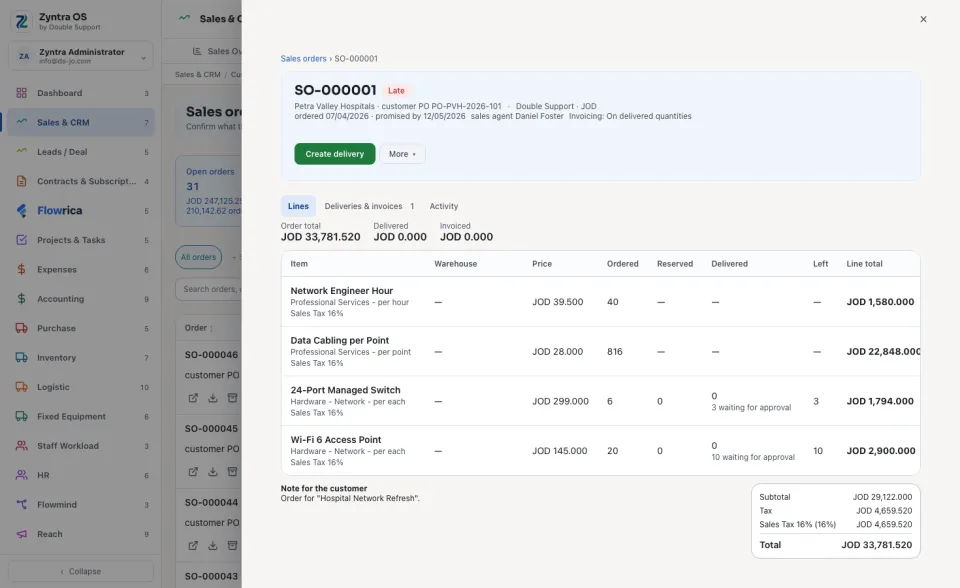
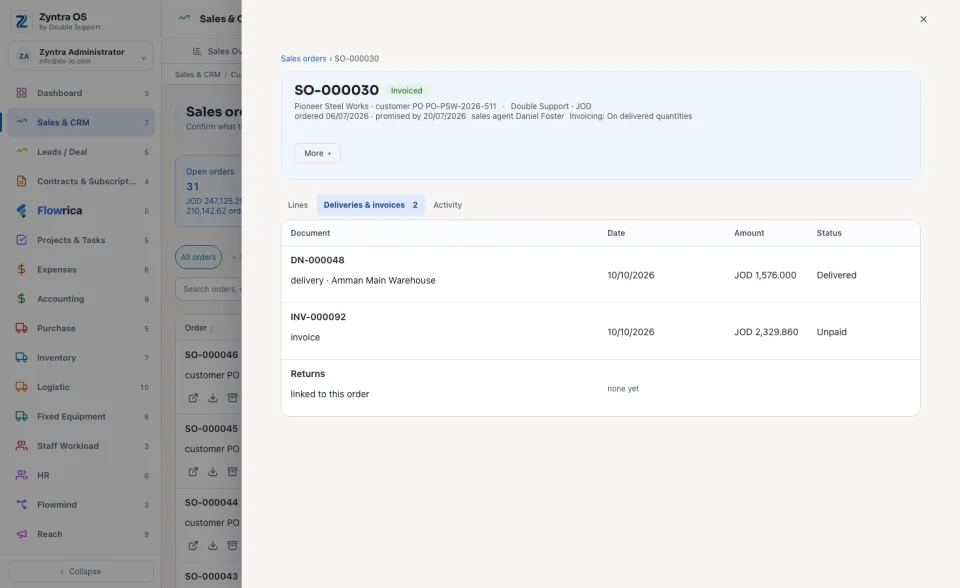
Press an order to open it over the list. Its head shows the number, the customer, the status, one main button and More ▾. The main button is the next step: Approve, then Confirm order on a draft, then Create delivery, then Create invoice.
| Tab | What it holds |
|---|---|
| Lines | Three figures (Order total, Delivered, Invoiced) and every line: Ordered, Reserved, Delivered, Left and its Line total. |
| Deliveries & invoices | Every delivery and invoice made from this order, and its returns. |
| Activity | What was done on the order, when and by whom. |
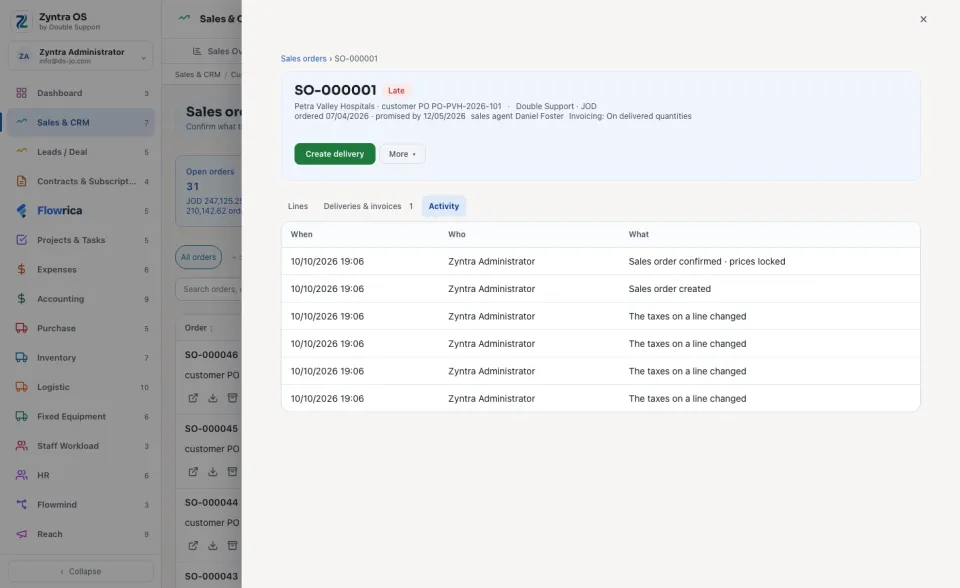
Under More ▾: Receive a deposit, Edit (a draft only), View PDF, Download, Send to the customer (a confirmed order), Order drop-ship lines from the supplier, Close what is left… and Archive.
Flowrica on this screen
Press Ask Flowrica about this page at the top and ask in your own words, for example "Sales orders by status". Press Guide me and she walks you through the screen: she only points, you press.