Zyntra OS
 Zyntra Legal
 Zyntra Real Estate
 Zyntra Hotel
 Zyntra E-commerce
 Zyntra Appointments
 Zyntra Repair
 Zyntra Garage
 Zyntra Concierge
 Zyntra Contracting
 Zyntra Clinic
 Zyntra Call Center
 Zyntra OTA
Where
Sales & CRM › Sales Agent › Dashboard · Agents · SettingsWho
Anyone allowed to see sales agents: all of them, their team's, or only their own. The settings need the right to see settings.The dashboard
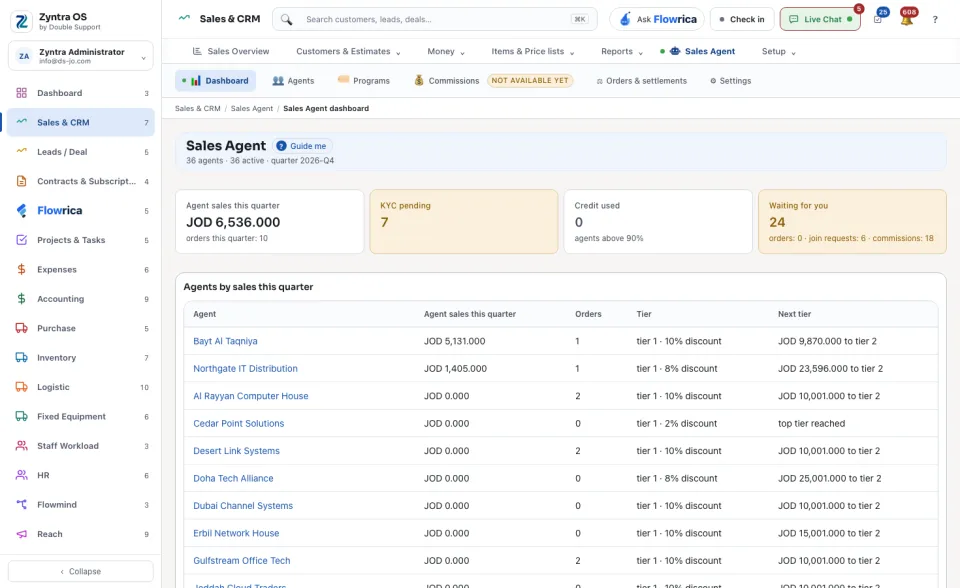
Four figures for the quarter: Agent sales this quarter, KYC pending, Credit used and Waiting for you. The table Agents by sales this quarter shows each agent's sales, orders, Tier and how far the Next tier is. The block Waiting for you lists the orders to approve, the join requests and the commissions that wait for you.
Add an agent
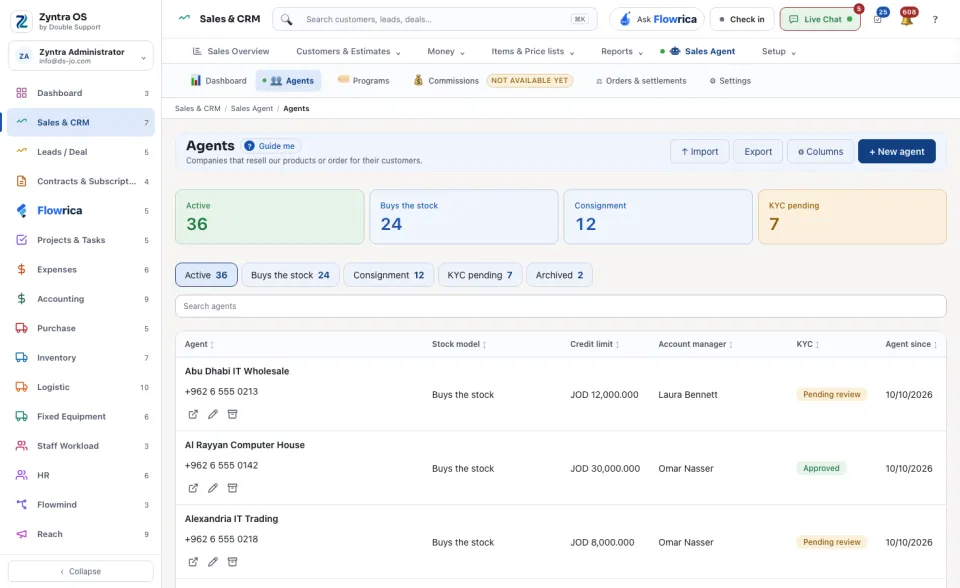
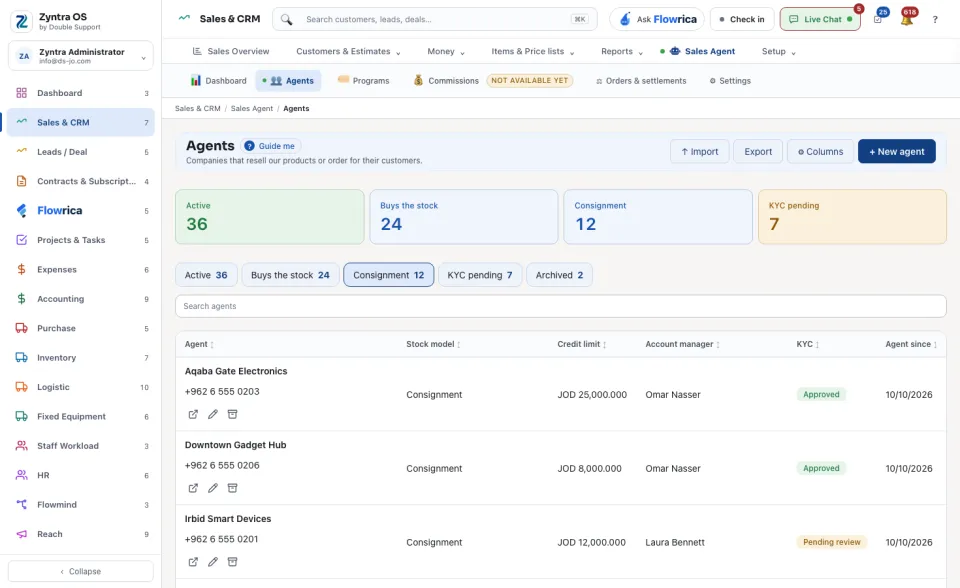
The list has five views: Active, Buys the stock, Consignment, KYC pending and Archived. Import brings many agents from a file: one row is one agent.
Above the list, Export takes it out as a file and ⚙ Columns chooses which columns the table shows.
The agent's own page
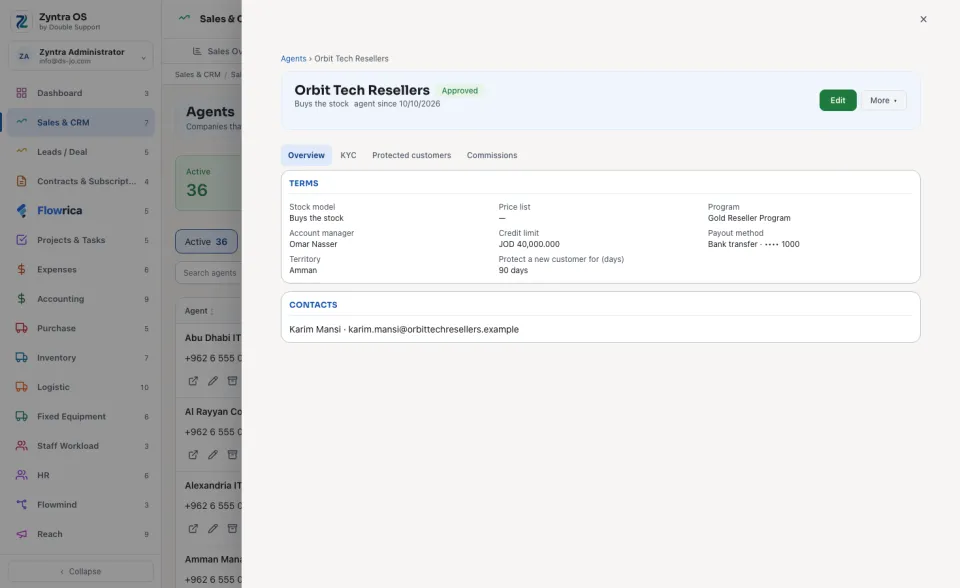
Press an agent to open it over the list. Its head has Edit and More ▾ (Set KYC, Archive).
| Tab | What it holds |
|---|---|
| Overview | The Terms (stock model, price list, program, account manager, credit limit, payout method, territory) and the Contacts. |
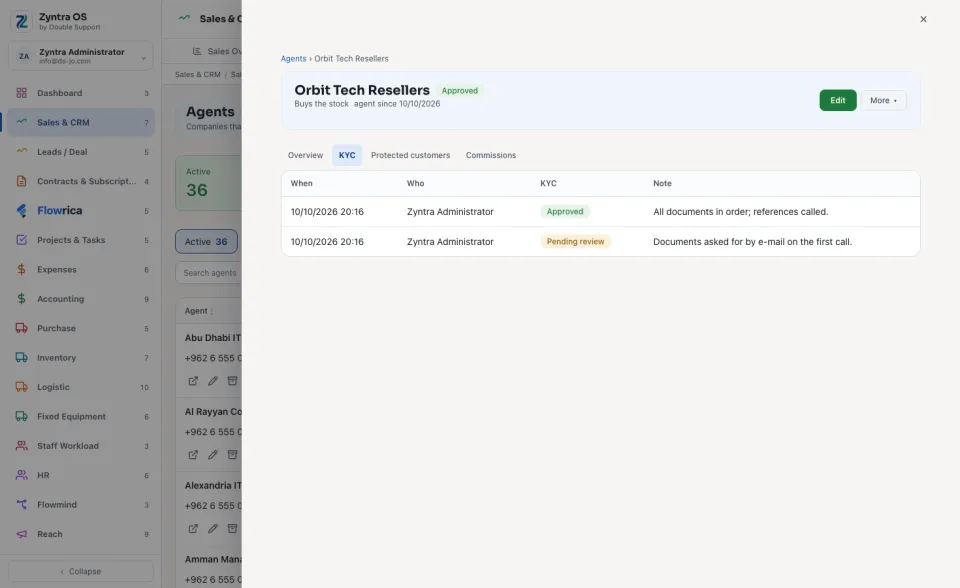
| KYC | The identity check. Set it from More ▾ › Set KYC: Pending review, Approved or Rejected. A rejection needs a reason. |
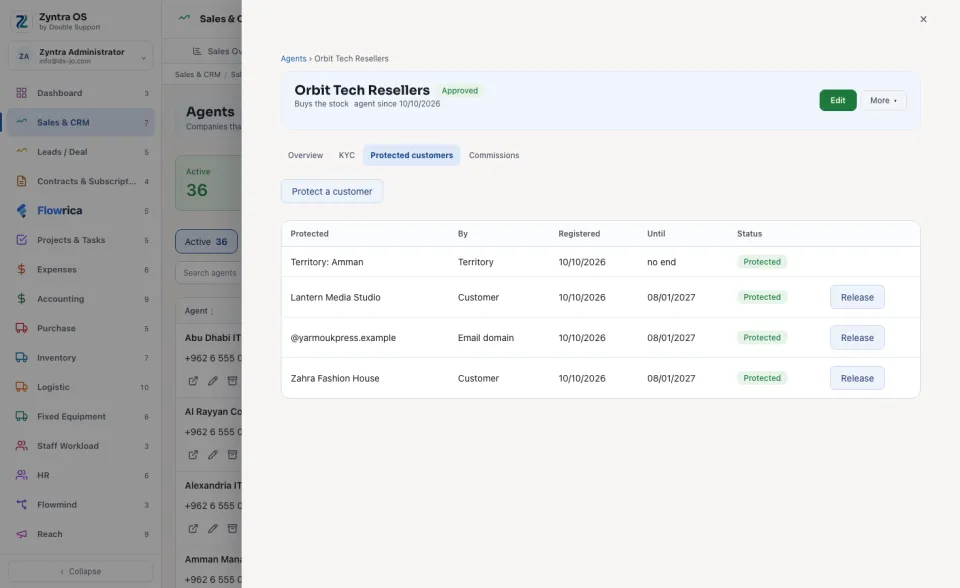
| Protected customers | The customers, email domains and territories kept for this agent. Press Protect a customer to add one; Release ends it and the record is kept. |
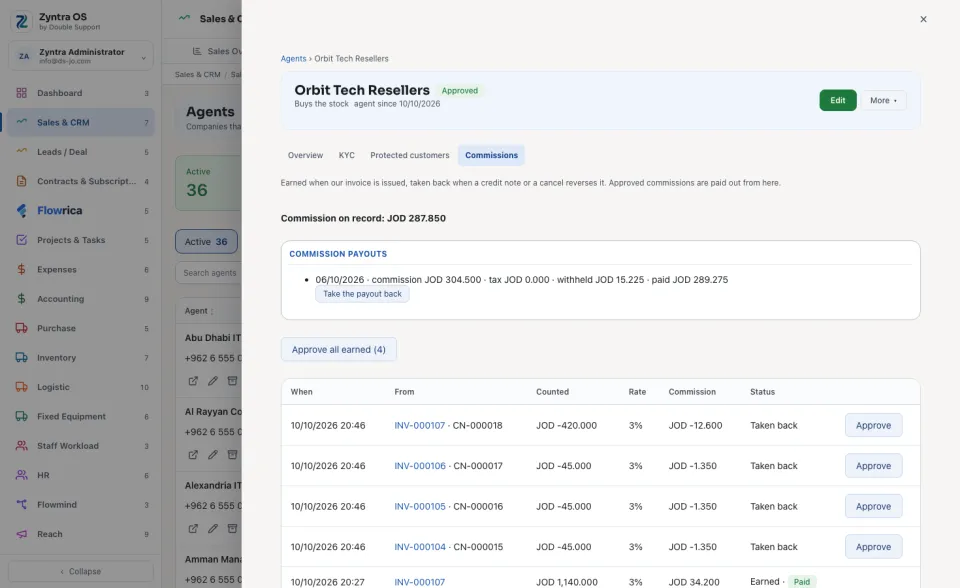
| Commissions | A commission is earned when our invoice is issued and taken back when a credit note or a cancel reverses it. Approved commissions are paid out from here. |
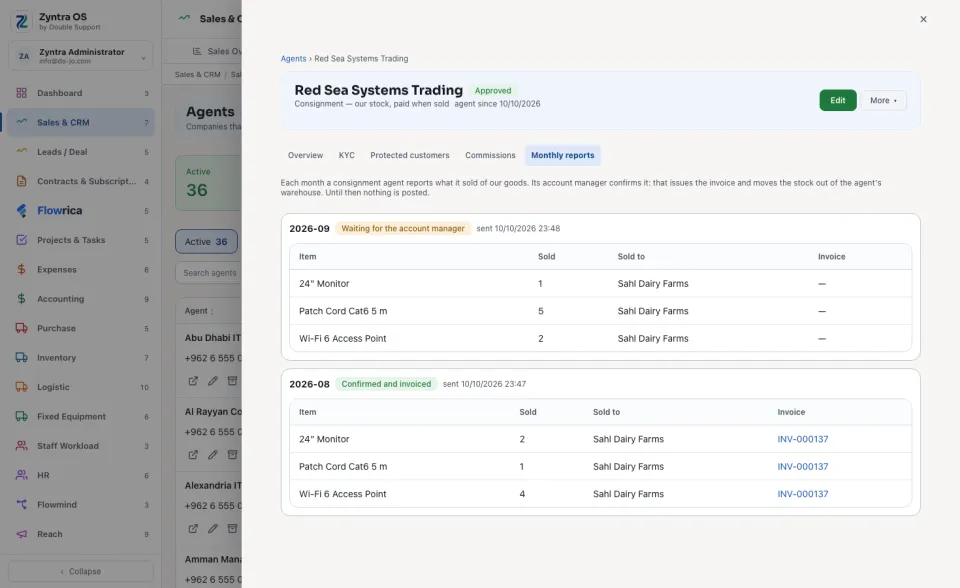
| Monthly reports | Only for a consignment agent. Each month the agent reports what it sold. Its account manager presses Confirm and invoice (that issues the invoice and moves the stock out) or Send back. |
The settings
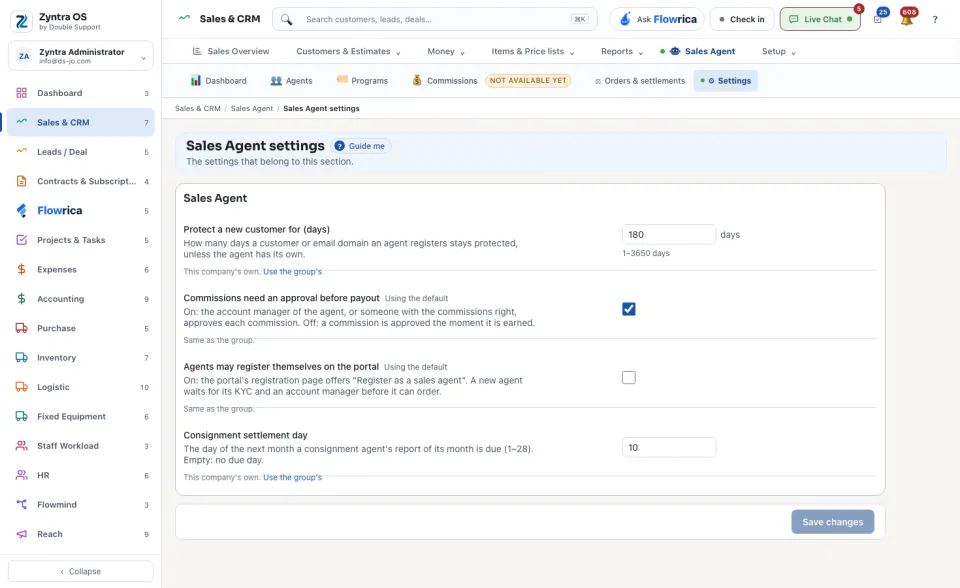
Four settings, per company: Protect a new customer for (days), Commissions need an approval before payout, Agents may register themselves on the portal and Consignment settlement day. Press Save changes.