Zyntra OS
 Zyntra Legal
 Zyntra Real Estate
 Zyntra Hotel
 Zyntra E-commerce
 Zyntra Appointments
 Zyntra Repair
 Zyntra Garage
 Zyntra Concierge
 Zyntra Contracting
 Zyntra Clinic
 Zyntra Call Center
 Zyntra OTA
Where
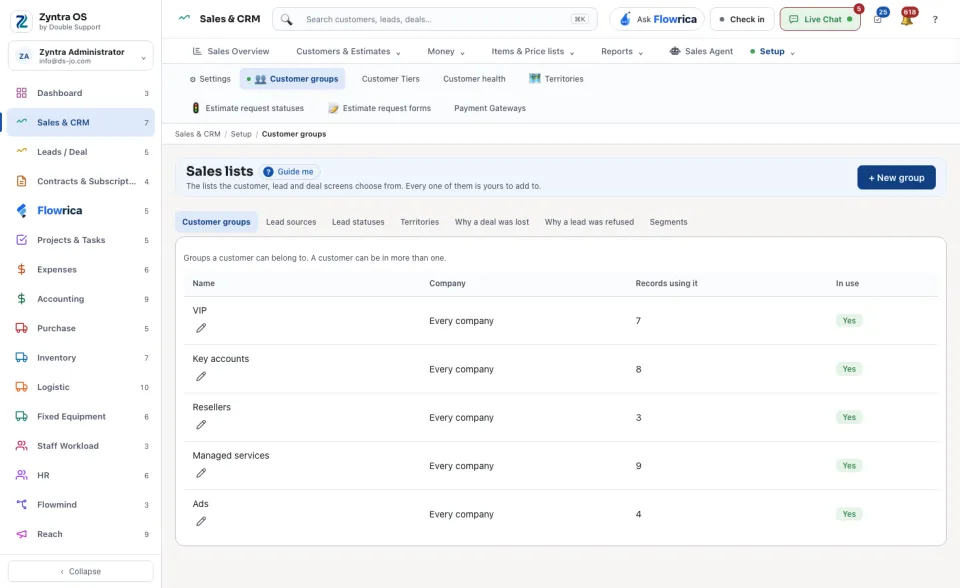
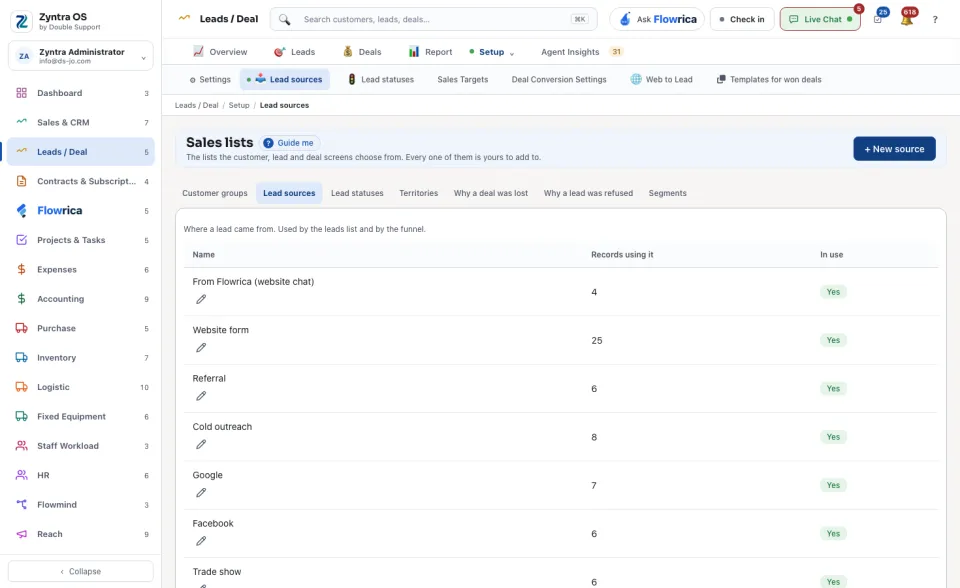
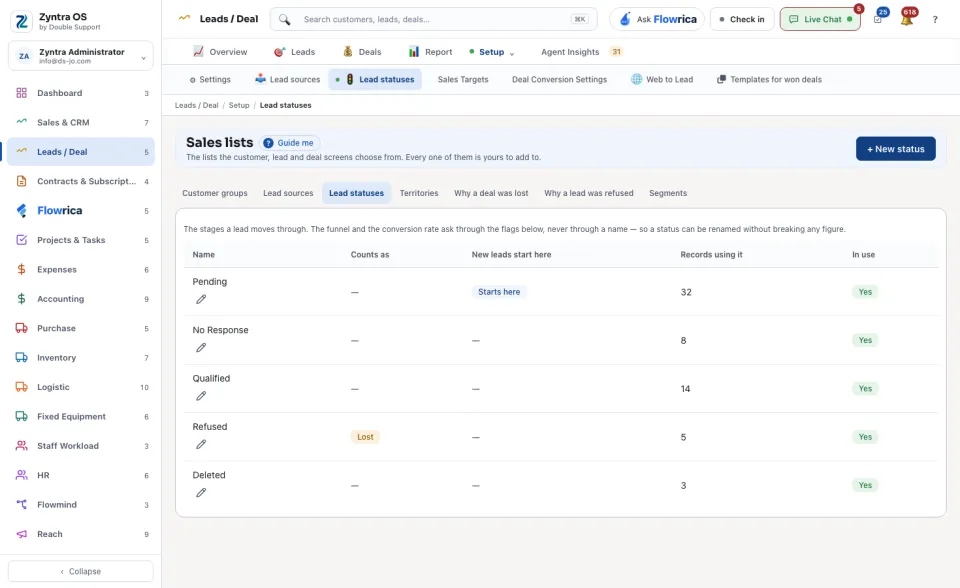
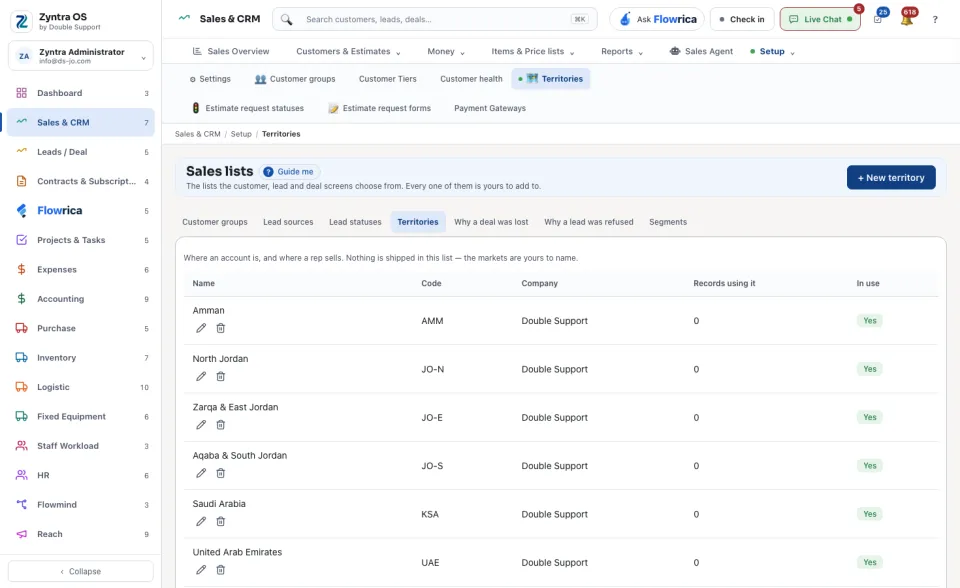
Sales & CRM › Setup › Customer groups or Territories; Leads / Deal › Setup › Lead sources or Lead statusesWho
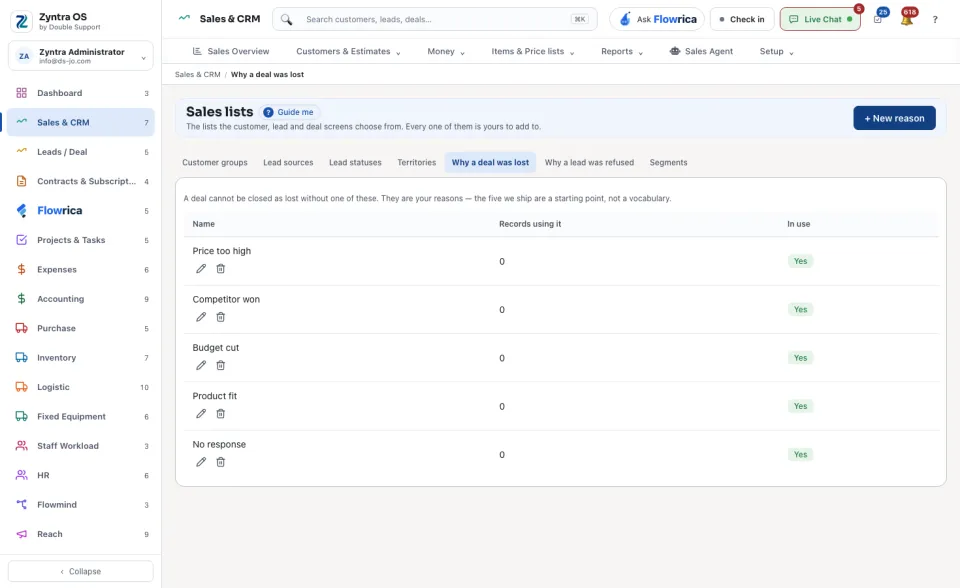
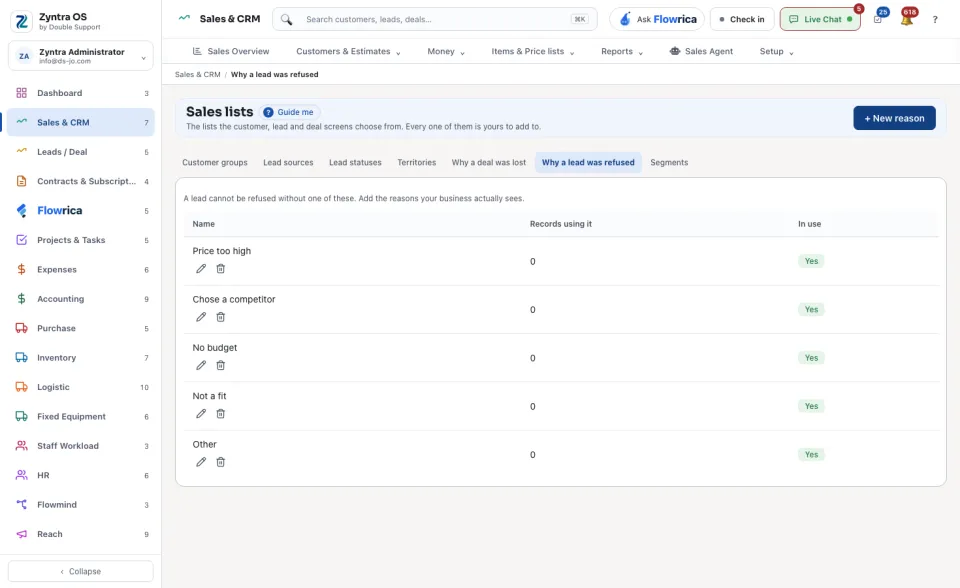
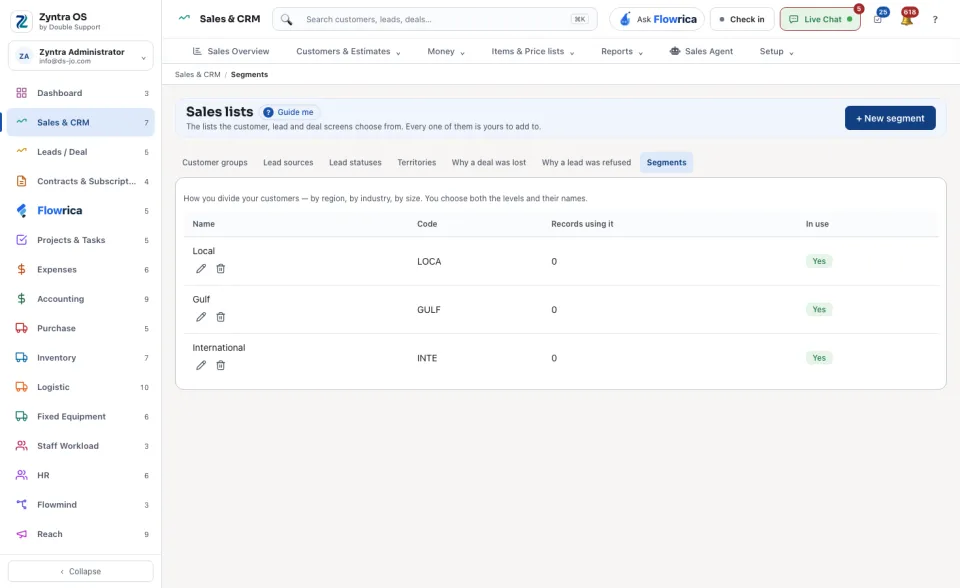
Anyone allowed to see customers.The views along the top hold Customer groups, Lead sources, Lead statuses, Territories, Why a deal was lost, Why a lead was refused and Segments. A line under them says what the list is for. Add to a list with its own button, such as + New group or + New status.
Each row shows its Name, its Company, the Records using it and whether it is In use. For lead statuses you also mark which one counts as won or lost and where new leads start. An entry can be deleted only while no record uses it.