Zyntra OS
 Zyntra Legal
 Zyntra Real Estate
 Zyntra Hotel
 Zyntra E-commerce
 Zyntra Appointments
 Zyntra Repair
 Zyntra Garage
 Zyntra Concierge
 Zyntra Contracting
 Zyntra Clinic
 Zyntra Call Center
 Zyntra OTA
Where
System › Setup › Menu SetupWho
Anyone allowed to see settings; saving needs permission to edit settings.1
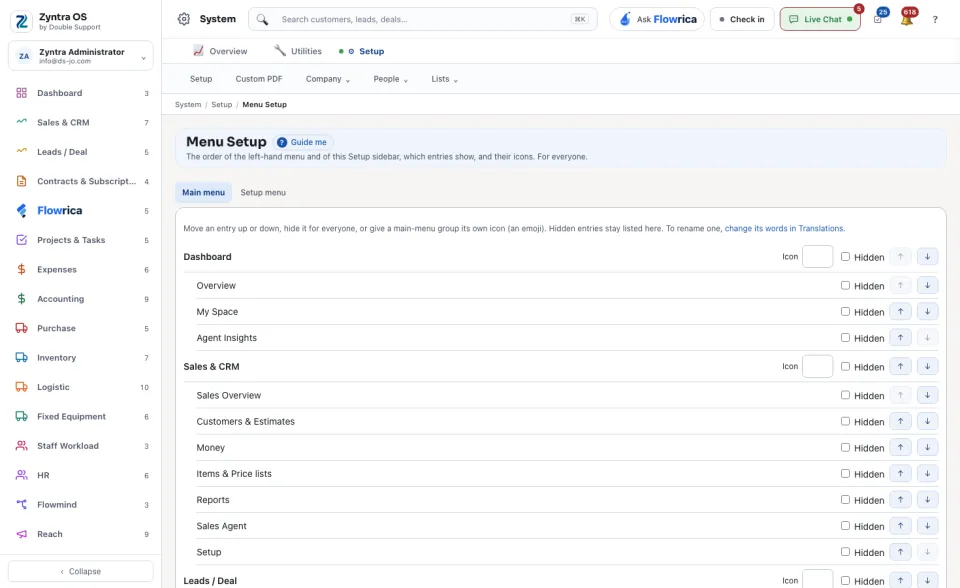
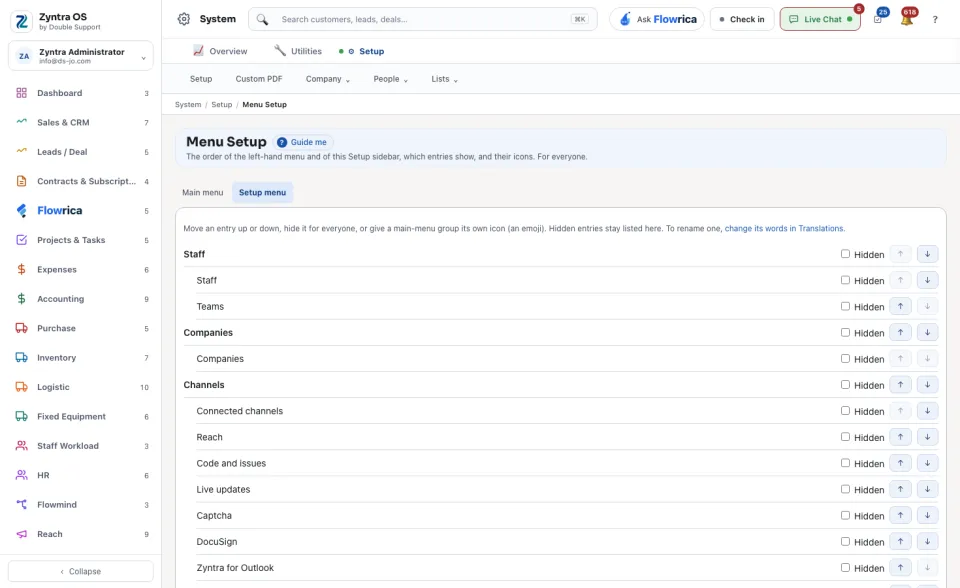
Choose Main menu or Setup menu.
2
Move an entry with the arrows ↑ and ↓ at the end of its row.
3
Tick Hidden to hide an entry for everyone. A hidden entry stays listed here, so you can show it again.
4
Give a main-menu group its own Icon when you want one.
5
Press Save. Reset to the shipped order puts everything back as the system came.
To rename an entry, change its words in Translations. To choose the drawn icon of each menu row, see Menu icons.