Zyntra OS
 Zyntra Legal
 Zyntra Real Estate
 Zyntra Hotel
 Zyntra E-commerce
 Zyntra Appointments
 Zyntra Repair
 Zyntra Garage
 Zyntra Concierge
 Zyntra Contracting
 Zyntra Clinic
 Zyntra Call Center
 Zyntra OTA
Where
System › Setup › Tax ratesWho
Anyone allowed to see settings; changing a list needs the right to edit them.1
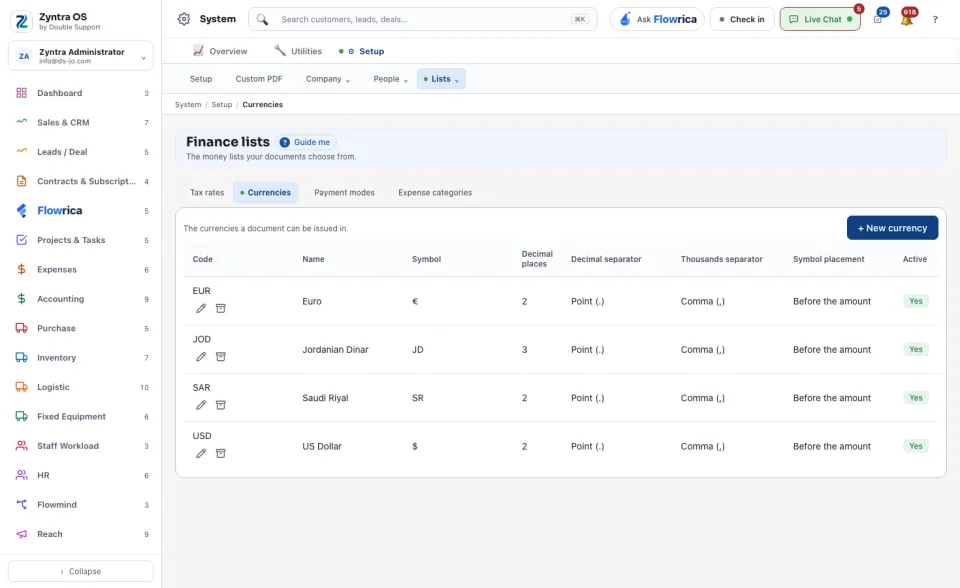
Choose the tab: Tax rates, Currencies, Payment modes or Expense categories.
2
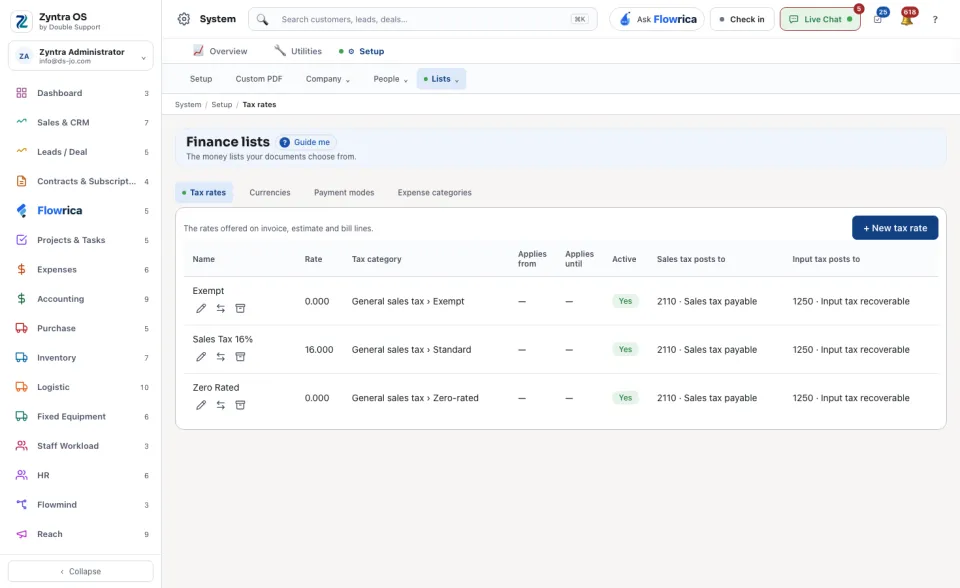
Add an entry with the tab’s own button, for example + New tax rate. For a tax rate give its Name and Rate, and the accounts it posts to.
3
Read the table. A tax rate shows its Rate, its Tax category, the dates it Applies from and Applies until, whether it is Active, and where sales tax and input tax post.
When a tax rate changes by law, do not edit the old one: replace it from a date. The old rate keeps its figure on earlier documents, and the new one is offered from that day.
An entry taken out of use is archived: it leaves every picker, stays on the documents that already use it, and can be brought back.