

 Zyntra OS
 Zyntra Legal
 Zyntra Real Estate
 Zyntra Hotel
 Zyntra E-commerce
 Zyntra Appointments
 Zyntra Repair
 Zyntra Garage
 Zyntra Concierge
 Zyntra Contracting
 Zyntra Clinic
 Zyntra Dental
 Zyntra School
 Zyntra University
 Zyntra Social
 Zyntra Call Center
 Zyntra OTA

Where
Sales & CRM › Setup › Customer TiersWho
Anyone allowed to see this screen.Press + New tier to add one. The table shows each Tier, its Rank, whether it is Active and how many Customers are in it; the arrows ↑ and ↓ beside the rank move it up or down. A line above the table names the highest active tier.
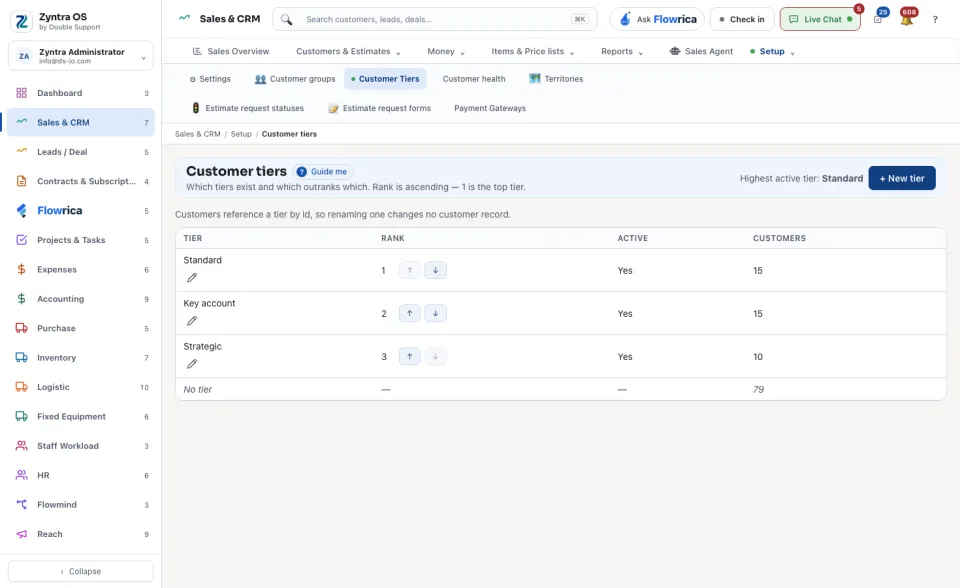
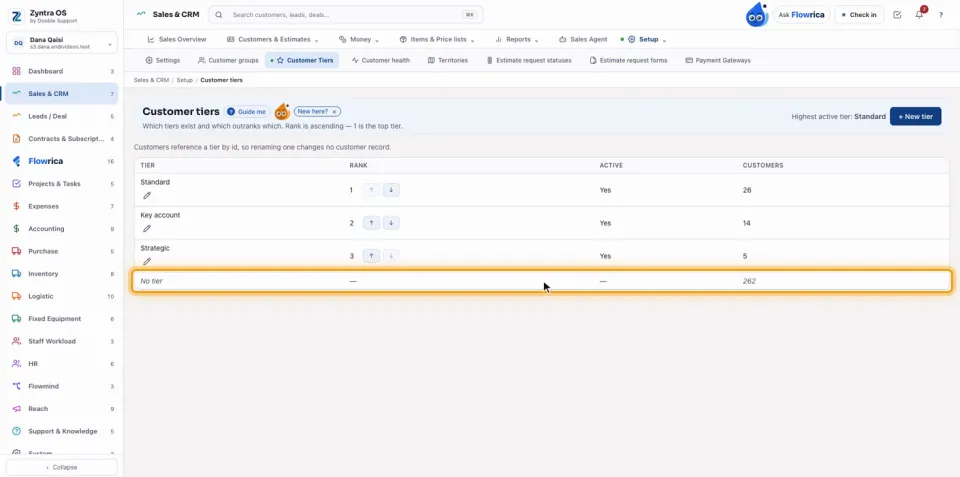
The last row, No tier, counts the customers who hold no tier, so the Customers column adds up to the total number of customers. Tiers are the group's values: adding or renaming one is refused for someone placed in one company only.
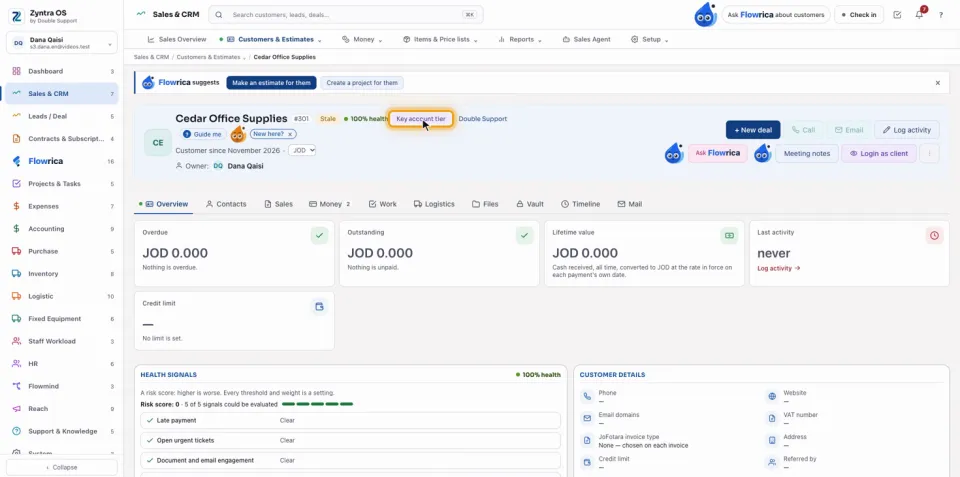
A customer's tier is set on the customer: open its edit form, press Customer details, choose the Tier (for example Key account) and press Save changes. The profile then carries the tier's chip, for example Key account tier, and back on Customer tiers that tier counts one more customer by itself. On an Arabic screen the seeded tiers read in Arabic. The customer list shows each customer's tier and health on its row.
Questions
Where is “Customer tiers” in Zyntra OS?
Sales & CRM › Setup › Customer Tiers
Who can use “Customer tiers”?
Anyone allowed to see this screen.