

 Zyntra OS
 Zyntra Legal
 Zyntra Real Estate
 Zyntra Hotel
 Zyntra E-commerce
 Zyntra Appointments
 Zyntra Repair
 Zyntra Garage
 Zyntra Concierge
 Zyntra Contracting
 Zyntra Clinic
 Zyntra Call Center
 Zyntra OTA
Where
Growth Center › Idea hubWho
Anyone allowed to use the Idea hub.The Idea hub has three parts: Challenges, Ideas and Settings. Press one to open it.
Challenges
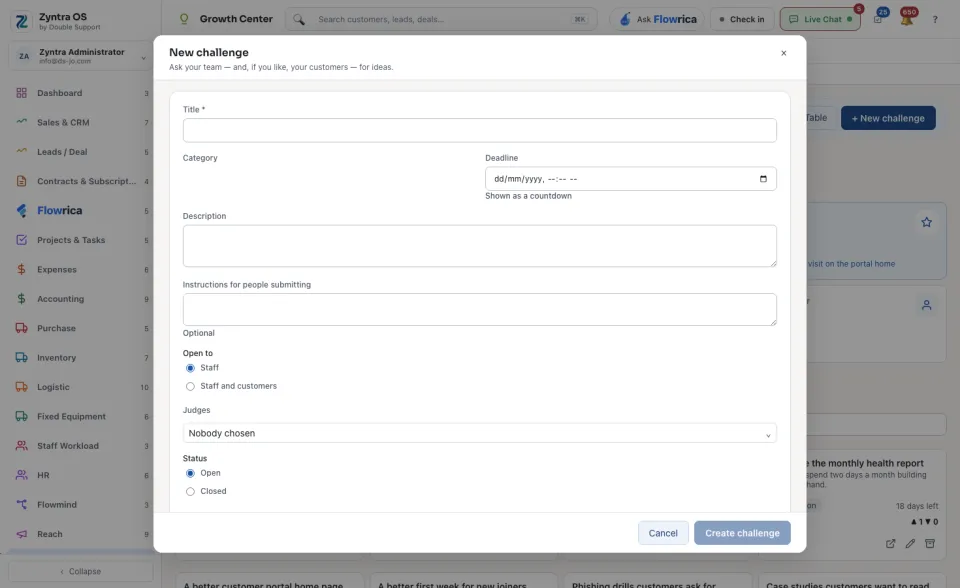
On each challenge you can press Open its ideas, Edit or Archive.
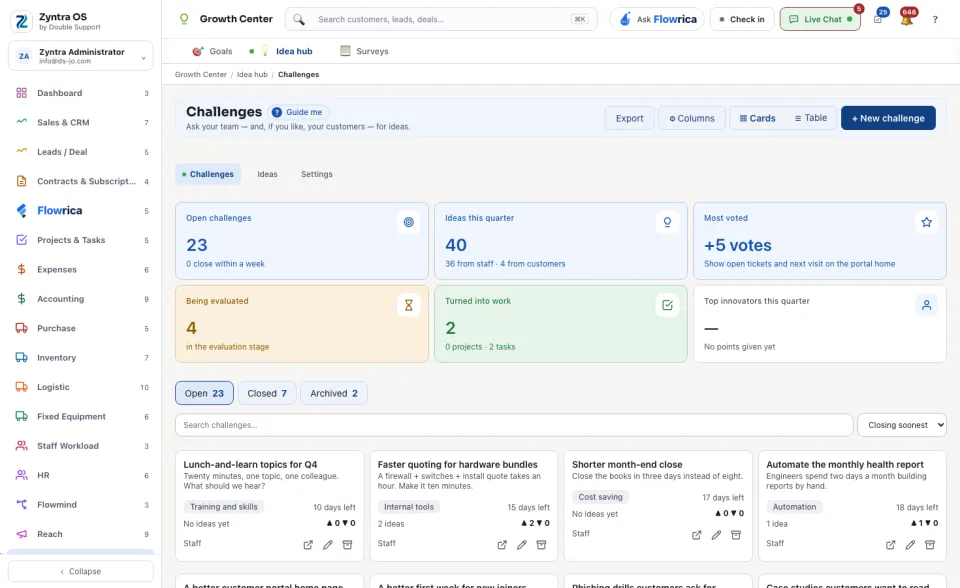
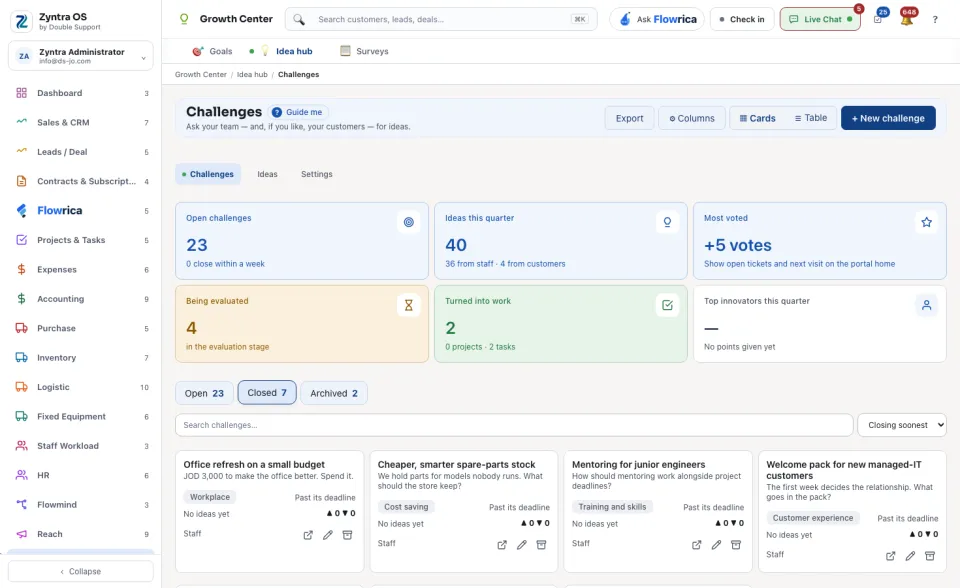
The cards count the Open challenges, the Ideas this quarter, the idea that is Most voted, the ideas Being evaluated, the ideas Turned into work, and the Top innovators this quarter. The views are Open, Closed and Archived. See the challenges as ▦ Cards or as a ☰ Table. Search challenges… finds one. Export and ⚙ Columns work on the table.
Ideas
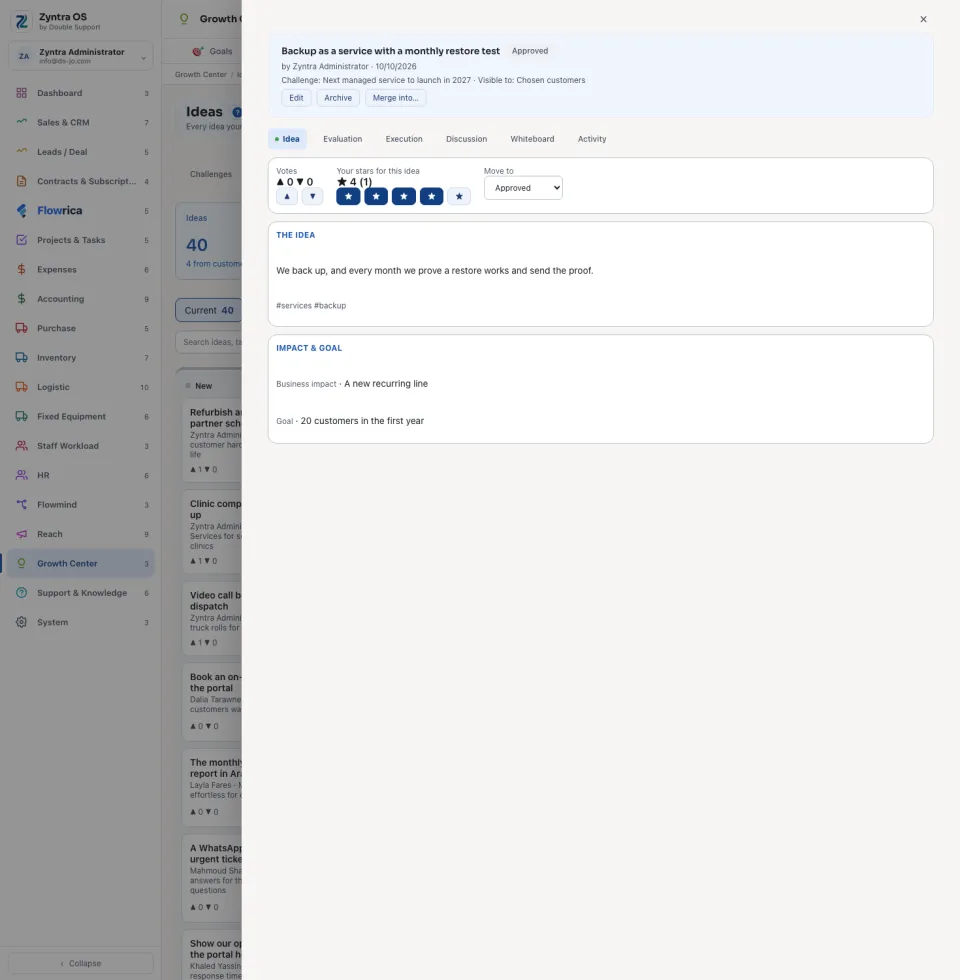
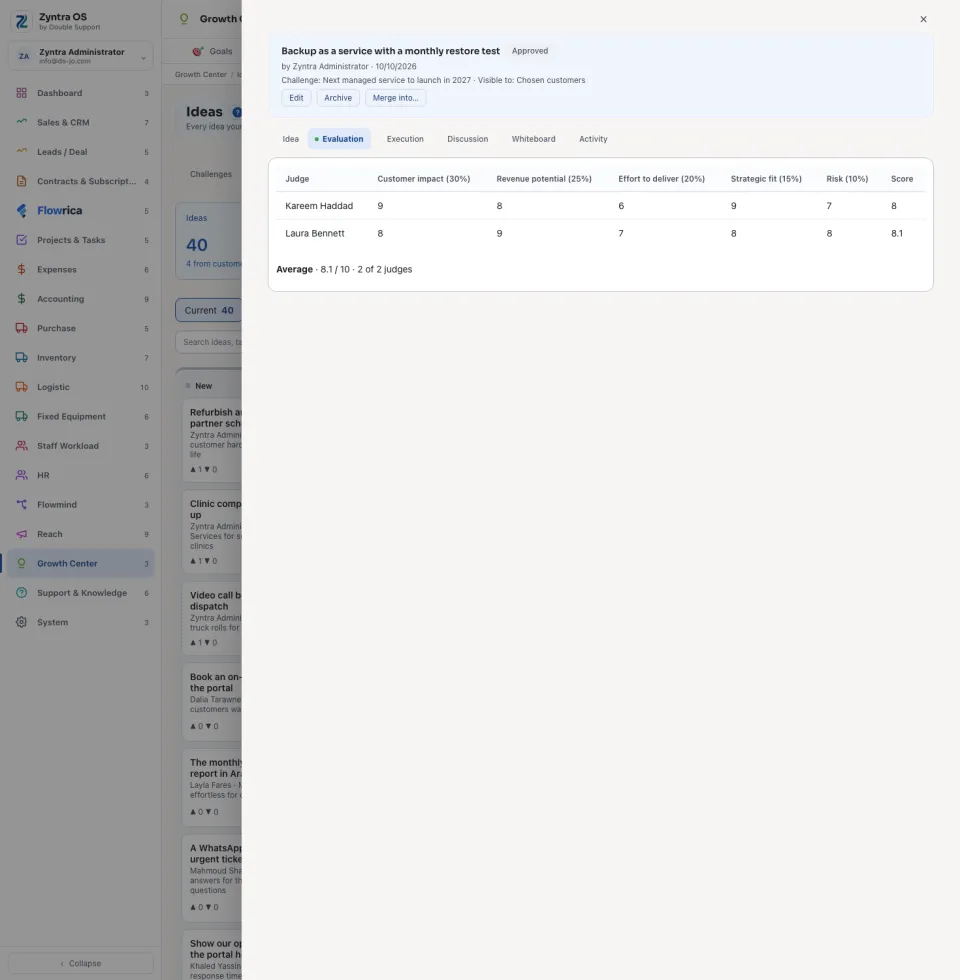
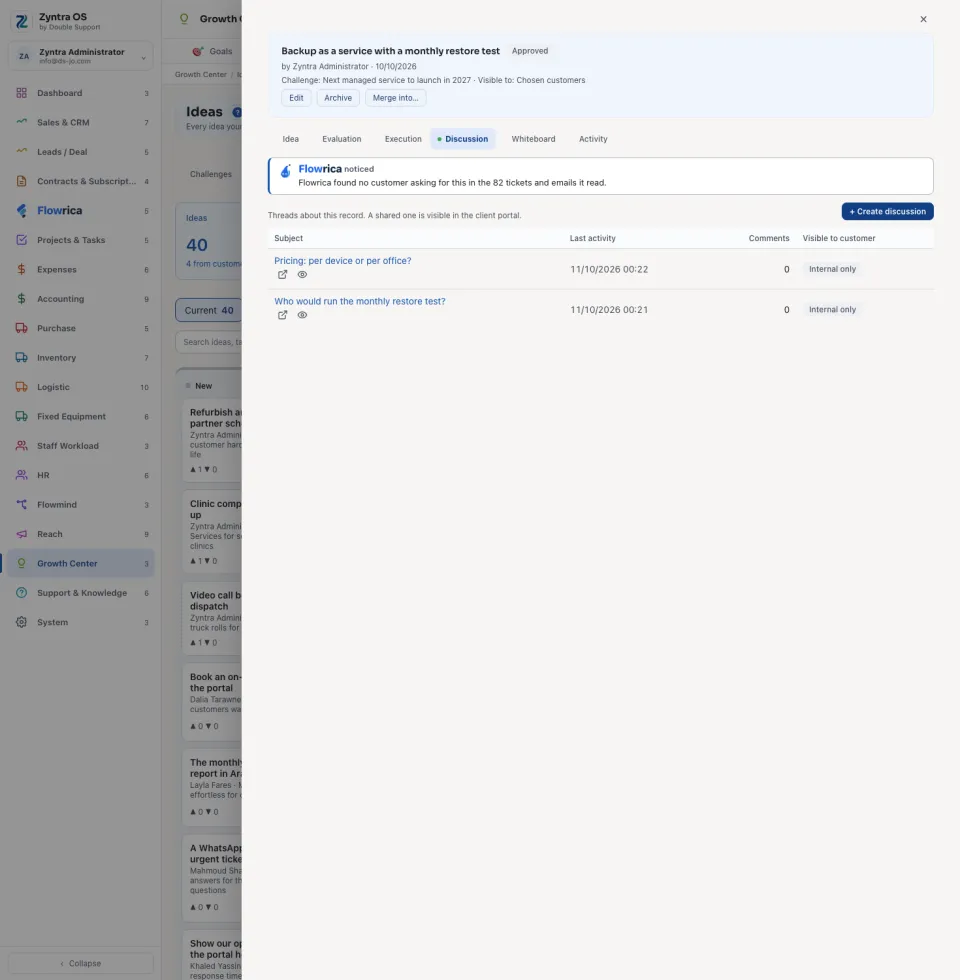
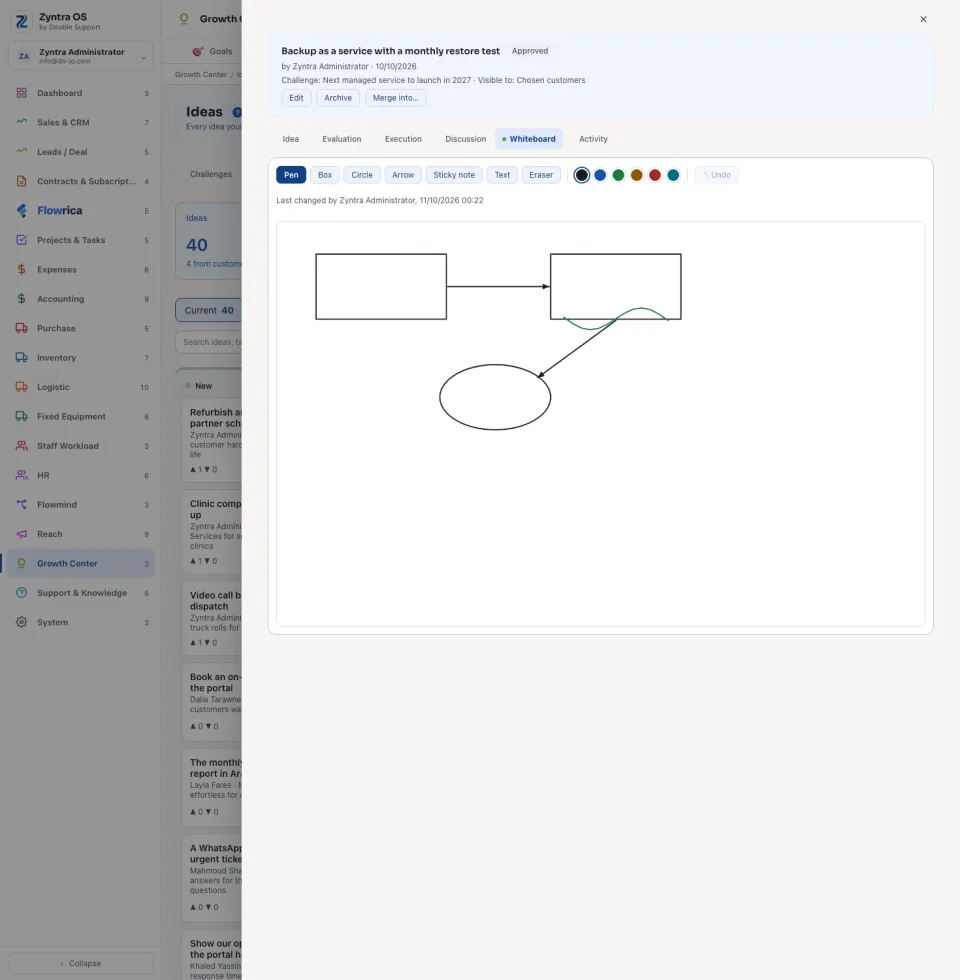
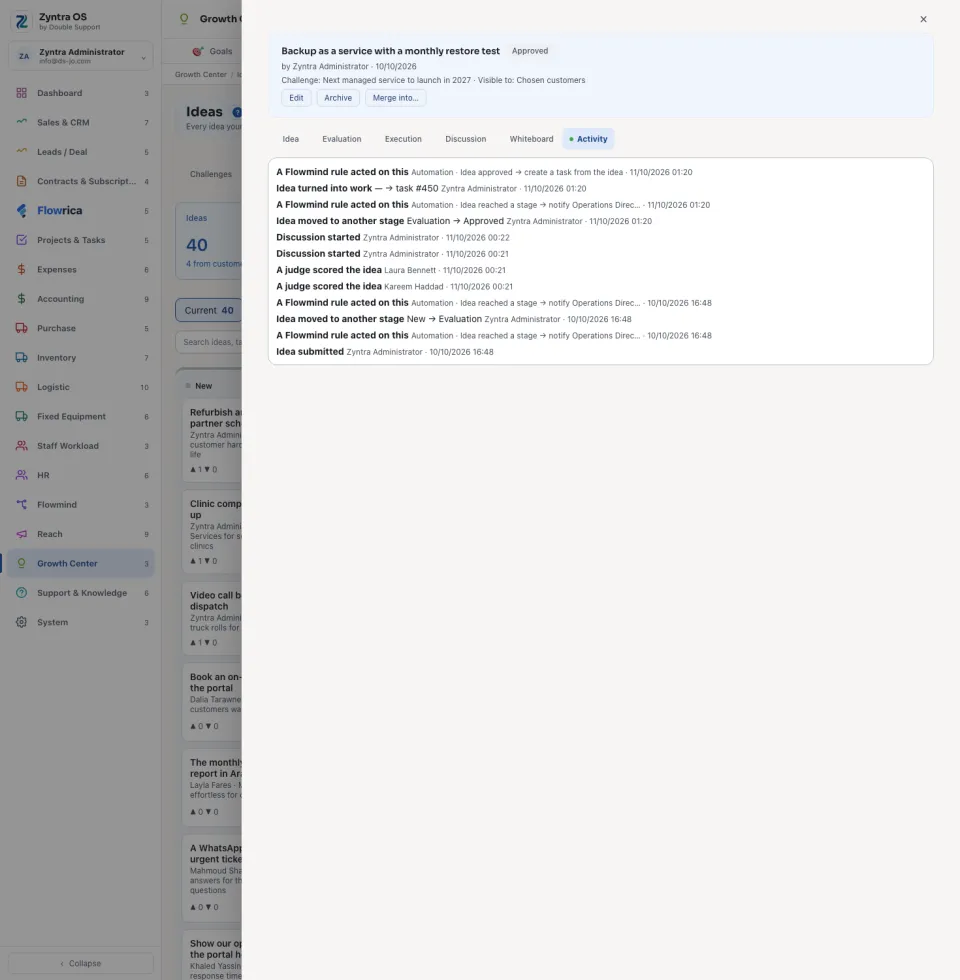
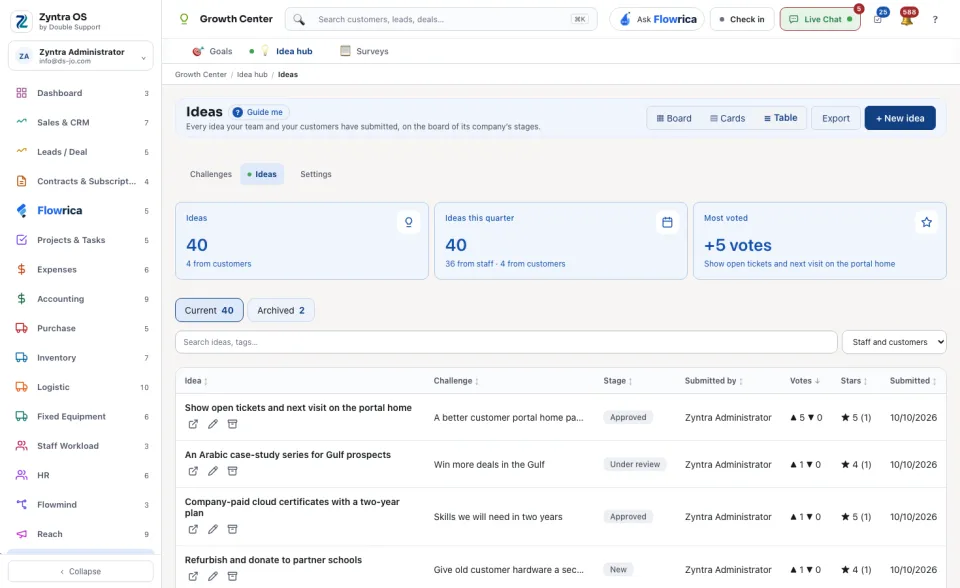
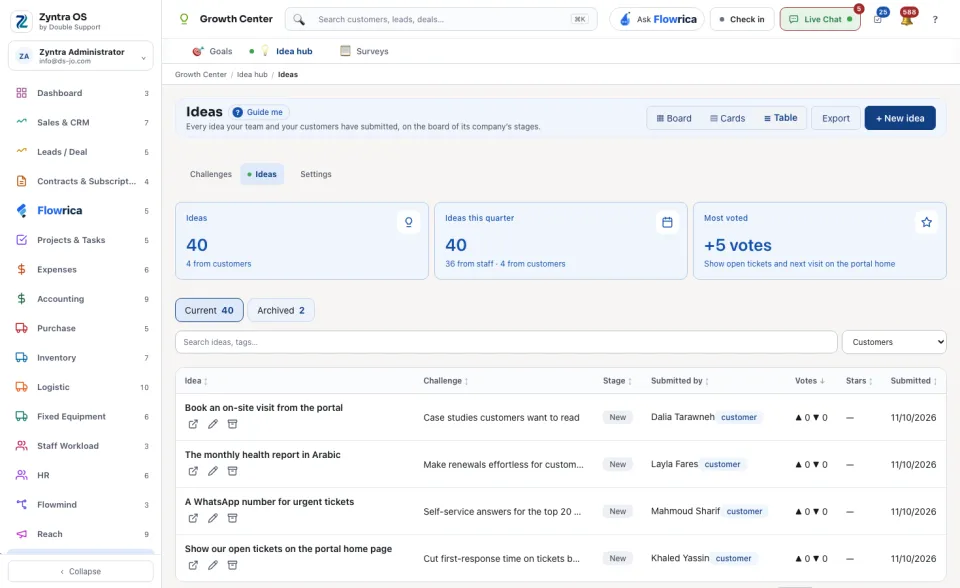
Press an idea to open it. There you vote on it, give it your stars and move it to another stage with Move to. Its buttons are Edit, Archive and Merge into…. Its tabs are Idea, Evaluation, Execution, Discussion, Whiteboard and Activity. On the list, ☰ Table shows the ideas as a table.
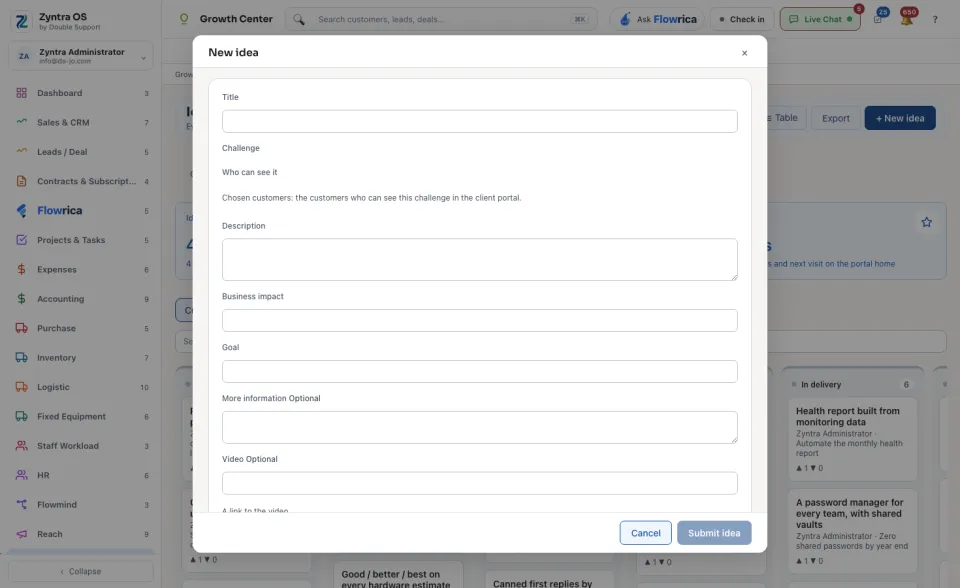
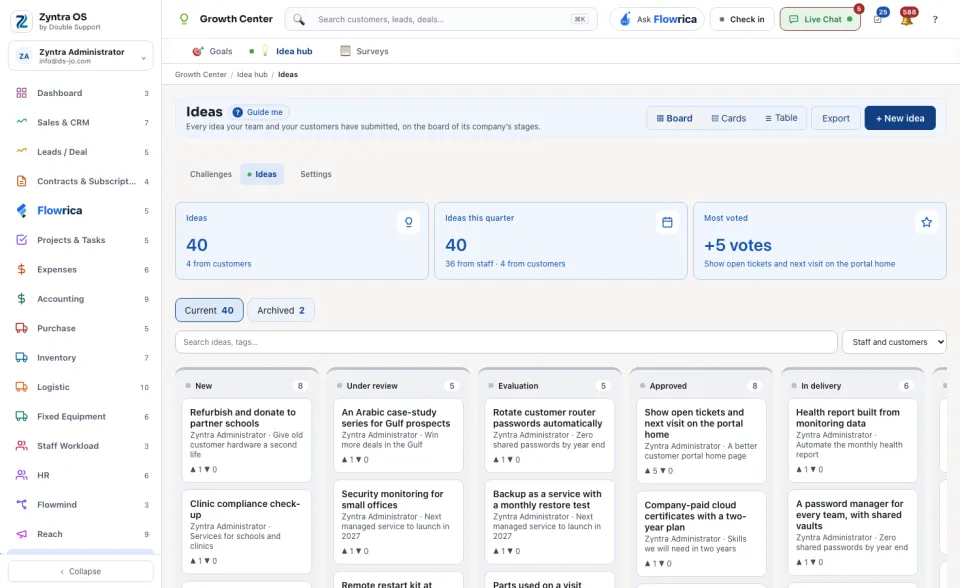
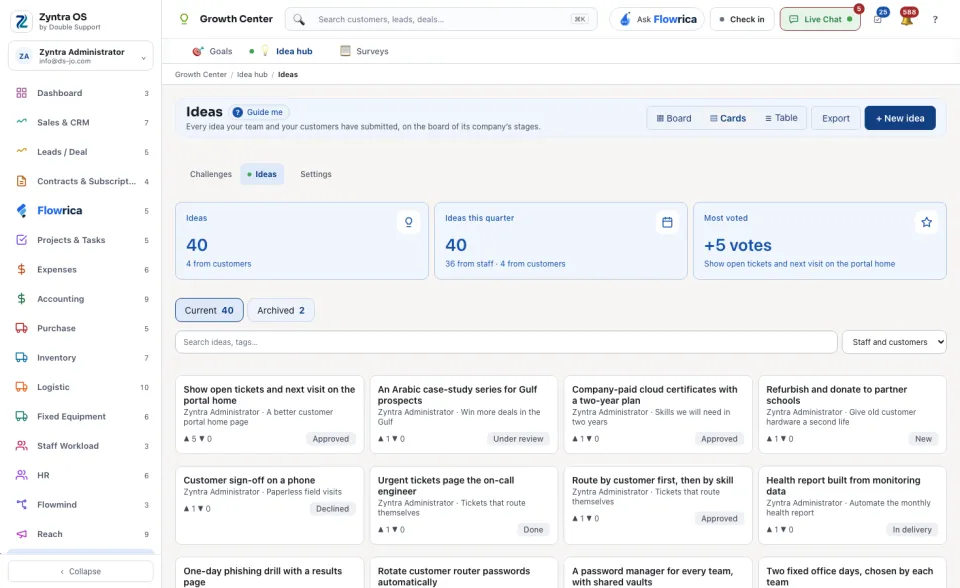
This screen holds every idea your team and your customers submitted. The ▦ Board shows the ideas on the stages of one company: choose a company in the top bar, or open a challenge, to see it. ▤ Cards shows them as cards. Search ideas, tags… finds one.
Settings
The stages, categories and rules of the Idea hub are a company's own lists. See Idea hub settings.