

 Zyntra OS
 Zyntra Legal
 Zyntra Real Estate
 Zyntra Hotel
 Zyntra E-commerce
 Zyntra Appointments
 Zyntra Repair
 Zyntra Garage
 Zyntra Concierge
 Zyntra Contracting
 Zyntra Clinic
 Zyntra Dental
 Zyntra School
 Zyntra University
 Zyntra Call Center
 Zyntra OTA
Where
Website › TestimonialsWho
People who hold «Website testimonials — Manage». The super administrator holds it.The list
Each client you asked is one line: who, their words once written, the status and the date. The chips at the top show Waiting for approval, Asked, Approved and Declined, each with its count.
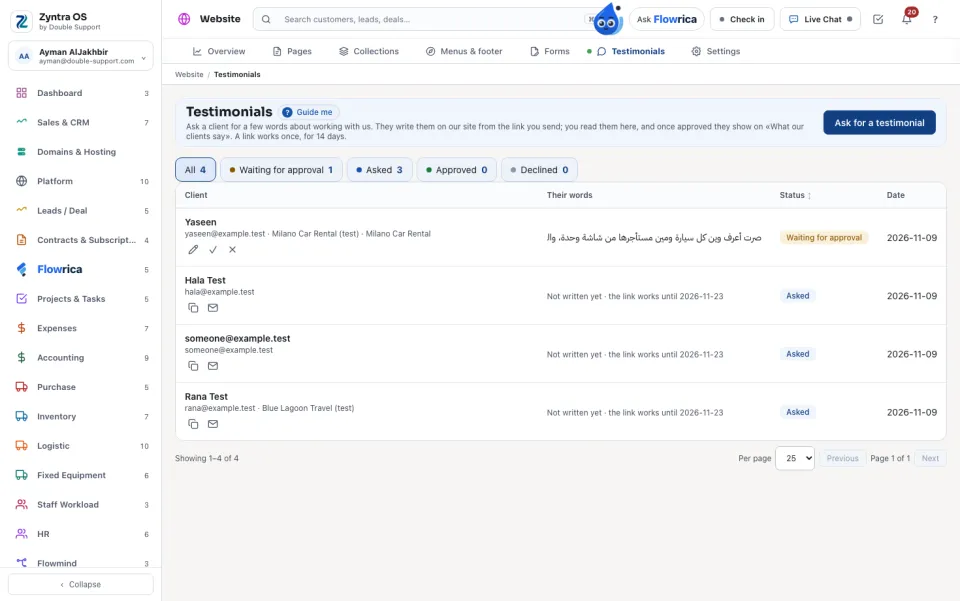
Ask for a testimonial
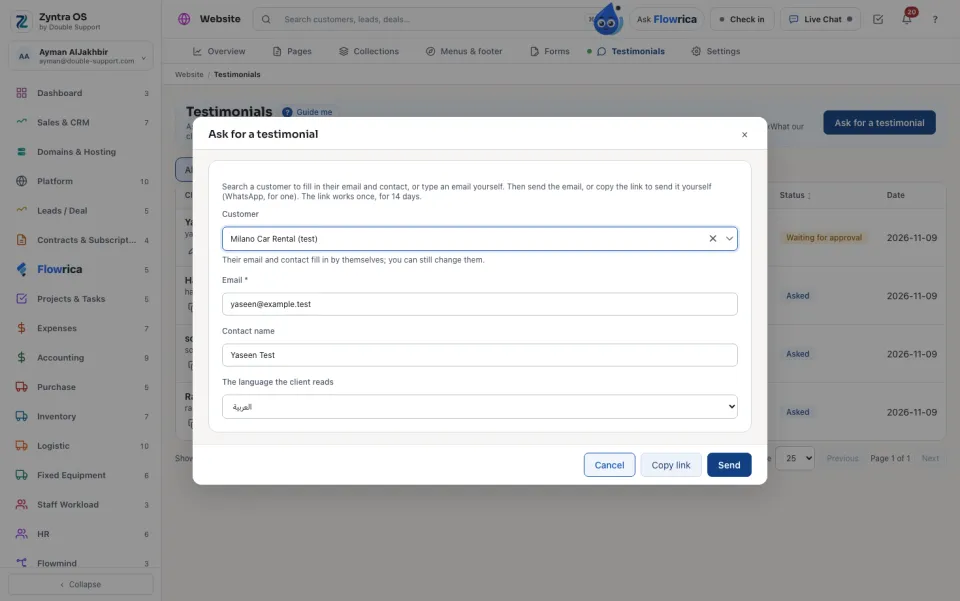
The email leaves through the system's own mail, like every other email, in the client's language.
What the client sees
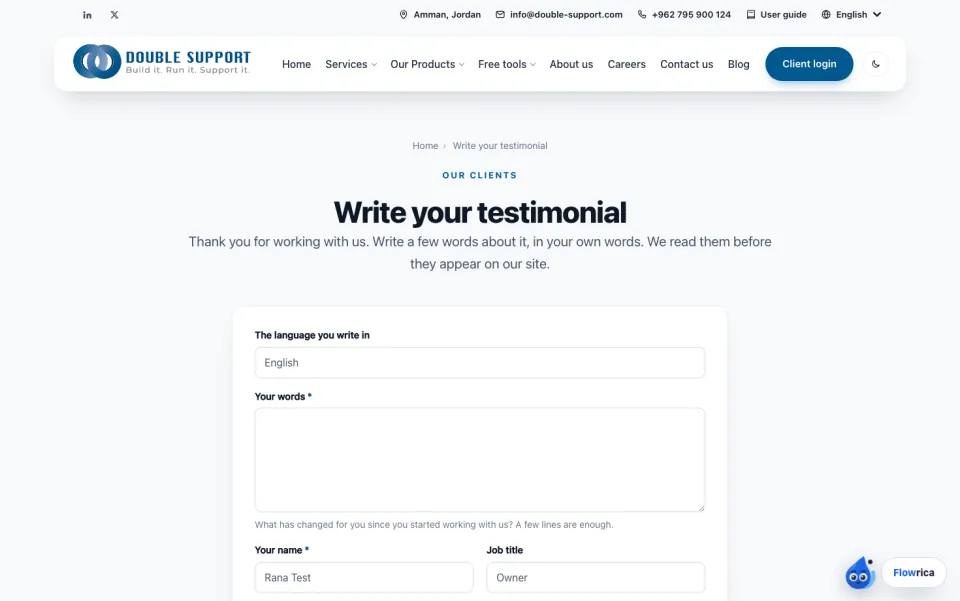
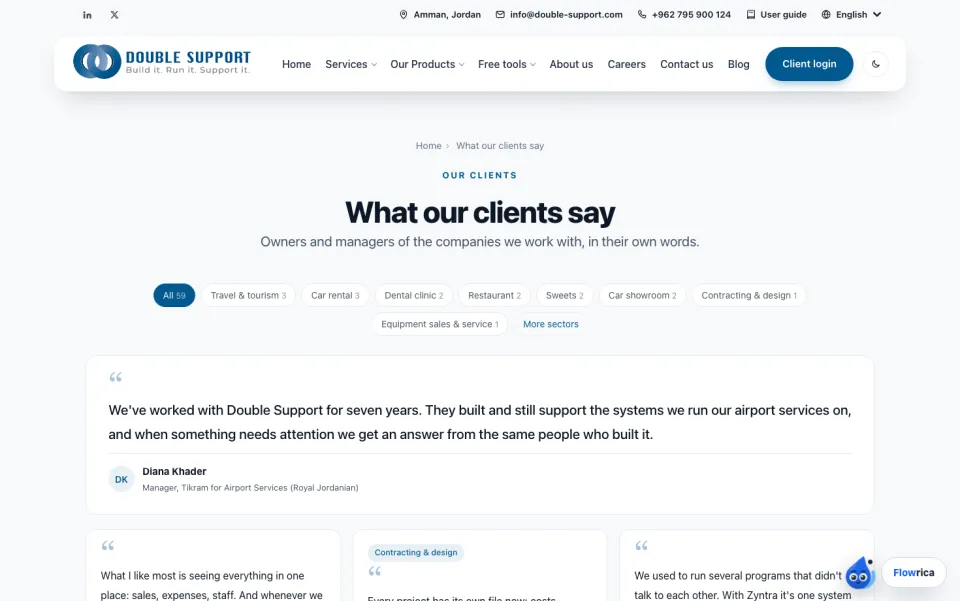
The link opens a page on our site, in the client's language. They write their words, their name, job title, company and, if they like, their sector, then press Send. The site's own robot check guards the page.
Approve
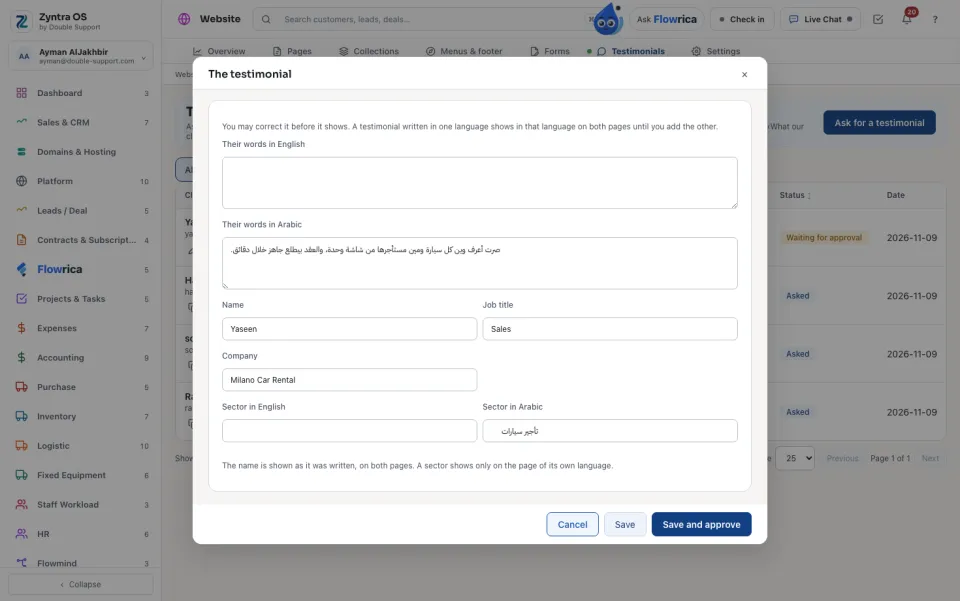
A testimonial written in one language shows in that language on both pages until you add the other. The name shows as it was written. A sector shows only on the page of its own language.
On an approved line, Earlier on the page and Later on the page move it. Decline takes it off the page; it is kept here and can be approved again.
Questions
Where is “Website testimonials” in Zyntra OS?
Website › Testimonials
Who can use “Website testimonials”?
People who hold «Website testimonials — Manage». The super administrator holds it.