Zyntra OS
 Zyntra Legal
 Zyntra Real Estate
 Zyntra Hotel
 Zyntra E-commerce
 Zyntra Appointments
 Zyntra Repair
 Zyntra Garage
 Zyntra Concierge
 Zyntra Contracting
 Zyntra Clinic
 Zyntra Call Center
 Zyntra OTA
Where
Purchase › Catalog & Vendors › Vendor-ItemsWho
Anyone allowed to see this screen.1
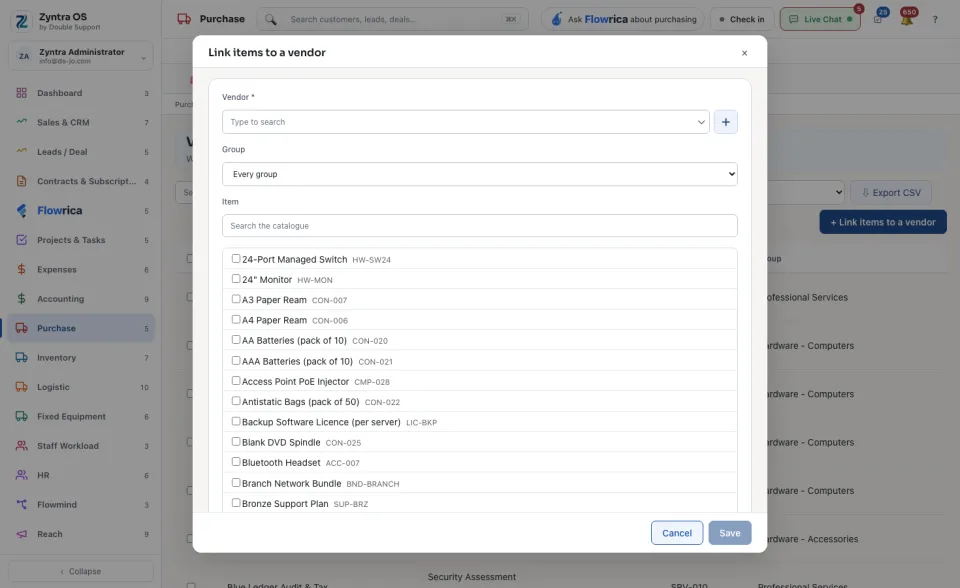
Press + Link items to a vendor.
2
Choose the Vendor. Narrow the catalogue by Group or search it, then tick every item this vendor supplies.
3
Press Save.
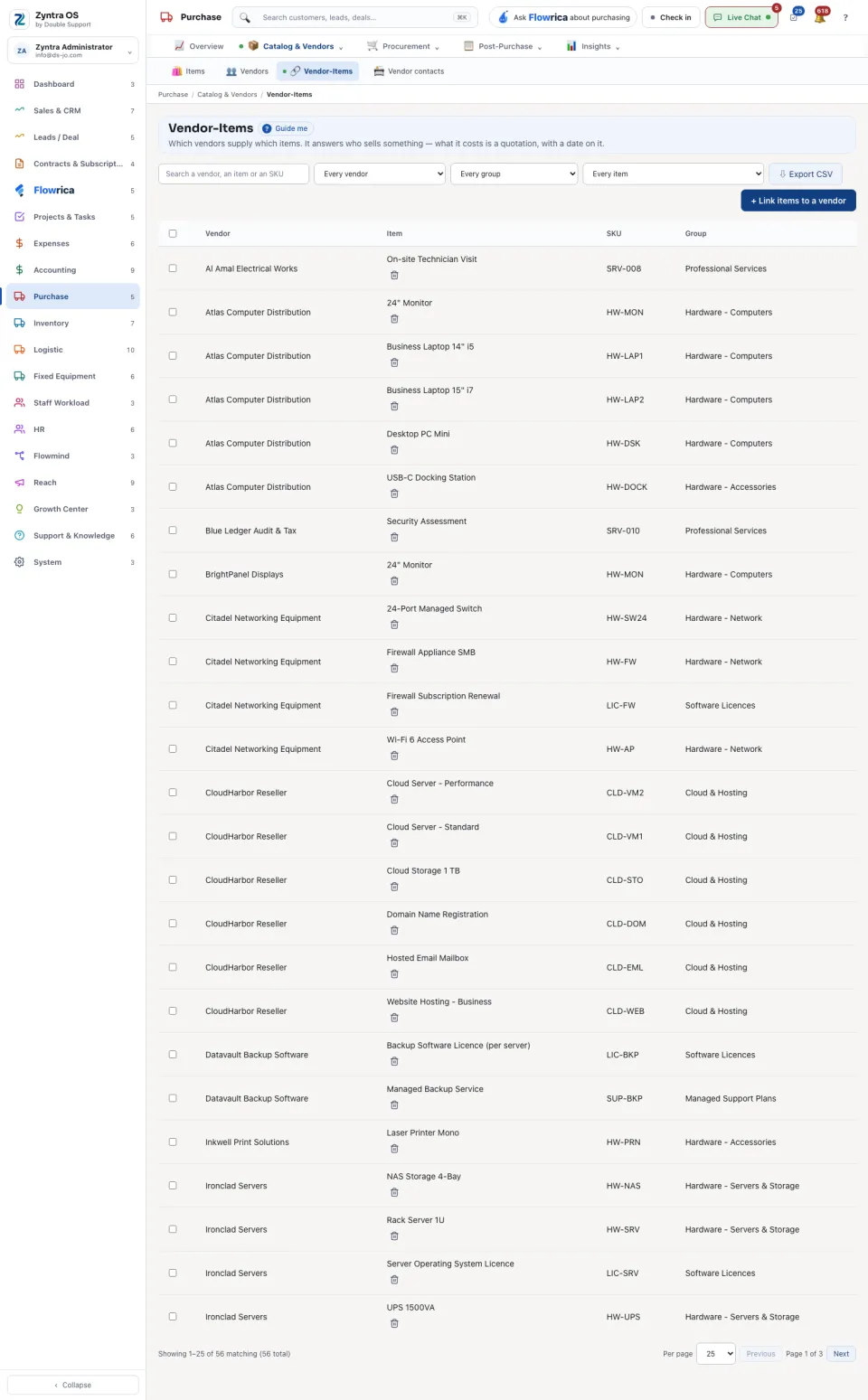
The list shows Vendor, Item, SKU and Group, one row per link. Search a vendor, an item or an SKU, or narrow by vendor, group or item. Unlink at the end of a row removes that link only: the vendor and the item both stay. Export CSV gives you the list as a file.