Zyntra OS
 Zyntra Legal
 Zyntra Real Estate
 Zyntra Hotel
 Zyntra E-commerce
 Zyntra Appointments
 Zyntra Repair
 Zyntra Garage
 Zyntra Concierge
 Zyntra Contracting
 Zyntra Clinic
 Zyntra Call Center
 Zyntra OTA
Where
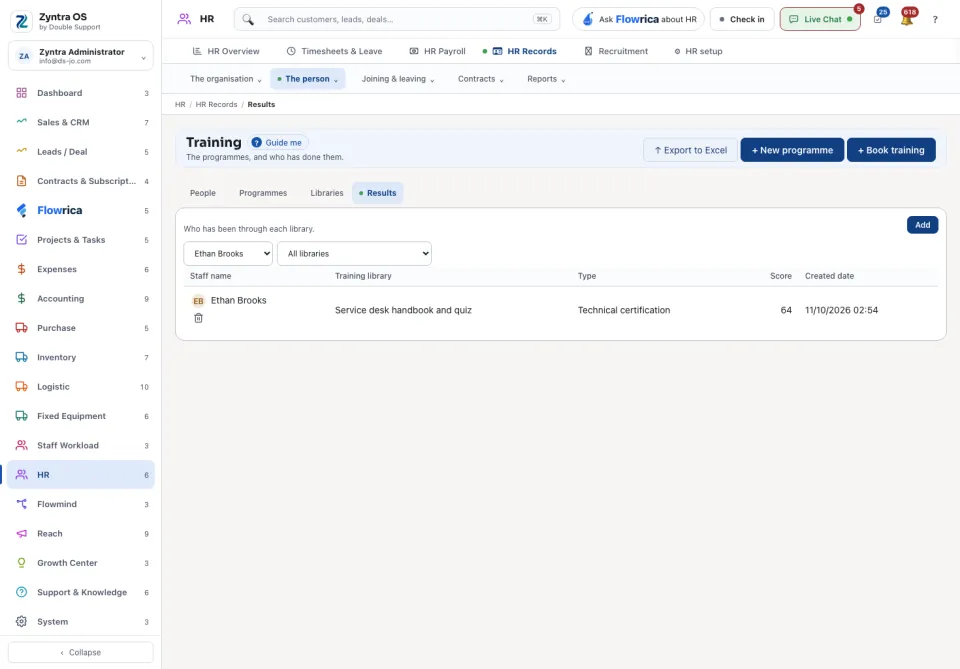
HR › HR Records › The person › TrainingWho
Anyone allowed to see this screen.1
Press + New programme to add a programme.
2
Press + Book training to put a person on a programme.
3
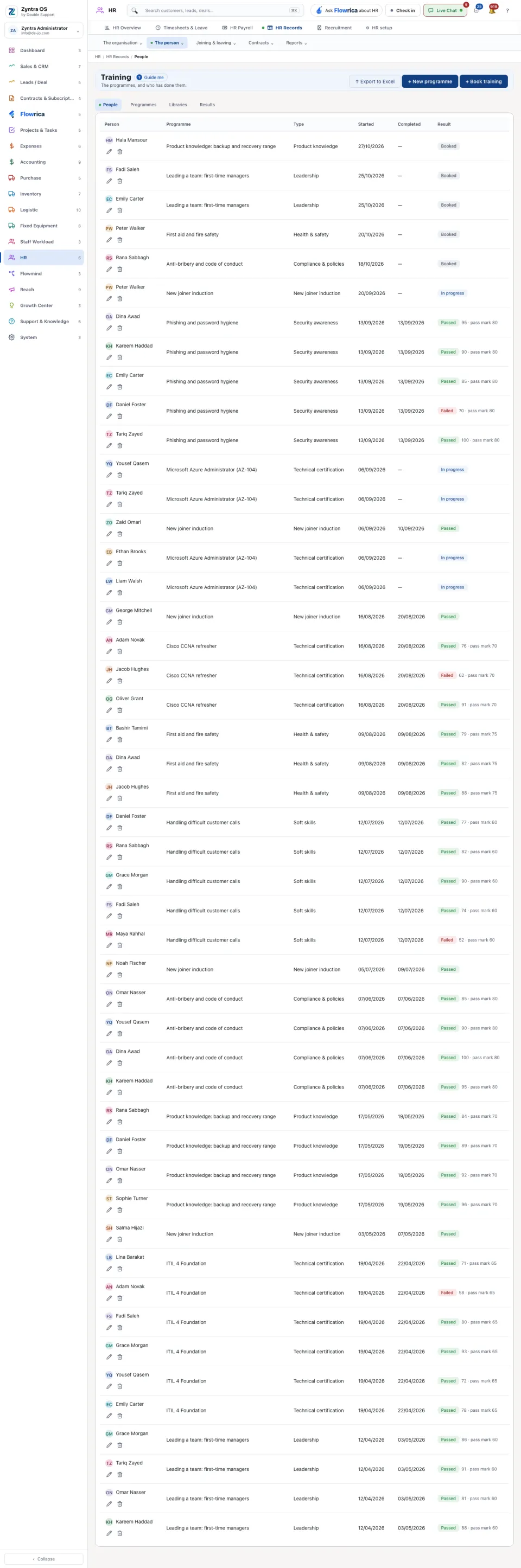
When the training is done, record the result on the person's row. The row then reads Passed or Failed, with the score and the pass mark.
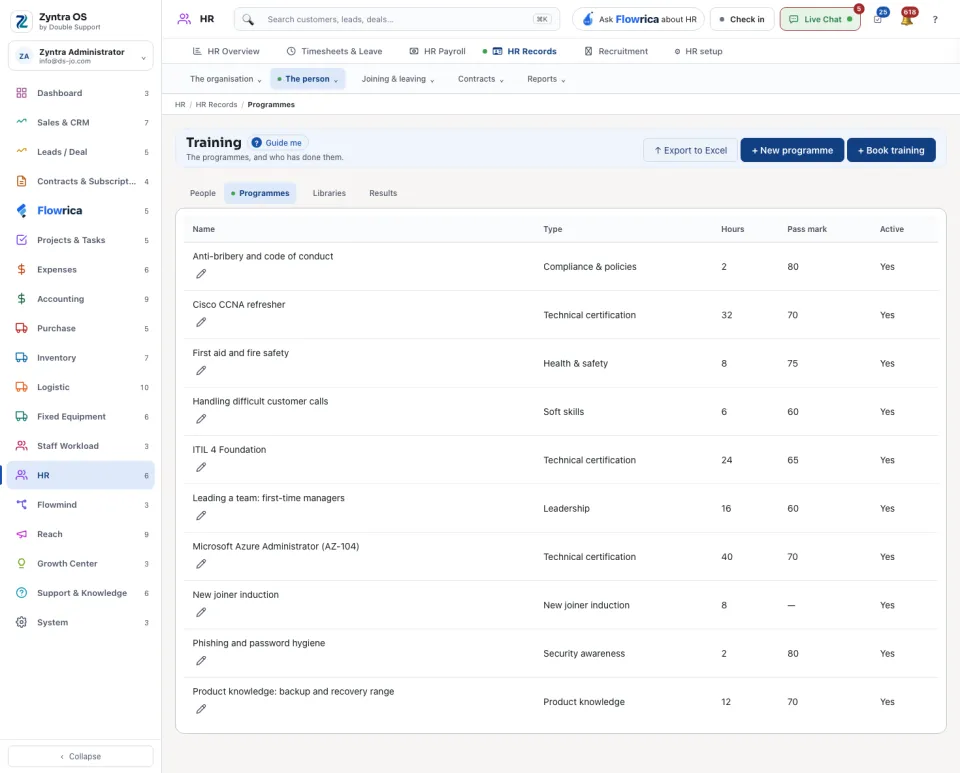
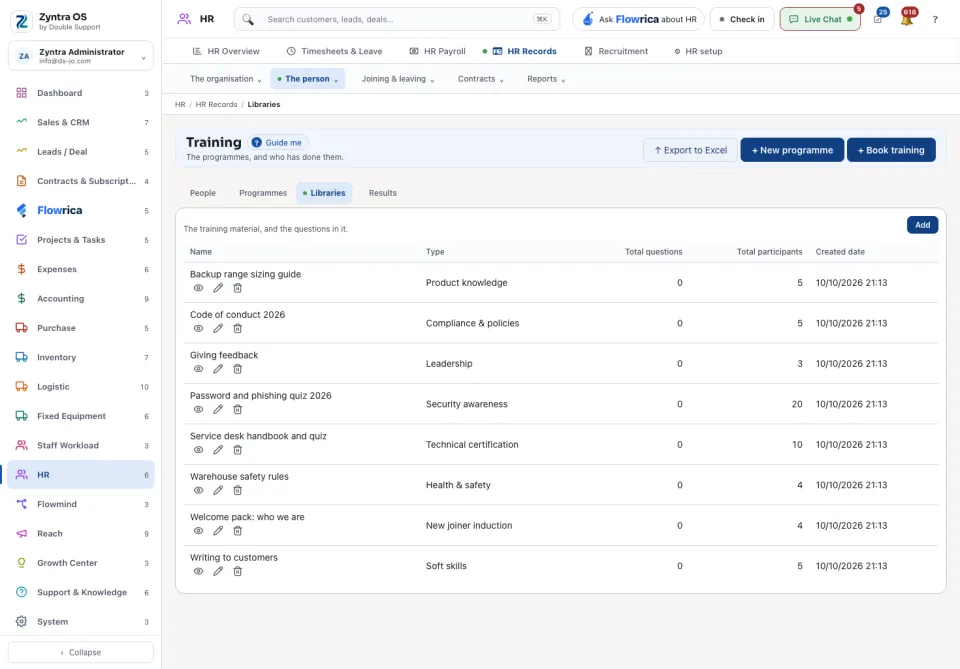
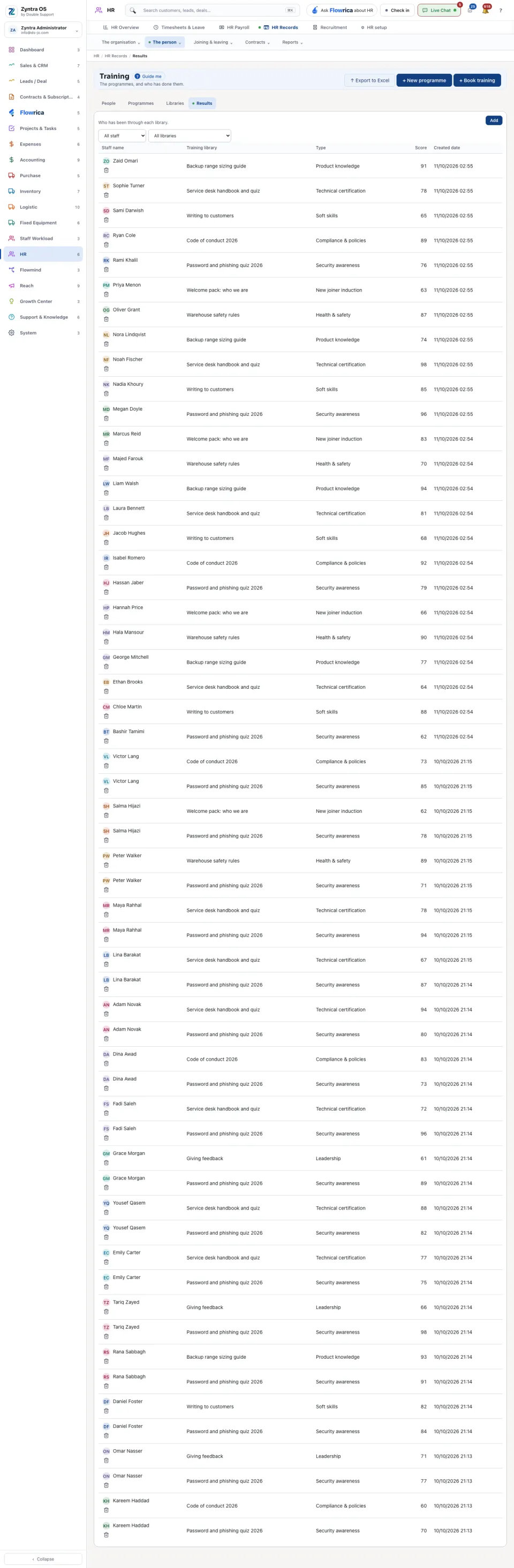
The screen has four views: People (who is on which programme, with start, completion and result), Programmes, Libraries and Results. Export to Excel takes the list out. Programmes and libraries are filed under the Training types kept in HR setup.