Zyntra OS
 Zyntra Legal
 Zyntra Real Estate
 Zyntra Hotel
 Zyntra E-commerce
 Zyntra Appointments
 Zyntra Repair
 Zyntra Garage
 Zyntra Concierge
 Zyntra Contracting
 Zyntra Clinic
 Zyntra Call Center
 Zyntra OTA
Where
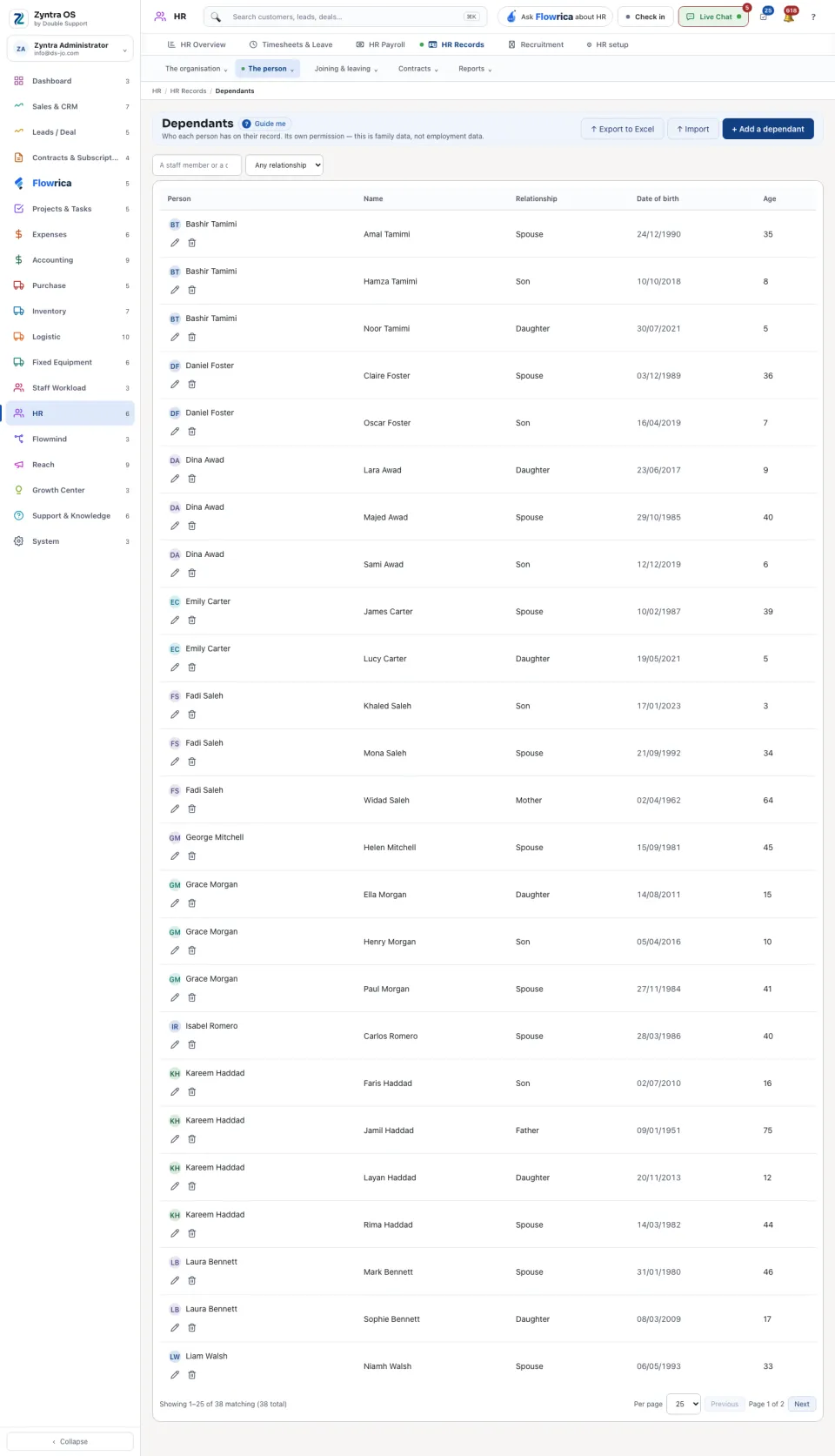
HR › HR Records › The person › DependantsWho
Anyone given the permission for dependants.1
Press + Add a dependant.
2
Choose the person, and give the dependant's name, relationship and date of birth. Save.
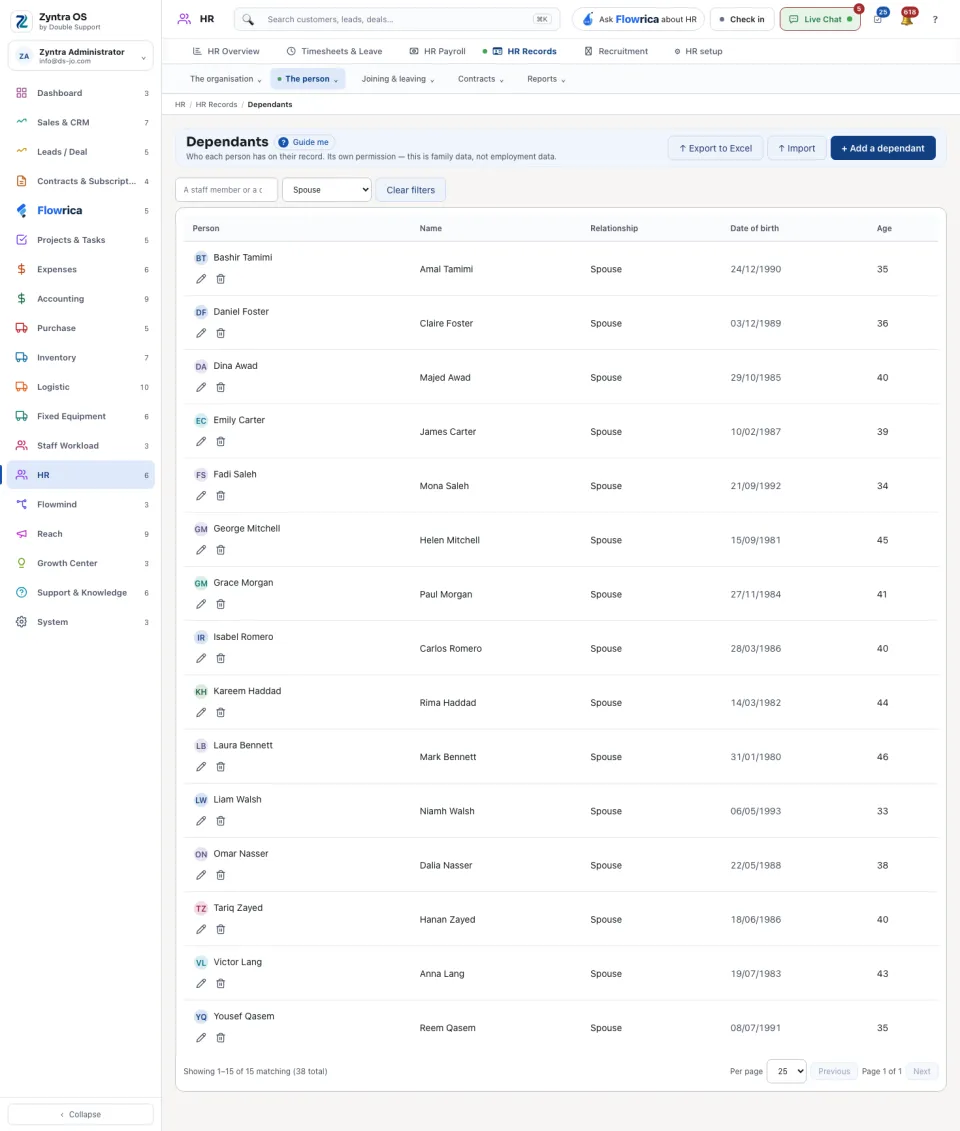
The list shows each dependant with the person, the relationship, the date of birth and the age. Narrow it by relationship. Import brings dependants in from a file, and Export to Excel takes the list out. One person's dependants are also on the Dependants tab of their HR record.