

 Zyntra OS
 Zyntra Legal
 Zyntra Real Estate
 Zyntra Hotel
 Zyntra E-commerce
 Zyntra Appointments
 Zyntra Repair
 Zyntra Garage
 Zyntra Concierge
 Zyntra Contracting
 Zyntra Clinic
 Zyntra Dental
 Zyntra School
 Zyntra University
 Zyntra Social
 Zyntra Call Center
 Zyntra OTA

Where
Purchase › Catalog & Vendors › ItemsWho
Anyone allowed to see this screen.Items are not created here: Open the catalogue → takes you to the catalogue, where an item is made.
Each row shows the item with its SKU, Group, Unit, Cost, Rate, Tax and Vendors. On a row, Link to a vendor records who supplies it.
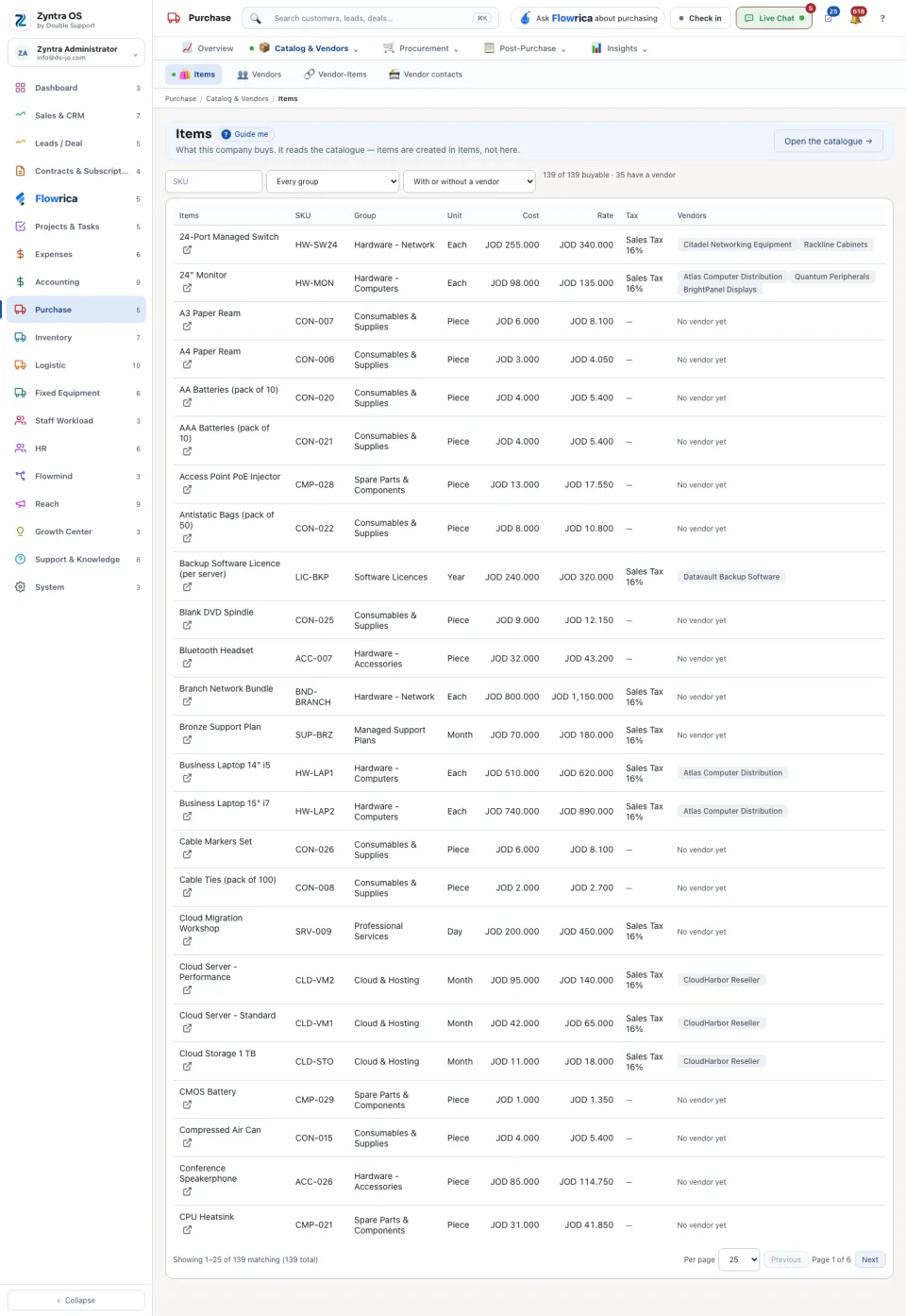
To find gaps, search, choose a group, and use the vendor choice: Only items that have a vendor or Only items with no vendor yet.
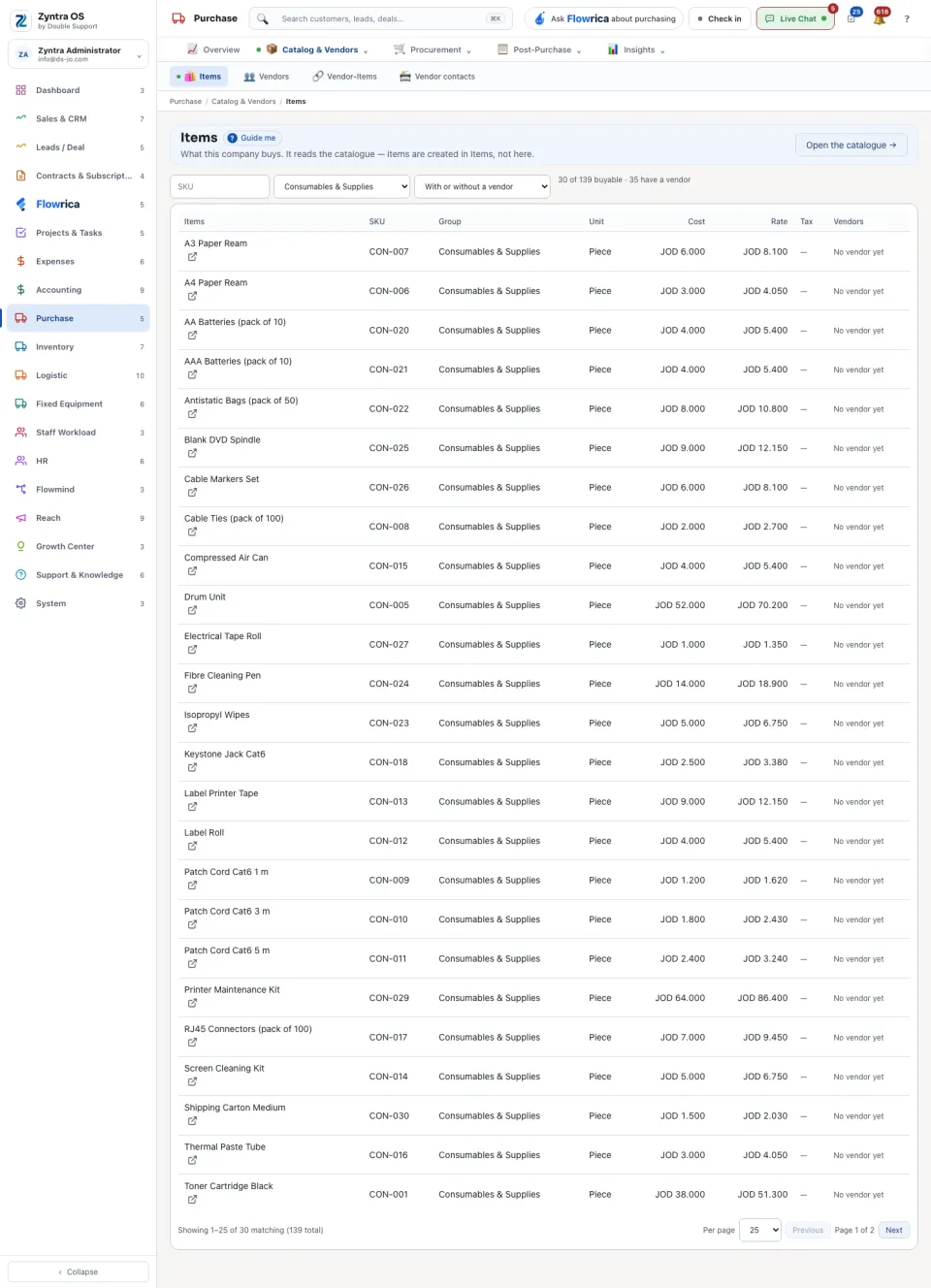
An example
Before a buying season, the purchasing officer picks a group, say packaging, and chooses Only items with no vendor yet: what is left is exactly the list of items nobody supplies. Link to a vendor on each row records who will, and the Vendors column of that row fills in. An item that is missing altogether is added in the catalogue first, and appears here at once.
Questions
Where is “Items” in Zyntra OS?
Purchase › Catalog & Vendors › Items
Who can use “Items”?
Anyone allowed to see this screen.