Zyntra OS
 Zyntra Legal
 Zyntra Real Estate
 Zyntra Hotel
 Zyntra E-commerce
 Zyntra Appointments
 Zyntra Repair
 Zyntra Garage
 Zyntra Concierge
 Zyntra Contracting
 Zyntra Clinic
 Zyntra Call Center
 Zyntra OTA
Where
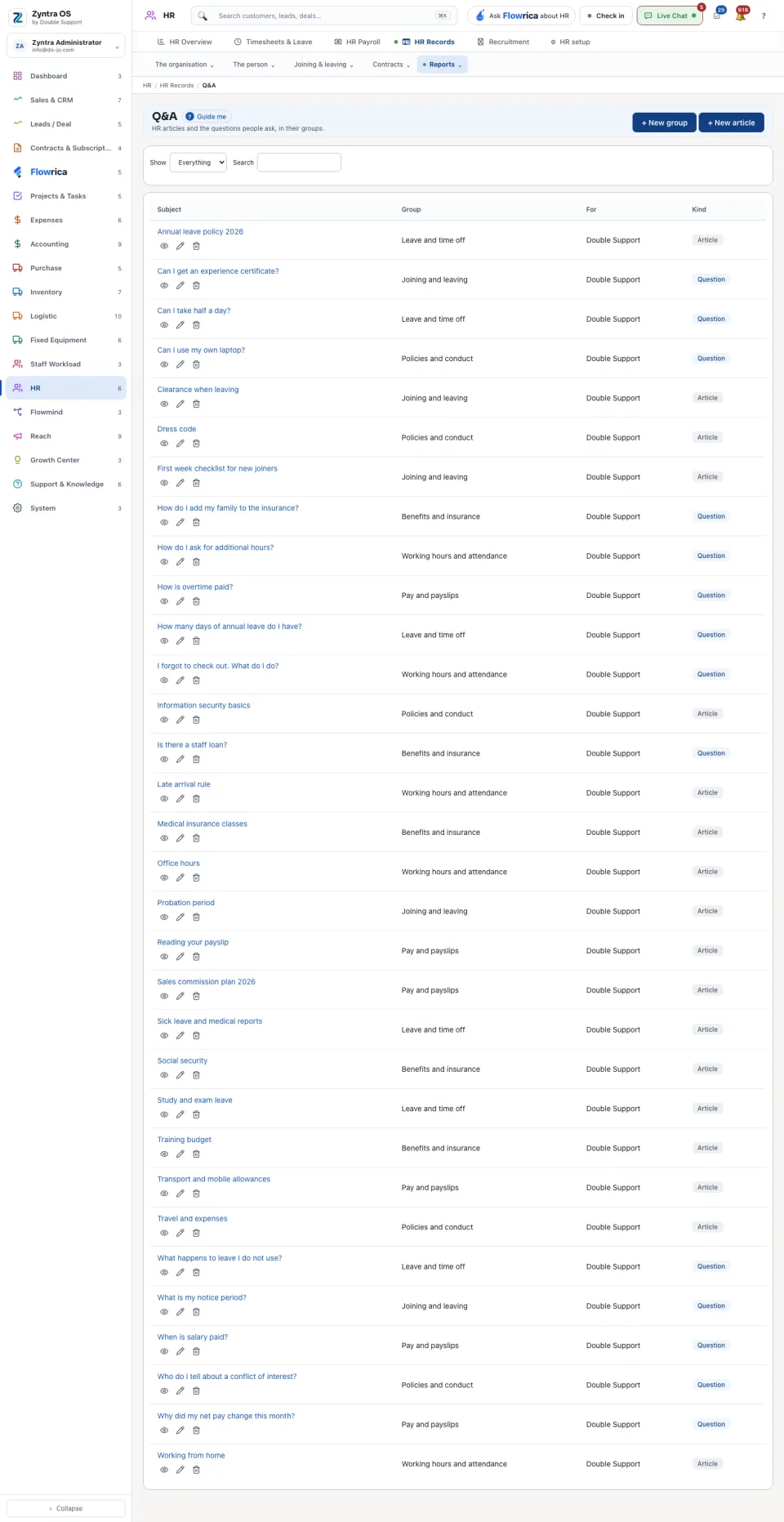
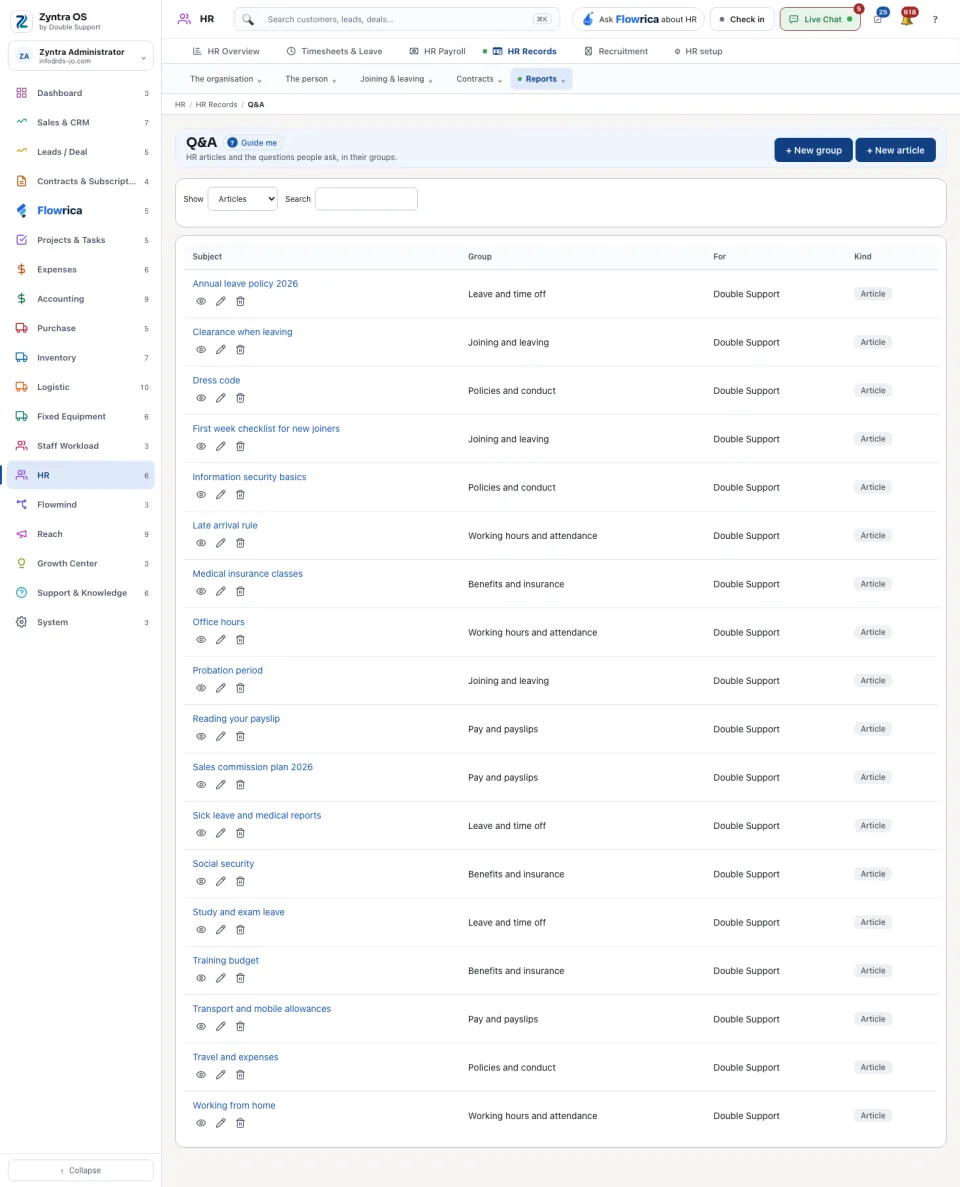
HR › HR Records › Reports › Q&AWho
Anyone allowed to see this screen.1
Press + New group to make a group, for example Pay and leave.
2
Press + New article, choose the group and write it. Tick This is a question somebody asked when it is a question with its answer.
3
Press Read on a row to read it as staff see it.
Under Show, choose Everything, Articles or Questions, or type in Search. The list says who each one is for and whether it is an article or a question; one that is not published yet is marked.